
- Age rating4+
- CategoryProductivity
- DeveloperMirko Paschke
- LanguagesEnglish
- Size1.1 MB
Links to the official App Store page
Download.org hosts no file of Manually Snap Tracker. The button opens its official App Store page, published by Mirko Paschke. Listing last checked on Nov 12, 2026.
Screenshots
About
Track your matches of Marvel Snap manually via this app.
Build your stats for your decks.
Analyze your playing.
Features:
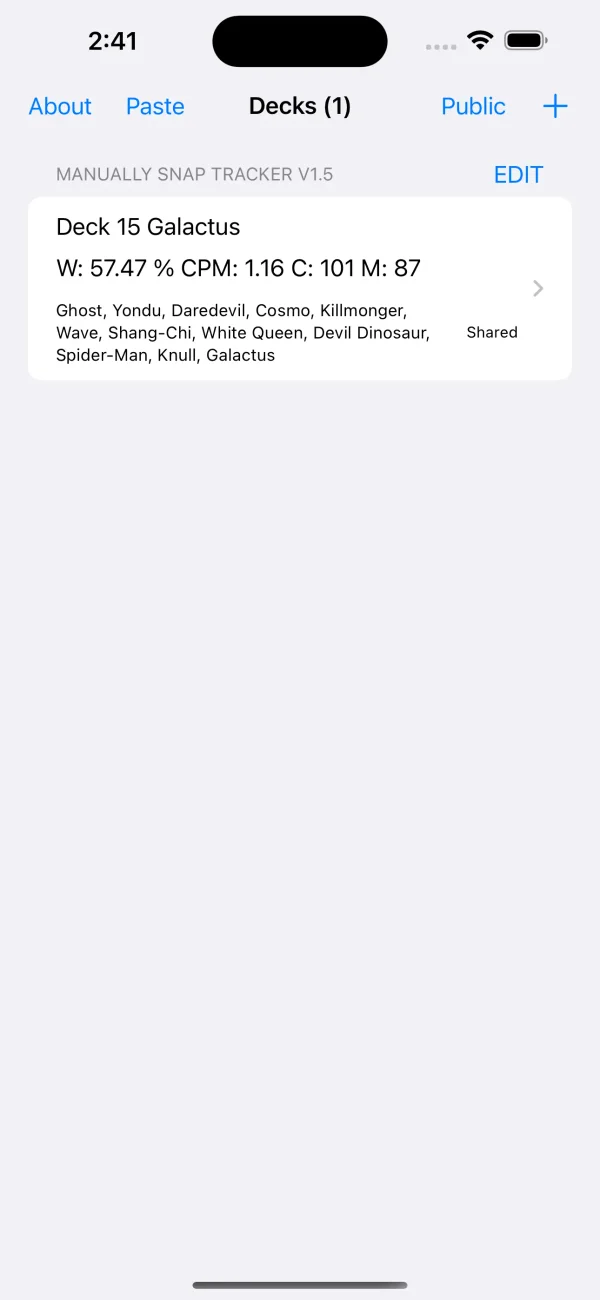
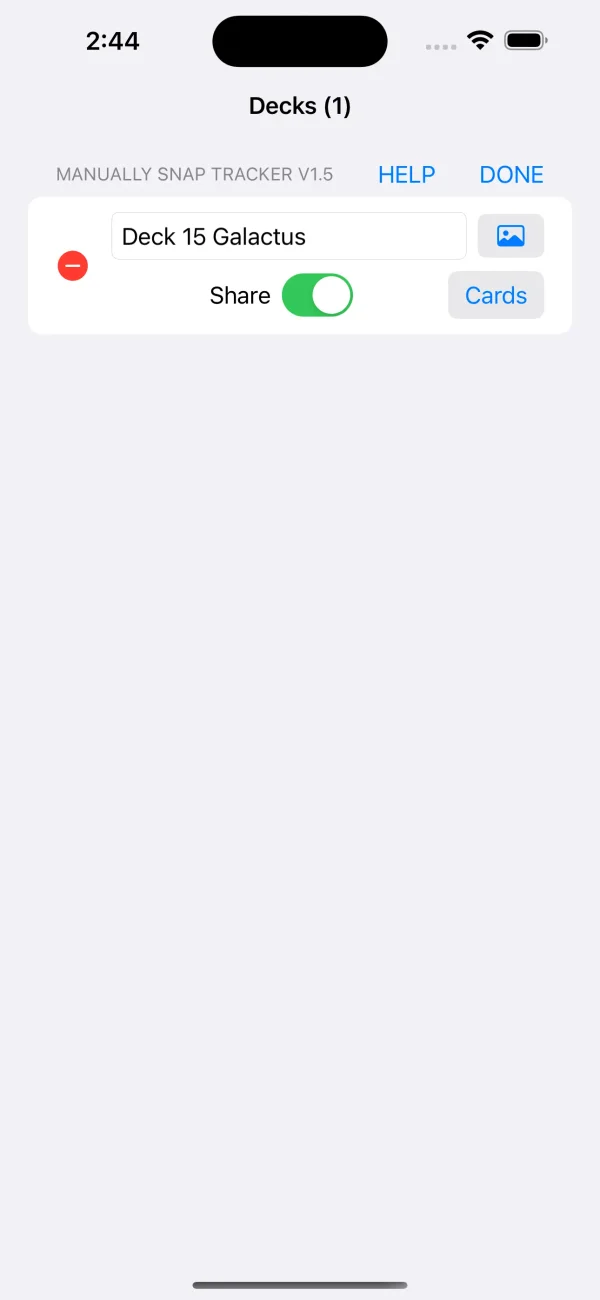
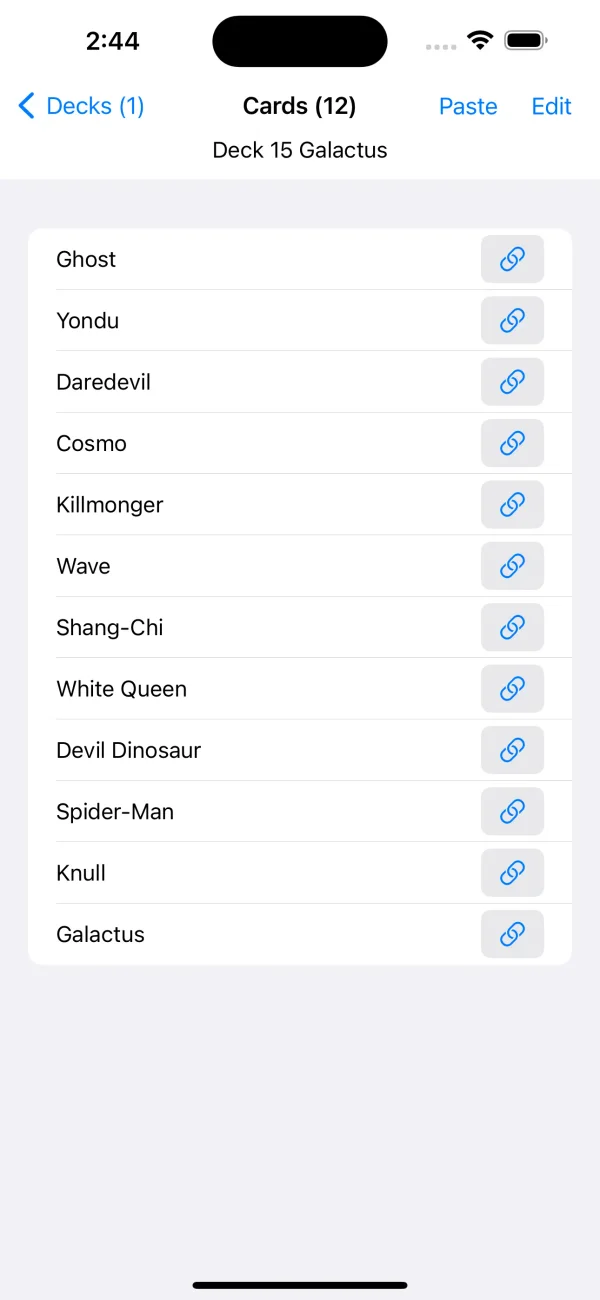
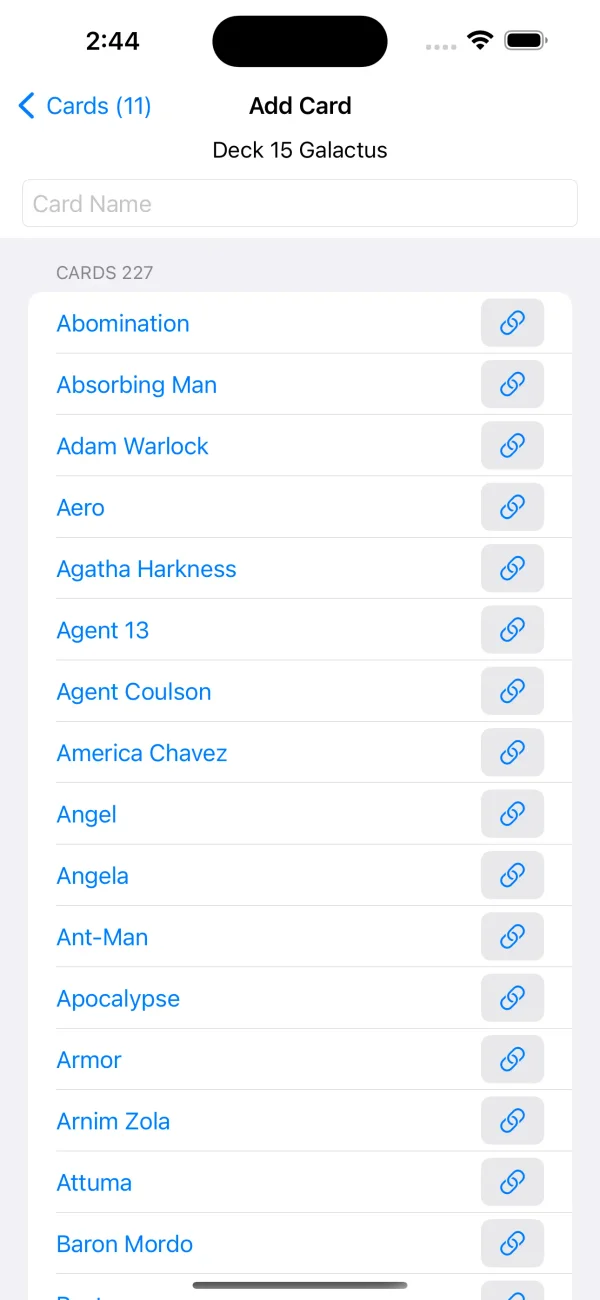
- Create your own decks with optional image.
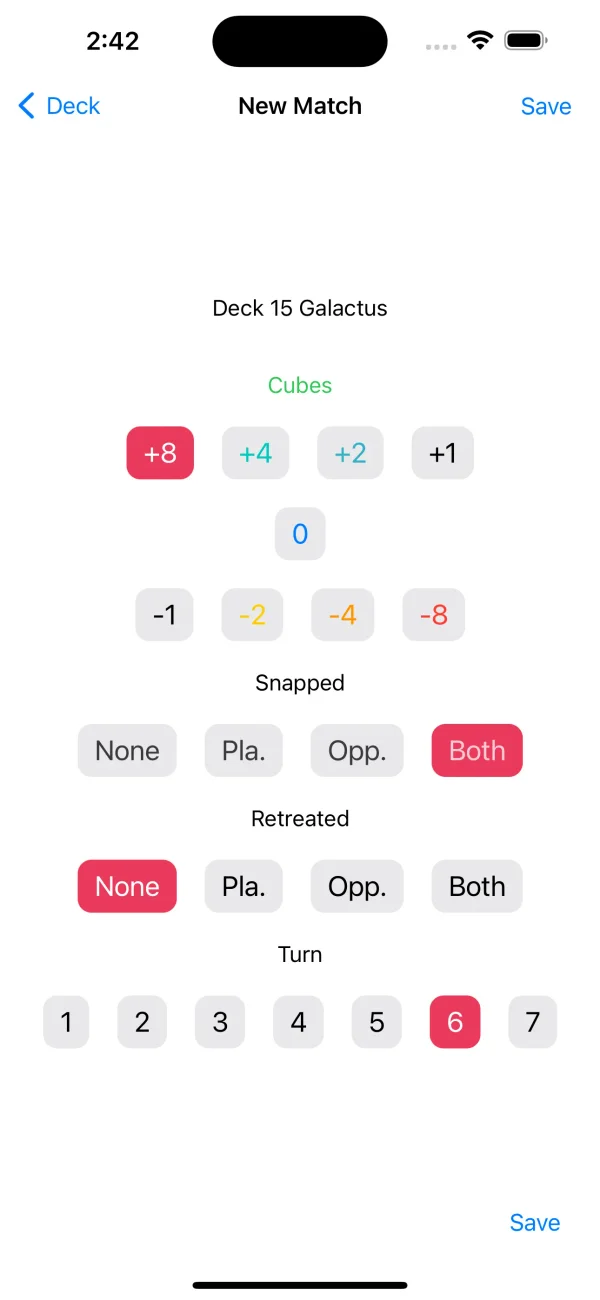
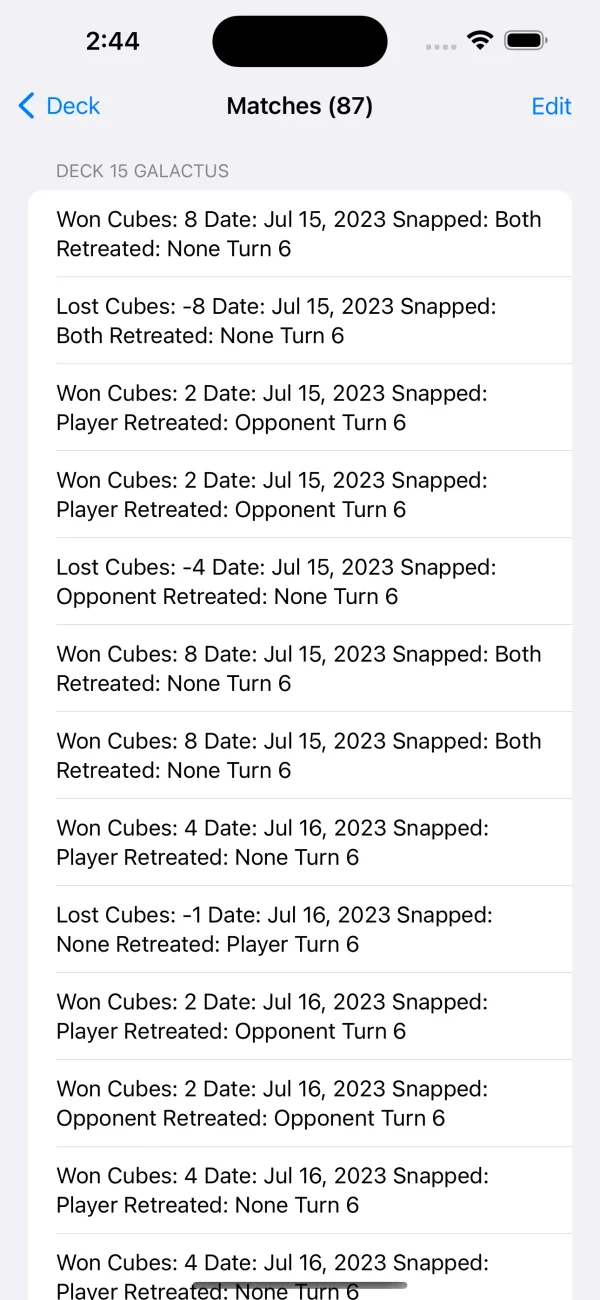
- Insert your match results manually but quick and precise.
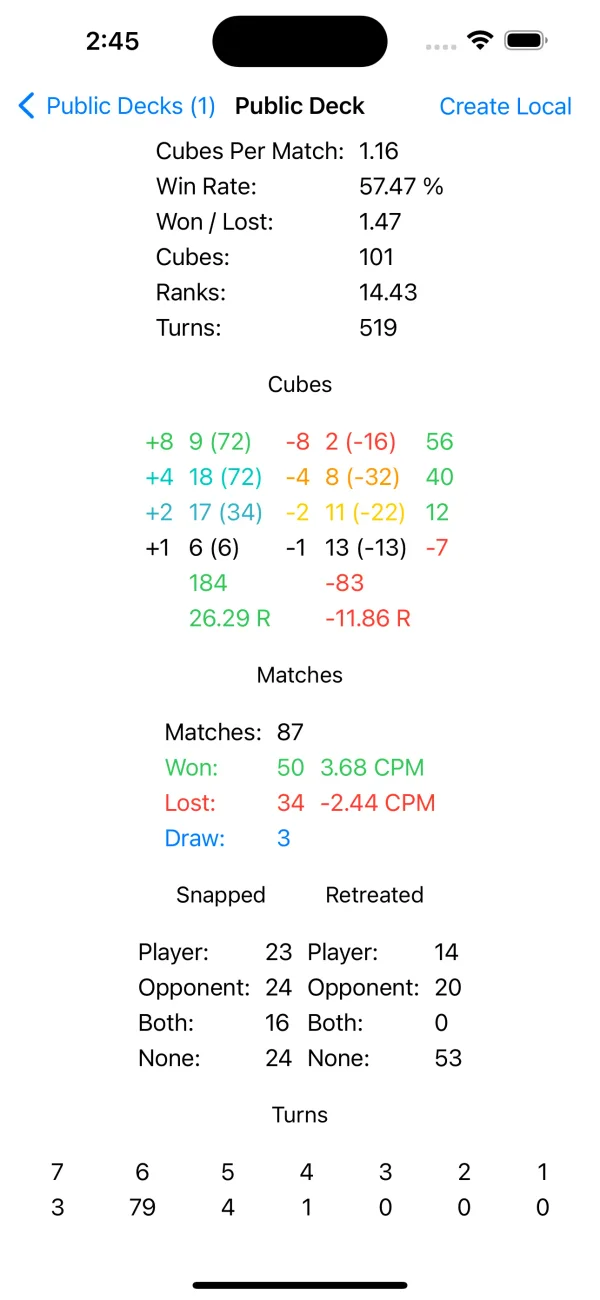
- Watch your stats growing.
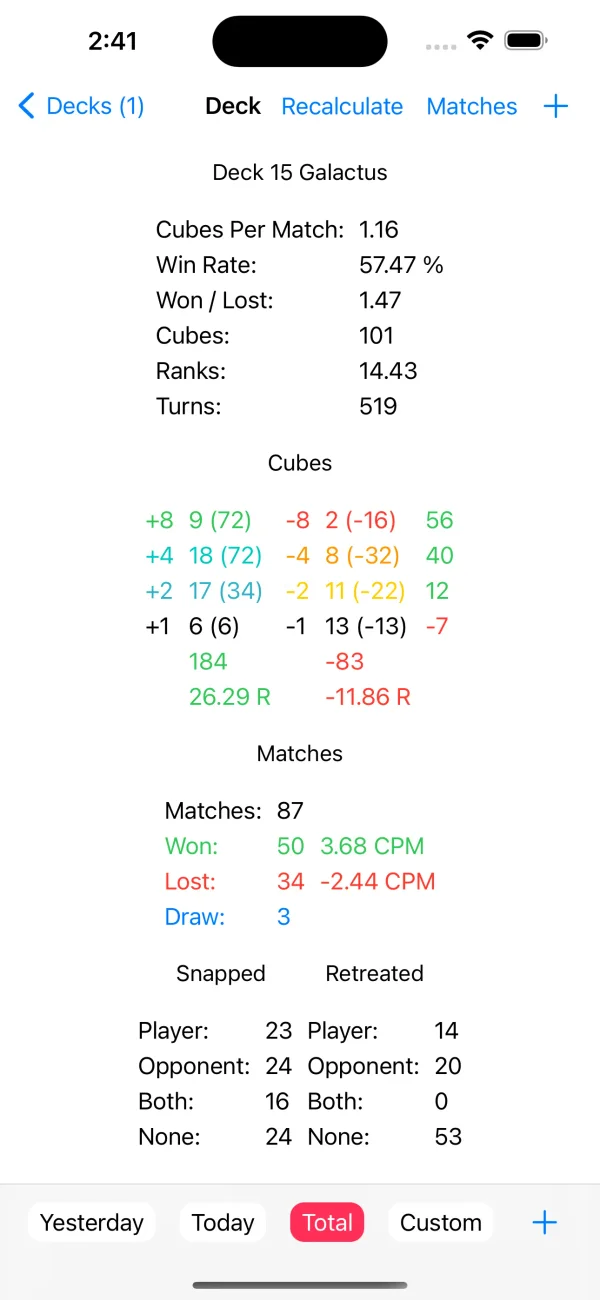
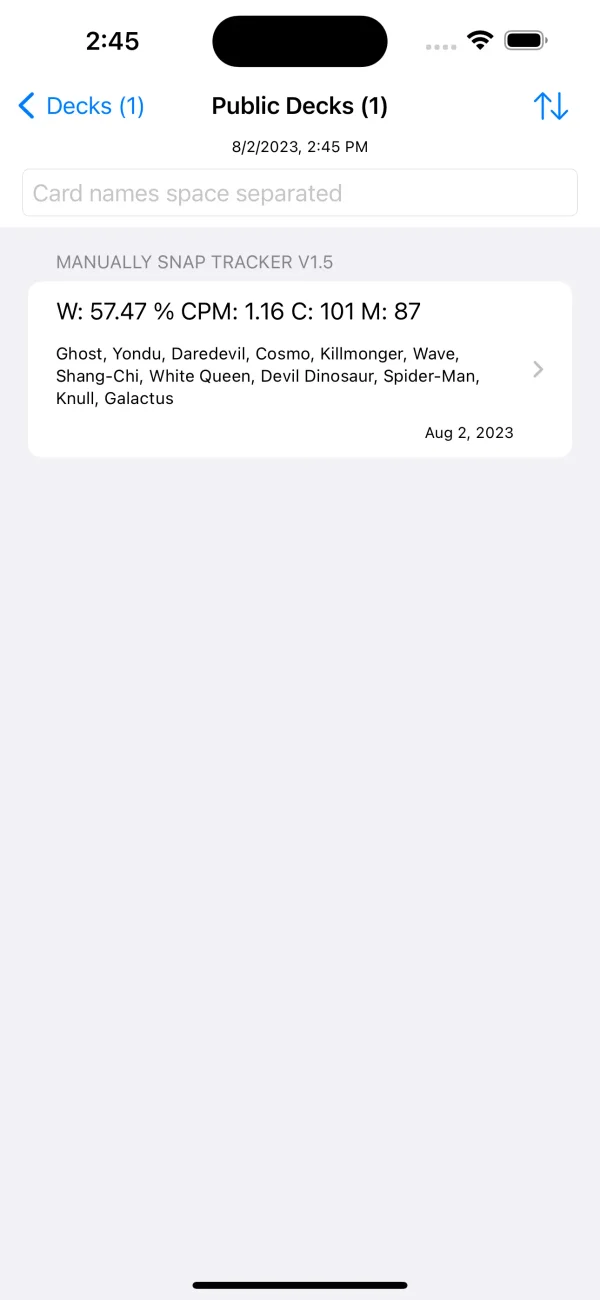
- Stats: Win Rate, Won / Lost, Matches Played (All, Won, Lost, Draw), Cubes (+8, +4, +2, +1, -1, -2, -4, -8), Cubes Per Match, Ranks, Snapped (None, Player, Opponent, Both), Retreated (None, Player, Opponent, Both), Turns (Total, 7, 6, 5, 4, 3, 2, 1)
- Stats periods: Total, Today, Yesterday, Custom (Start, End)
- Share decks
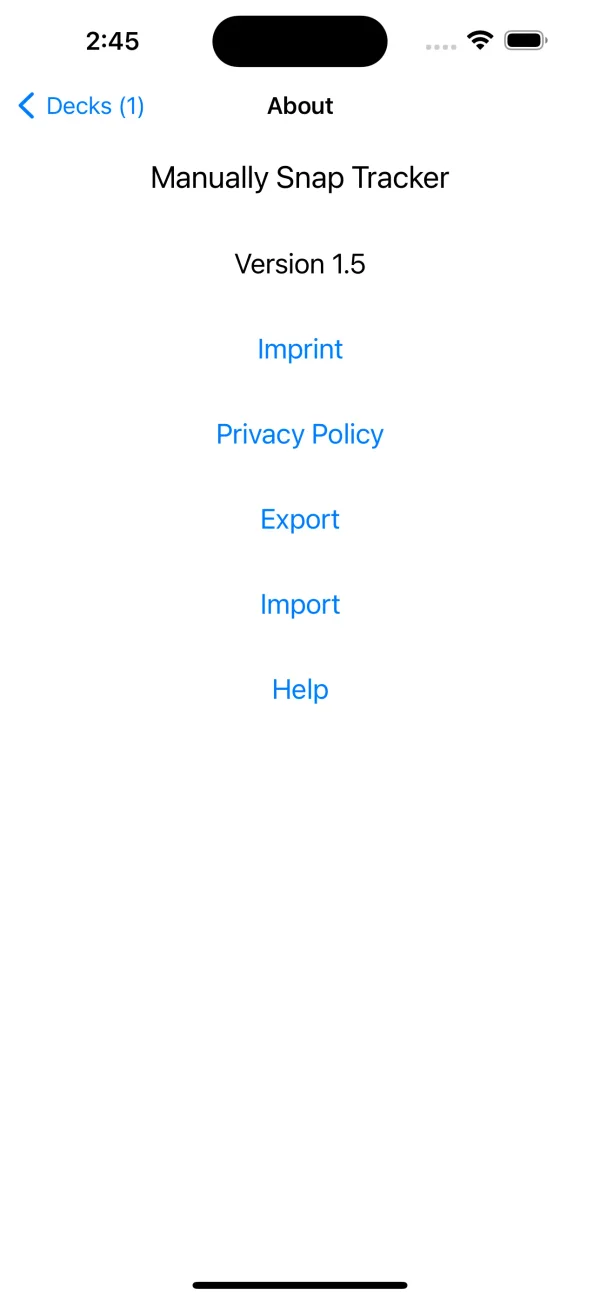
- Export decks
- Import decks
- Paste deck from Snap
- Dark mode
- To be continued ...
Please remember, if you have problems with the app or if you have a feature request, send this information to the support email address: Mirko.Paschke@gmx.de
Story
Unfortunately, it is not possible to automatically track Marvel Snap data on iOS. So I started by putting my deck stats into the notes app. But it lacked most stats data. I had only total cubes and matches count. But I wanted more. This is why I created this app. Now I can enter my deck stats fast and precise and I must not even calculate. I leave the tracker app open in the background, with the deck opened that I use in Snap. After the match I just swipe to the right on the bottom of the screen, to switch to the tracker app, just press the plus button, make a few taps and save. I love it. And I hope you will enjoy it too.
Attributions:
- App icon base symbol designed by Freepik (target_4499787).
What’s new
Version 1.7 · Nov 14, 2024
- iOS 18 required.
- Fixed caching problem when updating cards data.
App privacy
What Mirko Paschke declares on the App Store about how this app handles data.
-
Data not linked to you
May be collected but is not linked to your identity.
- User content
- Other data
Privacy practices may vary, for example with the features you use or your age.
Information
- Seller
- Mirko Paschke
- Category
- Productivity
- Version
- 1.7
- Updated
- Nov 14, 2024
- Released
- Jul 17, 2023
- Size
- 1.1 MB
- Requires
- iOS 18.0 or later
- Age rating
- 4+
- Price
- $0.99
- Languages
- English
- Copyright
- © 2024 Mirko Paschke
You might also like
-
 Air FillNative forms for Airtable
-
 Emphasis: Kanban Made SimplePlan, Track & Crush Your Goals
-
 Countdown: Days Until & WidgetPhotos, Birthdays & Trips
-
 Contact Journal - Personal CRMPersonal CRM with reminders
-
 Line Learner AIRehearser for Serious Actors
-
 My Panda - Daily Task HelpersPersonal Assistants Next Door
-
 Finish: To Do List & PlannerSimple Kanban Board & Tasks
-
 Macro AppWorkspace with Everything
-
 iDatabaseEasily create databases
-
 Muse for ActorsMemorize your lines with ease