
MapCam - Map Film Camera
Film camera that stamps maps
Designed for iPhone
Free · In-app purchases
- Age rating4+
- CategoryPhoto & Video
- DeveloperDaisaku Harasaki
- LanguagesEnglish+ 3 more
- Size10.3 MB
Links to the official App Store page
Download.org hosts no file of MapCam - Map Film Camera. The button opens its official App Store page, published by Daisaku Harasaki. Listing last checked on Nov 23, 2026.
Screenshots




About
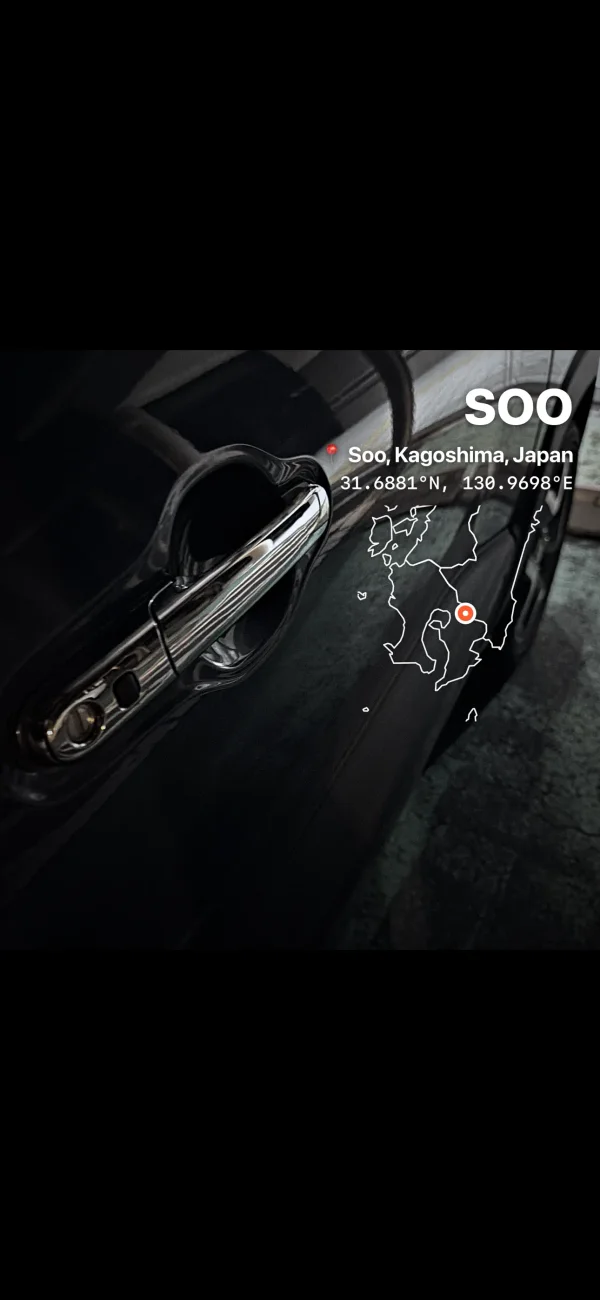
MapCam is a travel camera that burns the place name, coordinates, and a country/state map outline into your photos.
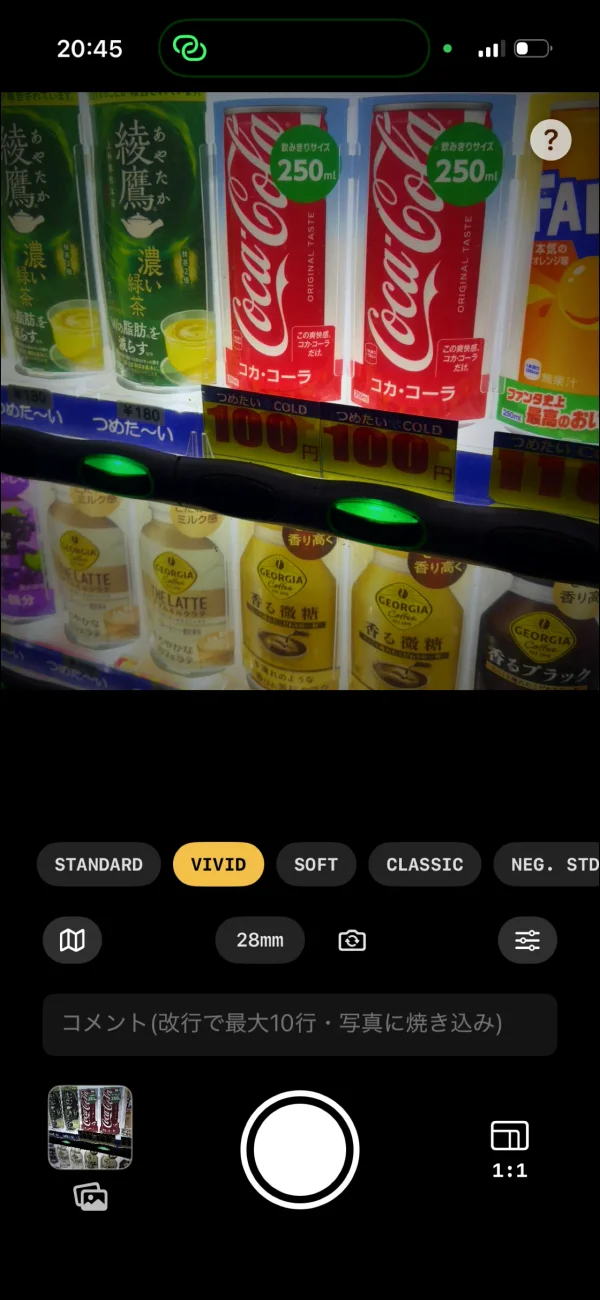
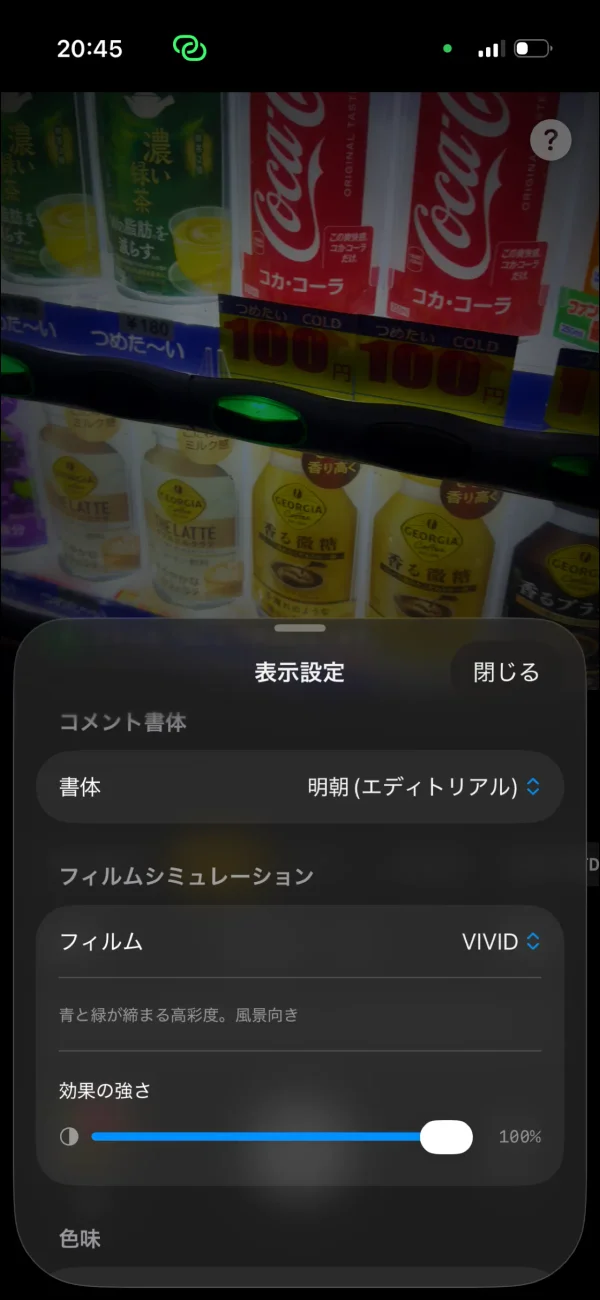
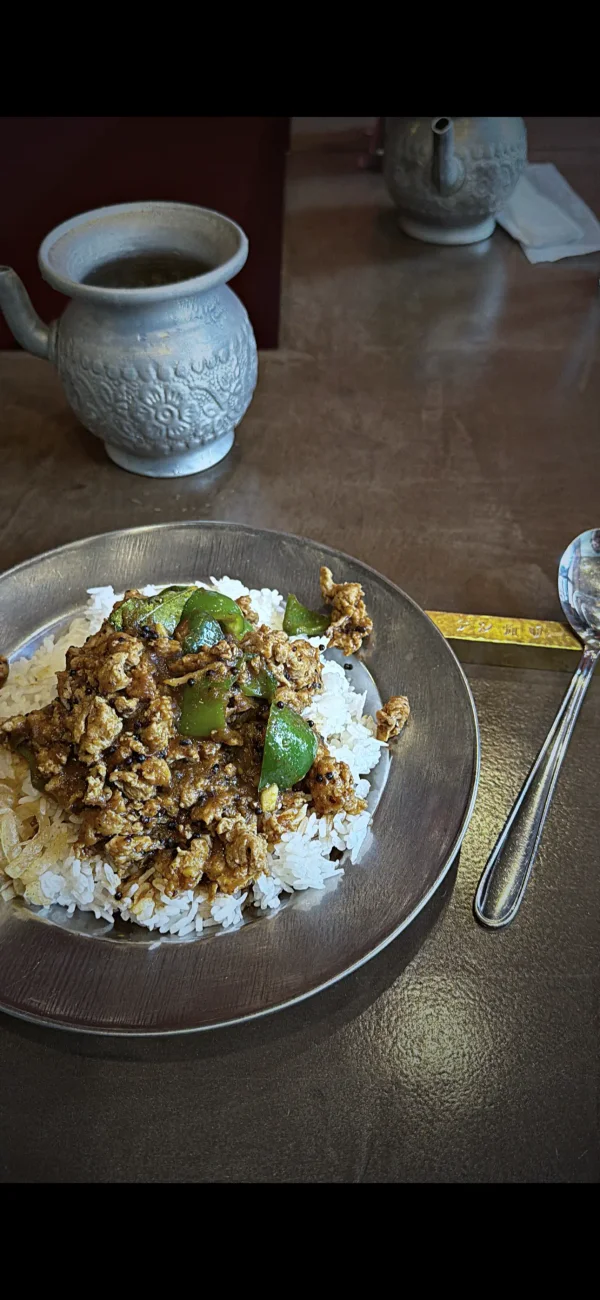
18 simulations and 3 prime focal lengths. Turn the dial on the shooting screen and the look changes right in the preview - what you see is what gets saved.
- 13 FILMS
STANDARD / VIVID / SOFT / CLASSIC / NEG. STD / NEG. HI / NOSTALGIC / CINEMA / MONO / MONO+R / SEPIA / NOIR / LC8
- METAL SERIES (5)
Presets for metallic subjects - tools, watches, cars, motorcycles.
STEEL / TITANIUM / CHROME / GUNMETAL / COPPER
- 3 PRIME FOCAL LENGTHS
28mm / 52mm / 120mm (35mm equiv.) with one tap. On devices with a telephoto lens, 120mm uses the real lens.
- MAPS & PLACE NAMES (the heart of MapCam)
Burn the place name, coordinates, date, and map outline into your photos (each can be toggled; off by default).
Prefecture/state-level maps with pinch zoom. Nearby spot names can be burned in too.
- POLAROID FRAMING
Square photo with a white border; place name, comment, and date printed in the bottom band.
- TRIP REELS
Turn a day of shots into a vertical video (1080x1920) for Instagram Reels, in five styles: Route (fly across the map from spot to spot), Photo dump (cuts on the beat), TIME (a clock and timeline for one place), Film strip (35mm rolling over a lightbox) and Polaroid (prints scattered across the screen). Or pick Random.
Headlines are matched to what's in each photo and the time of day, and text colors are picked from your photos. Share straight to Instagram and add music there.
- AND MORE
Press and hold the preview for Before/After. Comments up to 10 lines. Import photos from your library. GPS recorded in EXIF.
- PRICING
STANDARD / VIVID / SOFT / MONO / TITANIUM are free. The other 13 filters can be tried in the preview and unlocked for saving with one-time purchases (individually or as a bundle). Trip Reels are free.
- PRIVACY
The app collects no data. Photos and location are processed on your device (coordinates are sent to Apple / the OpenPOI API only for place-name lookup and nearby-spot search).
* All simulation names are original to this app and are not affiliated with any film manufacturer or product.
What’s new
Version 2.7 · Nov 19, 2026
What's new in 2.7:
- Trip Reels now come in five styles:
- Route: fly across the map from spot to spot
- Photo dump: full-screen photos cut on the beat (3 tempos)
- TIME: the time you spent in one place, with a clock and a timeline
- Film strip: a 35mm roll moving over a lightbox
- Polaroid: prints scattered across the screen
- Pick Random for a different style each time
- Minor improvements
App privacy
What Daisaku Harasaki declares on the App Store about how this app handles data.
-
Data not collected
The developer does not collect any data from this app.
Privacy practices may vary, for example with the features you use or your age.
Information
- Seller
- Daisaku Harasaki
- Category
- Photo & Video
- Version
- 2.7
- Updated
- Nov 19, 2026
- Released
- Jun 11, 2026
- Size
- 10.3 MB
- Requires
- iOS 17.0 or later
- Age rating
- 4+
- Price
- Free
- In-app purchases
- Yes
- Languages
- English, Japanese, Simplified Chinese, Traditional Chinese
- Copyright
- © 2026 Daisaku Harasaki
You might also like
-
 Timestamp Camera: CamTag GPSGeotag Photo, Map & Date Stamp
-
 ACamViewfinderFocus, Lens & Diopter Tools
-
 Nitra - HDR EditorHDR Photos · RAW · Live Photo
-
 PawCam: Pet Photo CameraAI picks the best pet shot
-
 MUVIC - Video & Vlog MakerVlog editing with AI BGM
-
 PickPix - Photo CleanupSwipe to clean & recall photos
-
 GeoCam: GPS Photo WatermarkTimestamp Camera & Geotag
-
 Fliply: Photo ShuffleA playful camera roll
-
 Creator Cam: TeleprompterDual Camera Video Recorder
-
 Dual Shot Recorder・Dual CameraRecord Video: Front & Back Cam