
MUVIC - Video & Vlog Maker
Vlog editing with AI BGM
Designed for iPhone, iPad
Free · In-app purchases
- Age rating4+
- CategoryPhoto & Video
- DeveloperKyungmoo Min
- LanguagesEnglish+ 10 more
- Size248.2 MB
Links to the official App Store page
Download.org hosts no file of MUVIC - Video & Vlog Maker. The button opens its official App Store page, published by Kyungmoo Min. Listing last checked on Nov 17, 2026.
Screenshots


About
FEATURED IN APP STORE
** NEW APPS WE LOVE (2018.02 ~ 03)
** TODAY - APPS I LOVE (2019.08)
Choose photos and videos, then let MUVIC recommend standout moments and BGM that fits the mood.
MUVIC turns everyday clips into music videos with original soundtracks, stylish titles, openings, endings, effects, and filters. Every editing tool is free to use.
* KEY FEATURES
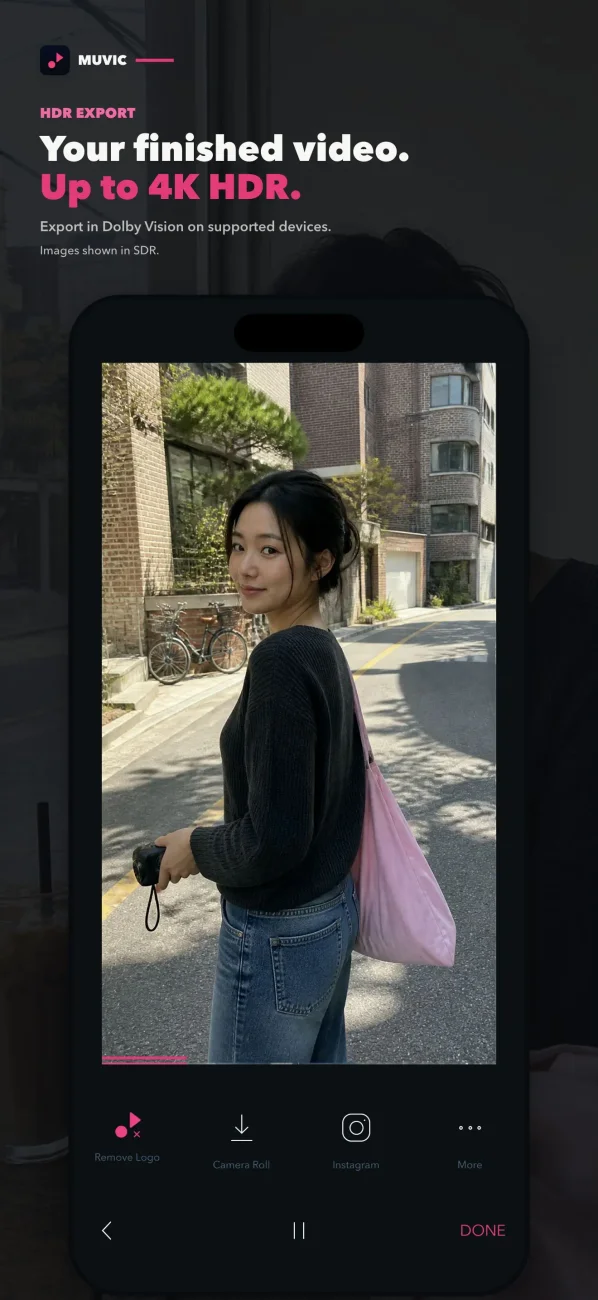
Edit in HDR and save up to 4K Dolby Vision on supported devices; choose SDR in Settings, with automatic SDR on unsupported devices
Get music arrangements suited to the amount of selected media, with automatic video segment selection for your first edit
Write questions and feedback in the app and attach screenshots you choose
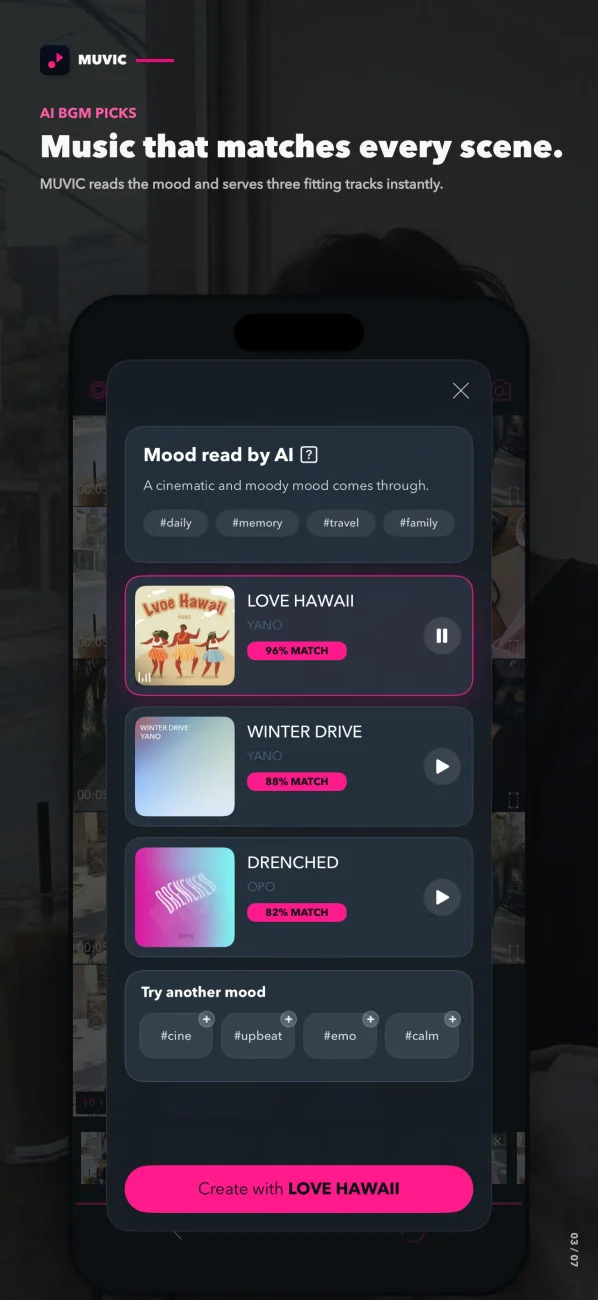
Explore three MUVIC PICKS moods, then create with your own photos and videos
Discover suggested sections within a video clip and choose directly on the timeline
Reuse the music and style of a saved video with new photos and clips
AI analyzes your gallery and suggests photos and videos that fit your edit
AI Music Pick recommends BGM based on the mood of your selected moments
Preview recommended tracks and choose the BGM that fits your video
Shoot in sync with MUVIC BGM or select photos and videos to create a music video quickly
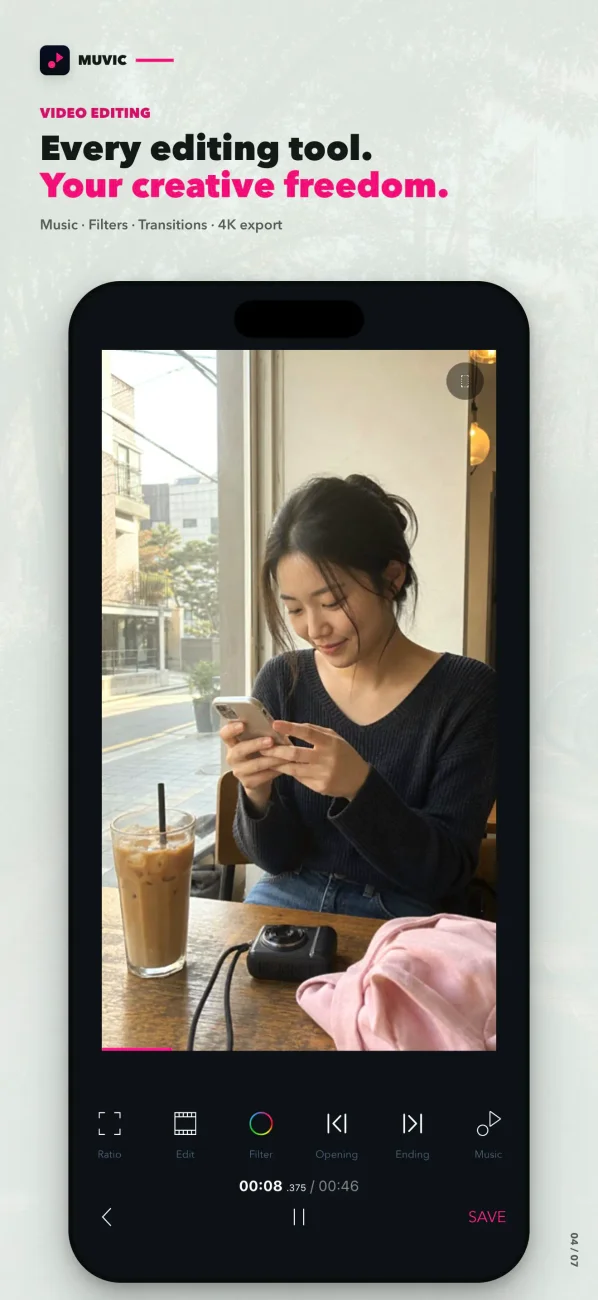
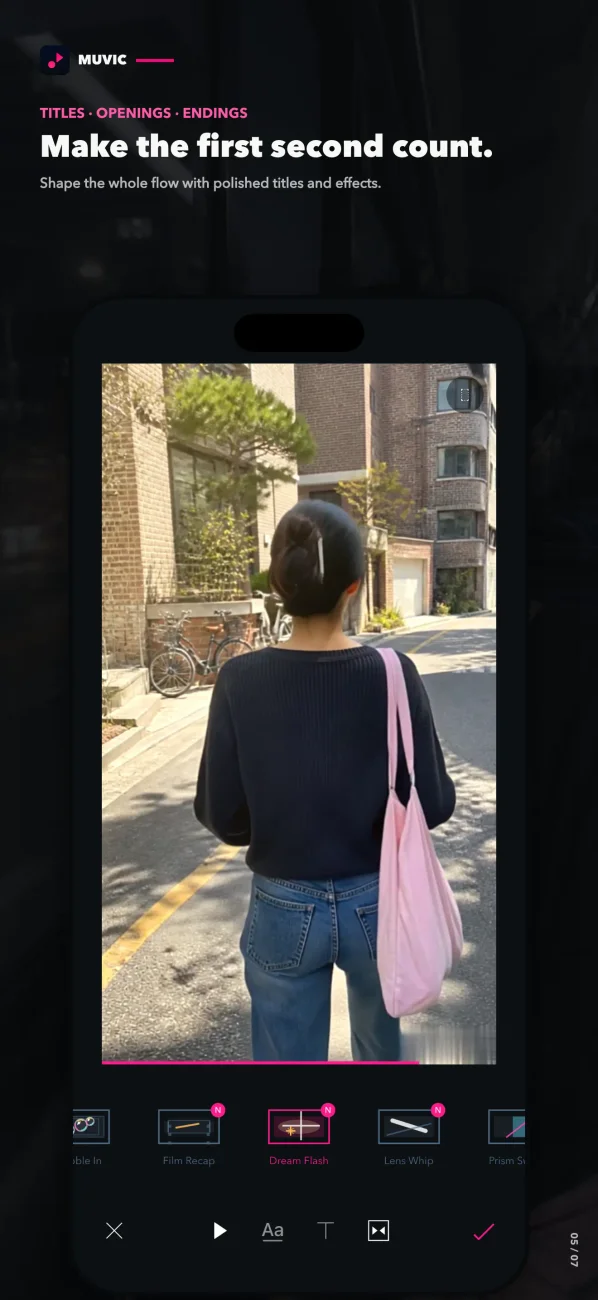
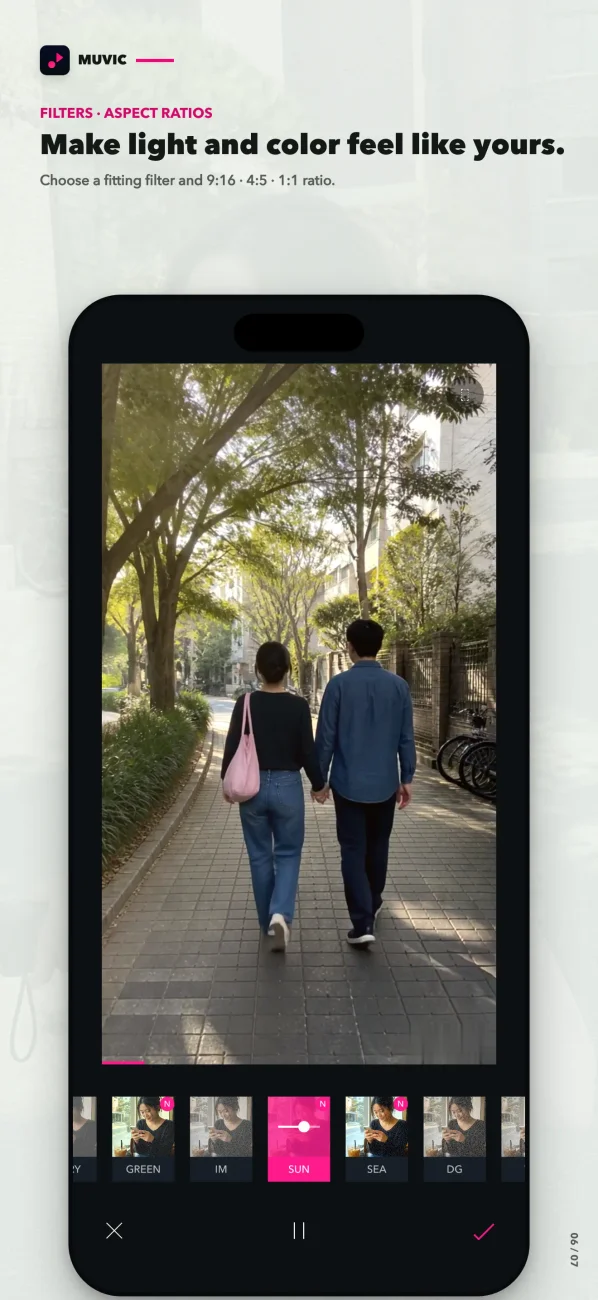
Apply titles, openings, endings, effects, and filters freely
Customize ratio, FPS, and size for Reels, Shorts, feeds, and more
Trim clips, zoom in on key moments, and adjust speed for each clip
Save and share finished videos in up to 4K
All editing tools are free. Videos saved for free include the MUVIC watermark. Unlock MUVIC permanently removes the watermark.
What’s new
Version 4.7.0 · Oct 23, 2026
Bring the light and color of your memories into your music videos.
• Edit in HDR and save in Dolby Vision at up to 4K on supported devices.
• HDR is on by default. Turn it off in Settings for SDR preview and export.
• Devices without HDR export support use SDR automatically.
• Improved HDR rendering for filters, transitions, titles, and logos.
App privacy
What Kyungmoo Min declares on the App Store about how this app handles data.
-
Data linked to you
May be collected and linked to your identity.
- Purchases
- Location
- Identifiers
- Usage data
- Diagnostics
-
Data not linked to you
May be collected but is not linked to your identity.
- Diagnostics
Privacy practices may vary, for example with the features you use or your age.
Information
- Seller
- Kyungmoo Min
- Category
- Photo & Video
- Version
- 4.7.0
- Updated
- Oct 23, 2026
- Released
- Dec 23, 2017
- Size
- 248.2 MB
- Requires
- iOS 18.0 or later
- Age rating
- 4+
- Price
- Free
- In-app purchases
- Yes
- Languages
- English, Hindi, Indonesian, Japanese, Korean, Russian, Simplified Chinese, Spanish, Thai, Traditional Chinese, Vietnamese
- Copyright
- © Studio MOO Inc.
You might also like
-
 UnSee - Photo PrivacyOn-Device Privacy Redaction
-
 MapCam - Map Film CameraFilm camera that stamps maps
-
 HOOKCAM - Fishing CameraPre-Record & Voice Control
-
 Halcyon CameraFilm soul. Pro controls.
-
 Pralo: Pose & Composition CamPosing guides, filters & color
-
 Mute Video & Extract AudioVideo to audio converter
-
 Timestamp Camera: CamTag GPSGeotag Photo, Map & Date Stamp
-
 Picin: Photo RoamingOrganize, Collage & Memories
-
 Nitra - HDR EditorHDR Photos · RAW · Live Photo
-
 WinkU - Dual Phone CameraRemote Selfies & Live Preview