- Age rating4+
- CategoryProductivity
- DeveloperKane Hastings
- LanguagesEnglish
- Size12.2 MB
Links to the official App Store page
Download.org hosts no file of MapItOut. The button opens its official App Store page, published by Kane Hastings. Listing last checked on Nov 14, 2026.
Screenshots
About
MapItOut
MapItOut is a visual process mapping tool that helps you organise ideas, workflows, business processes and projects using an interactive canvas.
Whether you’re documenting a business workflow, planning a project, or breaking down complex systems into manageable steps, MapItOut makes it easy to create clear, connected process maps.
Features
• Create unlimited process maps
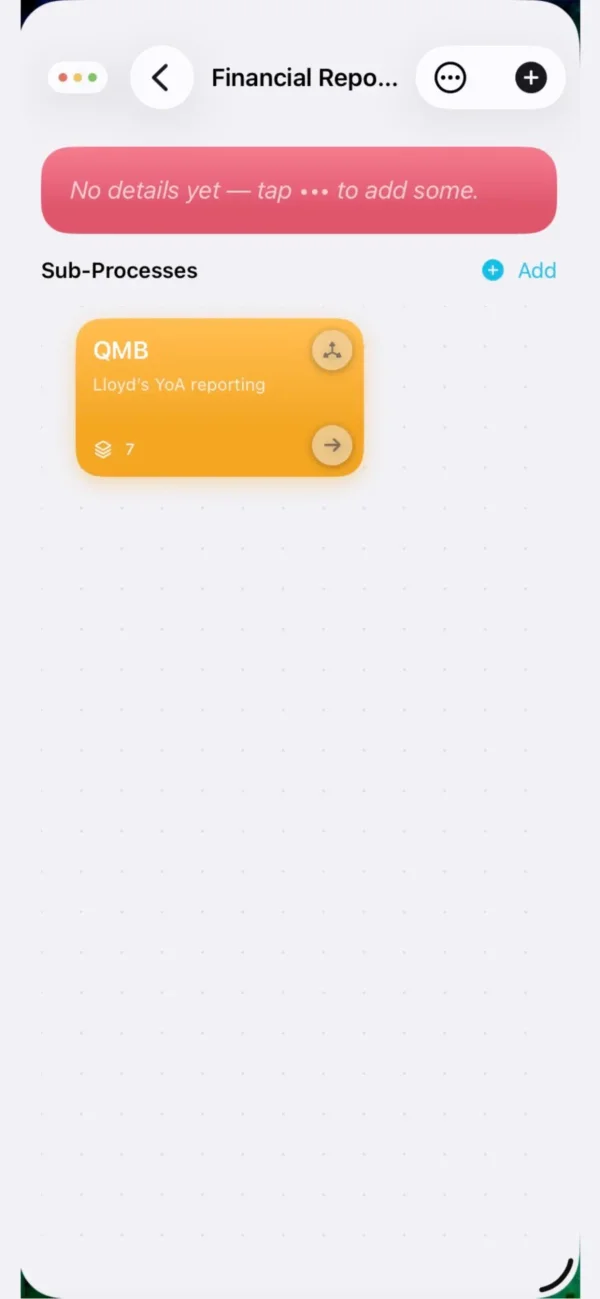
• Build hierarchical sub-processes
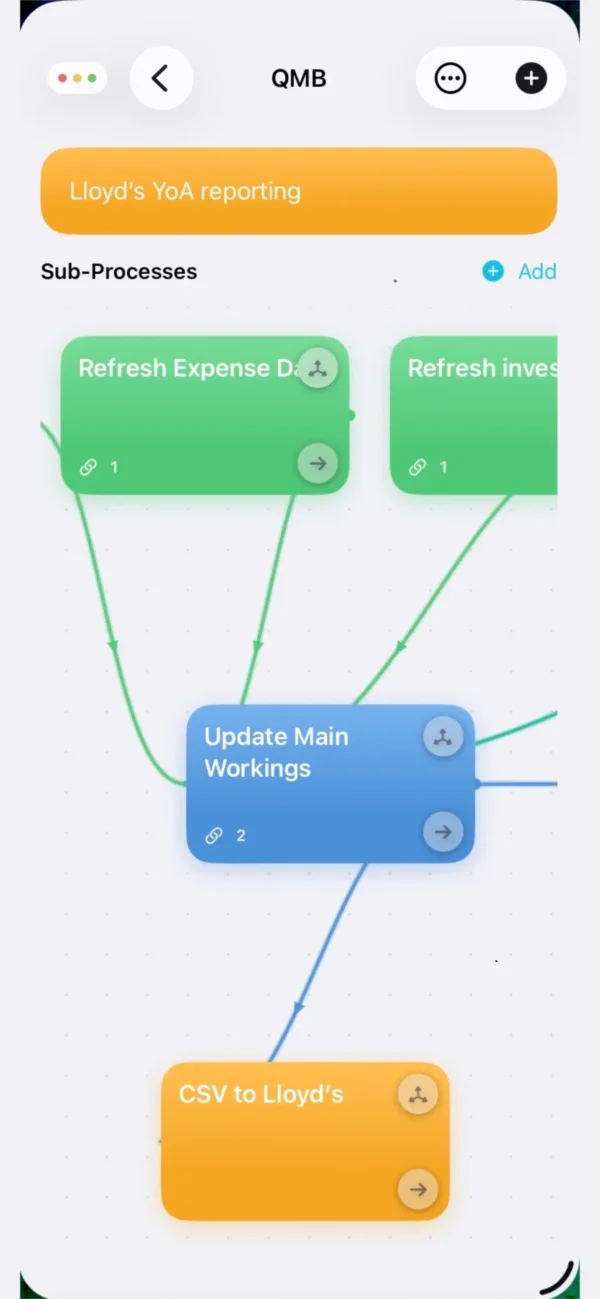
• Drag and arrange process cards freely
• Connect related processes with visual links
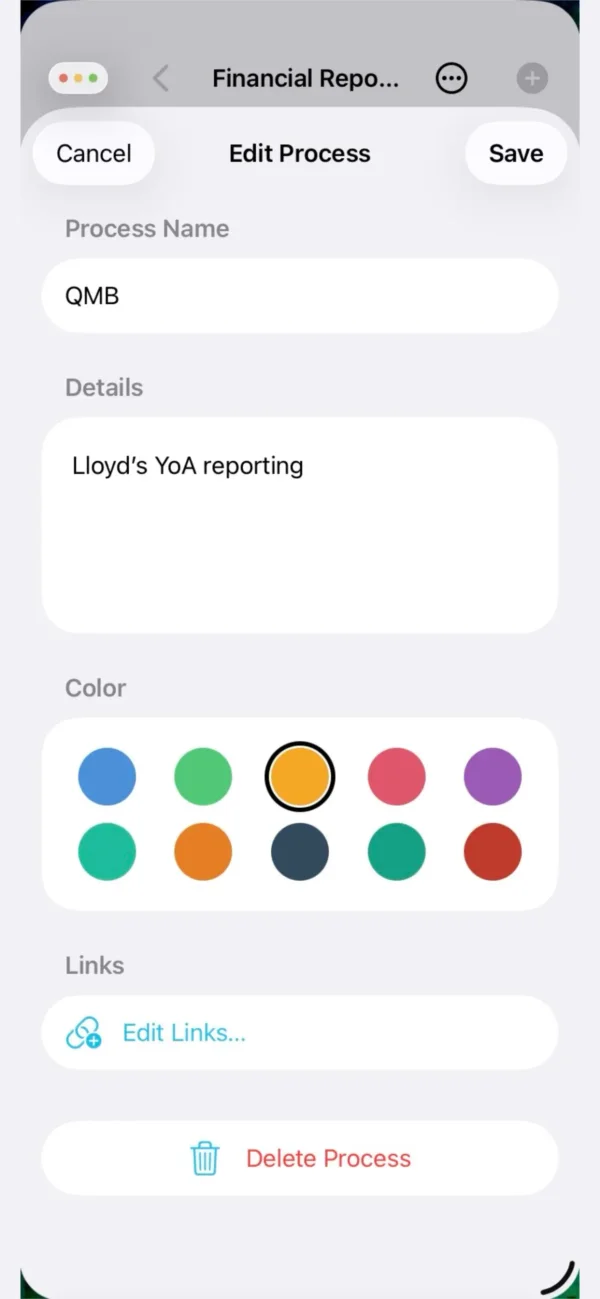
• Colour-code processes for easy organisation
• Add notes and descriptions to every process
• Zoom and pan across large process maps
• Keep everything organised with nested process structures
Designed for
• Business process mapping
• Workflow planning
• SOP documentation
• Project planning
• Brainstorming
• Personal organisation
• Systems design
• Team planning (offline)
Private by Design
Your data stays on your device.
MapItOut does not require an account, collect personal information, display advertisements or use third-party tracking.
Everything is stored locally, giving you complete control over your process maps.
Whether you’re organising your business or planning your next big idea, MapItOut helps you visualise the bigger picture.
What’s new
Version 1.2 · Jul 15, 2026
* Fixed the conflict between button interactions and canvas drag gestures, making it easier to move, link, and resize nodes.
* Added the ability to manually place newly created nodes onto the canvas.
* Links can now be removed by simply relinking the nodes.
* Moved the Delete button to the top of the edit panel for quicker access.
* Added Copy, Cut, and Paste functionality.
* Introduced additional colour options for nodes.
App privacy
What Kane Hastings declares on the App Store about how this app handles data.
-
Data not collected
The developer does not collect any data from this app.
Privacy practices may vary, for example with the features you use or your age.
Information
- Seller
- Kane Hastings
- Category
- Productivity
- Version
- 1.2
- Updated
- Jul 15, 2026
- Released
- Jul 1, 2026
- Size
- 12.2 MB
- Requires
- iOS 26.0 or later
- Age rating
- 4+
- Price
- Free
- Languages
- English
- Copyright
- © 2026 KaneHastings. All Rights Reserved.
You might also like
-
 LinkFindrAI Link Manager & Reader
-
 Phone to PaperYour phone essentials on paper
-
 PDF ToolBoxScan, merge, split PDFs
-
 Let's Tolk - Offline TranslateKeyboard, camera & voice
-
 Offprint: Web to PDF & EPUBSafari Clipper: Read Offline
-
 PDFCrabPDF Edit & Annotate PDF Files
-
 Diktafon: Voice Memos on TapePrivate, on-device transcripts
-
 SmartLess: Quiet PhoneYour distraction-free phone
-
 App Lock · Block Apps & FocusScreen Time, Parental Control
-
 Trading Journal ProPnL Log, Ledger, ROI & Tracker