
Markdot: MD Viewer & Editor
.md Viewer&Editor for AI Docs
Designed for iPhone, iPad, Mac
Free
- Age rating4+
- CategoryProductivity
- DeveloperESTsoft corp.
- LanguagesEnglish+ 11 more
- Size67.0 MB
Links to the official App Store page
Download.org hosts no file of Markdot: MD Viewer & Editor. The button opens its official App Store page, published by ESTsoft corp. Listing last checked on Nov 16, 2026.
Screenshots
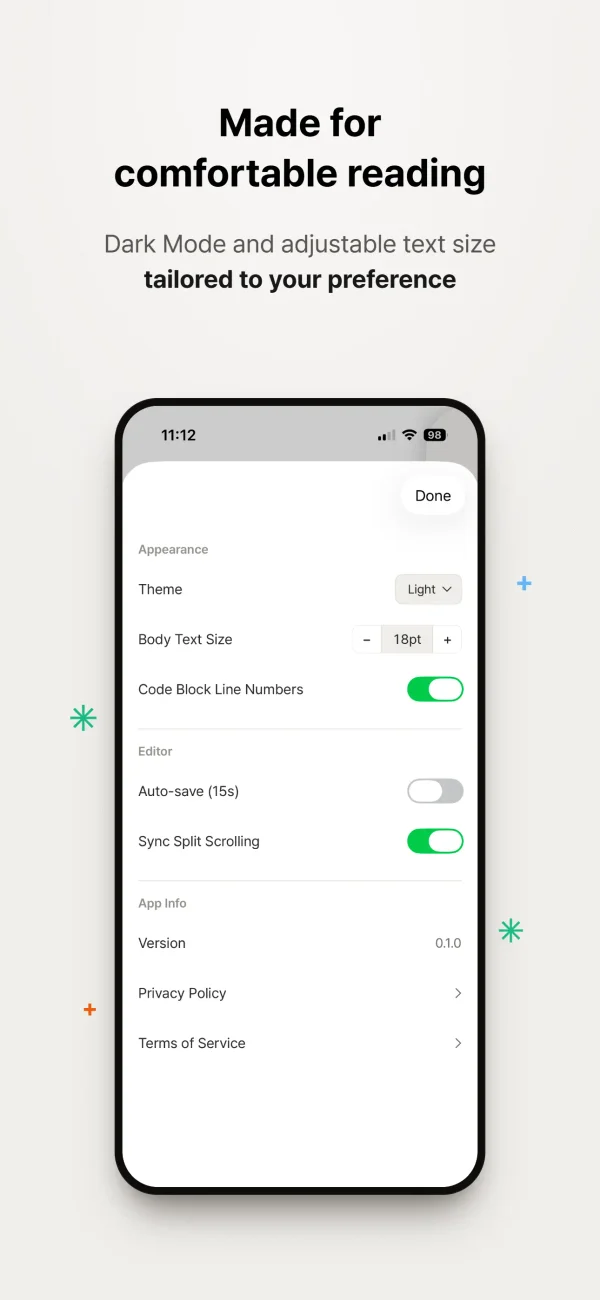

About
From AI-generated .md files to READMEs, technical docs, and quick notes.
Open, preview, and edit Markdown files with Markdot, a lightweight Markdown viewer and editor. Continue working with your preferred AI apps, then export finished documents to HTML or PDF.
Read light. Write light. Markdot.
-
Recommended for:
- Anyone who regularly opens and edits AI-generated .md files
- Developers working with READMEs, technical documentation, and Markdown notes
- Anyone looking for a fast, lightweight tool for Markdown
- Anyone looking for a lightweight Markdown viewer and editor
- Anyone who wants to continue editing Markdown documents with AI
- Anyone who needs to export Markdown files to HTML or PDF
- Students and researchers reviewing documents with LaTeX equations
-
[KEY FEATURES]
More than a simple text editor — Markdot renders your Markdown beautifully.
● Open and preview .md files instantly
Open .md files received through email, messaging apps, or other apps and view them as clean, formatted documents in Markdot.
● Rich Markdown rendering
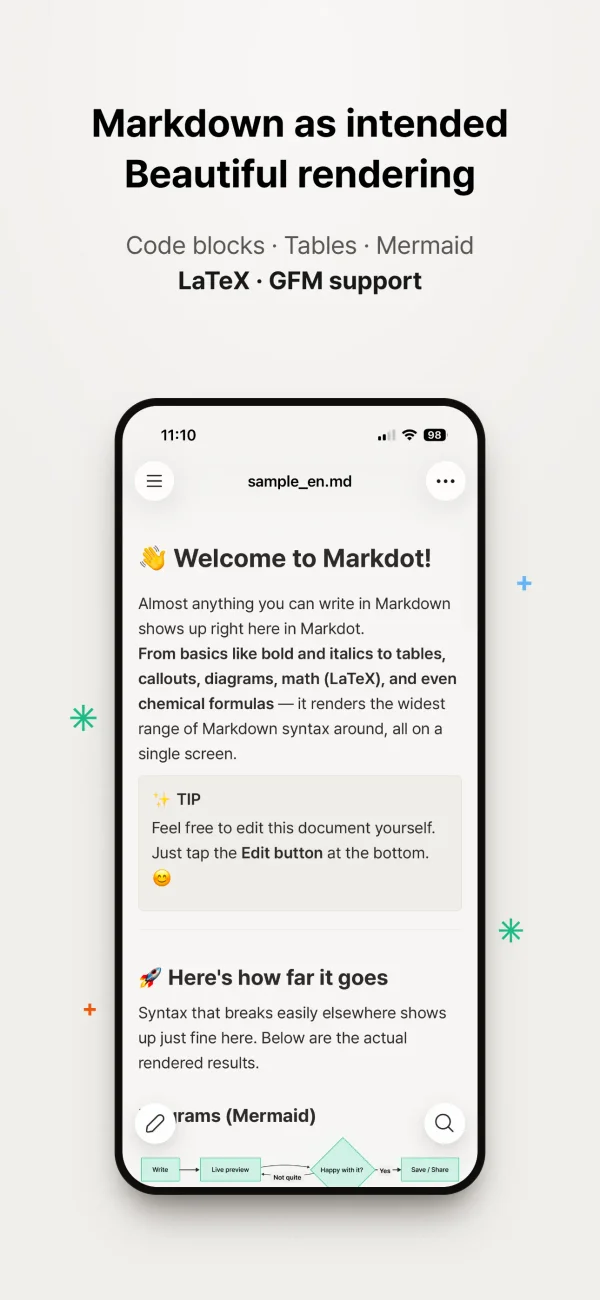
Render code blocks, tables, Mermaid diagrams, LaTeX equations, chemical formulas, GFM, and more.
● Switch instantly between preview and editing
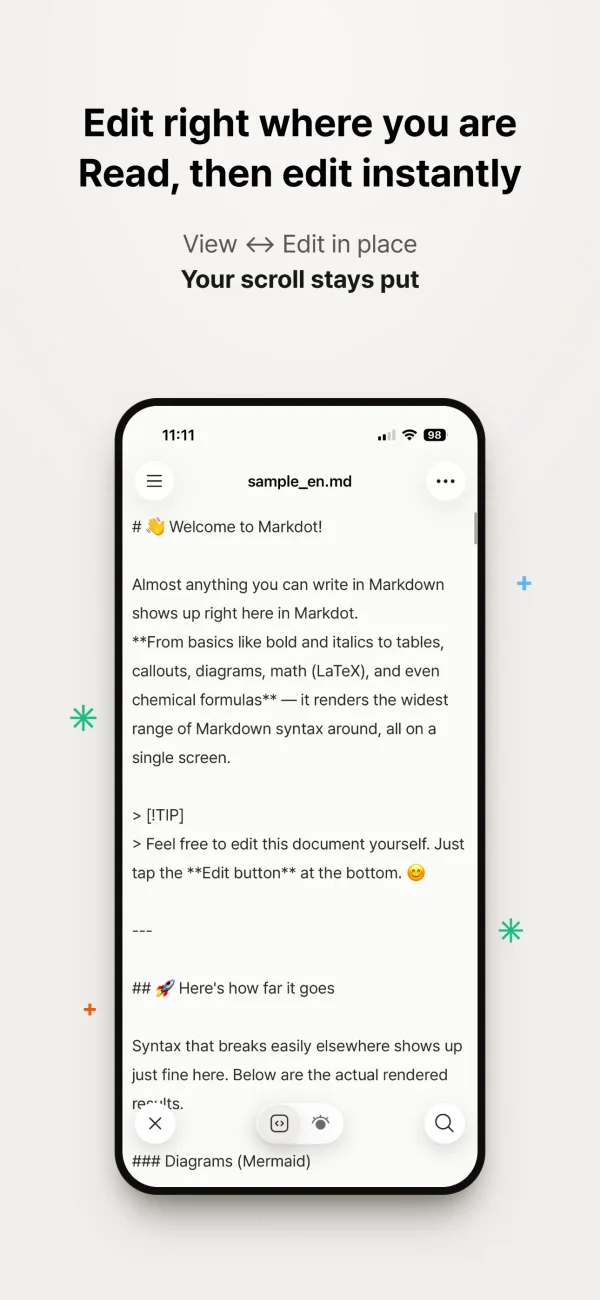
Switch to editing mode without losing your place in the document. In landscape mode, Split View displays the Markdown source and preview side by side with synchronized scrolling.
● Automatic table of contents and document search
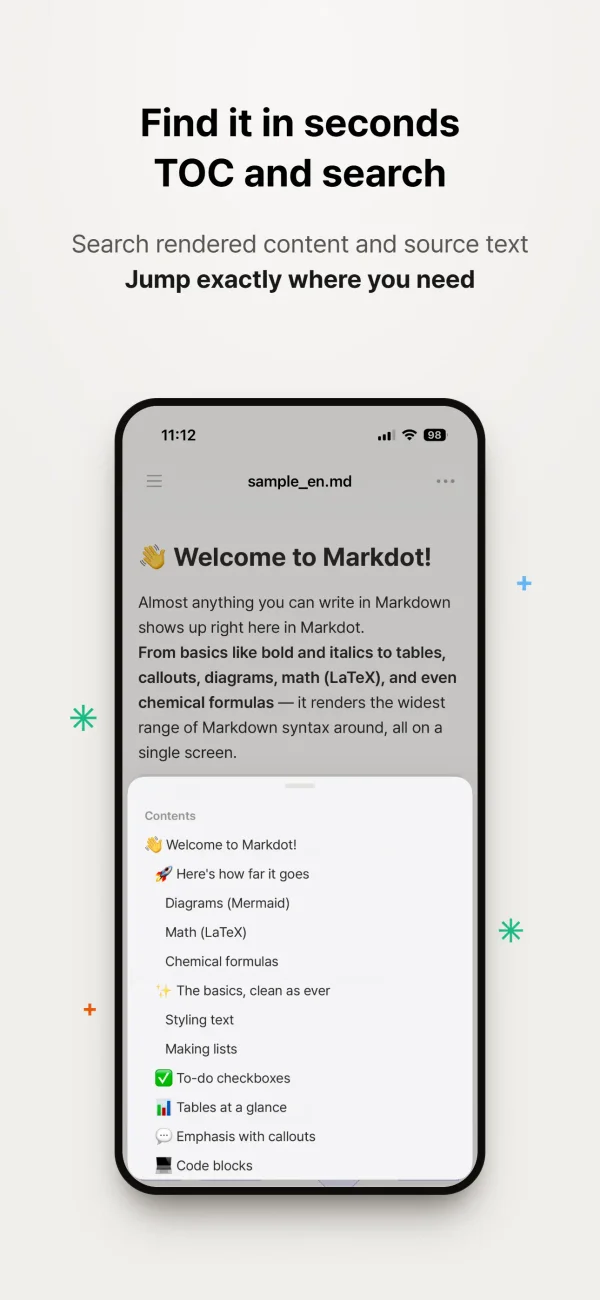
Automatically generate a table of contents based on document headings. Search within the viewer or editor to quickly find information in long AI-generated documents and technical documentation.
● Browse documents with a file tree
View multiple Markdown files in a folder using the file tree. Navigate between folders and open relative links to browse connected project documents, including GitHub repositories and project READMEs.
● Export to HTML or PDF
Export finished Markdown documents to HTML or PDF. Customize the page size, margins, fonts, and other PDF settings for reports, assignments, and shared documents.
● Automatically detect external changes
Changes made to a file in another app are automatically reflected in Markdot. If you have unsaved edits, Markdot prevents external changes from overwriting your work.
● Work completely offline
Open and edit Markdown files stored on your device without an internet connection. No account or cloud sync is required.
-
[PRIVACY]
- Your data is processed locally on your device. Markdot does not upload your documents to its servers or cloud storage, and no account is required.
- If you use Agent Connection, your selected document may be shared with the external AI app you choose.
[APP PERMISSIONS]
- Markdot only requests permission to access the Markdown files you choose to open.
Terms of Use: https://www.apple.com/legal/internet-services/itunes/dev/stdeula/
What’s new
Version 1.3.0 · Oct 30, 2026
- Fixed bugs and improved app stability.
App privacy
What ESTsoft corp. declares on the App Store about how this app handles data.
-
Data used to track you
May be used to track you across apps and websites owned by other companies.
- Identifiers
-
Data not linked to you
May be collected but is not linked to your identity.
- Identifiers
- Usage data
- Diagnostics
Privacy practices may vary, for example with the features you use or your age.
Information
- Seller
- ESTsoft corp.
- Category
- Productivity
- Version
- 1.3.0
- Updated
- Oct 30, 2026
- Released
- Jul 7, 2026
- Size
- 67.0 MB
- Requires
- iOS 18.0 or later
- Age rating
- 4+
- Price
- Free
- Languages
- English, French, German, Hindi, Indonesian, Japanese, Korean, Portuguese, Simplified Chinese, Spanish, Traditional Chinese, Vietnamese
- Copyright
- © Copyright. ESTsoft All rights reserved.
You might also like
-
 Markdown Editor : Md ViewerReader. Convert to pdf. LaTex
-
 Markdown Reader & Editor - MDMermaid Diagrams, PDF Export
-
 Marked — Markdown EditorRead and edit .md, calmly
-
 Markflow — Markdown ReaderOpen .md files anywhere
-
 QuickMark: Markdown EditorPreview, Export & Publish
-
 MarkDown Reader - MD ViewerFast, clean Markdown viewing
-
 Marklens: Markdown ReaderRead Markdown. Nothing else.
-
 .md ViewerMarkdown Editor + HTML Viewer
-
 Markdown Editor & ReaderGitHub README, PDF HTML Export
-
 Dawn - MarkdownA beautiful Markdown reader