QuickMark: Markdown Editor
Preview, Export & Publish
Designed for iPhone, iPad, Mac
Free · In-app purchases
- Age rating4+
- CategoryProductivity
- DeveloperDoan Nguyen
- LanguagesEnglish
- Size11.9 MB
Links to the official App Store page
Download.org hosts no file of QuickMark: Markdown Editor. The button opens its official App Store page, published by Doan Nguyen. Listing last checked on Nov 12, 2026.
Screenshots
About
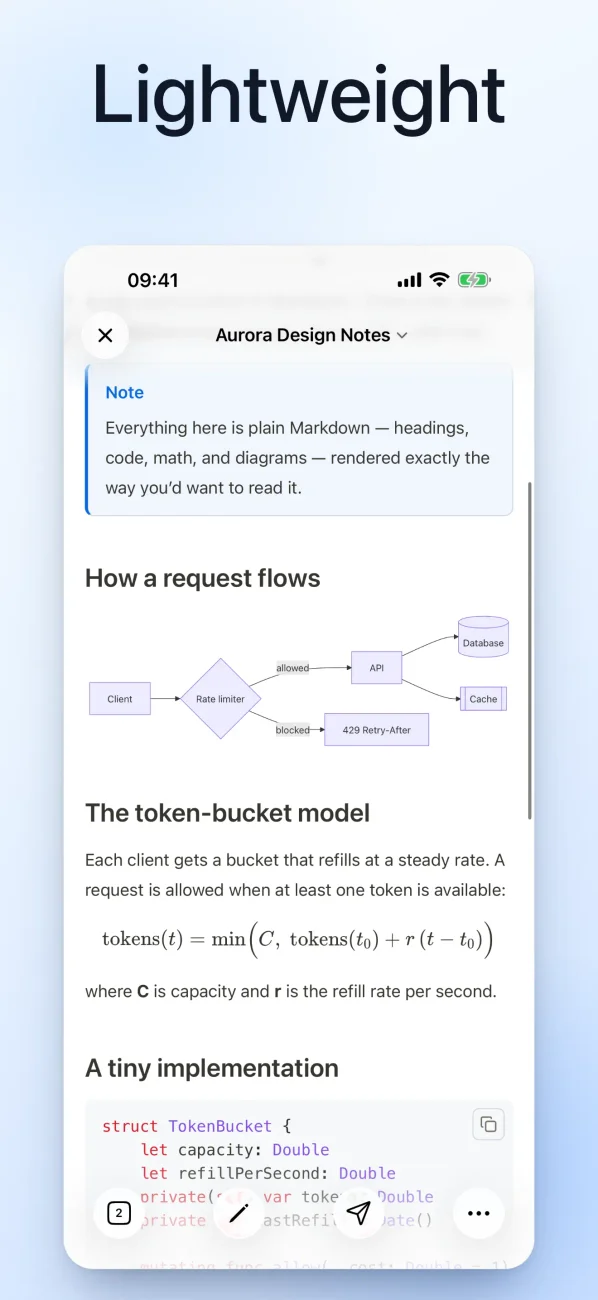
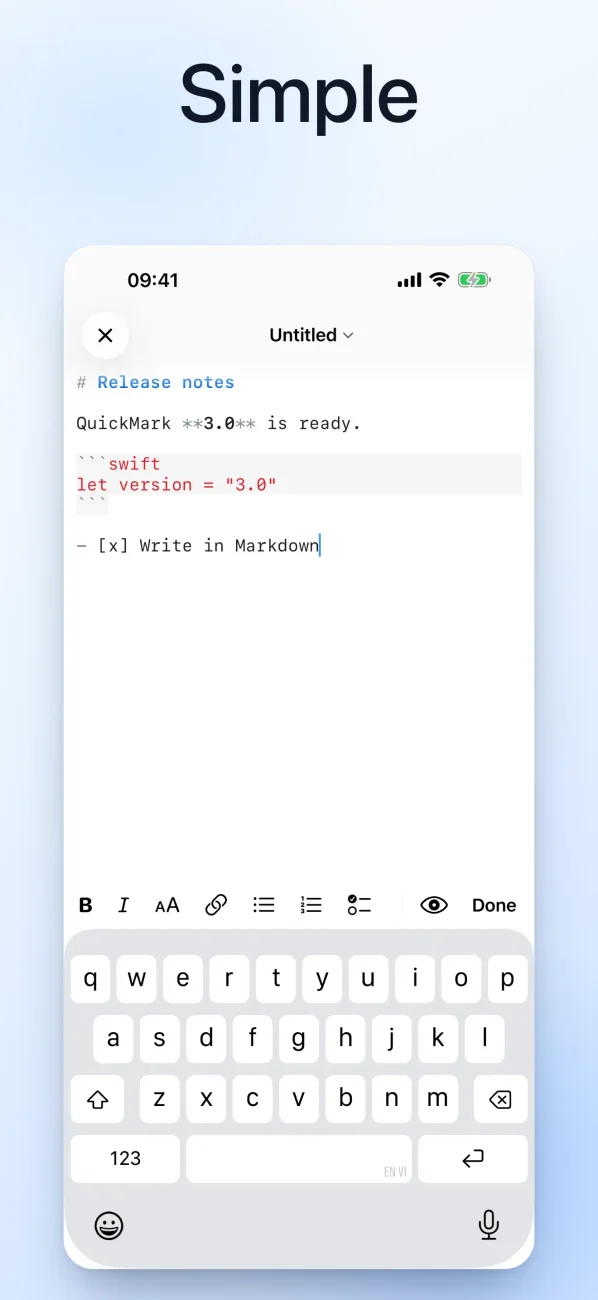
A lightweight Markdown app that opens fast and stays out of your way. Tap any .md file to read it rendered, with code, math and diagrams exactly right. Edit it, publish it as a web link, or export it when you need to.
EVERYTHING BELOW IS FREE
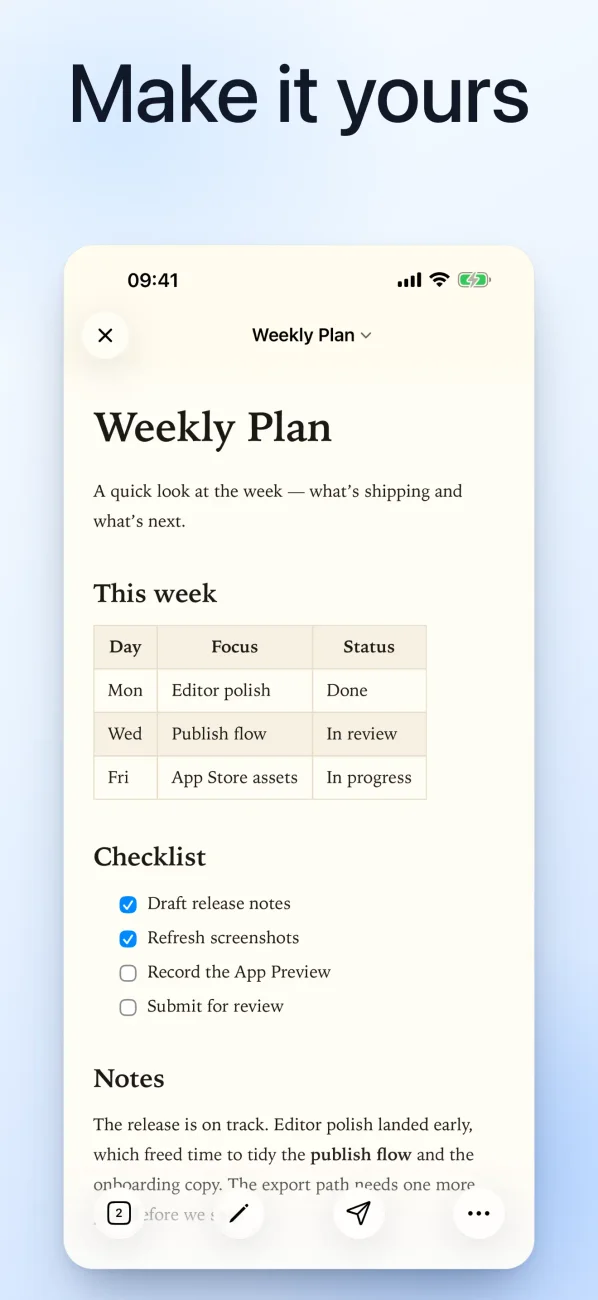
- Beautiful live rendering - Mermaid diagrams and KaTeX math appear inline as you type, no plugins, no setup
- Write and preview with one tap; on iPad, work side by side with synced split view
- 36 code themes plus 6 reading themes: Light, Dark, Notion, Essay, Terminal and more
- Syntax highlighting for 30+ languages, find-in-page, one-tap copy on code blocks
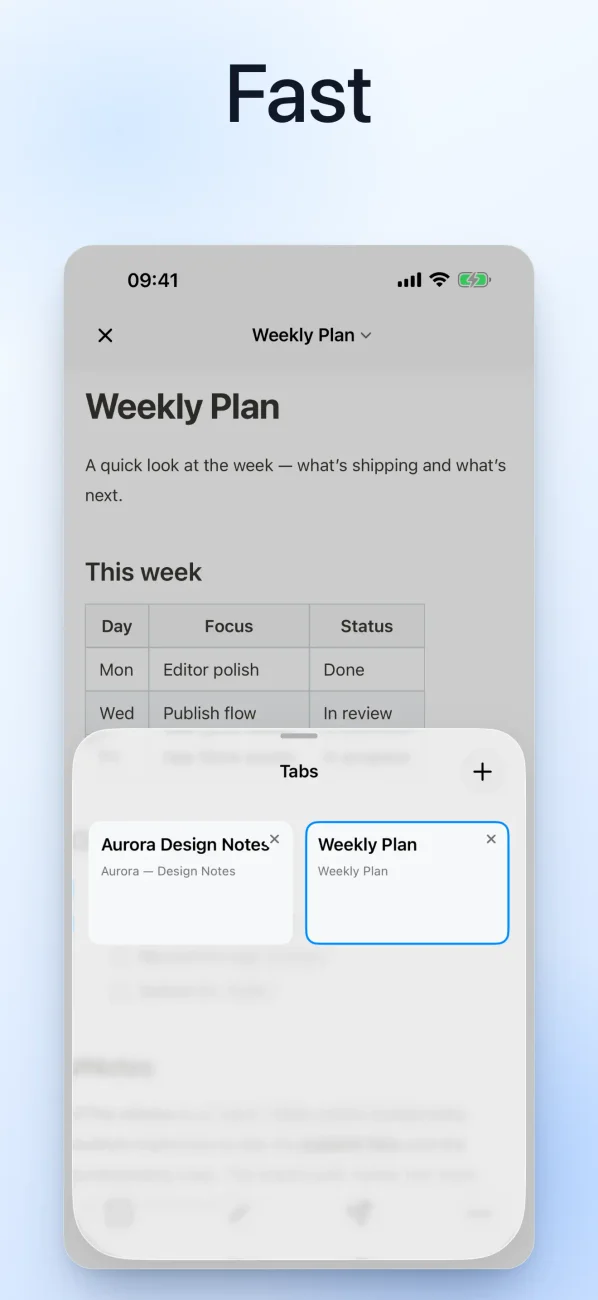
- Tabs are free and unlimited - keep every note open and switch in a tap
QUICKMARK PRO - ONE-TIME, NOT A SUBSCRIPTION
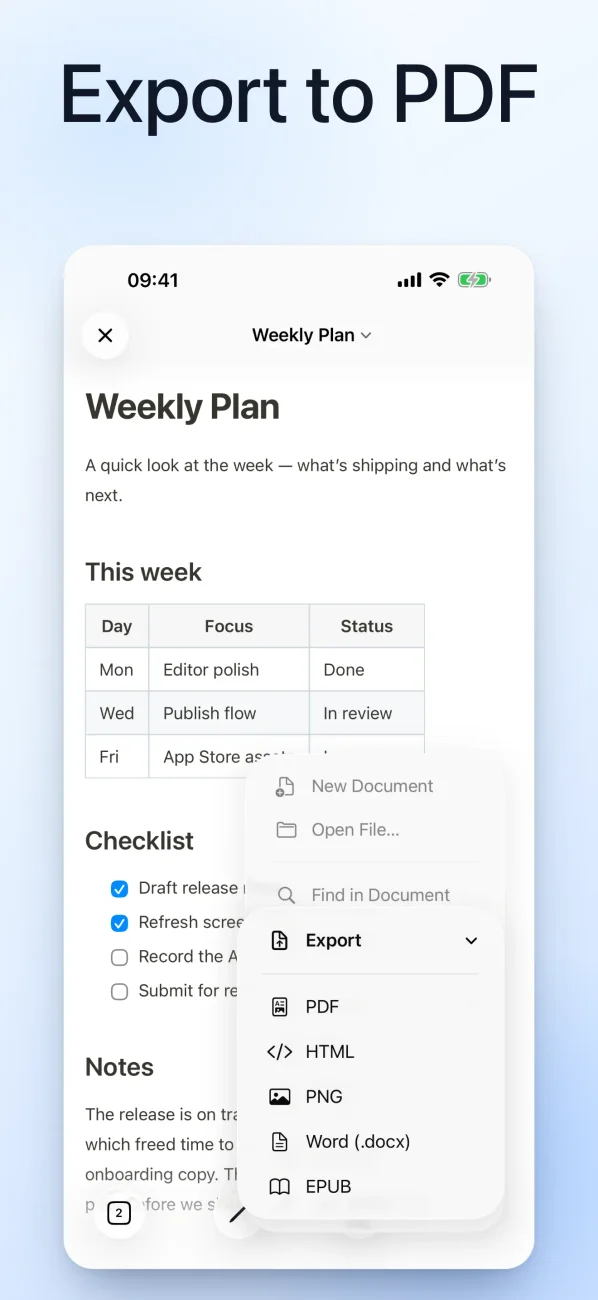
- Export your document to PDF, HTML, DOCX, EPUB, PNG, or Rich Text (free: 10 exports a month per device)
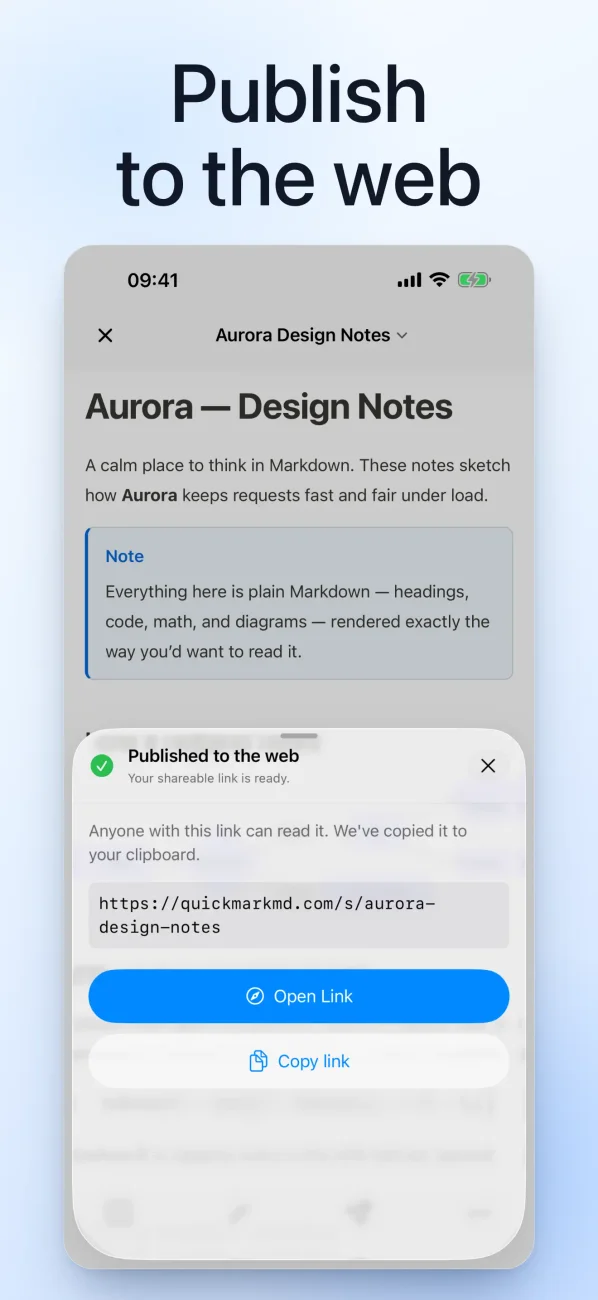
- Publish to Web - turn any document into a clean shareable link at quickmarkmd.com (free: up to 3 live pages, links expire 30 days after publishing)
- Pro removes every limit: unlimited exports, unlimited pages, links that never expire
One one-time purchase of $9.99 unlocks Pro on all your Apple devices - Mac, iPhone and iPad. No subscription, ever.
PRIVACY YOU CAN TRUST
Your documents stay on your device. Reading and editing never upload a thing. Anonymous crash reports help us fix bugs - never your content. Nothing leaves your device unless you choose to publish it.
PERFECT FOR
- Writing notes, READMEs, and technical docs on the go
- Reading Markdown with code, math, and diagrams that look right
- Sharing a document as a clean web link in one tap
- Exporting polished PDFs and more from your phone or iPad
REQUIREMENTS
iOS and iPadOS 17 or later.
What’s new
Version 3.3.21 · Oct 6, 2026
Favorites. Star the documents you keep coming back to and they are listed under Favorites, next to Recent. Long-press a recent file to add it, or open the … menu in a document and choose Favorites, where you can also jump to your other favorites without leaving the page. You can rename a favorite, and each one shows where it lives. A file that can't be found stays in the list until you remove it.
App privacy
What Doan Nguyen declares on the App Store about how this app handles data.
-
Data linked to you
May be collected and linked to your identity.
- Contact info
- User content
- Identifiers
-
Data not linked to you
May be collected but is not linked to your identity.
- Usage data
- Diagnostics
Privacy practices may vary, for example with the features you use or your age.
Information
- Seller
- Doan Nguyen
- Category
- Productivity
- Version
- 3.3.21
- Updated
- Oct 6, 2026
- Released
- May 7, 2026
- Size
- 11.9 MB
- Requires
- iOS 17.0 or later
- Age rating
- 4+
- Price
- Free
- In-app purchases
- Yes
- Languages
- English
- Copyright
- © 2026 Doan Nguyen
You might also like
-
 ScrollArc – AI Markdown ReaderAI docs & Git repos, readable
-
 HipMark - Markdown EditorFast Markdown Editor & Viewer
-
 Igneous: Markdown NotesFast, gesture-driven vault
-
 RC MarkdownRead, Export & Share Markdown
-
 Markdown Editor : Md ViewerReader. Convert to pdf. LaTex
-
 PureOpen — Markdown EditorPer-block RTL, AI file to Word
-
 Text EditorMarkdown, code & plain text
-
 Markdown Editor: Write & PDFWrite, Live Preview & Export
-
 Inkiostro: Markdown EditorVisual Writing, Notes & PDF
-
 Cinch – Reminders & TasksReminders, made beautiful.