
Markdown.md - Reader & Editor
Read & edit Markdown offline
Designed for iPhone, iPad
Free · In-app purchases
- Age rating4+
- CategoryProductivity
- DeveloperLife Utility Apps, LLC
- LanguagesEnglish+ 45 more
- Size49.9 MB
Links to the official App Store page
Download.org hosts no file of Markdown.md - Reader & Editor. The button opens its official App Store page, published by Life Utility Apps, LLC. Listing last checked on Nov 20, 2026.
Screenshots

About
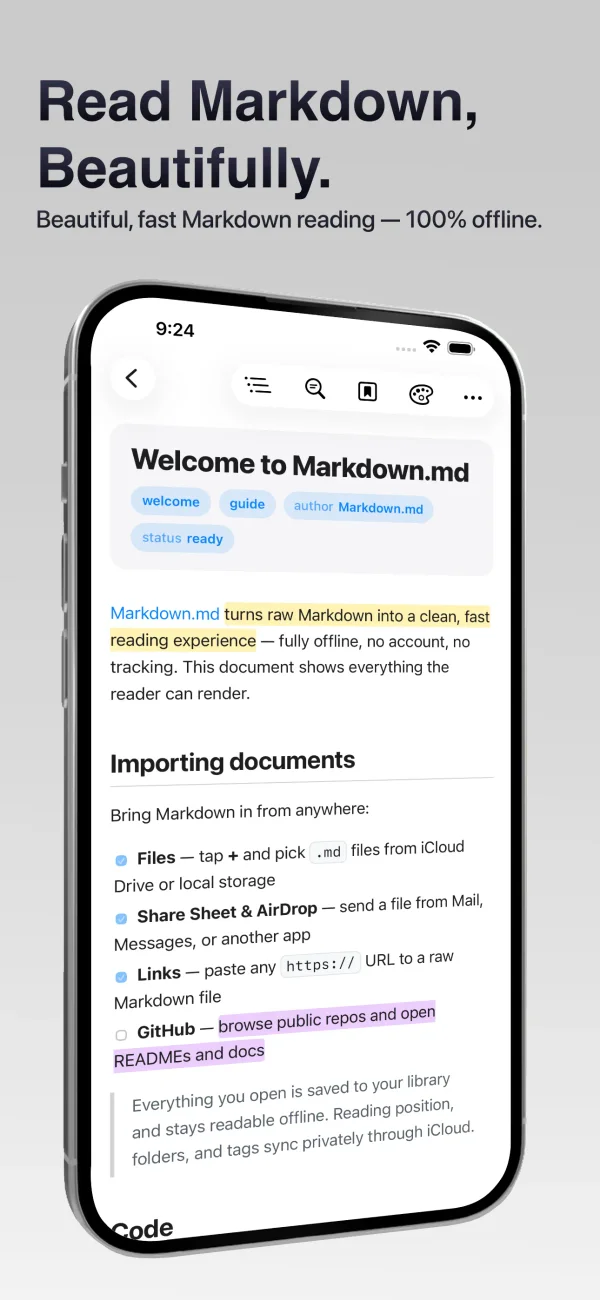
Markdown.md is a beautiful, blazing-fast Markdown reader, editor, and library — built to work 100% offline, with no account and no tracking. Whether you live in READMEs, technical docs, meeting notes, or your own writing, every document renders cleanly and opens instantly.
BEAUTIFUL RENDERING
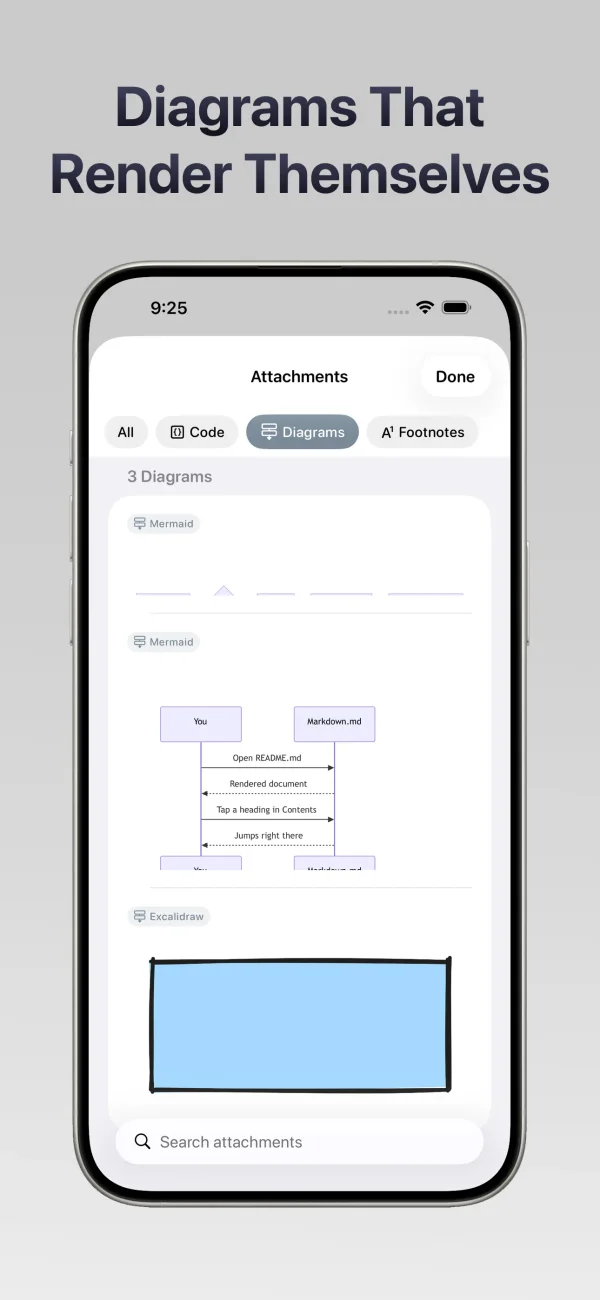
Headings, bold, italics, tables, task lists, blockquotes, and nested lists all render with care. Fenced code blocks get real syntax highlighting for dozens of languages. Mermaid diagrams — flowcharts, sequence, Gantt, class, and state — and Excalidraw sketches render inline. SVG graphics, LaTeX math, footnotes, images, and embedded video links are supported too, along with YAML frontmatter.
MAKE READING YOURS
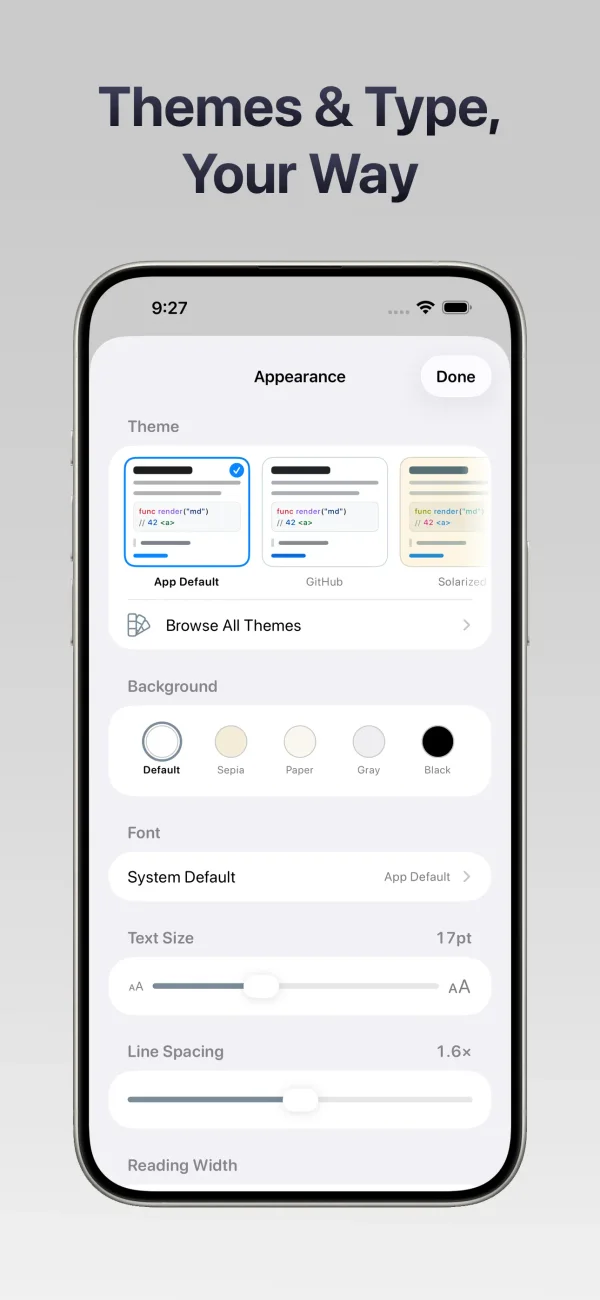
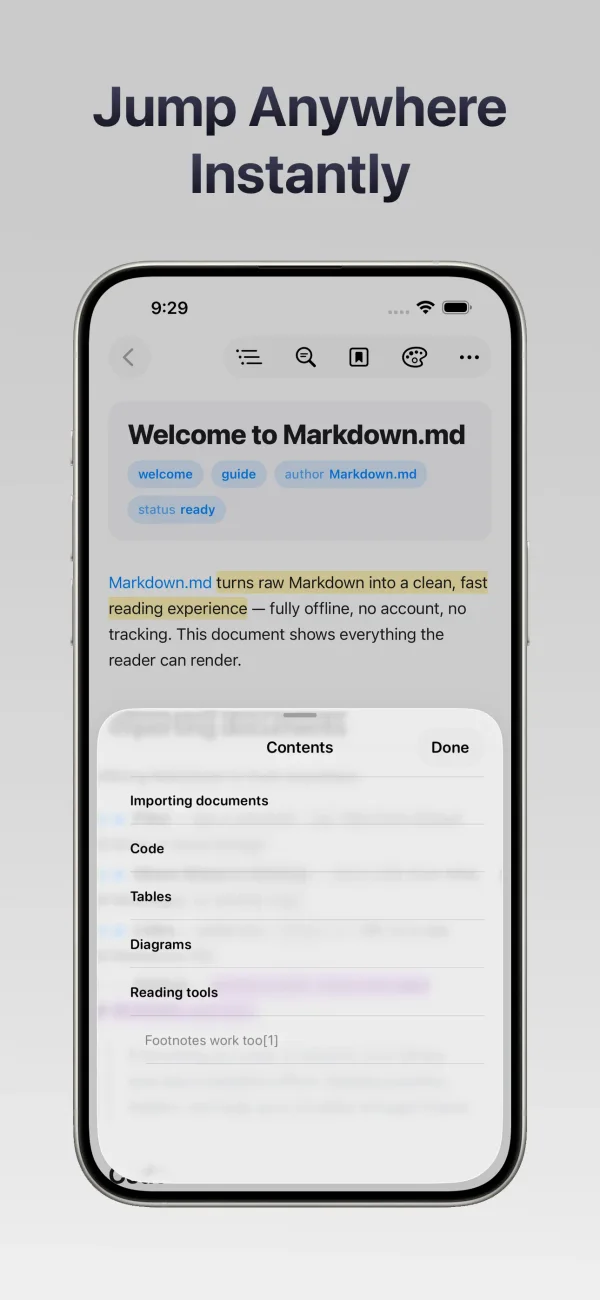
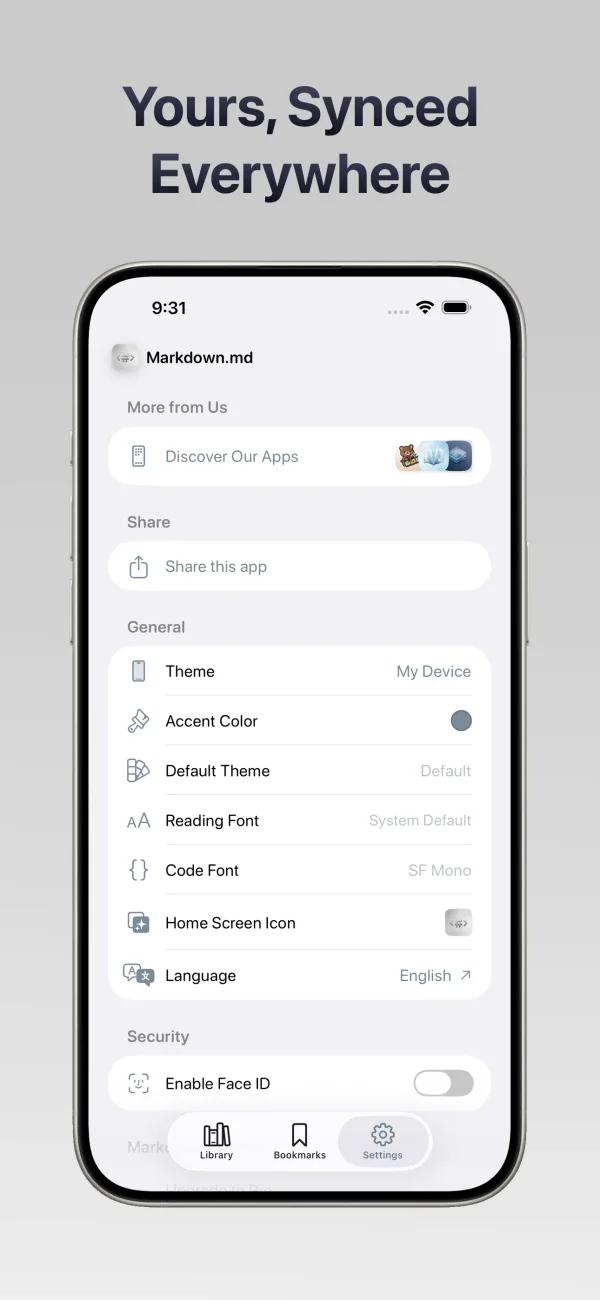
Choose a reading font and a separate code font from the system faces plus 100+ bundled typefaces, with a searchable picker and favorites. Fine-tune text size, line spacing, and content width (Narrow, Normal, Wide). Pick from 14+ built-in themes — GitHub, Solarized, One Dark, Dracula, Nord, Catppuccin, Tokyo Night, Gruvbox, Rosé Pine, Ayu, Everforest, Night Owl, Kanagawa, Monokai — each in light and dark, or craft your own with a color picker. Set backgrounds like Paper or Sepia, and override the theme per document. Move through long files with a searchable outline and a scrubber, find text with a live match counter, flip to raw source, and pick up right where you left off.
A REAL EDITOR, BUILT IN
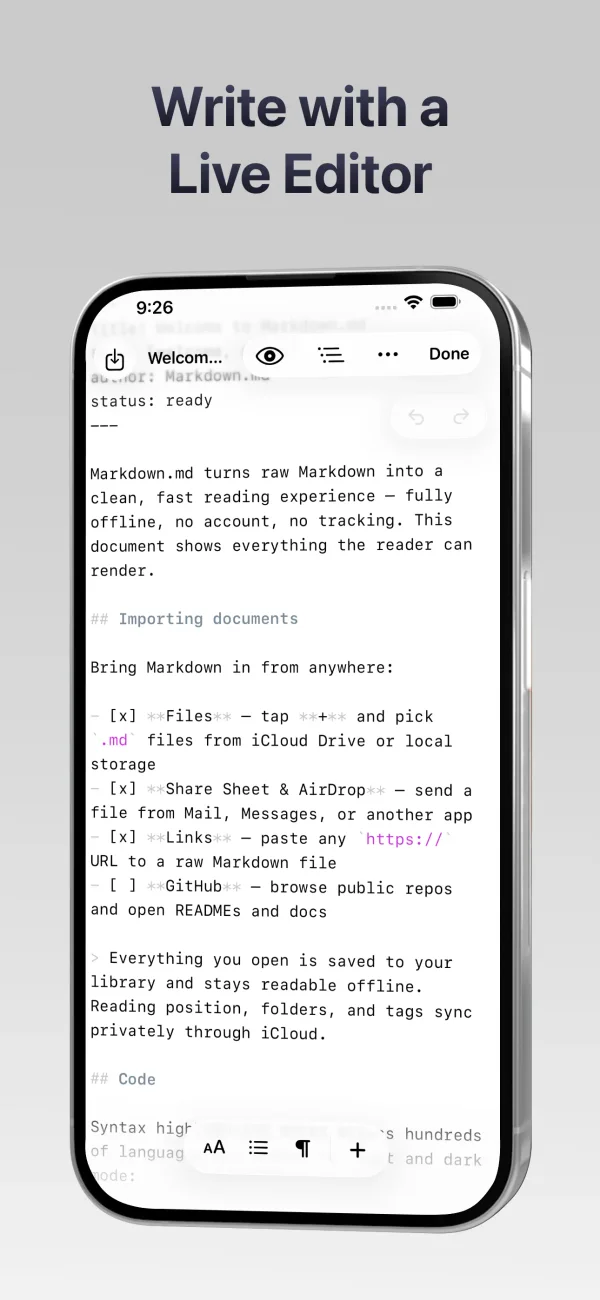
Write and edit with a syntax-highlighted editor and a full formatting toolbar: headings, bold, italic, strikethrough, inline code, bullet/numbered/task lists, blockquotes, indent and outdent, plus one-tap insert for links, images, tables, and code blocks. Undo and redo, autosave, live preview, and word, character, line, and reading-time stats.
ORGANIZE YOUR LIBRARY
Keep everything tidy with folders, tags, and full-text search. Sort by name, created, or last opened, filter by folder or tag, and switch between list and grid. Rename, duplicate, move, and delete with ease.
IMPORT FROM ANYWHERE
Open files from the Files app, the Share Sheet, and AirDrop, paste a link to any Markdown file, or browse public GitHub repositories by owner/repo or URL — then read them offline.
EXPORT & SHARE
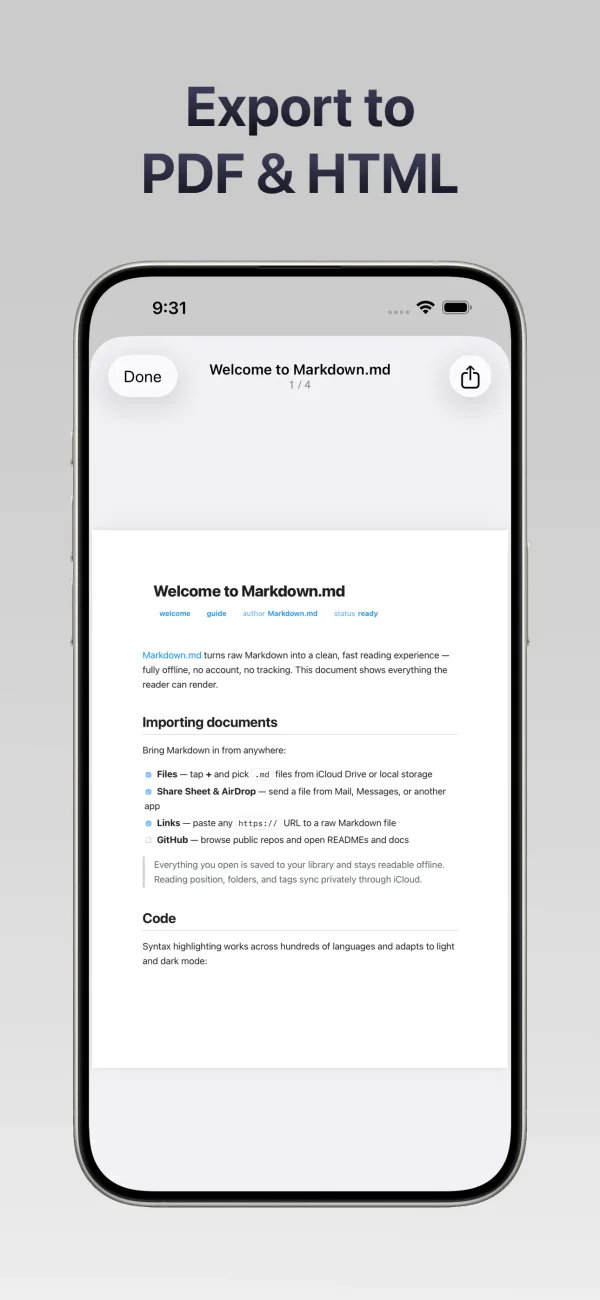
Turn any document into a polished PDF, HTML, Markdown, or plain-text file, each with a preview before you share. Back up and restore your entire library too.
EVERYTHING IN ONE PLACE
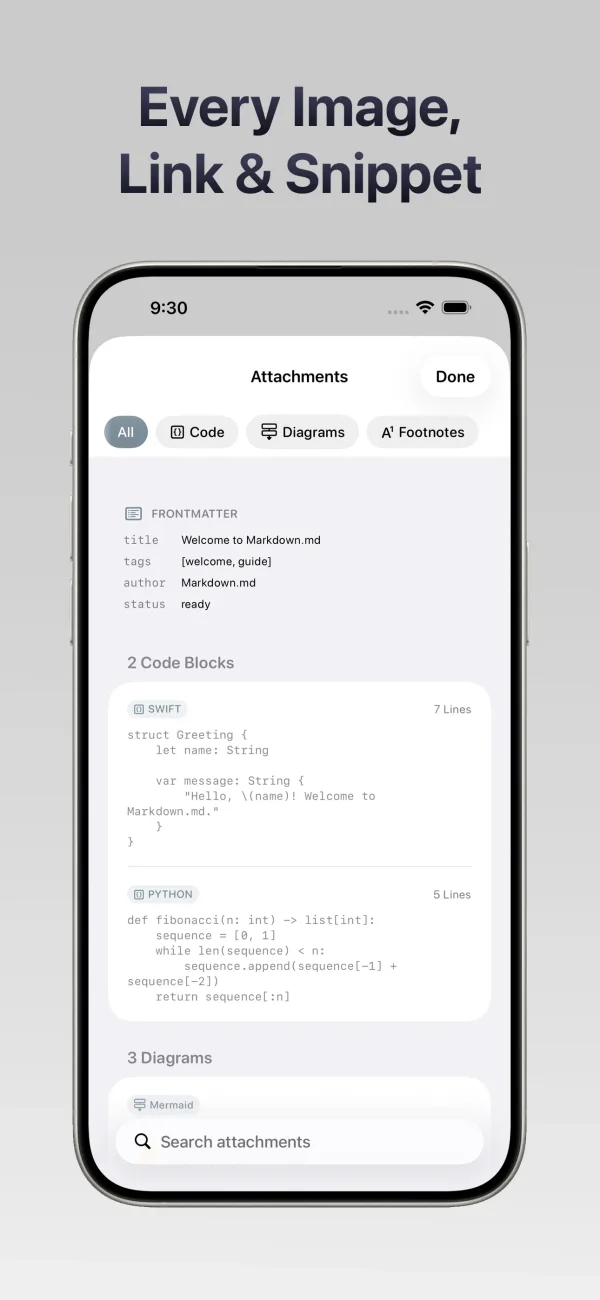
The attachments panel automatically gathers every link, image, code block, diagram, video, and footnote into one searchable view — copy links, view code, or save images to Photos or Files.
HIGHLIGHTS & BOOKMARKS
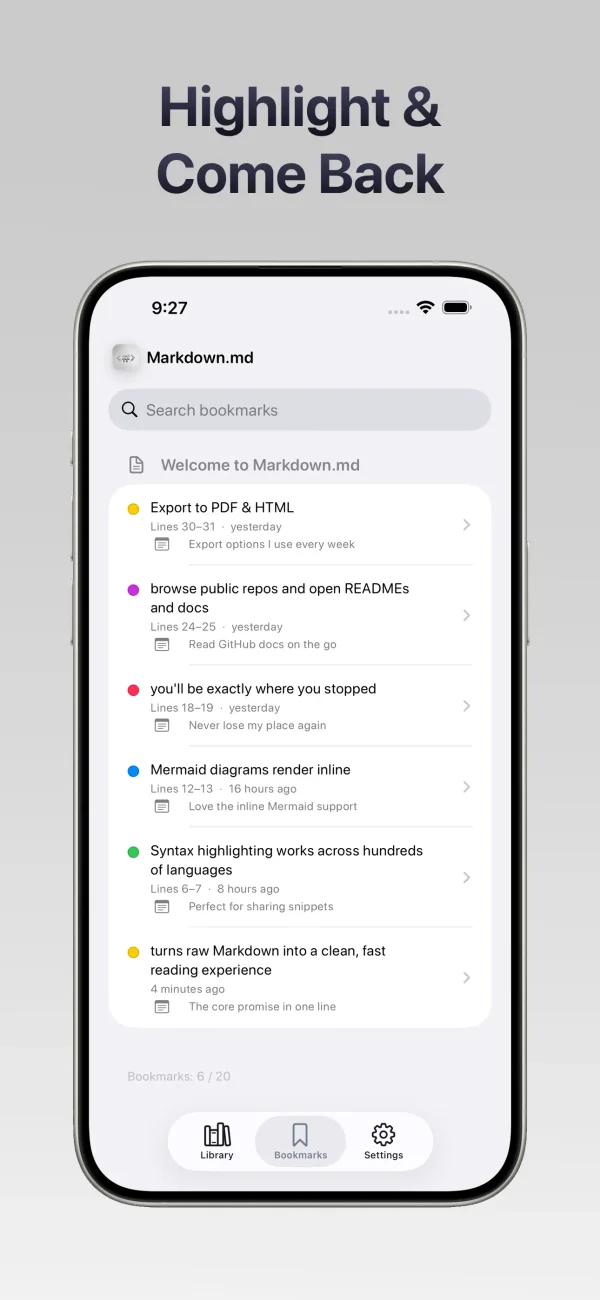
Highlight passages in five colors, add notes, and jump straight back to them anytime.
PRIVATE BY DESIGN
Rendering happens on-device with all assets bundled — no CDN, no account, no tracking. Turn on iCloud to sync documents, folders, tags, bookmarks, and appearance across devices, or keep everything local. Lock the app with Face ID or Touch ID.
BUILT FOR iPHONE, iPAD & MAC
Enjoy a sidebar and split view on iPad, and run it on your Mac.
Free to use with up to 10 documents and 20 bookmarks. Unlock unlimited documents, bookmarks, and usage with Pro.
https://www.apple.com/legal/internet-services/itunes/dev/stdeula/
App privacy
What Life Utility Apps, LLC declares on the App Store about how this app handles data.
-
Data not collected
The developer does not collect any data from this app.
Privacy practices may vary, for example with the features you use or your age.
Information
- Seller
- Life Utility Apps LLC
- Category
- Productivity
- Version
- 1.0
- Updated
- Jul 20, 2026
- Released
- Jul 20, 2026
- Size
- 49.9 MB
- Requires
- iOS 26.2 or later
- Age rating
- 4+
- Price
- Free
- In-app purchases
- Yes
- Languages
- English, Arabic, Bengali, Bulgarian, Catalan, Croatian, Czech, Danish, Dutch, Finnish, French, German + 34 more
- Copyright
- © 2026 Life Utility Apps, LLC
You might also like
-
 Markdown Editor & NotesMemo, To-Do, Journal & Viewer
-
 SoloMDLocal Markdown notes & editor
-
 Markdot: MD Viewer & Editor.md Viewer&Editor for AI Docs
-
 Markdown Editor : Md ViewerReader. Convert to pdf. LaTex
-
 FloralMDProductivity
-
 Marklens: Markdown ReaderRead Markdown. Nothing else.
-
 Markdown Editor & ReaderGitHub README, PDF HTML Export
-
 Markup - MD ReaderMarkdown reader & editor
-
 Markdown Reader & Editor: MDRead, write & highlight
-
 md Viewer: Markdown & MermaidFaithful reports, offline