Markdown Notes Editor: Linen
PDF Markup, Viewer, and Math
Designed for iPhone, iPad, Mac
Free · In-app purchases
- Age rating4+
- CategoryUtilities
- DeveloperCtrl Alt Go Ltd
- LanguagesEnglish+ 32 more
- Size18.3 MB
Links to the official App Store page
Download.org hosts no file of Markdown Notes Editor: Linen. The button opens its official App Store page, published by Ctrl Alt Go Ltd. Listing last checked on Nov 16, 2026.
Screenshots
About
Linen is a Markdown notes app for iPhone, iPad and Mac. Write your notes in Markdown and switch to the preview to see them formatted.
WRITE
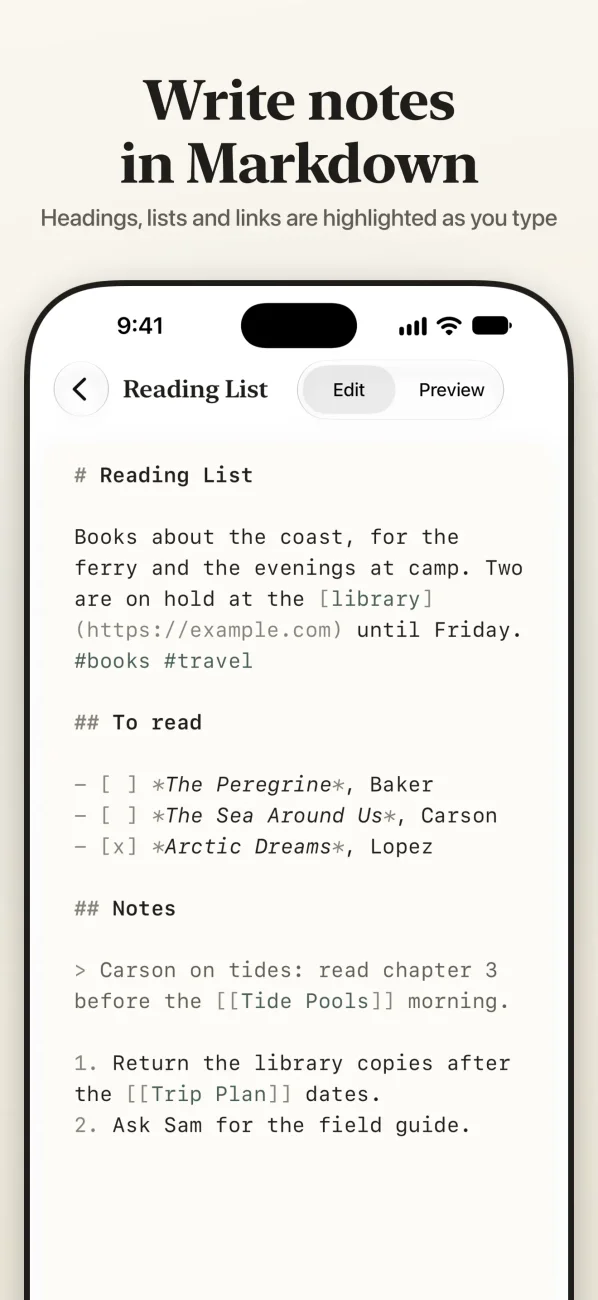
• An editor that colors headings, lists, links and code as you type
• One menu for headings, bold, italic, lists, tasks, quotes, code and tables
• Outline to jump between headings, find in note, and a focus mode that hides everything but the note
• Insert a picture or paste one from the clipboard
READ
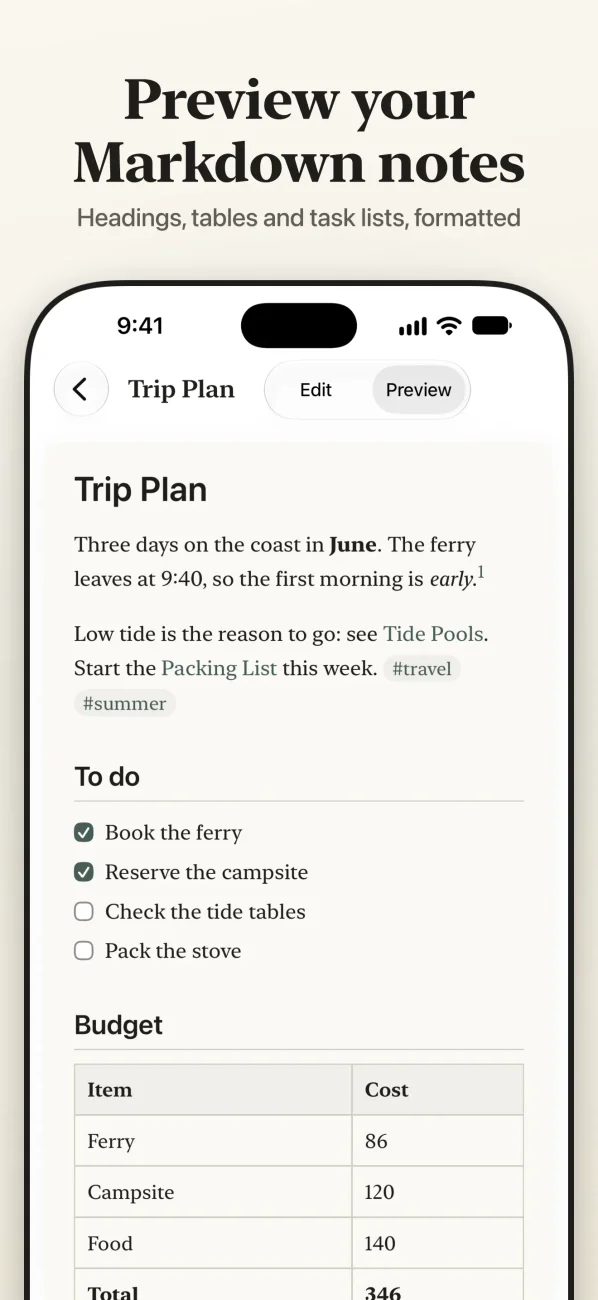
• A preview of your note with GitHub Flavored Markdown formatted: tables, footnotes, code with syntax colors, and task lists you can tick
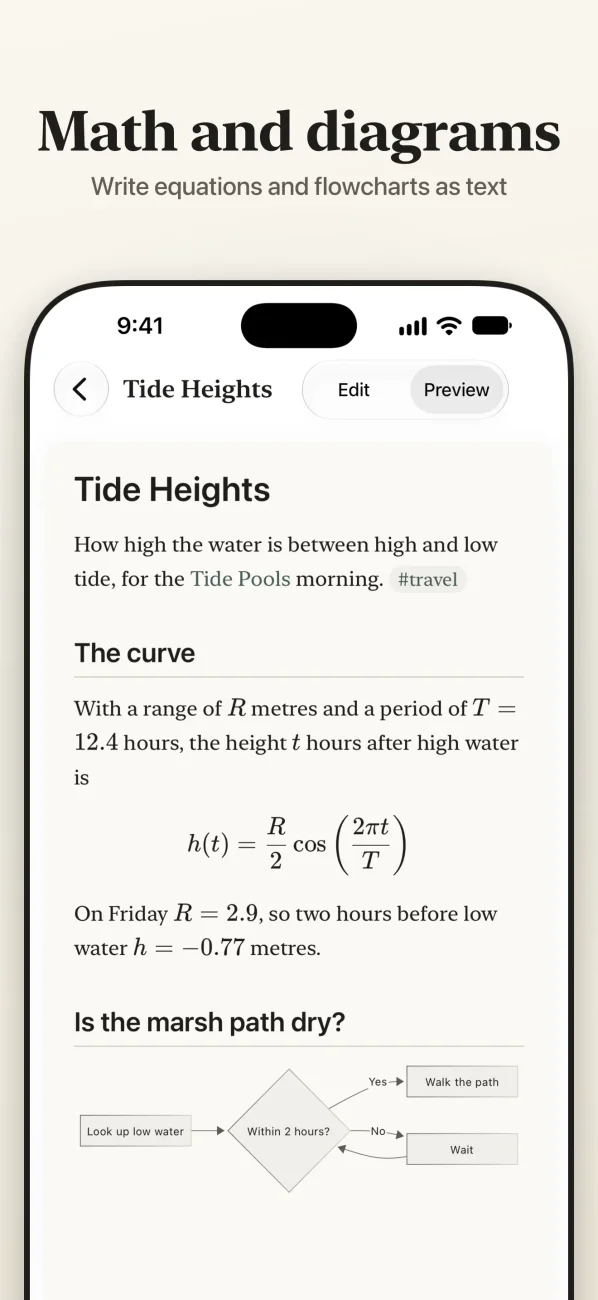
• Math typeset from LaTeX, inline or on its own lines
• Diagrams drawn from Mermaid text: flowcharts, sequence diagrams, timelines and more
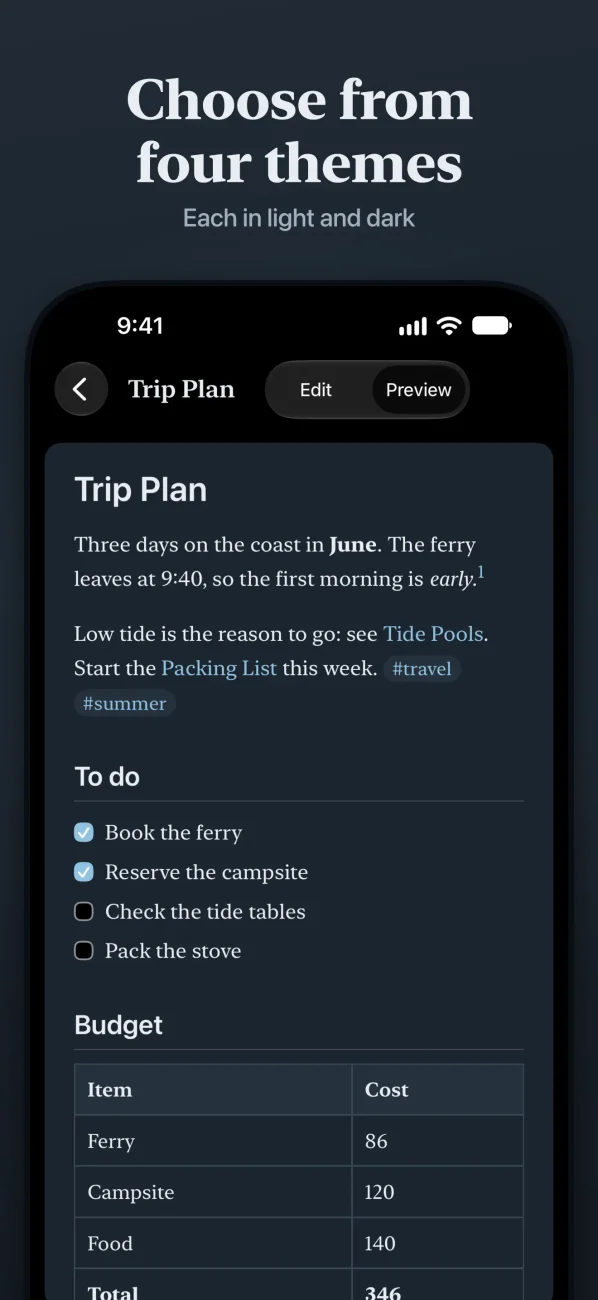
• Four themes, Linen, Paper, Sepia and Slate, each in light and dark, with adjustable text size
CONNECT
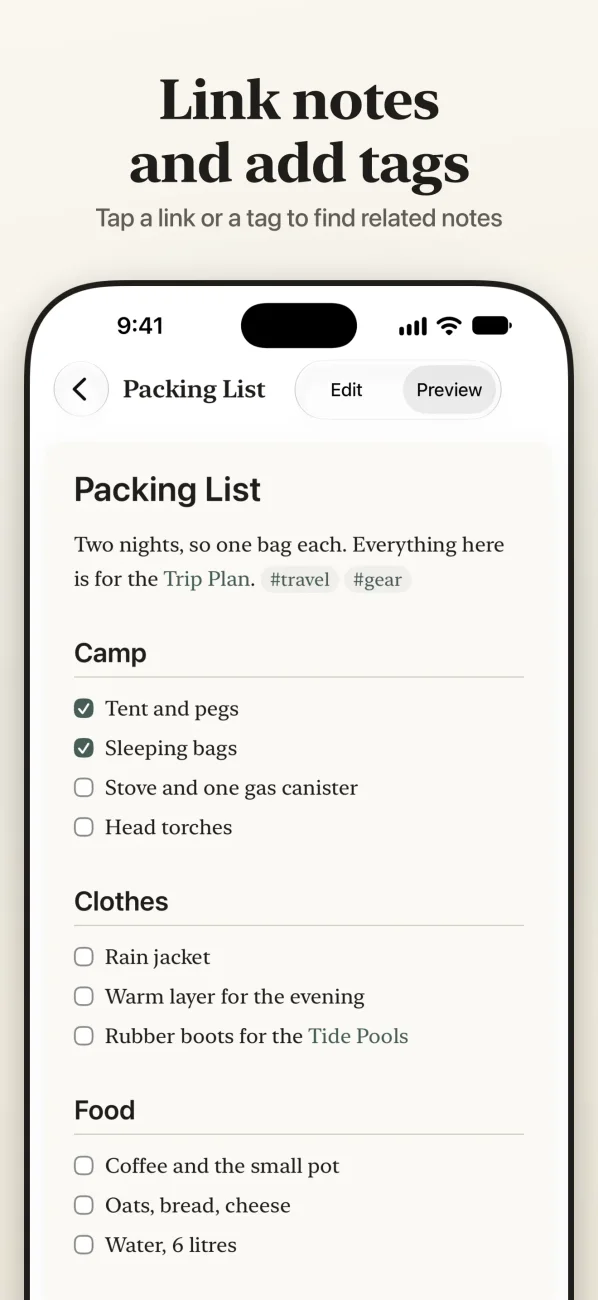
• Link notes to each other with [[double brackets]] and see which notes link back
• Tag notes with #tags and show every note that carries a tag
• Version history keeps earlier versions of a note, ready to bring back
YOUR FILES
• Keep notes in folders inside Linen, or open .md files from anywhere
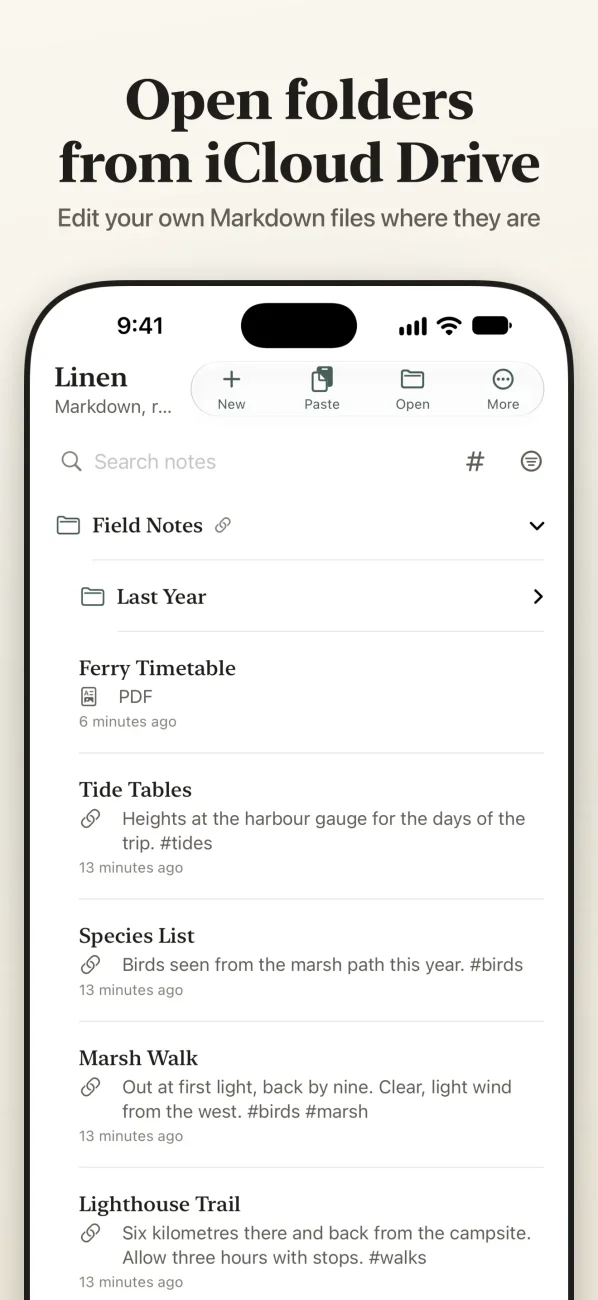
• Linen Pro: open a whole folder from iCloud Drive or Files and work on its Markdown files where they are.
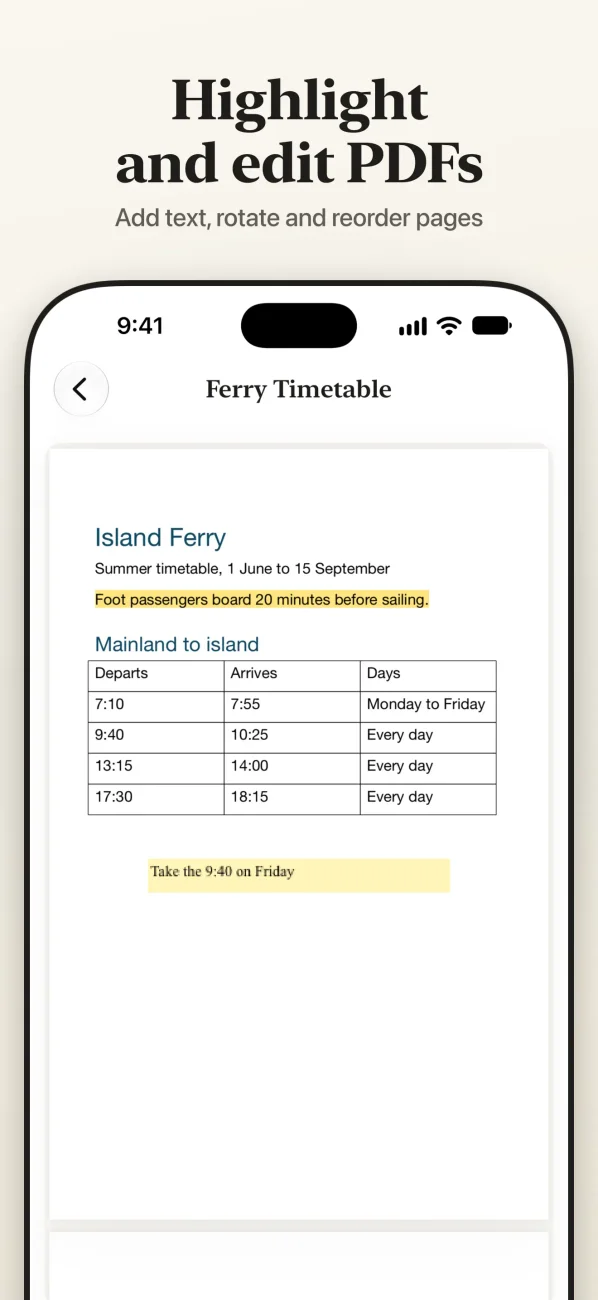
• Open PDFs beside your notes. Linen Pro: highlight, underline, add text, and rotate, reorder, add or delete pages.
SHARE
• Export Markdown. Linen Pro: export HTML, PDF and Rich Text.
• Linen Pro on Mac and iPad: editor and preview side by side.
Linen is free for up to five notes. Linen Pro removes the limit and adds the features marked above, as a weekly subscription or a one-time lifetime purchase.
Terms of Use (EULA): https://www.apple.com/legal/internet-services/itunes/dev/stdeula/
What’s new
Version 2.0 · Oct 14, 2026
A big update.
• PDFs: open them in Linen, highlight, underline, add text, and rearrange pages
• Linked folders: open a folder from iCloud Drive or Files and edit its Markdown files in place
• Links between notes with [[double brackets]], backlinks, and #tags
• Math (LaTeX) and diagrams (Mermaid) in the preview and in exports
• Pictures: insert one or paste it from the clipboard
• Version history for every note
• Four themes and adjustable text size
• An editor that colors Markdown as you type, an outline of headings, find, and focus mode
• Rich Text export
• Tick tasks right in the preview
App privacy
What Ctrl Alt Go Ltd declares on the App Store about how this app handles data.
-
Data not collected
The developer does not collect any data from this app.
Privacy practices may vary, for example with the features you use or your age.
Information
- Seller
- Ctrl Alt Go Ltd
- Category
- Utilities
- Version
- 2.0
- Updated
- Oct 14, 2026
- Released
- Jun 3, 2026
- Size
- 18.3 MB
- Requires
- iOS 18.0 or later
- Age rating
- 4+
- Price
- Free
- In-app purchases
- Yes
- Languages
- English, Arabic, Catalan, Czech, Danish, Dutch, Finnish, French, German, Greek, Hebrew, Hindi + 21 more
- Copyright
- © 2026 Ctrl Alt Go Ltd
You might also like
-
 C.md — Markdown ReaderSee Markdown on small screens
-
 Tab Finder for SafariQuickly Find Tabs
-
 Keisan Memo — Calc NotepadNotes that do the math
-
 InkMark - Markdown AI NotesMarkdown AI Note & OCR & LLM
-
 PDF Scanner & Editor: SignMerge, Compress, OCR & Fill
-
 PDF to Markdown ConverterOffline Tables, Code & Notes
-
 Gallery Cleaner: Swipe CleanDuplicates & Blurry Photos
-
 布谷 Bugu - 显化愿望与每日落地一步Utilities
-
 Markdown-IMGUtilities
-
 Web HTML to markdown: hmkConvert & export web page site