
Markdown+ Text & Code Editor
Preview, Quick Look & LaTeX
Designed for iPhone, iPad, Mac
$9.99
- Age rating4+
- CategoryProductivity
- DeveloperZetegy LLC
- LanguagesEnglish+ 8 more
- Size38.3 MB
Links to the official App Store page
Download.org hosts no file of Markdown+ Text & Code Editor. The button opens its official App Store page, published by Zetegy LLC. Listing last checked on Nov 23, 2026.
Screenshots

About
Introducing the native, real-time Markdown editor with superpowers.
Markdown+ has been meticulously crafted for Vision Pro, iPhone, iPad, and Mac. With blazing-fast performance and powerful features like dynamic variables and real-time math rendering, Markdown+ delivers an unparalleled experience across all your Apple devices.
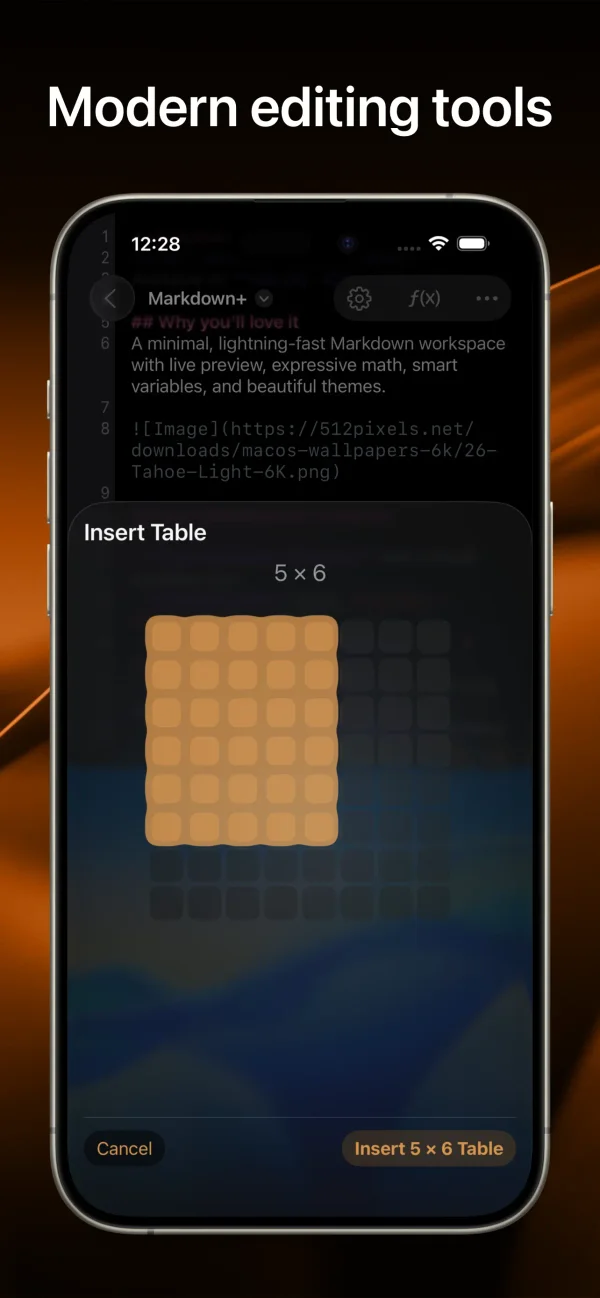
Modern Editing Tools
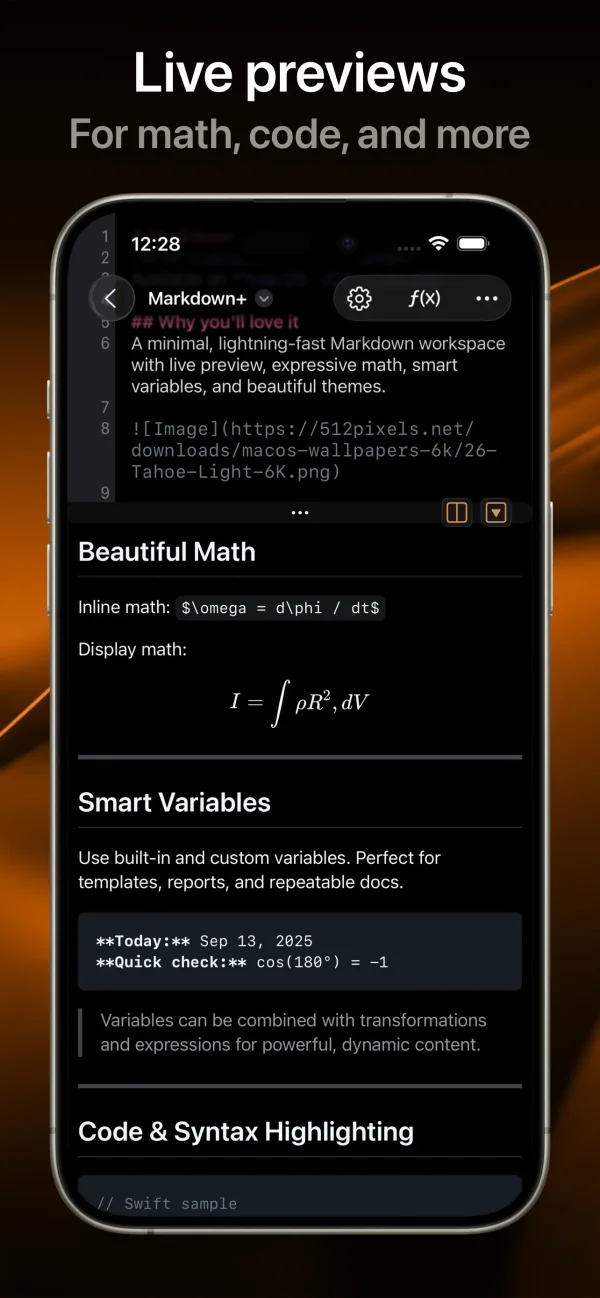
Experience the perfect balance of simplicity and power with our distraction-free interface. The split-view design lets you edit Markdown on one side while watching your content come alive instantly on the other—with perfect synchronized scrolling and jump-to-selection capabilities.
Tables, Images, Links
Easily create embed tables, images, and links, without having to memorize the markup.
Live Code & Math Highlighting
Create beautiful documents with advanced syntax highlighting for code blocks across 140+ programming languages. Write complex mathematical formulas with LaTeX-style syntax and watch them render in real-time with professional typesetting.
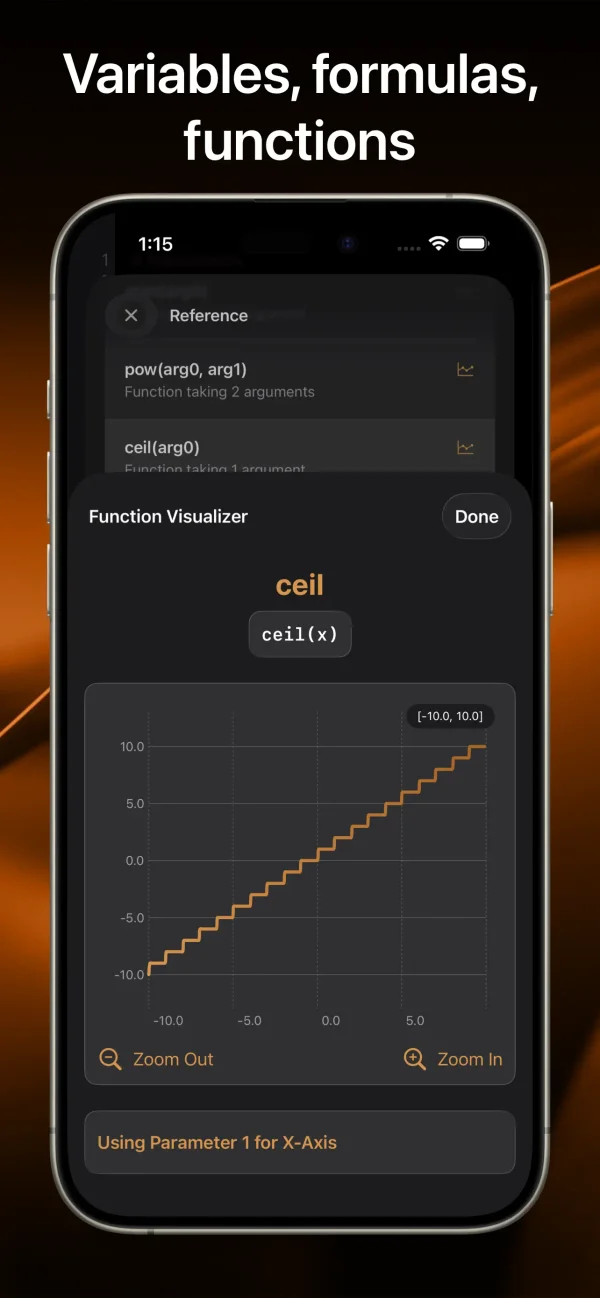
Smart Variables System
Transform your documents with the unique Variables feature. Create reusable components for names, dates, and complex expressions. Need to calculate sin(90)+cos(80)? Simply define it once, then reference it throughout your document—changes update everywhere automatically. Use Variables to evaluate or chain multiple mathematical expression right within your document, and use the vast library of built-in functions.
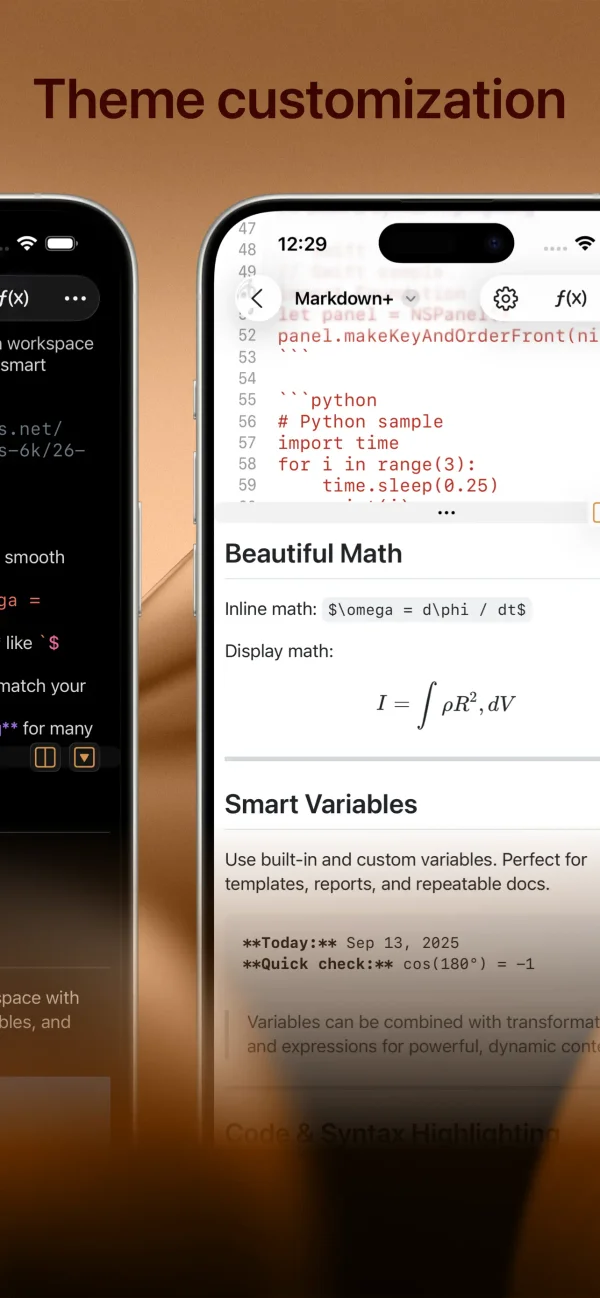
Dark Mode & Custom Themes
Work comfortably day or night with full dark mode support and customizable themes that perfectly complement your workflow and personal style.
Performance Without Compromise
Built with a native-first approach, Markdown+ delivers exceptional speed even with massive documents. Our optimized parsing engine ensures real-time previews update instantly as you type, without draining your battery or slowing down your device.
Seamless Cross-Device Experience
Whether you're working on Vision Pro, Mac, iPad, or iPhone, Markdown+ adapts perfectly to each screen with device-specific optimizations. Start a document on your Mac and seamlessly continue on your iPhone—your experience remains consistently excellent.
One-Time Purchase, Lifetime Value
No subscriptions. No in-app purchases. No hidden costs. Buy Markdown+ once and use it forever on all your devices with Family Sharing included. All future updates and features are yours at no additional cost.
Learn more:
EULA: https://zetegy.com/eula/markdown/
Privacy policy: https://zetegy.com/privacy/markdown/
Terms of use: https://zetegy.com/terms/markdown/
What’s new
Version 1.11.3 · Nov 22, 2026
- Improved performance, especially when working with large documents.
- Better editor autoscroll behavior.
- Improved compatibility with the latest OS versions.
App privacy
What Zetegy LLC declares on the App Store about how this app handles data.
-
Data not linked to you
May be collected but is not linked to your identity.
- Usage data
- Diagnostics
Privacy practices may vary, for example with the features you use or your age.
Information
- Seller
- Zetegy LLC
- Category
- Productivity
- Version
- 1.11.3
- Updated
- Nov 22, 2026
- Released
- Apr 1, 2023
- Size
- 38.3 MB
- Requires
- iOS 17.6 or later
- Age rating
- 4+
- Price
- $9.99
- Languages
- English, French, German, Italian, Japanese, Korean, Portuguese, Simplified Chinese, Spanish
- Copyright
- © 2020-2026 Zetegy LLC
You might also like
-
 Editor - Markdown NotesWrite, Preview & Export
-
 GTW - Markdown & Text EditorDropbox, OneDrive, FTP & more
-
 MarkNote Litemarkdown note, secured, synced
-
 MathDown - Markdown LaTeX DocsCalculate and evaluate notes
-
 MarkNote - Markdown NoteMarkdown notes
-
 Inkiostro: Markdown EditorVisual Writing, Notes & PDF
-
 AuthorWrite in a Thinking Space
-
 OctoNoteGitHub powered markdown notes
-
 iMarkdown - Write & PreviewMarkdown notes and writing
-
 VerbTeX Pro LaTeX EditorCompile LaTeX to PDF