
Markdown Viewer - MD Reader
README, Notes & Docs Preview
Designed for iPhone, iPad, Mac
Free
- Age rating4+
- CategoryProductivity
- DeveloperMircules
- LanguagesEnglish
- Size1.7 MB
Links to the official App Store page
Download.org hosts no file of Markdown Viewer - MD Reader. The button opens its official App Store page, published by Mircules. Listing last checked on Nov 16, 2026.
Screenshots
About
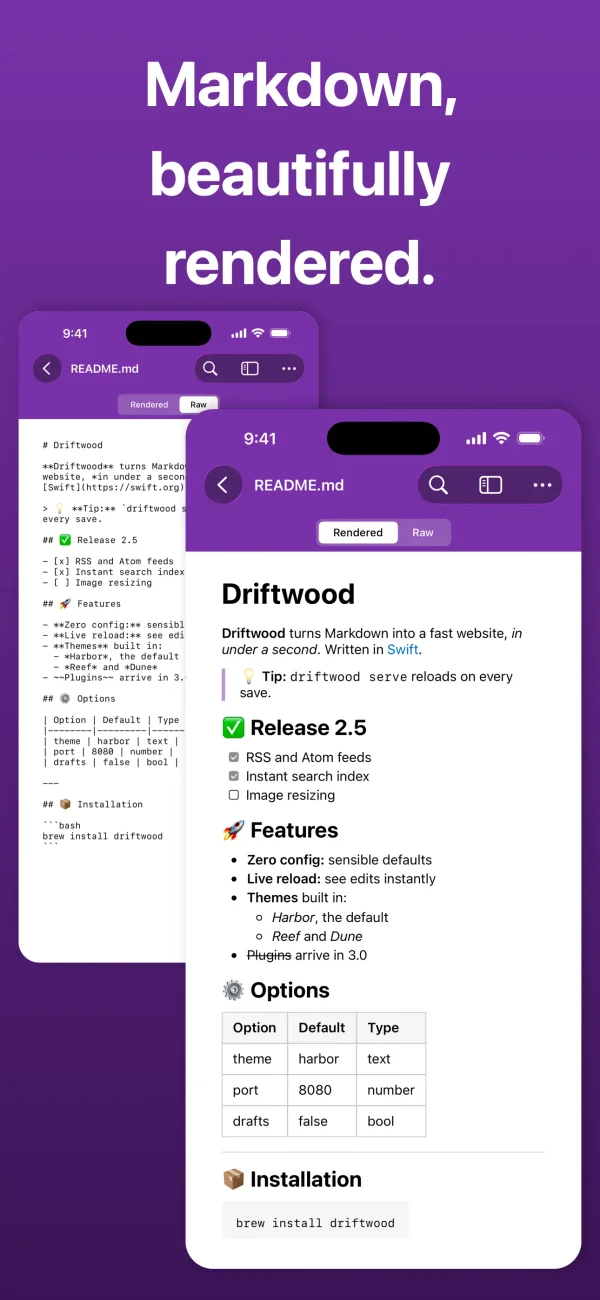
See your Markdown the way it's meant to look.
Open any README, note or doc and get a clean, formatted page: headings, tables, checklists and code, without the clutter.
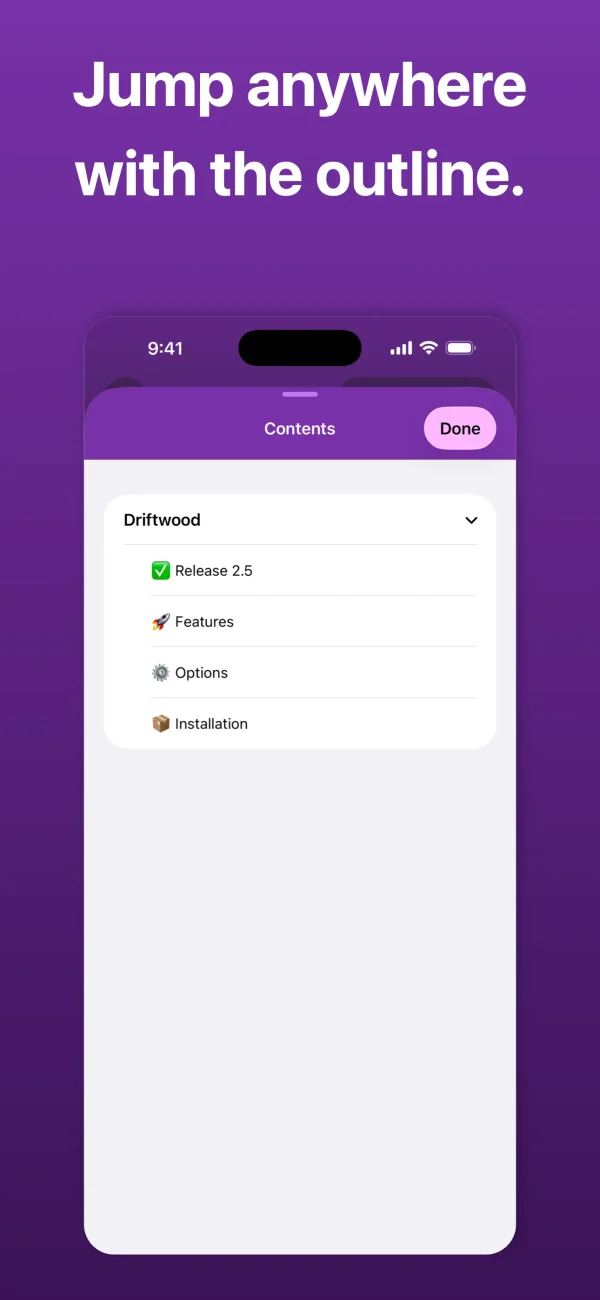
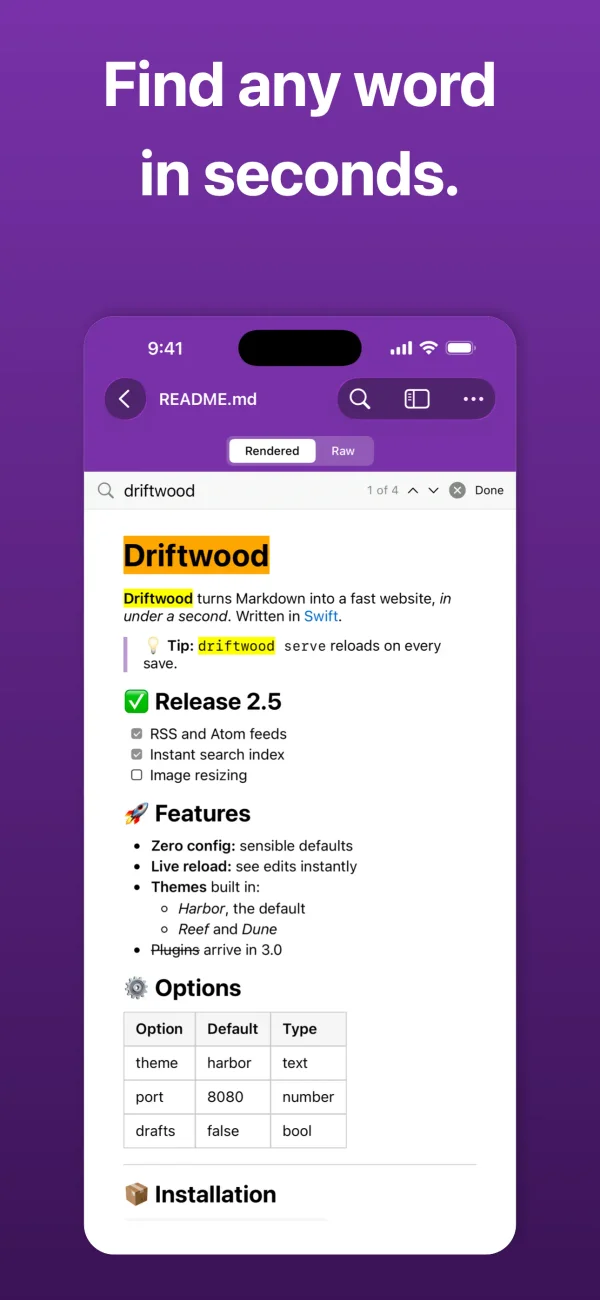
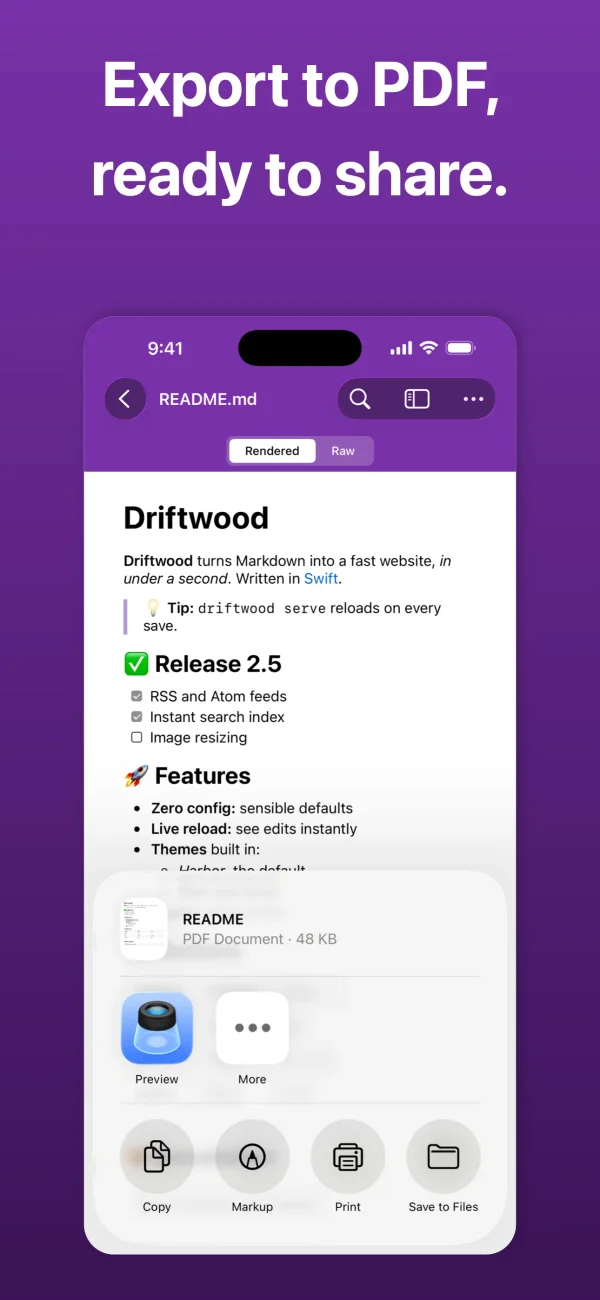
Jump anywhere with the outline, find any word, and export to PDF when you need to share.
Built for developers, technical writers, and anyone who regularly opens README files or documentation and wants something better than a plain text editor.
WHAT IT DOES
· Renders GitHub Flavored Markdown — headings, tables, code blocks, task lists, blockquotes, links, and web images
· Table of contents — auto-generated from your headings, tap to jump to any section (side panel on iPad, sheet on iPhone)
· Raw source view — Markdown source, read-only
· Full-text search — with match counter and navigation
· Export to PDF — share your document as a formatted, print-ready PDF
· Refresh — reload after editing in another app
· Recents — your recently opened documents one tap away
WHAT IT DOESN'T DO
This is a viewer, not an editor. It opens files you already have and presents them clearly.
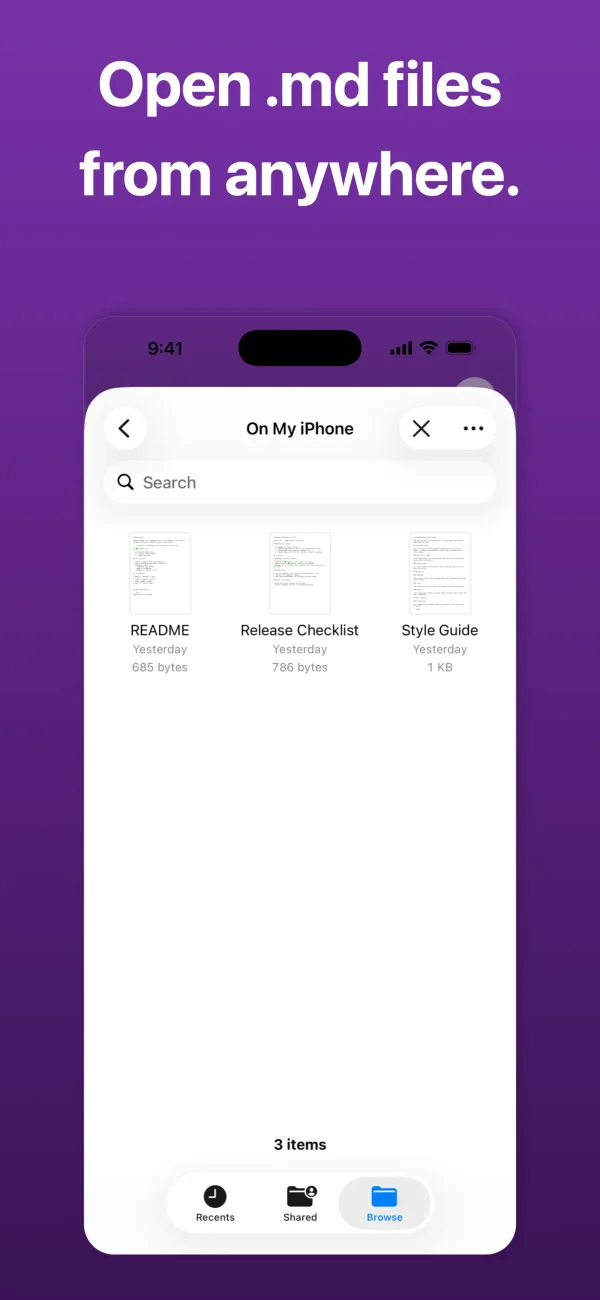
Supports .md, .markdown, .mdown, and .mkd files. Open Markdown files from the Files app or other apps.
What’s new
Version 1.1 · Oct 7, 2026
What's new in 1.1:
· Select and copy text freely, from a single word to the whole document
· Better-looking PDF export: real pages, clean tables, and bookmarks for every heading
· Search now highlights matches in the formatted view
· A fresh new look in the App Store
· Small improvements and fixes
App privacy
What Mircules declares on the App Store about how this app handles data.
-
Data not collected
The developer does not collect any data from this app.
Privacy practices may vary, for example with the features you use or your age.
Information
- Seller
- Mircules
- Category
- Productivity
- Version
- 1.1
- Updated
- Oct 7, 2026
- Released
- Mar 12, 2026
- Size
- 1.7 MB
- Requires
- iOS 17.0 or later
- Age rating
- 4+
- Price
- Free
- Languages
- English
- Copyright
- © 2026 Mircules
You might also like
-
 Quick Markdown ViewerRead Markdown folders quickly
-
 PlainMark EditorMarkdown Writing & PDF Export
-
 Easy MD: Markdown ReaderBrowse and Listen to Markdown
-
 md Viewer: MarkdownRead, edit & create Markdown
-
 MarkDown Reader - MD ViewerFast, clean Markdown viewing
-
 PickMD: Markdown ReaderRead, search and export PDF
-
 Markling: Markdown EditorPreview, PDF & HTML Export
-
 CoPaMemo - Custom KeyboardCustom keyboard copy & paste
-
 MDer: Markdown ReaderBeautiful .md reader & editor
-
 Markview: Markdown WorkspacePrivate Reader, Wiki & Ask