
Markling: Markdown Editor
Preview, PDF & HTML Export
Designed for iPhone, iPad, Mac
In-app purchases
- Age rating4+
- CategoryProductivity
- DeveloperMIHAIL PLAMENOV DUCHEV
- LanguagesArabic+ 2 more
- Size14.6 MB
Links to the official App Store page
Download.org hosts no file of Markling: Markdown Editor. The button opens its official App Store page, published by MIHAIL PLAMENOV DUCHEV. Listing last checked on Nov 6, 2026.
Screenshots


About
Make room for your next idea. Markling is a Markdown editor for iPhone, iPad, Mac, and Apple Vision Pro. Open a file, shape your thoughts, and see your writing take form.
WRITE YOUR WAY
Edit the Markdown source with syntax highlighting, formatting tools, line numbers, find and replace, and Undo/Redo. Or select and edit directly in Preview: the Markdown around your selection appears as you work, then returns to its rendered style.
READ WITH CLARITY
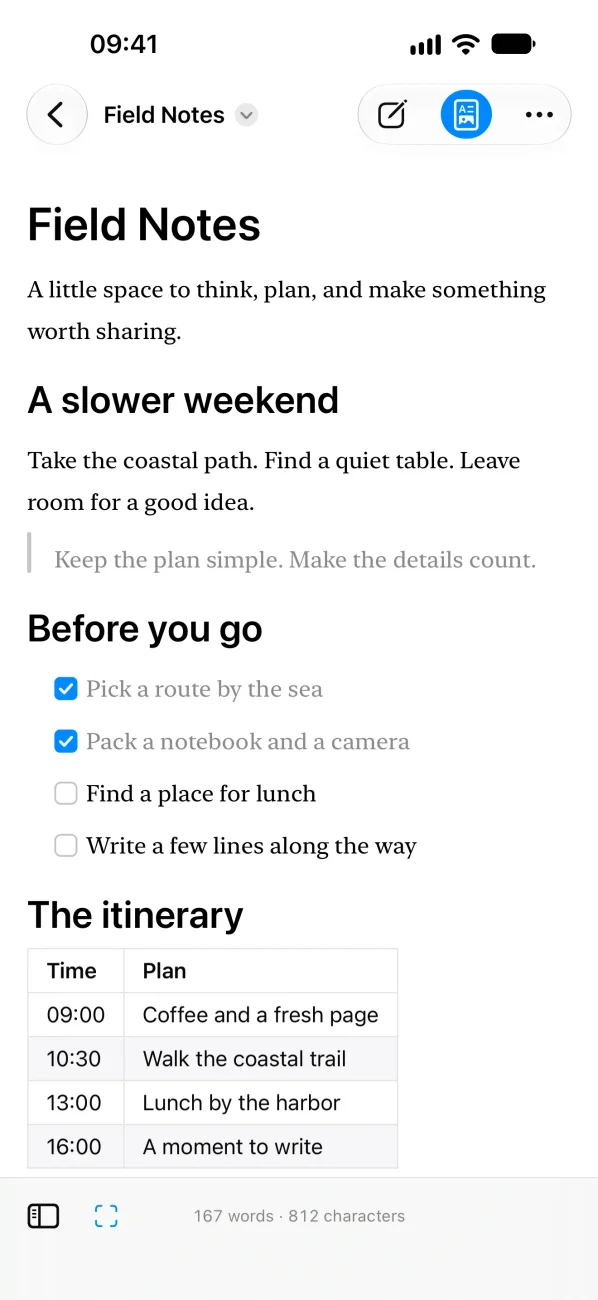
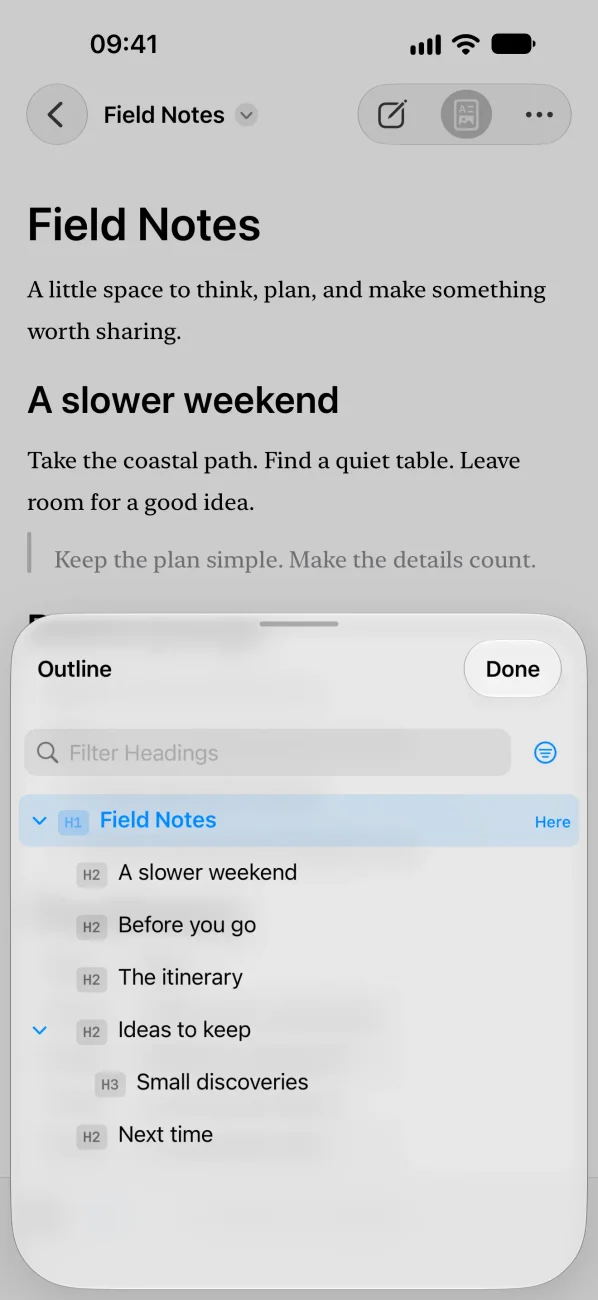
Preview headings, lists, tables, task checkboxes, code, and images. Jump between sections with the outline. Choose a preview theme, adjust the text size, or settle into focus mode. Light and dark appearances are included.
SPACE WHEN YOU NEED IT
iPhone and narrow windows keep Edit and Preview one tap apart. On iPad, Mac, and Apple Vision Pro, wider windows add Split view with an adjustable divider and synchronized scrolling.
KEEP YOUR OWN FILES
Open documents from Files, iCloud Drive, or other available file providers. Browse a folder as a workspace and return to documents through Recent Files. Your writing stays in ordinary Markdown files. On Mac, use the native Save and Save As commands; mobile documents save changes in place. Access follows the permissions of your chosen file provider.
DIAGRAMS AND MATH
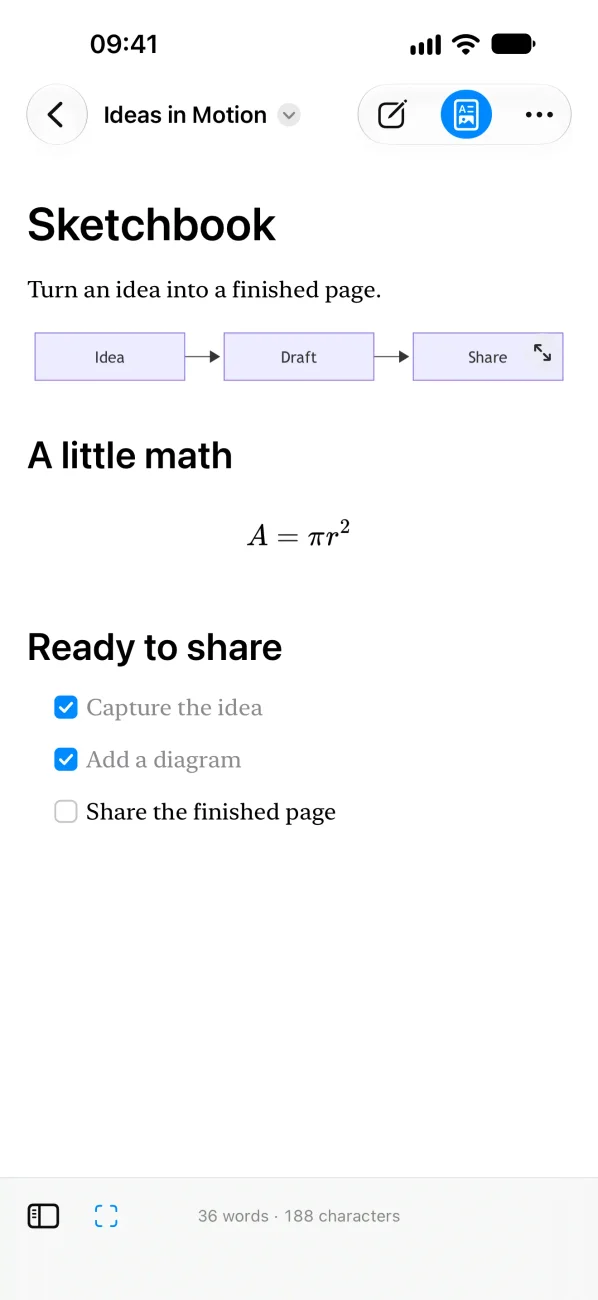
Preview Mermaid diagrams, inline and display LaTeX math, and footnotes using libraries included in the app. No online rendering service is required. Remote HTTPS images need a network connection.
SHARE THE RESULT
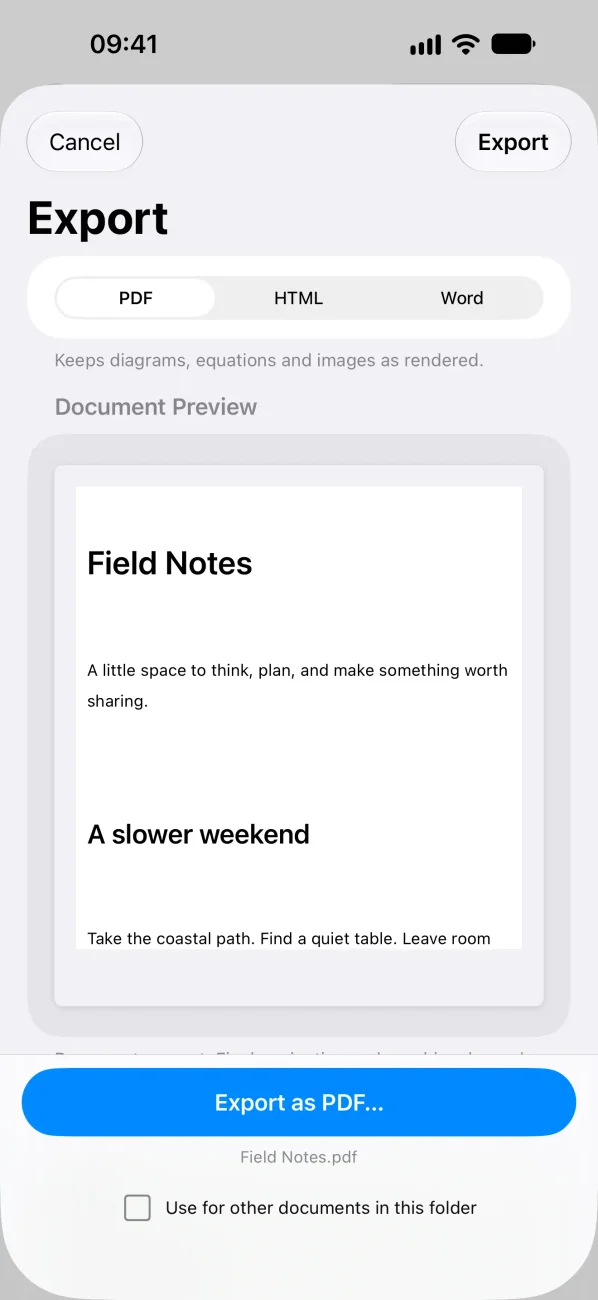
Export paginated PDF or standalone HTML, or use system printing. Diagrams and math render in HTML and PDF, with readable fallback for invalid source. PDF can include accessible HTTPS images.
FREE MOBILE. ONE-TIME MAC UNLOCK.
iPhone, iPad, and Apple Vision Pro are free. On Mac, start a free 14-day trial of all editing features, then unlock Mac editing with a one-time in-app purchase. There is no subscription or automatic charge after the trial. The purchase screen shows your local price. Restore your purchase on your other Macs using the same App Store account.
After the Mac trial ends, you can still open, read, copy, and export documents, and save outstanding edits. Creating and editing documents requires the Mac unlock. Your files remain yours. No Markling account or ads.
Questions? Contact mihail.duchev@icloud.com.
What’s new
Version 2.0.0 · Nov 2, 2026
Preview has a new Prose reading style, the default for new installs and available in Settings › Reading Appearance. Checklists show real checkboxes you can tap to tick off items. The Outline marks the section you are reading and lines up headings of the same level, Export stays within reach at the bottom of the export sheet, and a short tip replaces the Markdown banner. On iPhone, Preview uses the full width and the launch screen has a fresh look.
App privacy
What MIHAIL PLAMENOV DUCHEV declares on the App Store about how this app handles data.
-
Data not collected
The developer does not collect any data from this app.
Privacy practices may vary, for example with the features you use or your age.
Information
- Seller
- MIHAIL PLAMENOV DUCHEV
- Category
- Productivity
- Version
- 2.0.0
- Updated
- Nov 2, 2026
- Released
- Oct 9, 2026
- Size
- 14.6 MB
- Requires
- iOS 18.0 or later
- Age rating
- 4+
- In-app purchases
- Yes
- Languages
- Arabic, Bulgarian, English
- Copyright
- © 2026 Mihail Duchev
You might also like
-
 Marko: Markdown ViewerFast, native offline reader
-
 Ryan: AI Calling AssistantAI Calling Assistant
-
 Notelane - Markdown EditorYour notes, your own storage
-
 Markdot: MD Viewer & Editor.md Viewer&Editor for AI Docs
-
 RBrowser pro - Private BrowserIncognito,Safe, AI,Adblock
-
 1Writer - Markdown Text EditorNote taking, writing app
-
 AI Code BuilderVibe Code with AI
-
 AirDisk Pro: Photo TransferWireless File Transfer
-
 Success Life Coach Day PlannerHabit Journal & Goal Tracker
-
 Bluedot AI Note TakerAI Meeting Notes & Summaries