- Age rating4+
- CategoryEducation
- Developeryuya kanbetsunawa
- LanguagesEnglish+ 14 more
- Size10.1 MB
Links to the official App Store page
Download.org hosts no file of Math Surface. The button opens its official App Store page, published by yuya kanbetsunawa. Listing last checked on Nov 13, 2026.
Screenshots



About
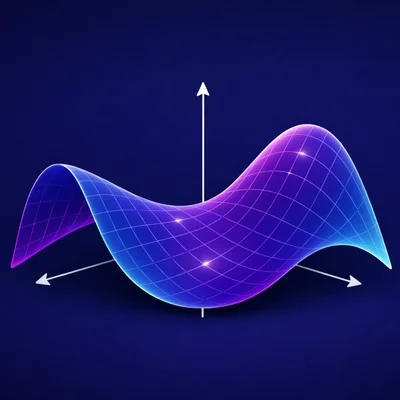
3D surfaces, 2D curves, the complex plane, probability — all in one app. Type a formula and watch it come
alive. Perfect for study, exploration, or just enjoying the beauty of math.
Description:
MathSurface turns equations into shapes you can hold, spin, and slice. It's a math playground for iPhone
and iPad — designed for students, curious minds, and anyone who learns better by seeing.
■ Features
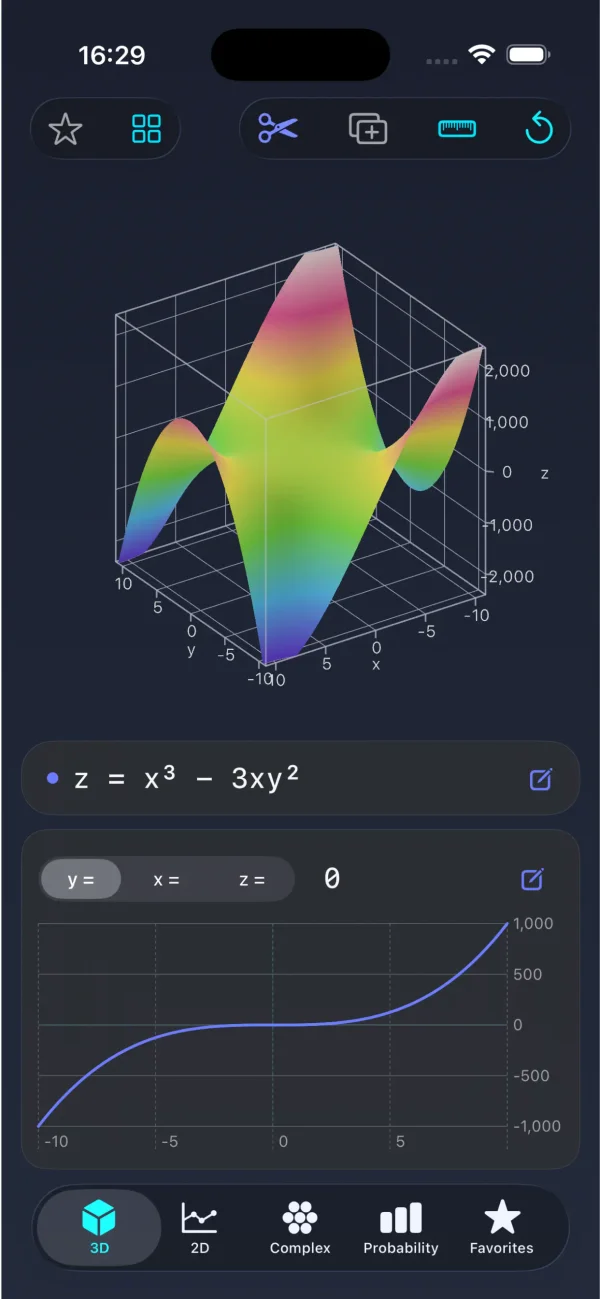
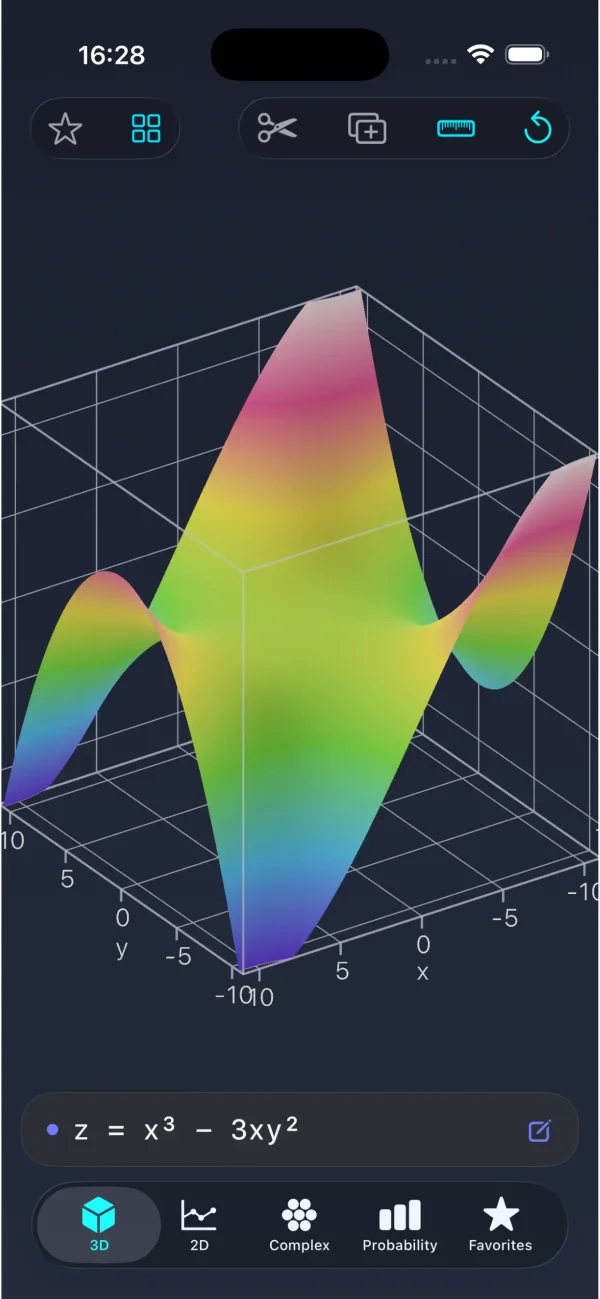
• 3D surface plots: visualize z = f(x, y) with smooth rotation and pinch-to-zoom
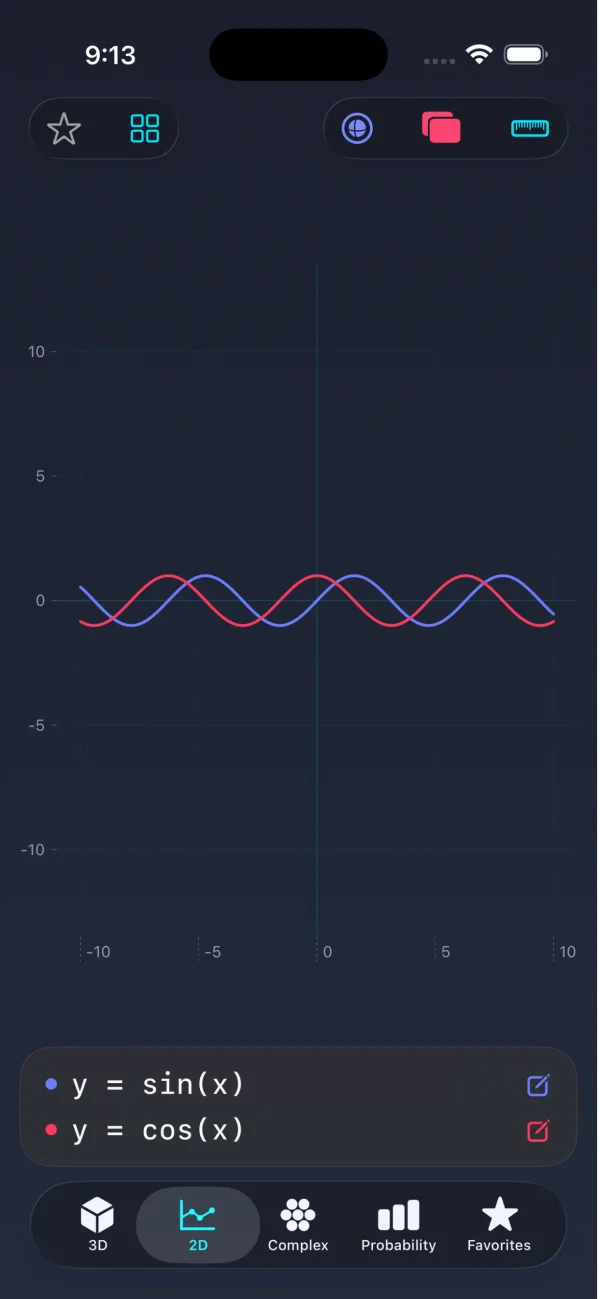
• 2D function plots: explicit y = f(x) or implicit 0 = F(x, y) curves
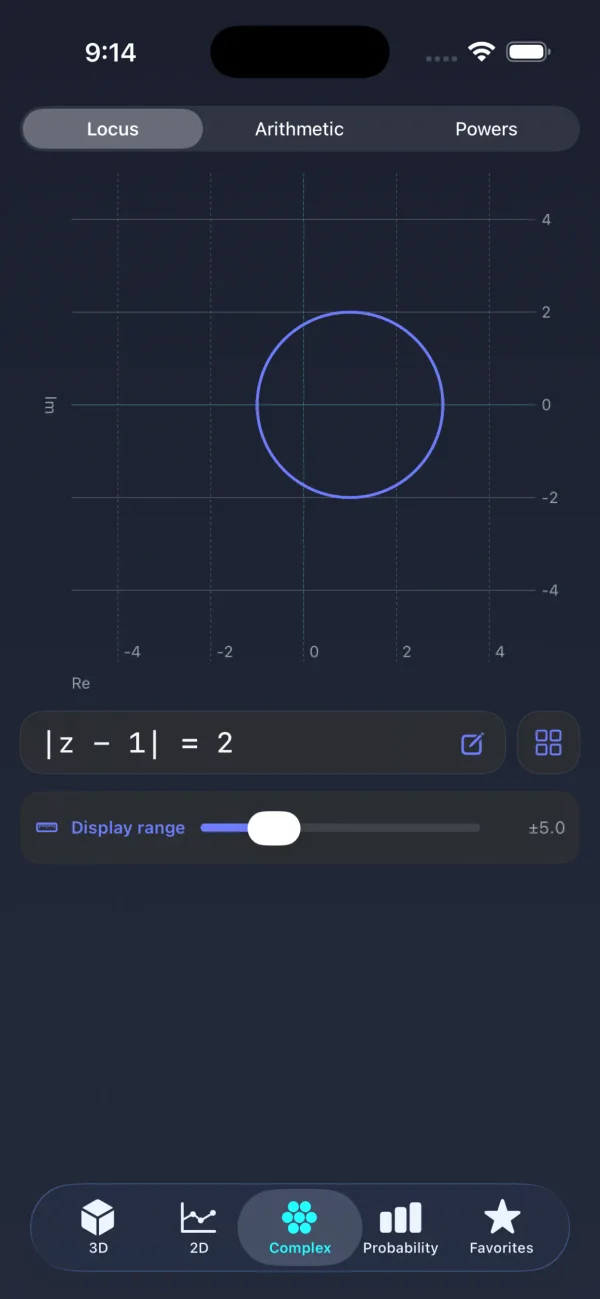
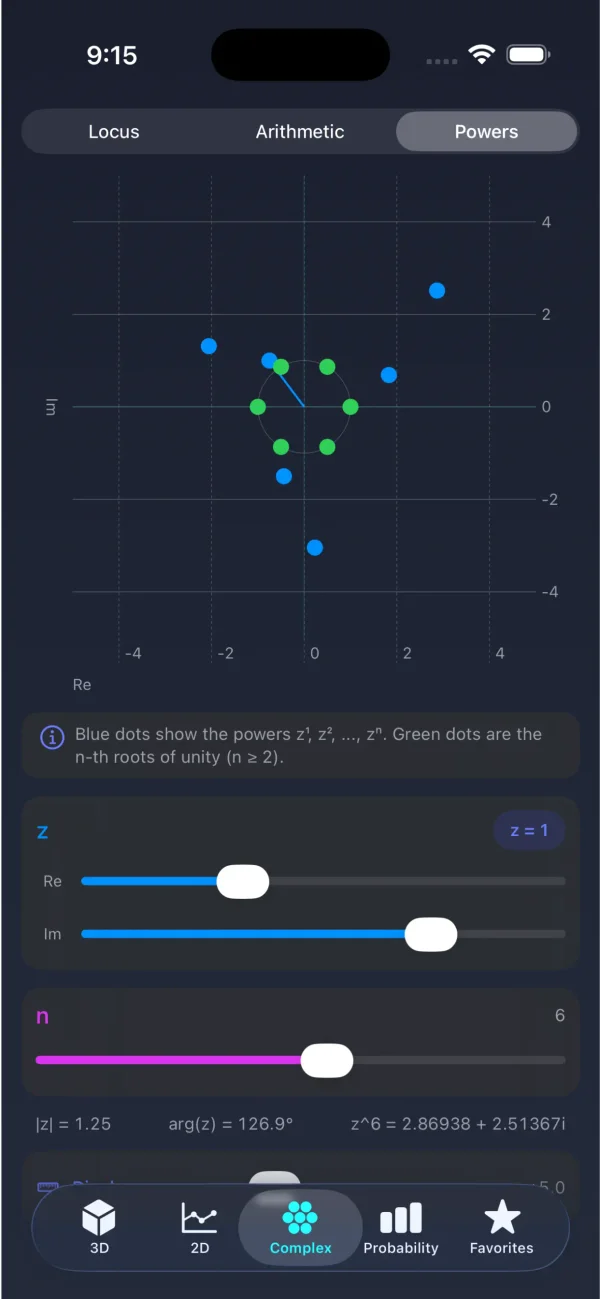
• Complex plane: loci such as |z − α| = r, arithmetic operations, powers, and n-th roots of unity
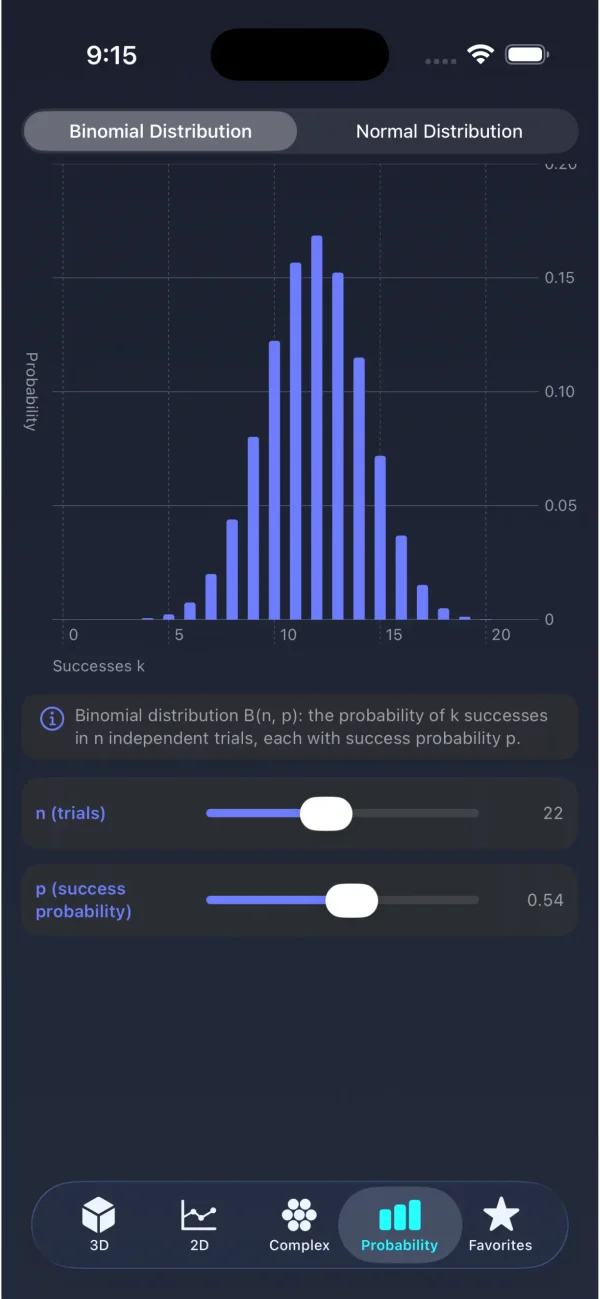
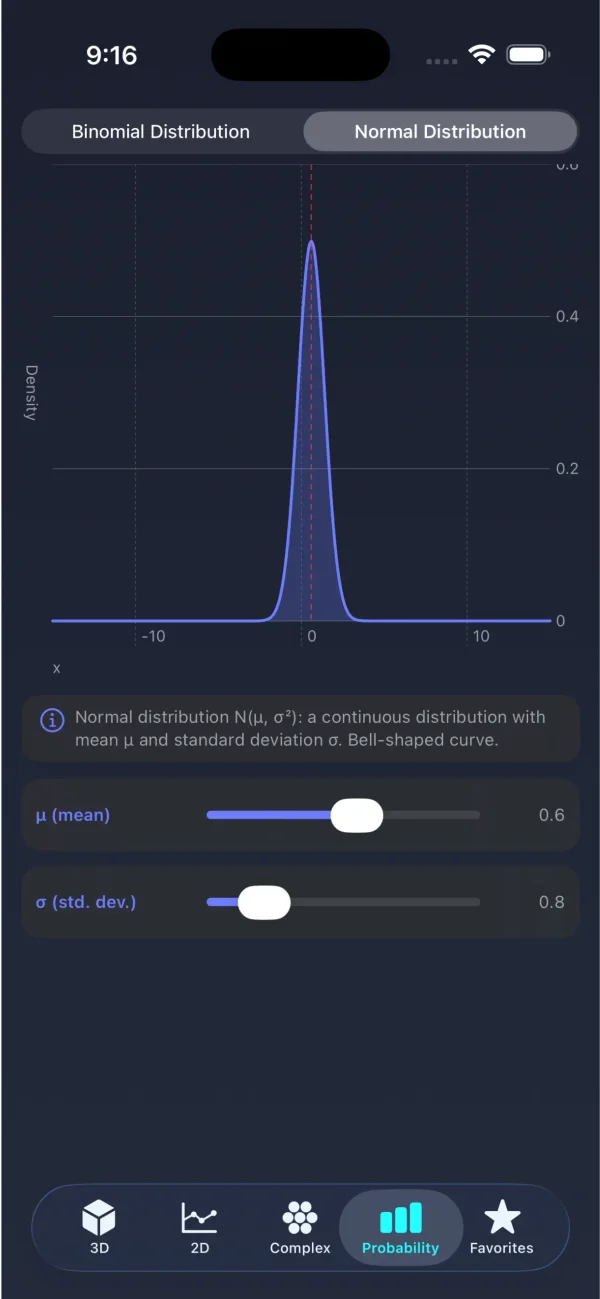
• Probability distributions: binomial and normal, controlled by live sliders
• Surface of revolution: spin any 2D curve around the x- or y-axis (rendered with SceneKit)
• Cross sections: slice any 3D surface with a plane and see the resulting curve
• Compare mode: overlay two functions in the same plot
• Preset gallery: paraboloid, monkey saddle, Mexican hat, lemniscate, and many more
• Favorites: save your own custom expressions for instant recall
■ Who it's for
• High school and university students studying calculus, analysis, or probability
• Teachers looking for live visual aids
• Anyone curious about how a formula actually looks
• People who just enjoy beautiful math
A custom Liquid Glass–style formula keyboard makes entering sin, cos, √, π, and friends quick and
natural. The dark neon UI keeps the math front and center.
What’s new
Version 1.4.0 · Aug 1, 2026
This update includes minor improvements and bug fixes.
App privacy
What yuya kanbetsunawa declares on the App Store about how this app handles data.
-
Data used to track you
May be used to track you across apps and websites owned by other companies.
- Identifiers
- Usage data
-
Data not linked to you
May be collected but is not linked to your identity.
- Location
- Identifiers
- Usage data
- Diagnostics
Privacy practices may vary, for example with the features you use or your age.
Information
- Seller
- yuya kanbetsunawa
- Category
- Education
- Version
- 1.4.0
- Updated
- Aug 1, 2026
- Released
- Jun 3, 2026
- Size
- 10.1 MB
- Requires
- iOS 26.2 or later
- Age rating
- 4+
- Price
- Free
- Languages
- English, Arabic, French, German, Hindi, Indonesian, Italian, Japanese, Korean, Portuguese, Russian, Simplified Chinese + 3 more
- Copyright
- © 2026 Yuya
You might also like
-
 Plott: Graphing Calculator3D Grapher, Scientific & Math
-
 HelixPlot3D Graphing for Parametric Eq
-
 Lines - Math VisualizerUnderstand how math works
-
 Beautiful MathMath that finally makes sense
-
 MathScope: Graphing CalculatorPlot Functions & 3D Surfaces
-
 Beautiful NumbersSee how math comes alive
-
 MathNotes: Math & 3D GraphsEndless Math Canvas & Graphs
-
 Beautiful TrigonometrySee how trigonometry works
-
 Beautiful PlanimetrySee how geometry comes alive
-
 Beautiful FunctionsLearn Math Through Live Graphs