
- Age rating4+
- CategoryProductivity
- DeveloperAndy Phu
- LanguagesEnglish
- Size31.8 MB
Links to the official App Store page
Download.org hosts no file of MathBlocker: Stop Scrolling. The button opens its official App Store page, published by Andy Phu. Listing last checked on Nov 18, 2026.
Screenshots



About
MathBlocker puts a math problem between you and the apps you open too much.
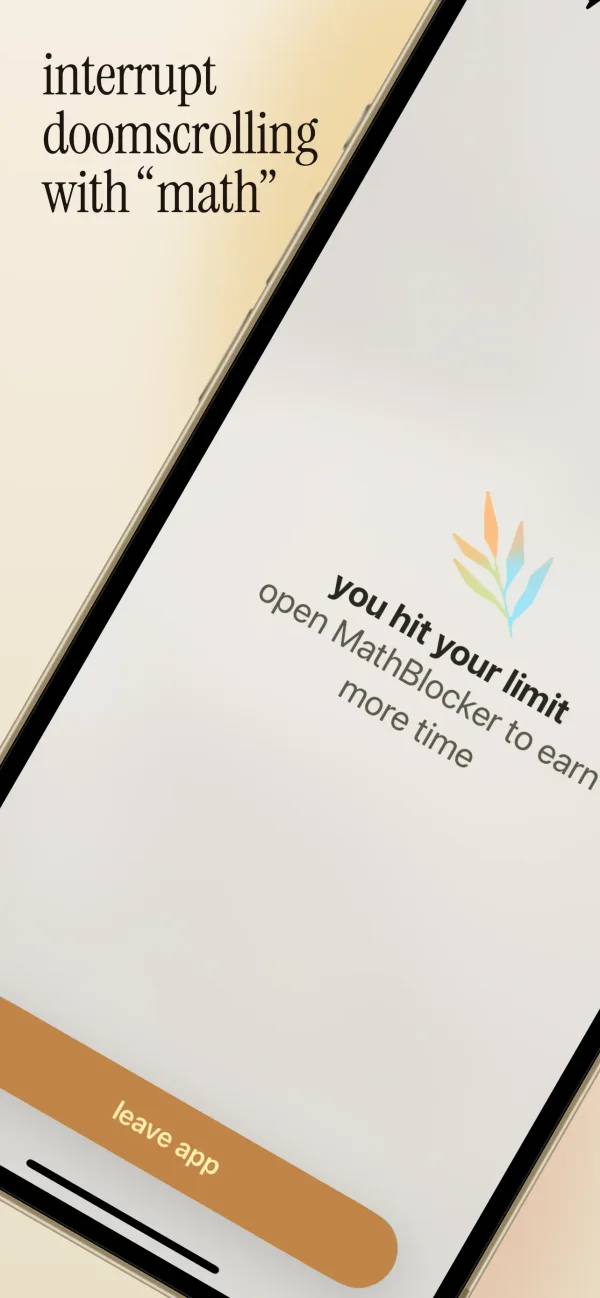
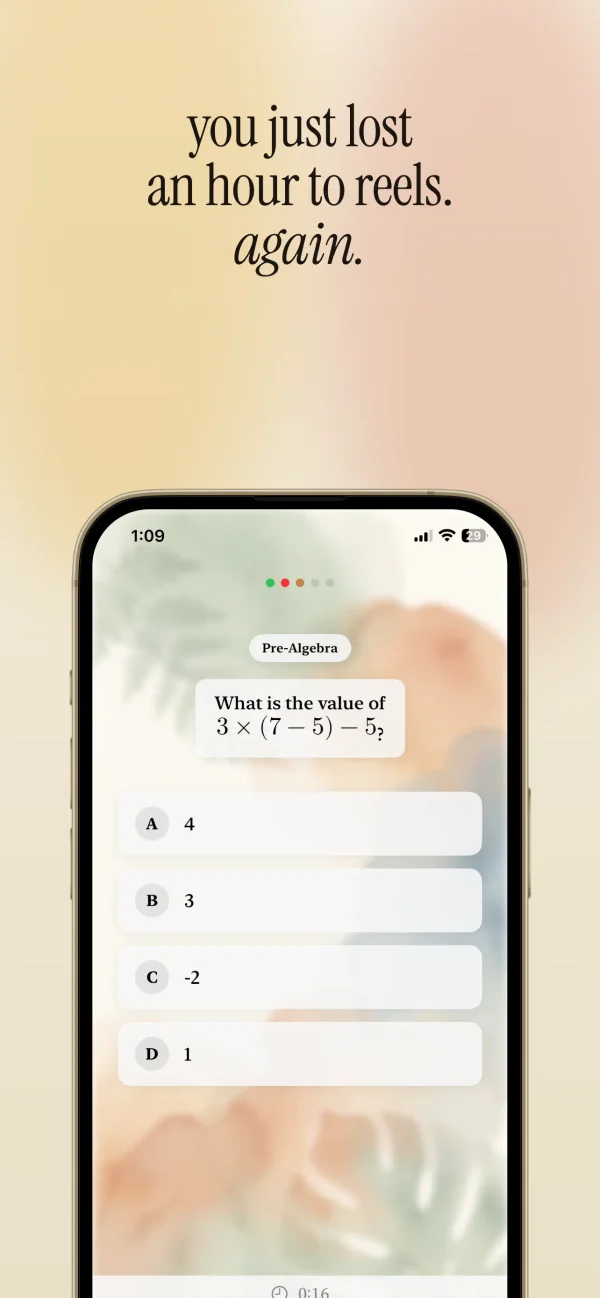
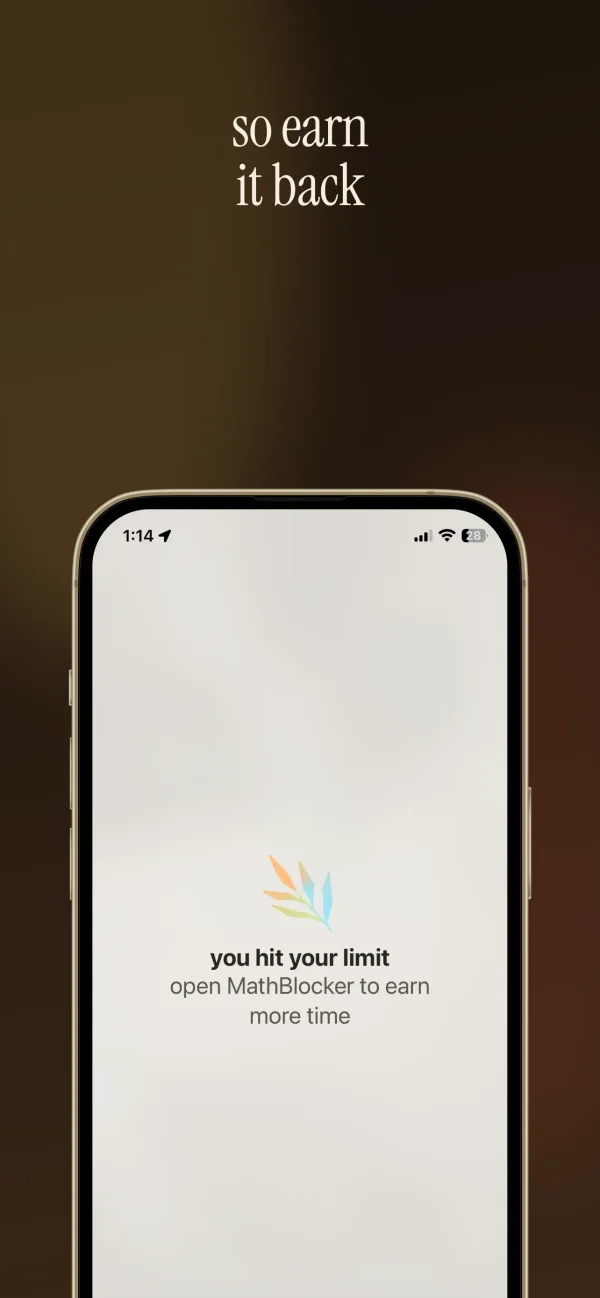
You pick the apps you want blocked. When you try to open one after your time's up, a math question shows up instead. You answer it, you get a
few minutes back. You don't, the app stays closed.
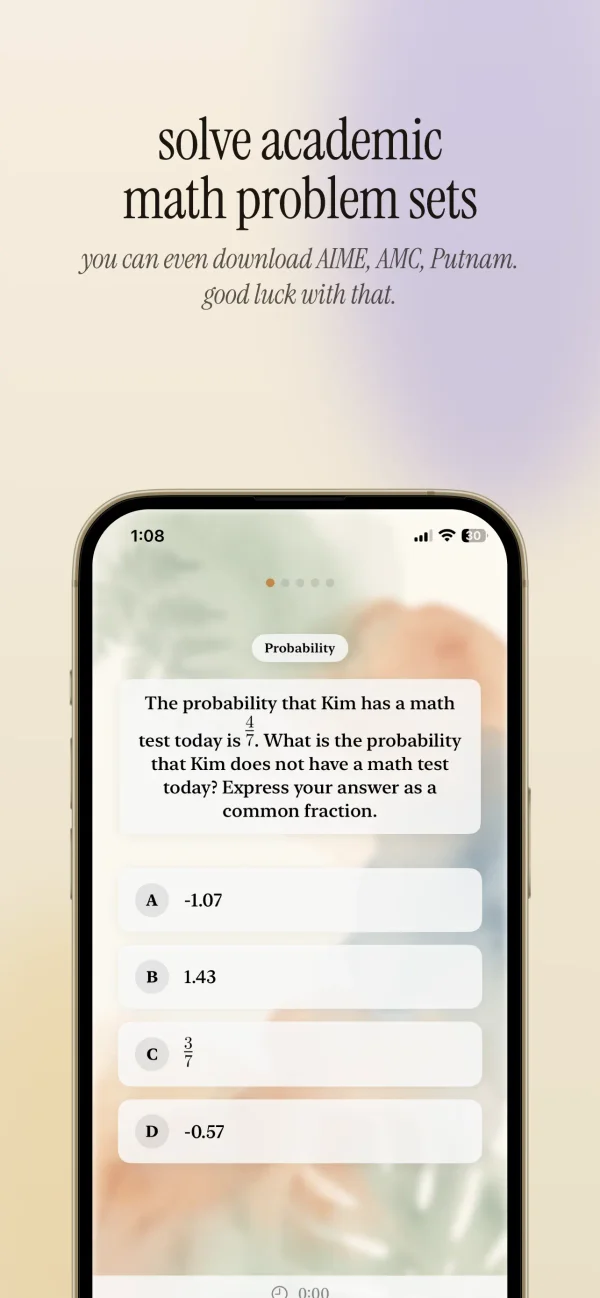
The questions are real. They come from the same problem sets people use to study for the SAT, ACT, AMC, and AIME. You can set the difficulty.
Easy questions if you just want a speed bump. Harder ones if you actually want to stop scrolling.
Features
- Block any app or category — social, video, games, news, browsers
- Pick your difficulty, from warmup arithmetic to competition-level
- Choose your problem set: SAT, ACT, AMC, AIME, Putnam, or general practice
- Earn time back per problem solved (you set how much)
- Daily, weekly, and per-app limits
- Schedule blocks by time of day (bedtime, study hours, work hours)
- Dashboard with usage broken down by app, hour, and day
- Custom block screen so it actually feels like a stop sign
- Works with Family Sharing if you're setting it up for someone younger
A few ways people use it: blocking social apps during work hours. Locking everything after 10pm with hard math. Pairing it with actual SAT prep
so the time you would've spent scrolling becomes practice instead.
Everything stays on your phone. No account, no login, no data sent anywhere.
iOS 16 and up. iPhone only.
App privacy
What Andy Phu declares on the App Store about how this app handles data.
-
Data not collected
The developer does not collect any data from this app.
Privacy practices may vary, for example with the features you use or your age.
Information
- Seller
- Andy Phu
- Category
- Productivity
- Version
- 1.0
- Updated
- Apr 15, 2026
- Released
- Apr 15, 2026
- Size
- 31.8 MB
- Requires
- iOS 26.0 or later
- Age rating
- 4+
- Price
- Free
- Languages
- English
- Copyright
- © 2026 Recursn LLC
You might also like
-
 NumLock: Math Screen LockMath Challenge Screen Blocker
-
 DrillLock: Math App BlockerSolve math to cut screen time
-
 Stop Doomscrolling: MathunlockReduce screen time with maths
-
 MathGate: App BlockerEarn screen time with math
-
 Times Up: Screen Time BlockerMath Quiz Unlocks Blocked Apps
-
 MathScrollBuild focus with math
-
 CalcGate | App Lock with MathDigital App Locker
-
 Tok Blok: Refocus App BlockerStop Doom Scrolling & Lock in
-
 Lockin App BlockerBlock distractions fast
-
 SnapOut : Math App BlockerBlock apps with math puzzles