MChatP
Local AI chat, remote access
Designed for iPhone, iPad
Free · In-app purchases
- Age rating12+
- CategoryUtilities
- DeveloperDamien Zilka
- LanguagesEnglish+ 3 more
- Size17.9 MB
Links to the official App Store page
Download.org hosts no file of MChatP. The button opens its official App Store page, published by Damien Zilka. Listing last checked on Nov 18, 2026.
Screenshots



About
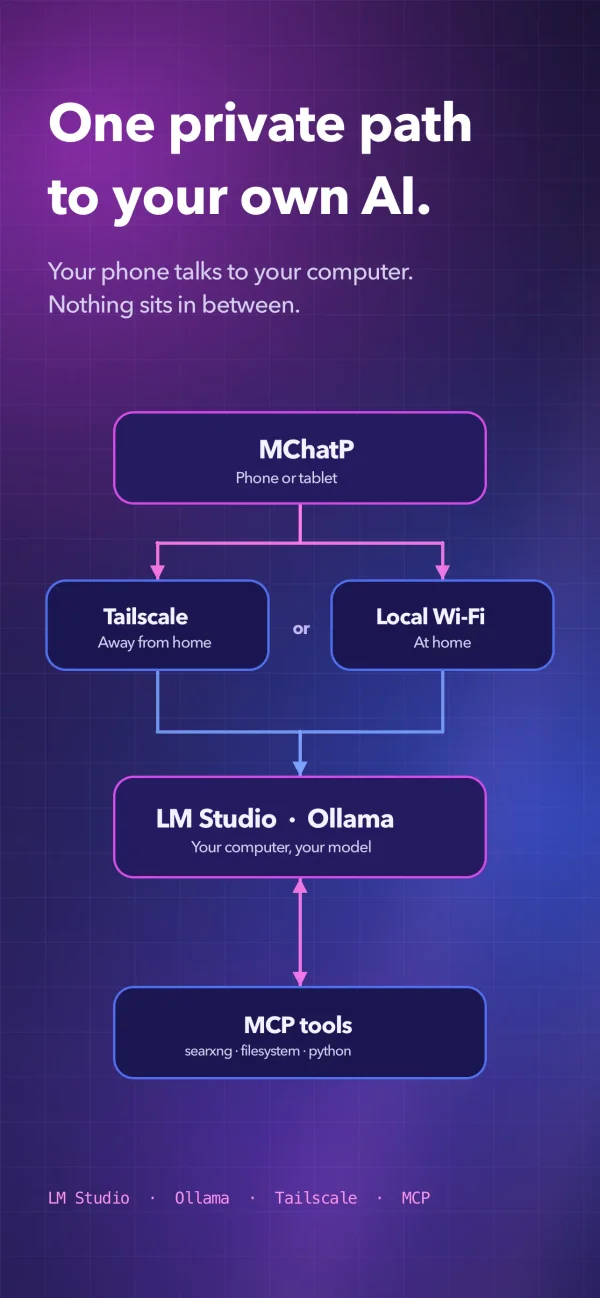
MChatP is a chat client for the AI server you run yourself. You choose the computer, the server software and the models: LM Studio, Ollama, or any OpenAI-compatible server such as oMLX or llama.cpp, with the open models you installed. MChatP hosts no model and runs no backend: it talks to your server, at home over your local network or from anywhere over a private network such as Tailscale, and shows the replies. Using MChatP requires a computer already running one of these servers (third-party software); the in-app Help walks through the setup step by step.
YOUR SERVER, YOUR MODELS
• Any model your server offers, from small and fast to large ones no phone could run, switched in one tap
• LM Studio through its native API, with the MCP tools of your mcp.json: your files and tools stay on your computer, the server runs them
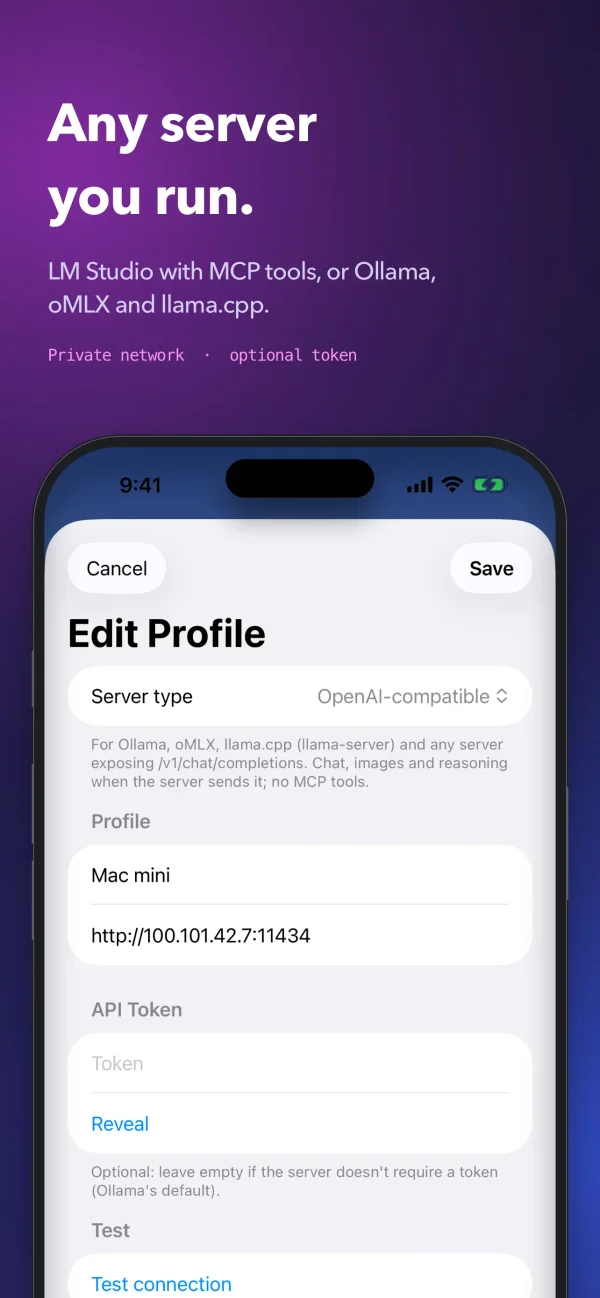
• Ollama through its native API, plus oMLX, llama.cpp and any server exposing /v1/chat/completions, token optional
• Several server profiles (MChatP Pro)
MANAGE MODELS REMOTELY (MCHATP PRO)
Load or unload a model on your LM Studio or Ollama computer, download a new one there (catalog ID or Hugging Face link on LM Studio, library name on Ollama) and delete one on Ollama, with live progress.
ORGANIZE, EXPORT, COMPARE, SHARE (MCHATP PRO)
• Pin conversations and sort them into folders
• Export a conversation as Markdown, PDF or JSON; each reply names the model that wrote it
• Compare two models on the same question, side by side
• Send a text, a web page or a PDF to your server from the share sheet of any app, and get the answer without opening MChatP
PHOTOS AND DOCUMENTS
• Show up to four photos to a vision model
• Attach a PDF, text, Markdown, JSON or CSV file: its text is extracted on your device and sent with your message, so it works with any model
WATCH IT THINK
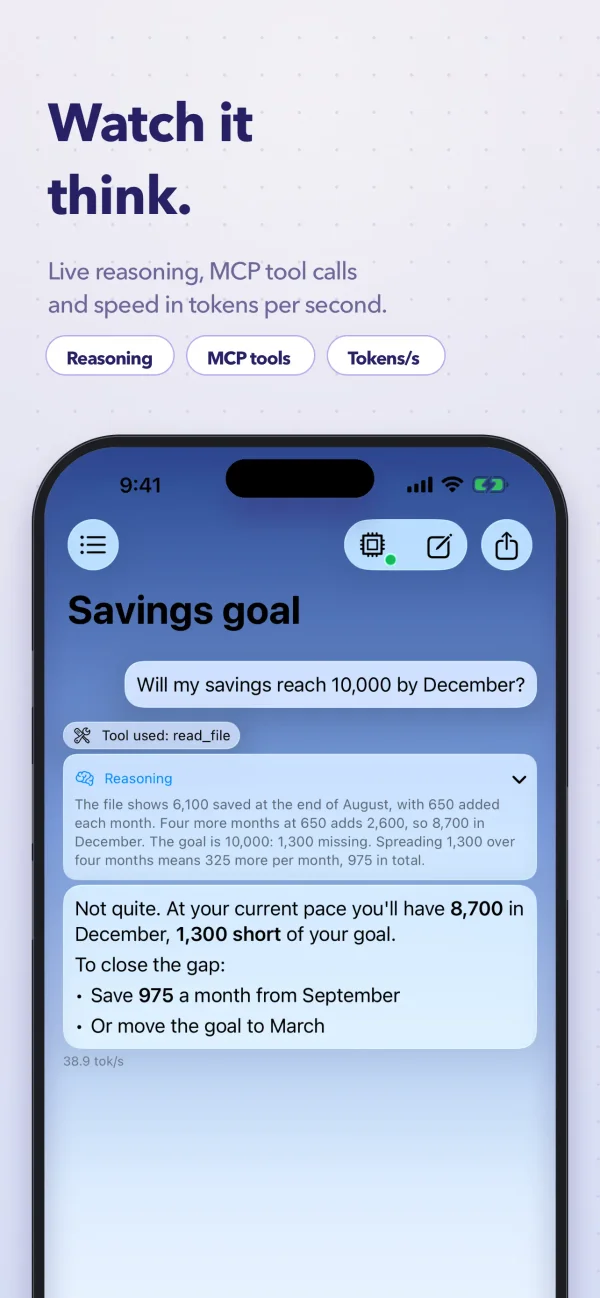
• The model's reasoning, folded above the answer
• MCP tool calls as they start, succeed or fail
• Model loading and prompt progress, then speed in tokens per second
• Developer Mode adds time to first token, token counts and the full detail of each tool call (MChatP Pro)
SYSTEM PROMPTS AND CHAT TOOLS
A system prompt to steer the model (one included, a library with MChatP Pro); stop or regenerate a reply, copy, rename, search your history, keyboard shortcuts (⌘N, ⌘↩, ⌘K).
HANDS-FREE
• Ask MChatP from the action button or by voice; the answer comes back without opening the app
• Start a conversation or test your server from the system's shortcuts
• A "New Question" widget and system control open a fresh conversation
PRIVATE BY DESIGN
• Server profiles, tokens, conversations and attachments stay on your device
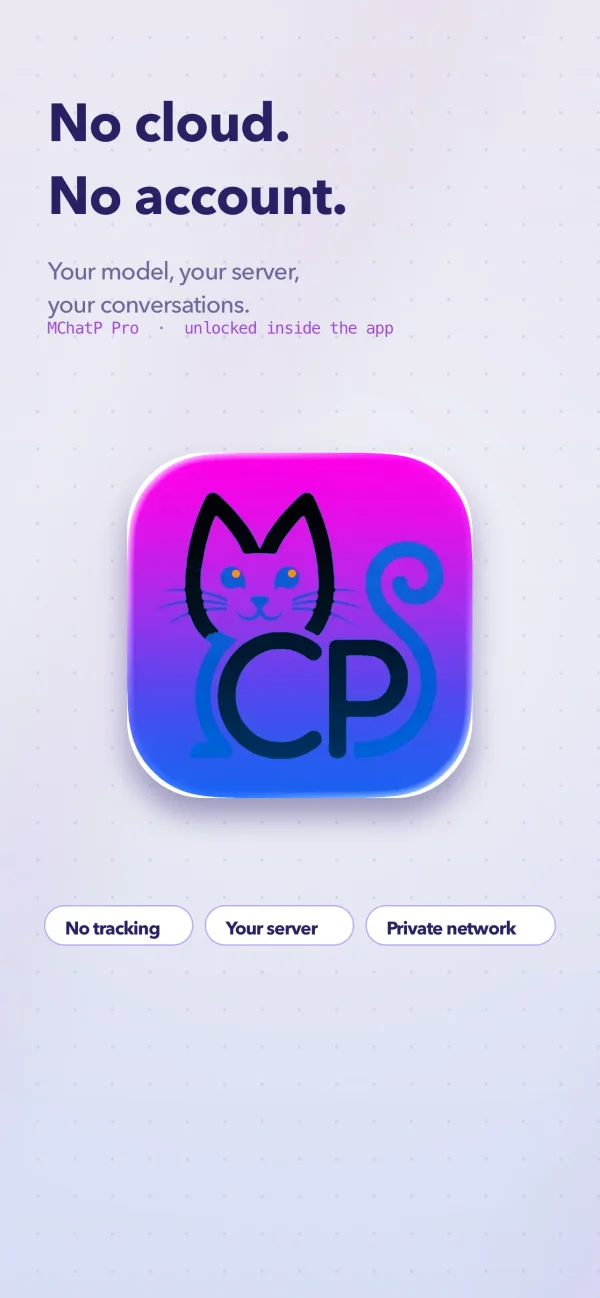
• No account, no cloud sync, no analytics
• Tokens in the device keychain; optional PIN lock with biometric unlock
• Transparent about AI: you always know you are chatting with an AI model, the one you loaded on your own server, as the European AI Act requires
MCHATP PRO, ONE-TIME PURCHASE
Several server profiles, a library of system prompts, model management on LM Studio and Ollama, export as Markdown, PDF or JSON, pinned conversations and folders, two-model comparison, sending from other apps and Developer Mode, unlocked with a single non-consumable purchase, charged at confirmation; the price is shown in the app. No subscription, nothing renews. After reinstalling or changing devices, Restore Purchases unlocks it again at no extra cost.
MChatP is an independent app, not affiliated with the makers of LM Studio, Ollama, llama.cpp, oMLX or Tailscale, trademarks of their respective owners.
Privacy Policy: https://precellence.icu/apps/mchatp/privacy_policy.html
Terms of Use: https://precellence.icu/apps/mchatp/terms_of_use.html
Support: support@precellence.icu
What’s new
Version 1.3 · Nov 14, 2026
MChatP 1.3 makes MChatP Pro useful every day, and adds a free widget.
• Export a conversation as Markdown or PDF, next to JSON; each reply names the model that wrote it (Pro)
• Pin conversations and sort them into folders (Pro)
• Manage models on Ollama as on LM Studio: load, unload, download and delete from your phone (Pro)
• Compare two models on the same question, side by side (Pro)
• Send any text, web page or PDF to your server from the share sheet of other apps (Pro)
• A "New Question" widget and system control open a fresh conversation
• The Pro screen now says what Pro adds, in plain words
App privacy
What Damien Zilka declares on the App Store about how this app handles data.
-
Data not collected
The developer does not collect any data from this app.
Privacy practices may vary, for example with the features you use or your age.
Information
- Seller
- Damien Zilka
- Category
- Utilities
- Version
- 1.3
- Updated
- Nov 14, 2026
- Released
- Aug 17, 2026
- Size
- 17.9 MB
- Requires
- iOS 26.2 or later
- Age rating
- 12+
- Price
- Free
- In-app purchases
- Yes
- Languages
- English, French, German, Spanish
- Copyright
- © Precellence Software
You might also like
-
 mycellm — Run LLMsYour node for distributed AI
-
 OpenWebUI - MobileYour AI, on your own server
-
 Voicemeeter Remote ControlVBAN
-
 PolyChat - Offline AI ChatSecure Private Local AI Chat
-
 MetaletUtilities
-
 Veilwise — Privacy & SecurityLock down your privacy
-
 Palvia: AI Agents in Your PalmMemory, skills, local tools
-
 SvitGrid MonitorSolar & battery energy monitor
-
 xBeaconPlusInfinite Possibilities
-
 Bring Your Own AIUse your own pay-as-you-go AI