
- Age rating4+
- CategoryUtilities
- DeveloperJoao Victor Zao
- LanguagesEnglish+ 41 more
- Size19.6 MB
Links to the official App Store page
Download.org hosts no file of OpenWebUI - Mobile. The button opens its official App Store page, published by Joao Victor Zao. Listing last checked on Nov 24, 2026.
Screenshots


About
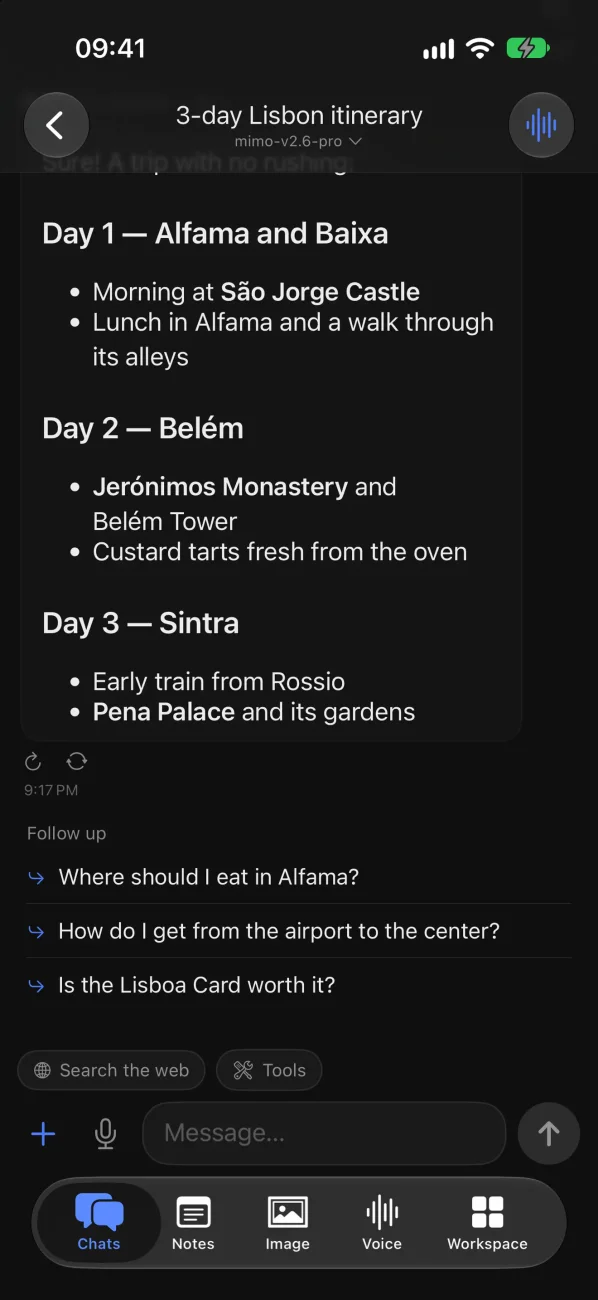
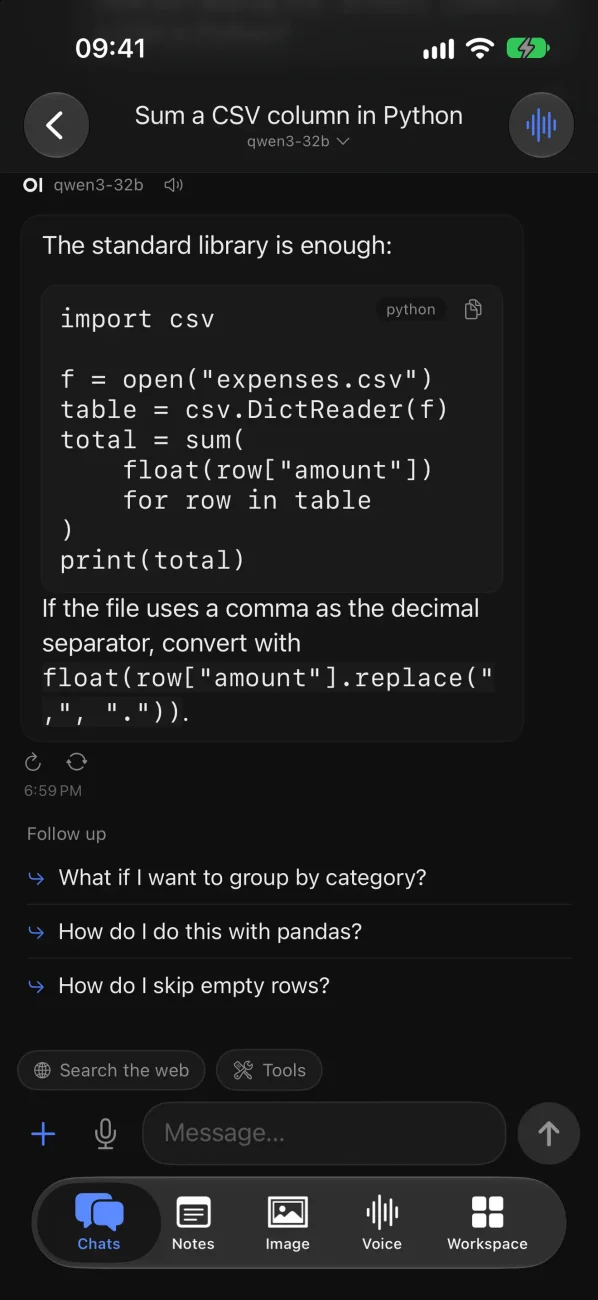
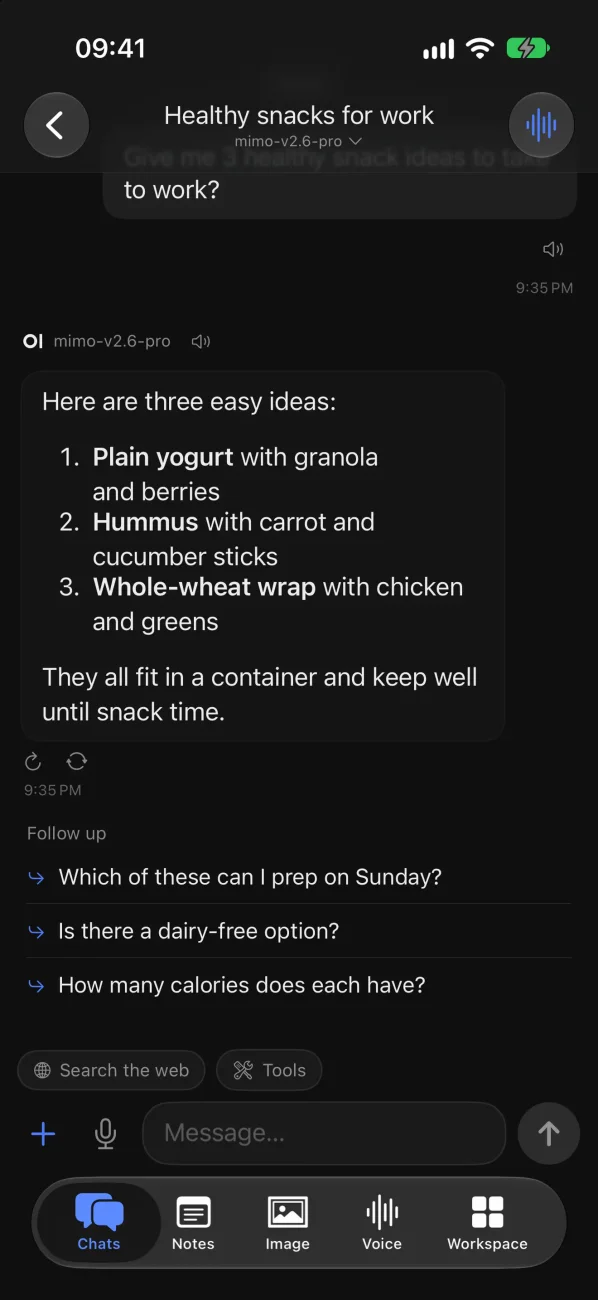
OpenWebUI Client is a native app for your own Open WebUI server — chat with your AI models with the fluidity of a real app, keeping everything on your server and under your control.
FEATURES
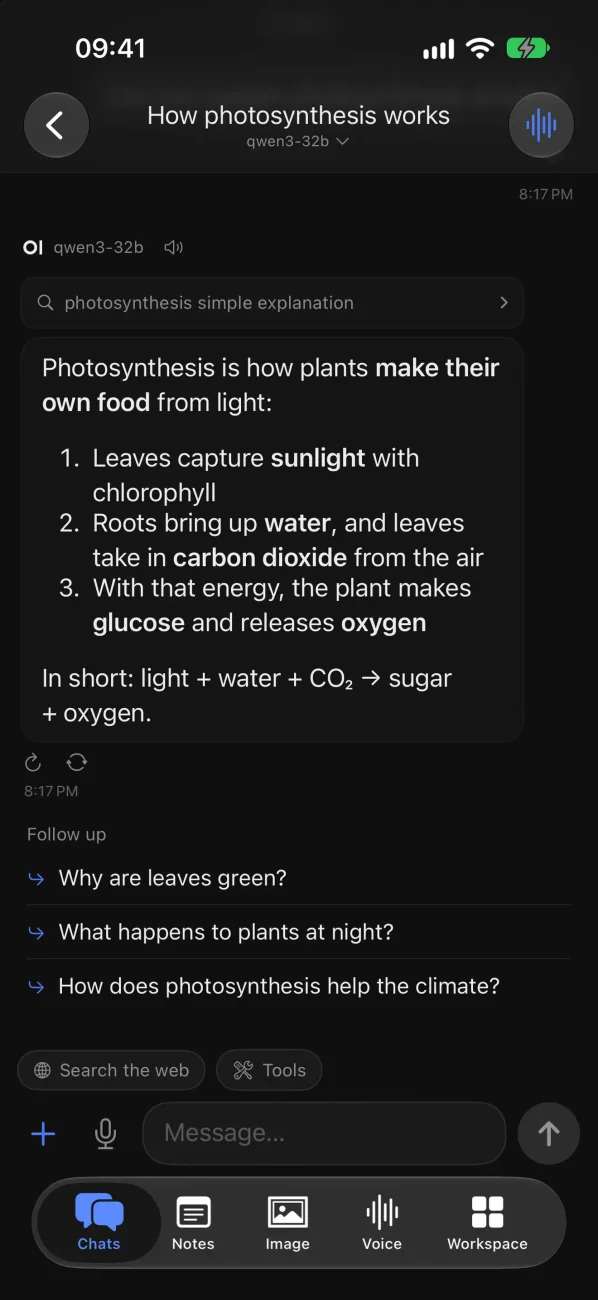
• Chat with your models, with real-time (streaming) responses
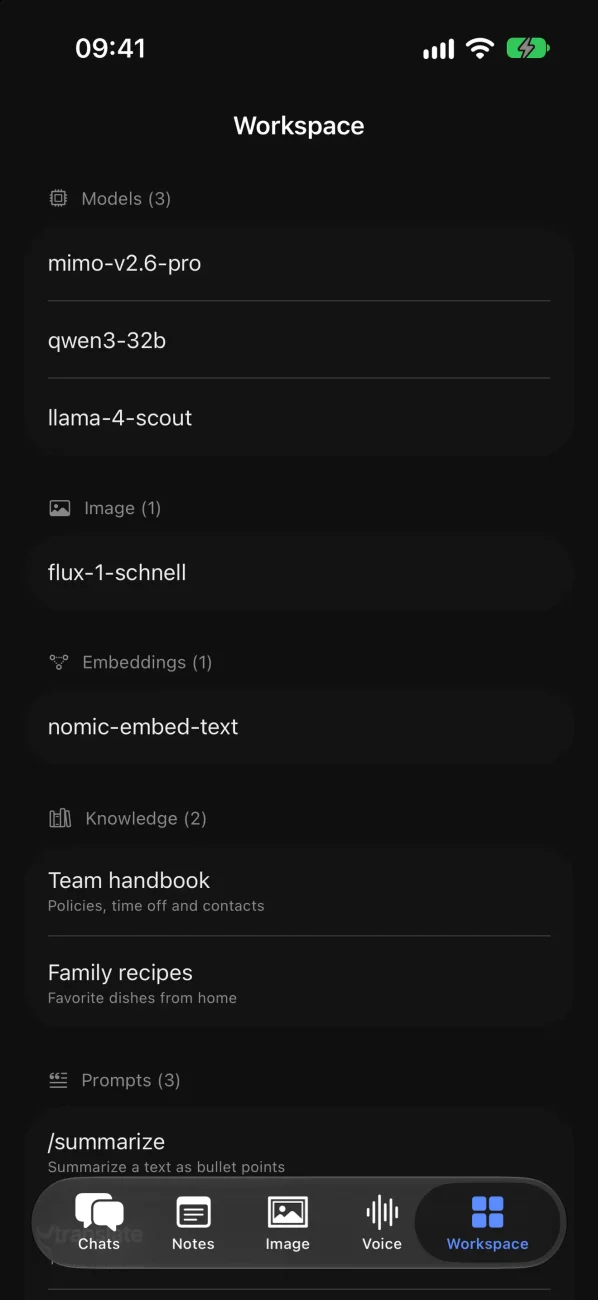
• Multiple providers and models configured in your Open WebUI
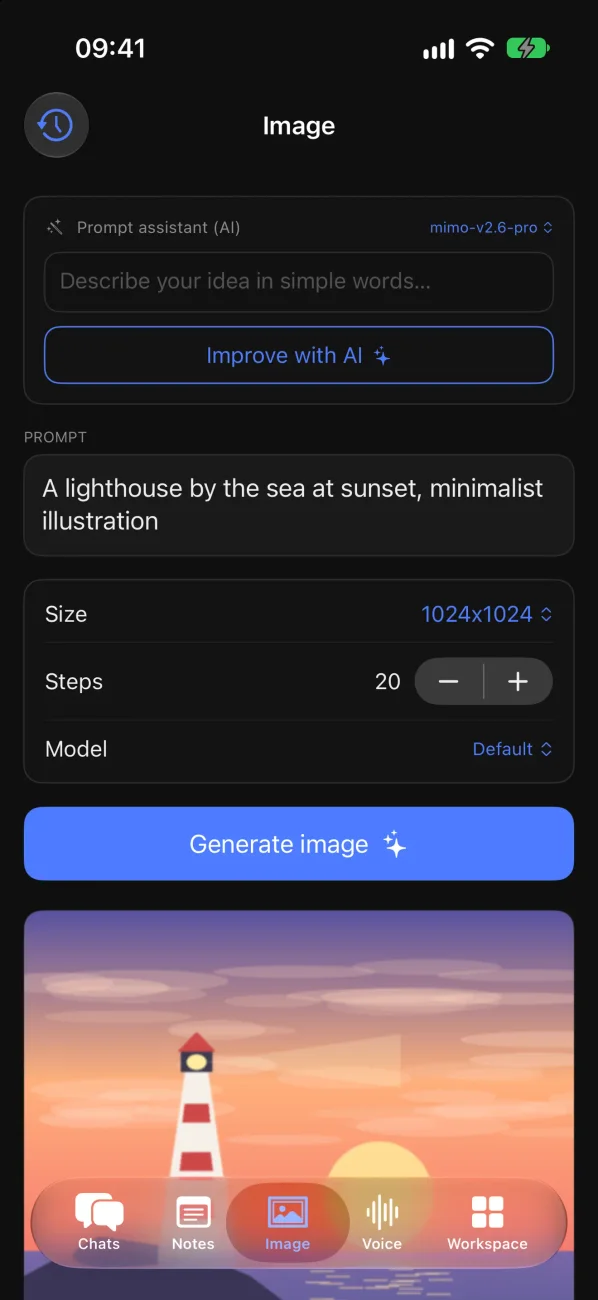
• Image generation
• Notes and knowledge base (RAG)
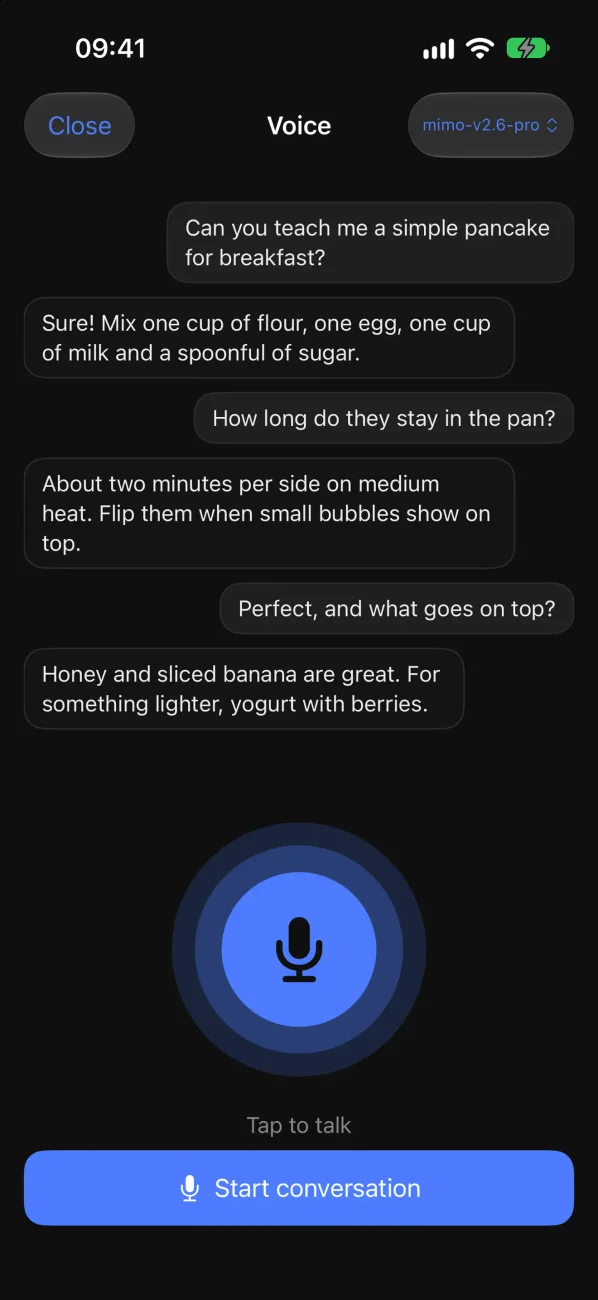
• Voice mode: speak and hear the responses
• Chat actions: pin, archive, rename, clone, share, and export
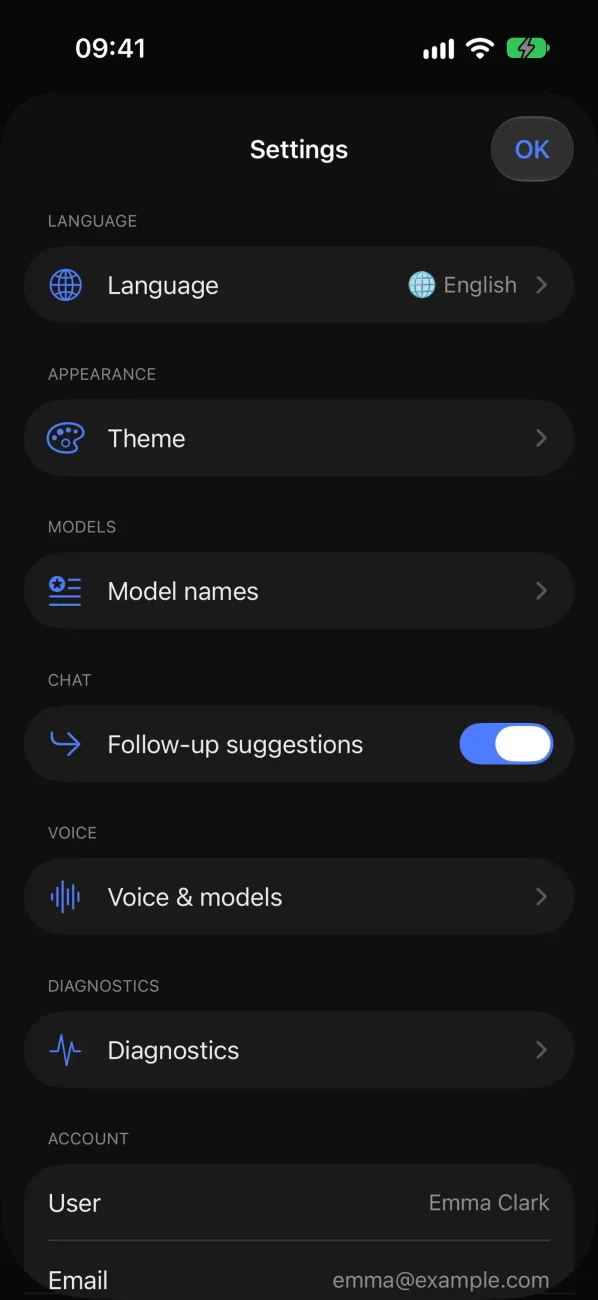
• Themes and customization
• Attachments: send photos and files
• 34 app languages, auto-detected from your device
PRIVACY
The app talks only to the Open WebUI server you specify. Nothing goes through third parties — your data stays on your server.
REQUIREMENTS
You need access to an Open WebUI server. On first launch, enter the server address and sign in with your account.
This is an independent client, not affiliated with the Open WebUI project.
What’s new
Version 1.13 · Nov 18, 2026
• Sign in with the browser: on Open WebUI 0.13 or later, you can sign in through the system browser, with passkeys, SSO and two-step verification.
• Memory and notes: the model uses your Personalization memory and searches your notes to answer, as on the web. Turn it on or off in Settings › Conversation.
• Voice mode: with the on-device model or the server, your turn ends by itself when you stop talking, and the reply no longer plays at a lower volume.
• Hardware keyboard: Return sends the message and Shift+Return adds a line.
• Optional lock with Face ID, Touch ID or the device passcode, in Settings › Privacy.
• Password sign-in now supports the server's two-step verification.
App privacy
What Joao Victor Zao declares on the App Store about how this app handles data.
-
Data not collected
The developer does not collect any data from this app.
Privacy practices may vary, for example with the features you use or your age.
Information
- Seller
- Joao Victor Zao
- Category
- Utilities
- Version
- 1.13
- Updated
- Nov 18, 2026
- Released
- Jun 27, 2026
- Size
- 19.6 MB
- Requires
- iOS 17.0 or later
- Age rating
- 4+
- Price
- $2.99
- Languages
- English, Arabic, Belarusian, Bengali, Bulgarian, Croatian, Czech, Dutch, Finnish, French, German, Hebrew + 30 more
- Copyright
- © 2026 JoaoZaokk
You might also like
-
 Mobile Comfy CreatorRun ComfyUI & SwarmUI anywhere
-
 Viewer for FrigateUtilities
-
 Comfy PortalControl ComfyUI from Mobile
-
 Liquid ApolloFast, private, and reliable AI
-
 HelmarrOne app to rule them all
-
 NetBird P2P VPNZero configuration VPN
-
 TwingateSecure access made easy
-
 SnapmakerSnapmaker Mobile Software
-
 Plex DashMonitor your Plex Server
-
 Prusa3D printer control & models