
MCR Box Camera – Live Encoder
Phone camera for MCR Box
Designed for iPhone, iPad, iPod touch
In-app purchases
- Age rating4+
- CategoryPhoto & Video
- DeveloperYaron Torbaty
- LanguagesEnglish
- Size188.6 MB
Links to the official App Store page
Download.org hosts no file of MCR Box Camera – Live Encoder. The button opens its official App Store page, published by Yaron Torbaty. Listing last checked on Nov 20, 2026.
Screenshots
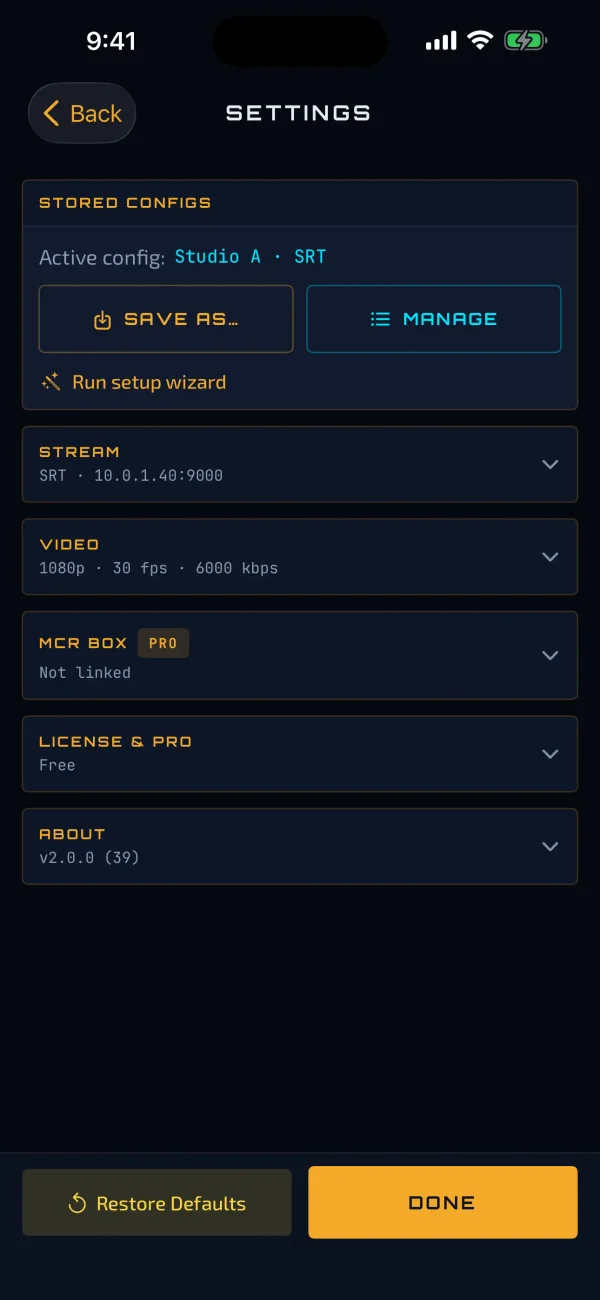
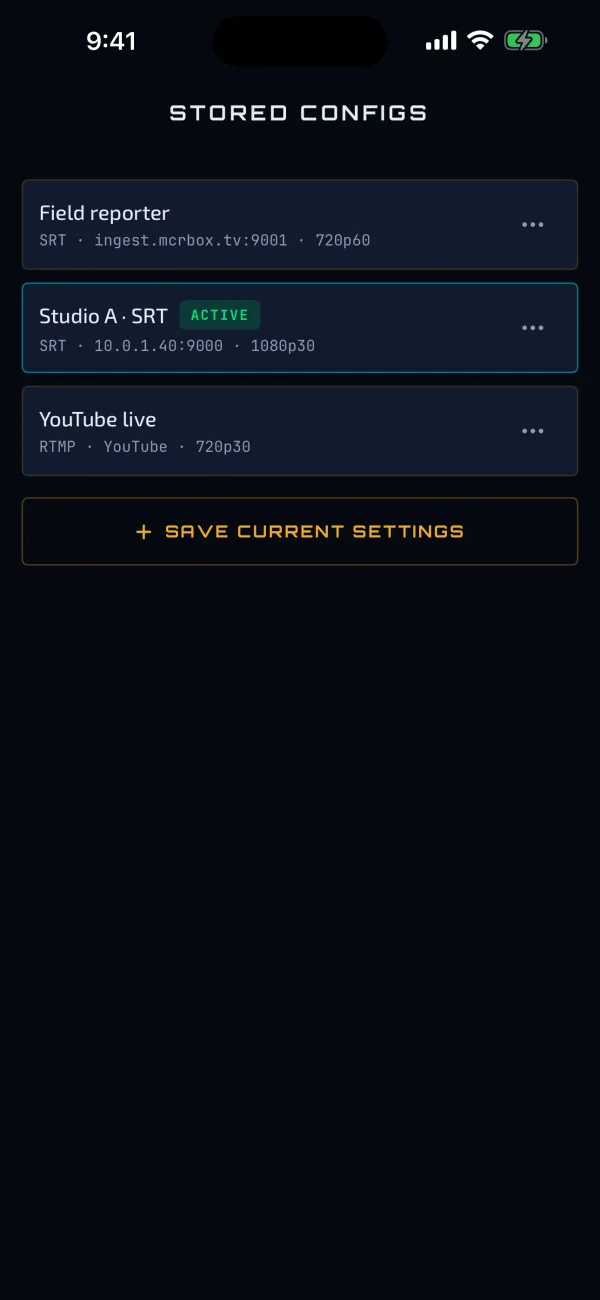
About
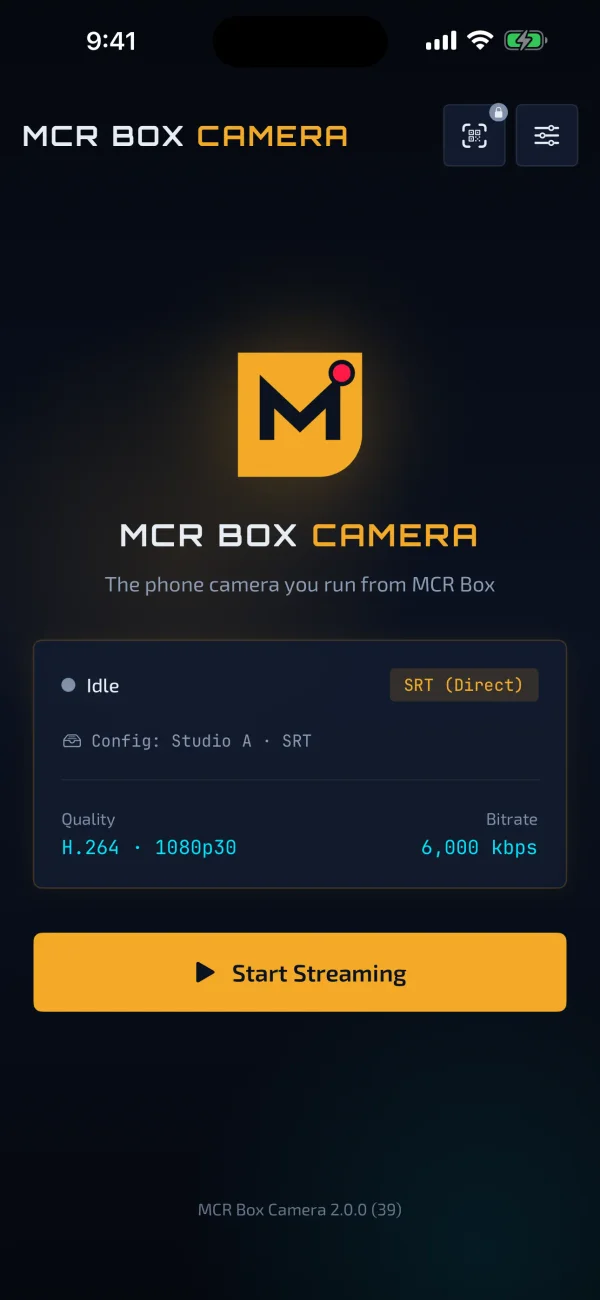
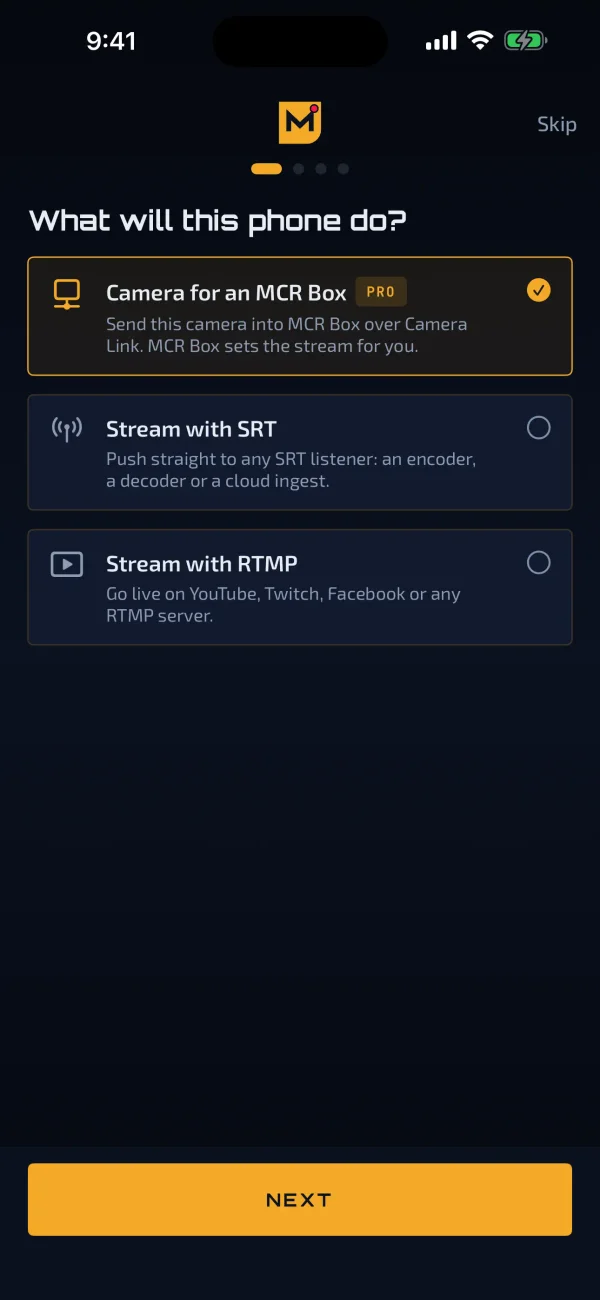
MCR Box Camera (formerly BFA Stream) turns an iPhone or iPad into a live camera for MCR Box, the live production switcher, or into a standalone SRT and RTMP encoder.
PAIR WITH MCR BOX
• Scan the QR code shown in MCR Box › Cameras › Add phone, or type the box address and a one-time pair code.
• Boxes on the same network are listed automatically.
• The operator controls the camera from the MCR Box console: zoom, lens, focus, exposure, ISO, shutter, white balance, torch and stabilization, and switch between the ultra-wide, wide, telephoto and front cameras.
• Encoder control from the console: bitrate, resolution, frame rate and H.264 / HEVC.
• Tally: a red border when the camera is on air (PGM), green on preview.
• A "Remote control" switch on the phone: turn it off and the box can only light tally.
PROFESSIONAL ENCODER
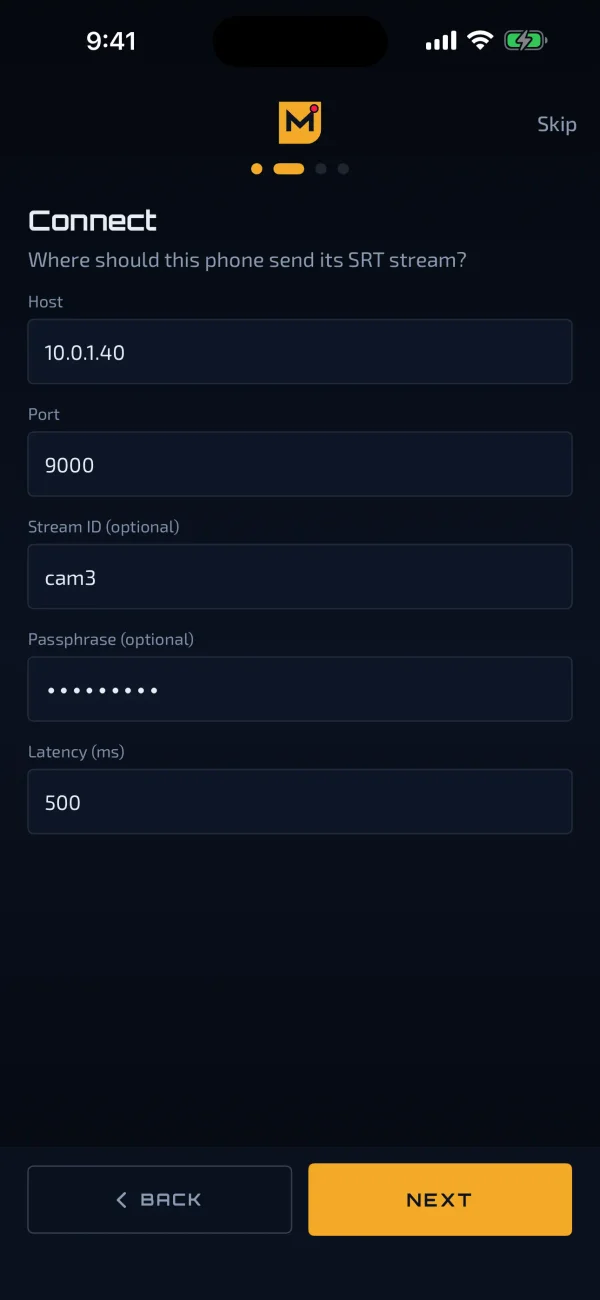
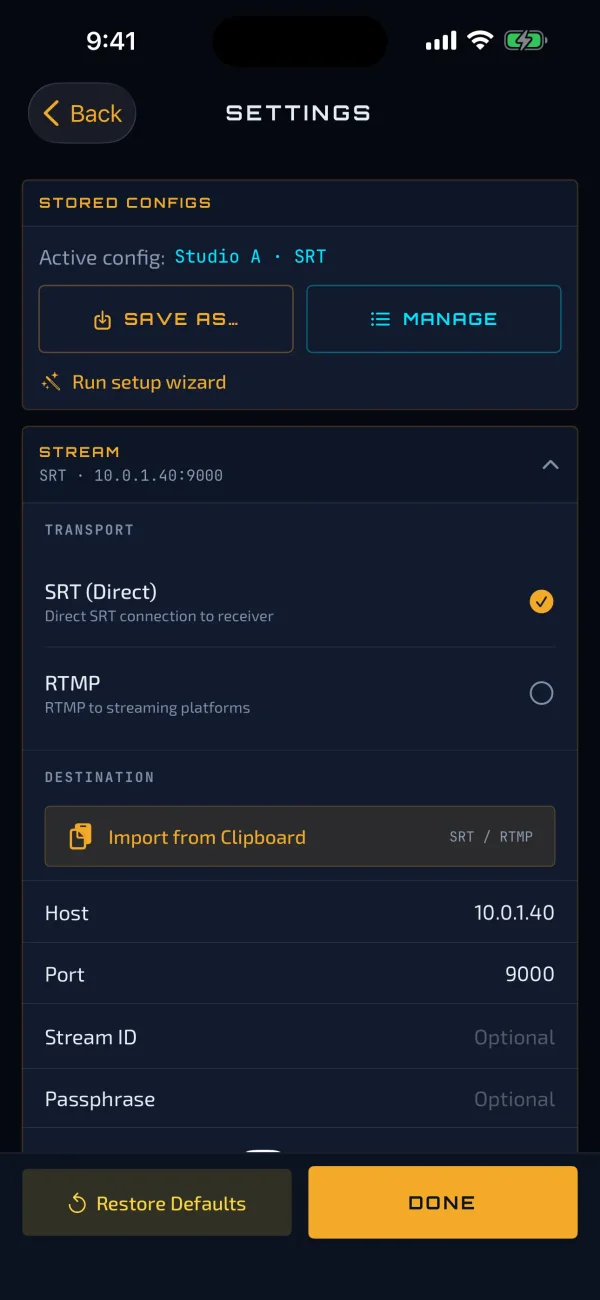
• SRT with stream ID, passphrase (AES) and latency
• RTMP and Enhanced RTMP (HEVC) to YouTube, Twitch, Facebook and others
• Hardware H.264 and HEVC (VideoToolbox), up to 1080p60
• Adaptive bitrate and automatic reconnect
• Keeps streaming in the background and with the screen locked
PRO SUBSCRIPTION
• MCR Box pairing and remote control
Pro is an auto-renewable subscription of one month. Payment is charged to your Apple ID at confirmation of purchase. It renews automatically unless cancelled at least 24 hours before the end of the current period. Manage or cancel it in your App Store account settings.
Terms of Use: https://mcrbox.com/terms
Privacy Policy: https://mcrbox.com/privacy
Support: https://mcrbox.com/contact
What’s new
Version 2.1.0 · Nov 18, 2026
• Comms: turn your phone into an MCR Box intercom panel. Hold a key to talk, tap to latch where your admin allows it, LISTEN, groups, presets and a compact layout. Comms appears once you pair (Pro) with MCR Box 3.3 or later.
• Audio for Comms: choose headset, Bluetooth or speaker, and set echo cancellation, noise suppression and auto gain
• Full-screen tally (ON AIR / PREVIEW): tap the PGM/PVW chip on the live screen
• Connection details for the intercom: round trip, jitter, loss and the audio path
• Pairing with a cloud MCR Box: port and secure connection now follow the address you type
• When a link to MCR Box fails, the app says why (can't reach, can't find, certificate, code not accepted)
App privacy
What Yaron Torbaty declares on the App Store about how this app handles data.
-
Data not collected
The developer does not collect any data from this app.
Privacy practices may vary, for example with the features you use or your age.
Information
- Seller
- Yaron Torbaty
- Category
- Photo & Video
- Version
- 2.1.0
- Updated
- Nov 18, 2026
- Released
- Mar 30, 2026
- Size
- 188.6 MB
- Requires
- iOS 15.0 or later
- Age rating
- 4+
- In-app purchases
- Yes
- Languages
- English
- Copyright
- © 2026 MCR Box
You might also like
-
 AIR Control+AIR camera robot control
-
 FilmDirector - Pro CameraManual cinema on the wrist
-
 OLiveCamOBS Wireless Camera
-
 GenR8Display Calibration Generator
-
 Stream to StudioEasy way for stream to Studio
-
 CamPlot Creator - Plot ToolDirector's multicam diagrams
-
 FOX REVUPowered by RePro
-
 Proximator - Footage ConverterMOV/MXF/BRAW/R3D Proxy & LUT
-
 Remote Camera: Unlimited RangeRemote shutter
-
 Mavis Studio: Live ProductionCreate multicam live streams