MD Flow - Markdown Reader
Browse folders, read rendered
Designed for iPhone, iPad, Mac
Free · In-app purchases
- Age rating4+
- CategoryProductivity
- DeveloperAmilcar Zambrano Guevara
- LanguagesEnglish+ 3 more
- Size6.6 MB
Links to the official App Store page
Download.org hosts no file of MD Flow - Markdown Reader. The button opens its official App Store page, published by Amilcar Zambrano Guevara. Listing last checked on Nov 16, 2026.
Screenshots


About
MD Flow is a native app for browsing folders and instantly previewing Markdown — beautifully rendered, with syntax-highlighted code, tables, and Mermaid diagrams.
No indexing, no workspace, no setup. Just open a folder and start reading.
What you can do
* Browse folders with a fast, intuitive interface
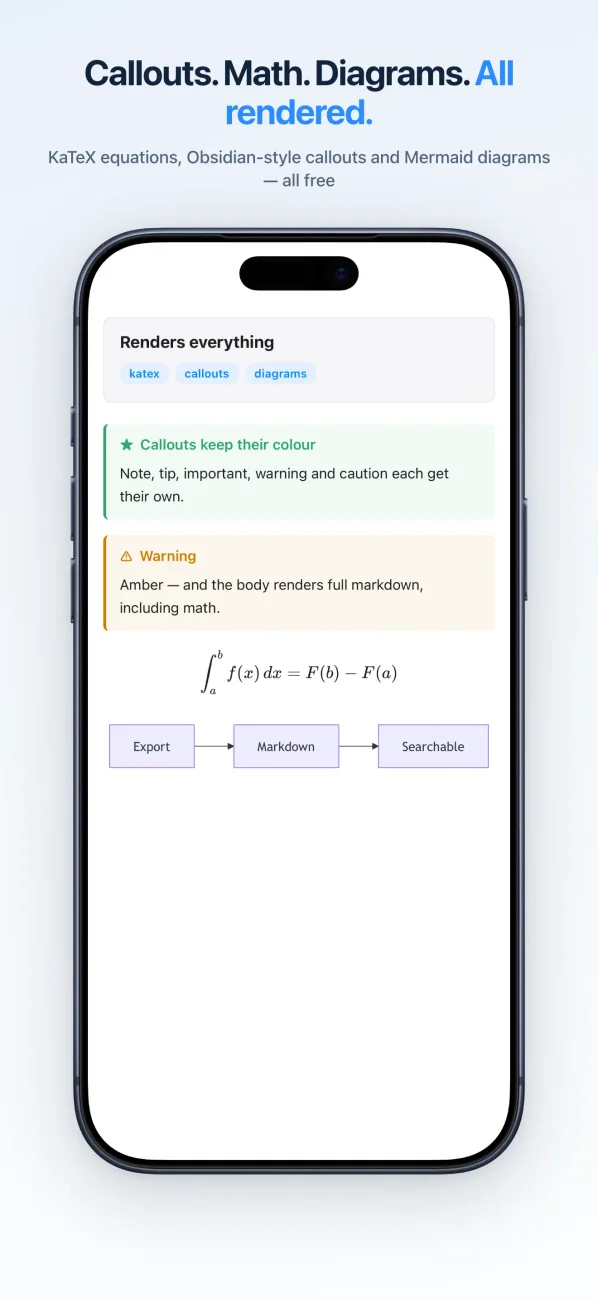
* Instantly preview Markdown, with syntax-highlighted code blocks
* See Mermaid diagrams rendered inline — flowcharts, sequence, Gantt, and more
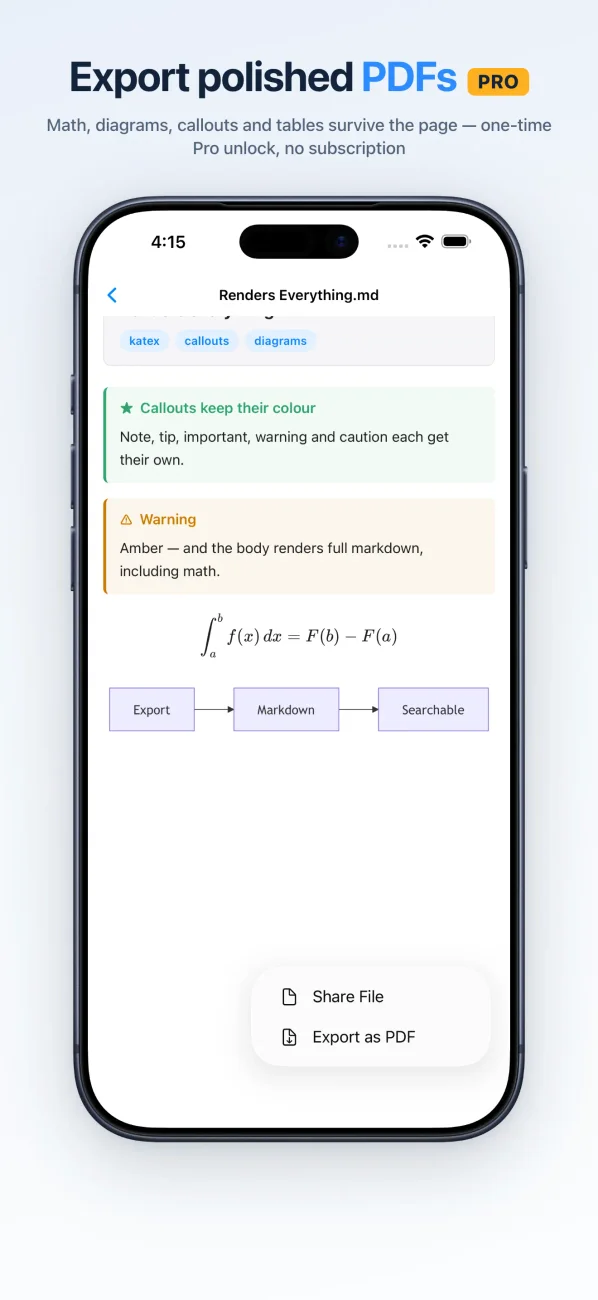
* Export any document as a polished PDF, then share or save it — MD Flow Pro
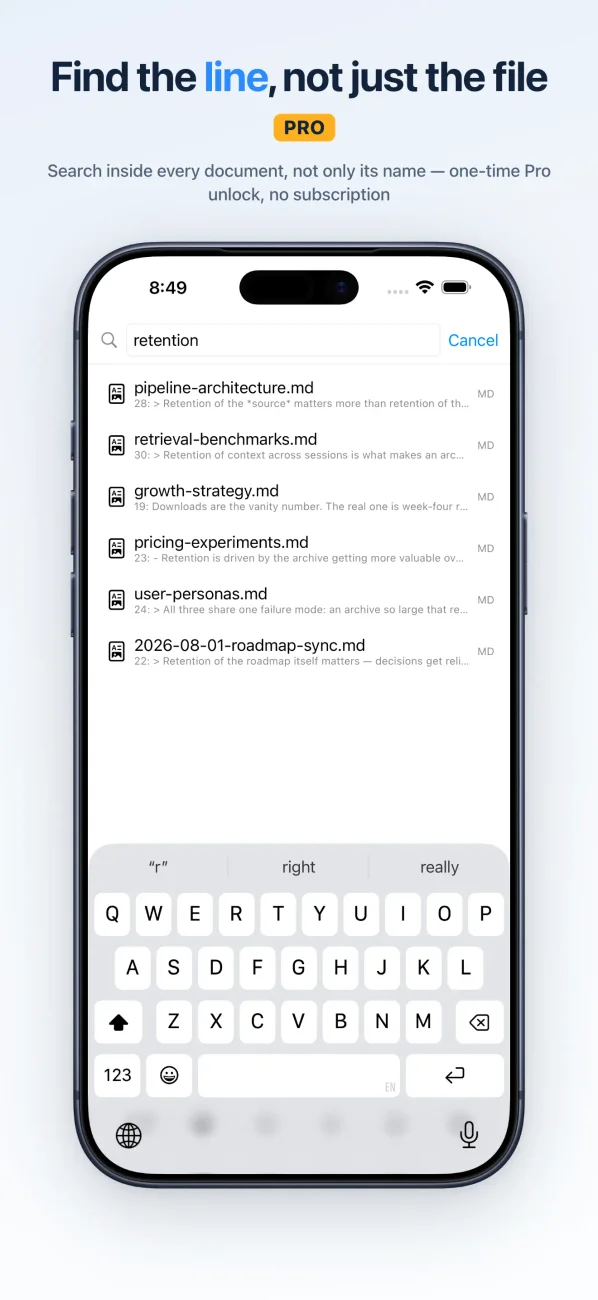
* Search within the current folder
* Reopen recent files quickly
* Navigate long documents with a table of contents
* Preview HTML, text, CSV, and RTF files
* Works directly with your existing folder structure
Built for real workflows
MD Flow works with the files you already have:
* Documentation folders and README-heavy projects
* Technical docs with diagrams and code samples
* Exported notes and personal archives
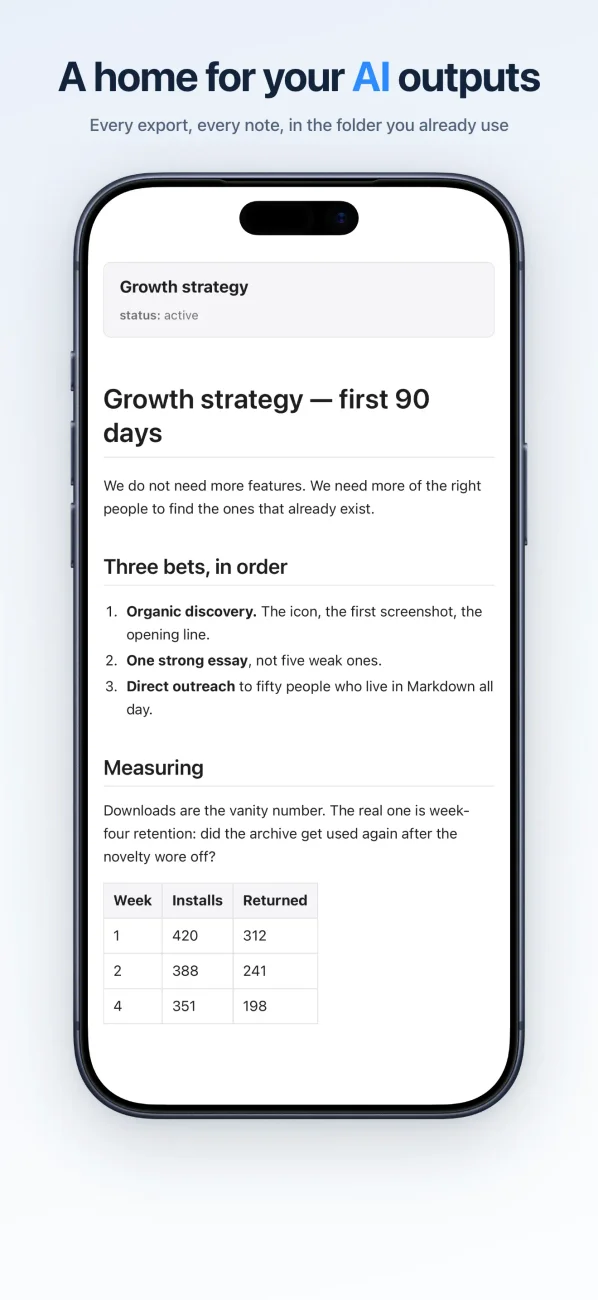
* AI-generated summaries, research, and drafts
* Writing libraries and file-based knowledge systems
A simple, focused experience
MD Flow is not a note-taking app, a PKM system, or a Markdown editor.
It is a file-first app designed to help you browse and read your files faster, without friction.
No import. No duplication. No lock-in.
Privacy-first by design
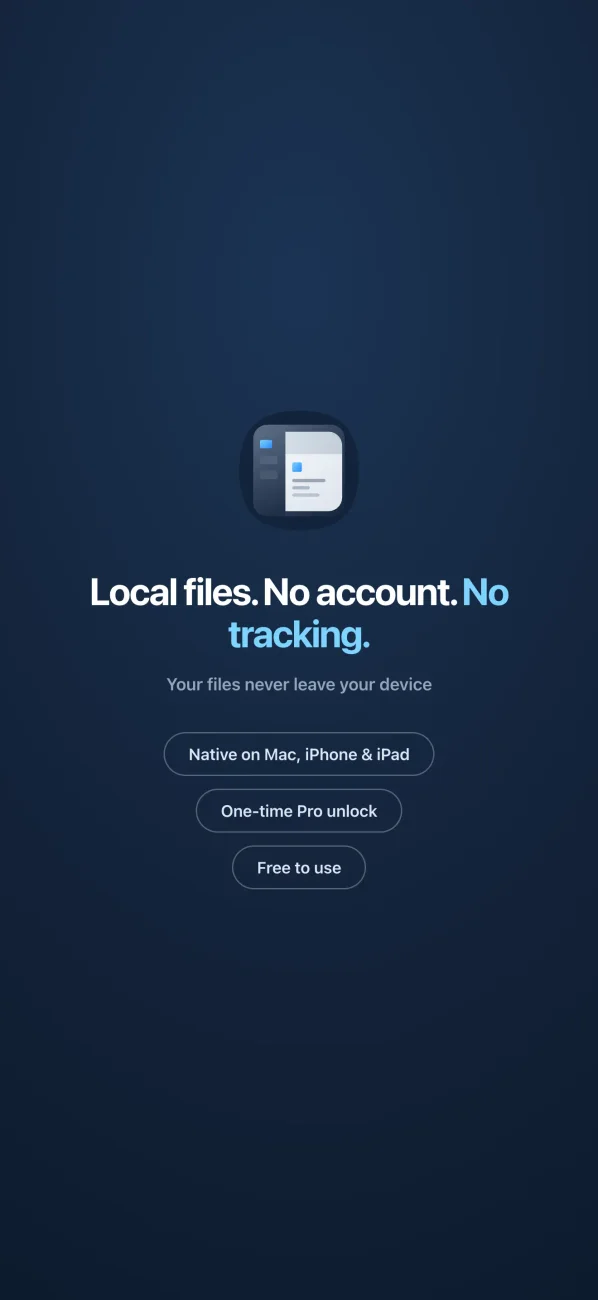
* No account required
* No tracking
* Works locally with your files
* You stay in control of your data
Pricing
MD Flow includes a free core experience.
MD Flow Pro is a one-time unlock — including PDF export — that works across Mac, iPhone, and iPad.
Optional tips are available if you want to support ongoing development.
What’s new
Version 1.15 · Oct 1, 2026
Links between your files now behave like links. A link to another .md file opens it right here instead of handing it to another app, and heading anchors land where they point — including an anchor that reaches into a different document.
New in Pro: export a whole folder as one PDF, in the order you see it.
Also fixed: a wikilink at the start of a line no longer breaks the paragraph around it.
App privacy
What Amilcar Zambrano Guevara declares on the App Store about how this app handles data.
-
Data linked to you
May be collected and linked to your identity.
- Contact info
-
Data not linked to you
May be collected but is not linked to your identity.
- Usage data
Privacy practices may vary, for example with the features you use or your age.
Information
- Seller
- Amilcar Zambrano Guevara
- Category
- Productivity
- Version
- 1.15
- Updated
- Oct 1, 2026
- Released
- Apr 21, 2026
- Size
- 6.6 MB
- Requires
- iOS 17.0 or later
- Age rating
- 4+
- Price
- Free
- In-app purchases
- Yes
- Languages
- English, Portuguese, Simplified Chinese, Spanish
- Copyright
- © 2026 Amilcar Zambrano. All rights reserved.
You might also like
-
 Markdown Editor & ReaderGitHub README, PDF HTML Export
-
 Markflow — Markdown ReaderOpen .md files anywhere
-
 .md ViewerMarkdown Editor + HTML Viewer
-
 Markdown Viewer MobileOffline markdown reader
-
 One MarkdownFast Text & Textbundle Editor.
-
 Markdown゜Notes, Diary & Code Editor
-
 Browser - Fast, Safe, PrivateSecure Web Browsing & Ad Block
-
 Obsidian Web ClipperSave the web. Own your data.
-
 Obsidian - Connected NotesYour second brain on the go
-
 Google AI Edge EloquentUnlimited, no cost dictation