MDash: Writing App & Notes
Markdown text editor & reader
Designed for iPhone, iPad, Mac
Free · In-app purchases
- Age rating4+
- CategoryProductivity
- DeveloperArtur Gorbaczewski
- LanguagesEnglish+ 18 more
- Size65.3 MB
Links to the official App Store page
Download.org hosts no file of MDash: Writing App & Notes. The button opens its official App Store page, published by Artur Gorbaczewski. Listing last checked on Nov 15, 2026.
Screenshots
About
MDash is a Markdown editor that keeps your notes as plain text on your device. No lock-in, no account, no sync you did not ask for. Write on iPhone, iPad and now Mac — the full workspace on every screen.
MARKDOWN, RENDERED LIVE
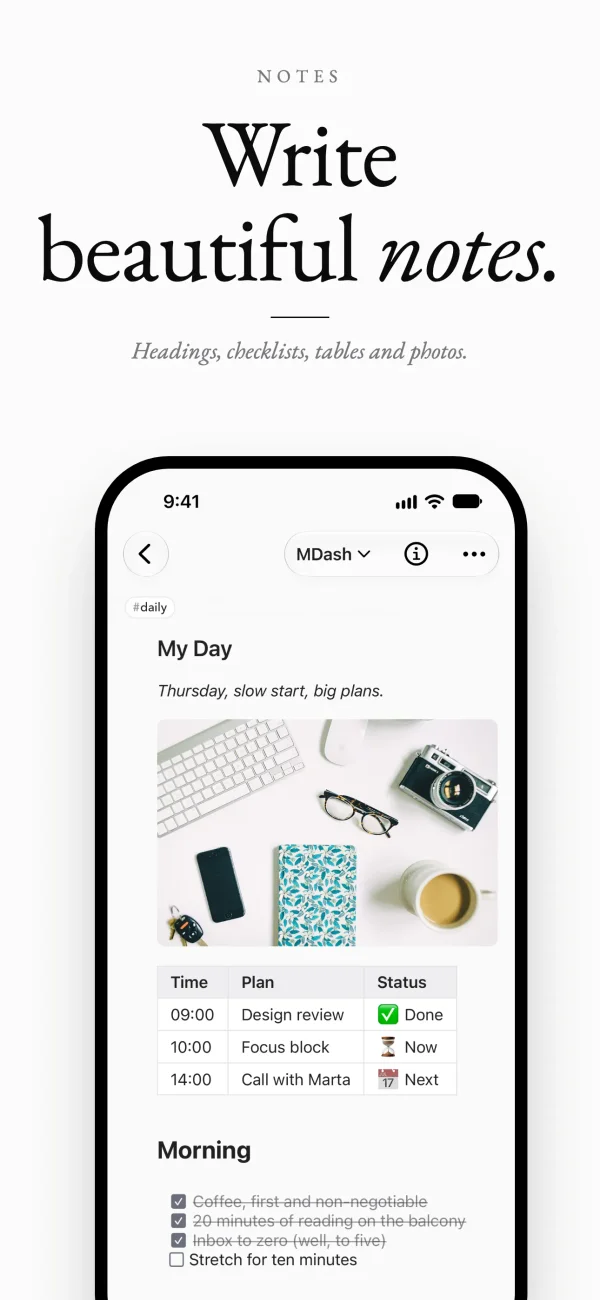
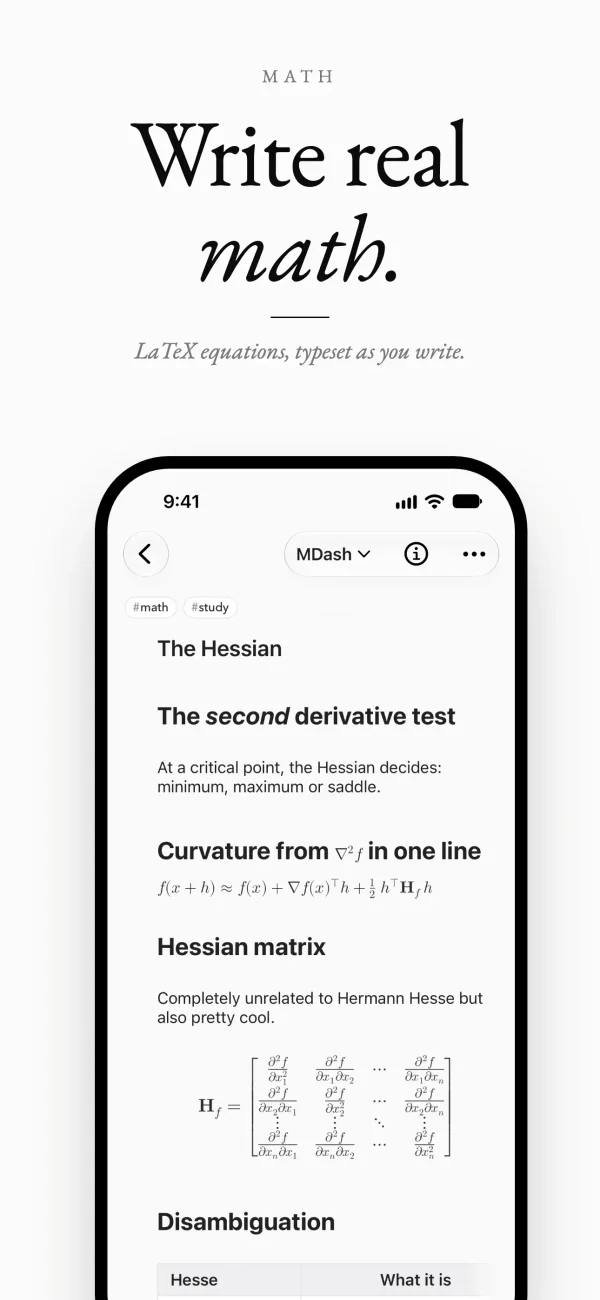
Type plain Markdown and watch the preview update as you type: headings, lists, task checkboxes, tables, code blocks with syntax awareness, links and images. Show the text, the preview, or both side by side.
MERMAID DIAGRAMS — FREE FOR EVERYONE
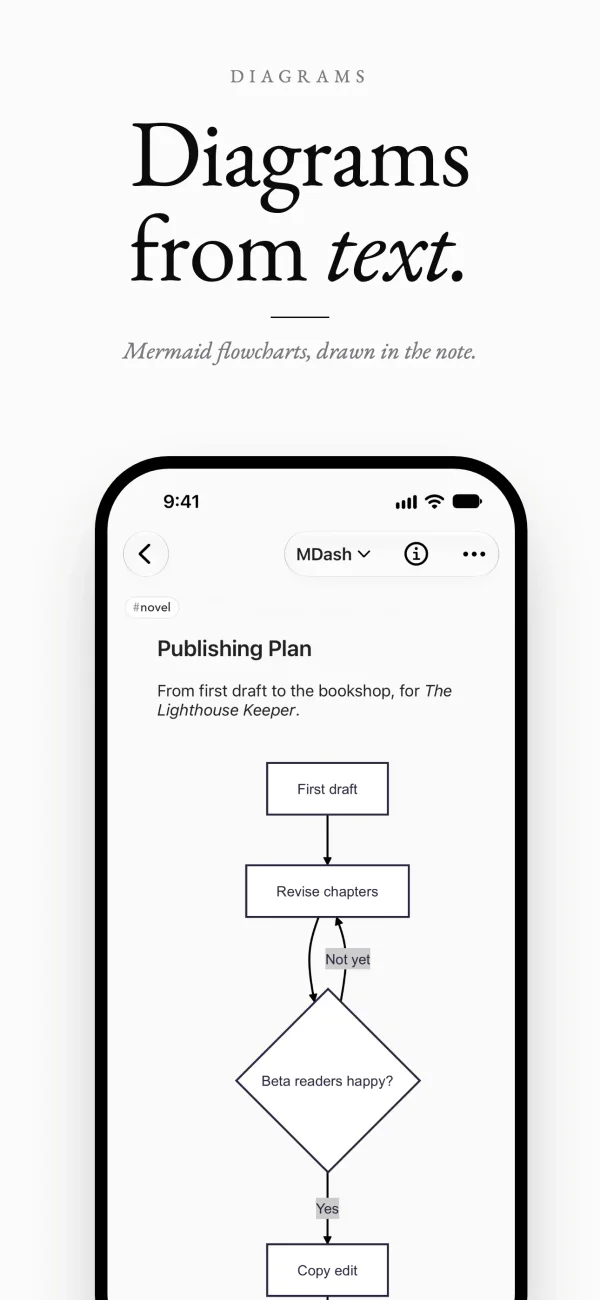
Describe a flowchart, sequence diagram, Gantt chart, class diagram or state machine in plain text and MDash draws it instantly. Rendering is built into the app: no network, nothing leaves your device.
ON MAC AND APPLE WATCH
The complete MDash workspace runs on macOS — a three-column library, keyboard-first editing and the same live preview and Mermaid rendering. On Apple Watch, browse your library and read any note on your wrist. One purchase covers iPhone, iPad, Mac and Watch.
YOUR LIBRARY, ORGANIZED
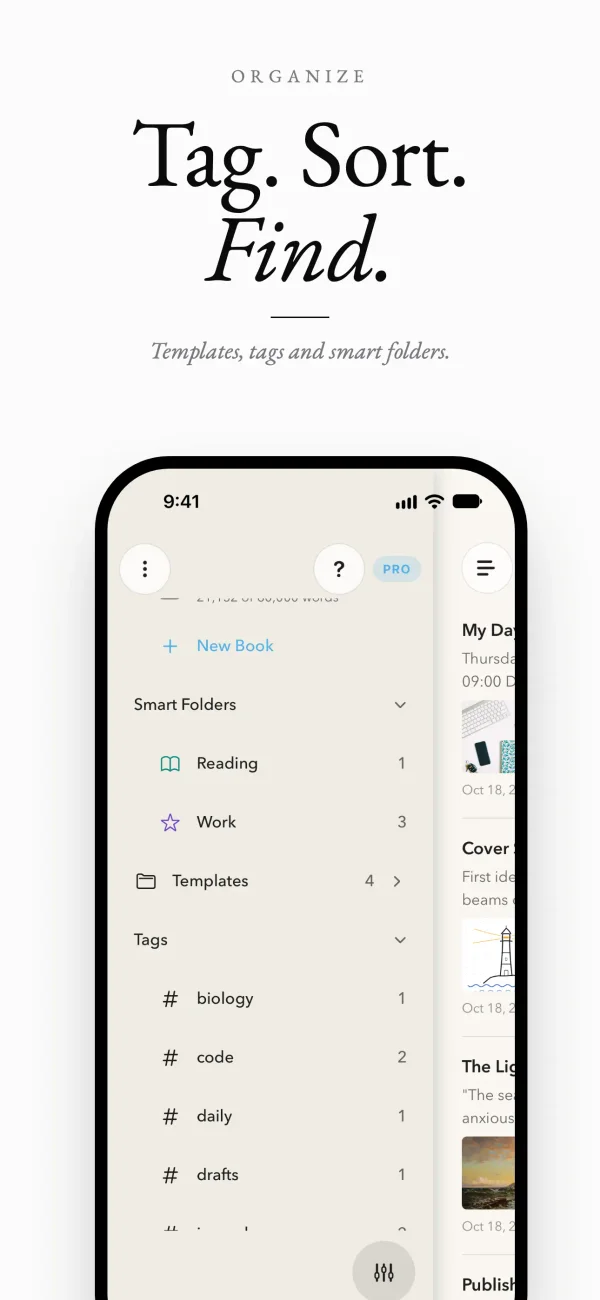
• Pinned notes, Last 7 Days, and Trash with restore
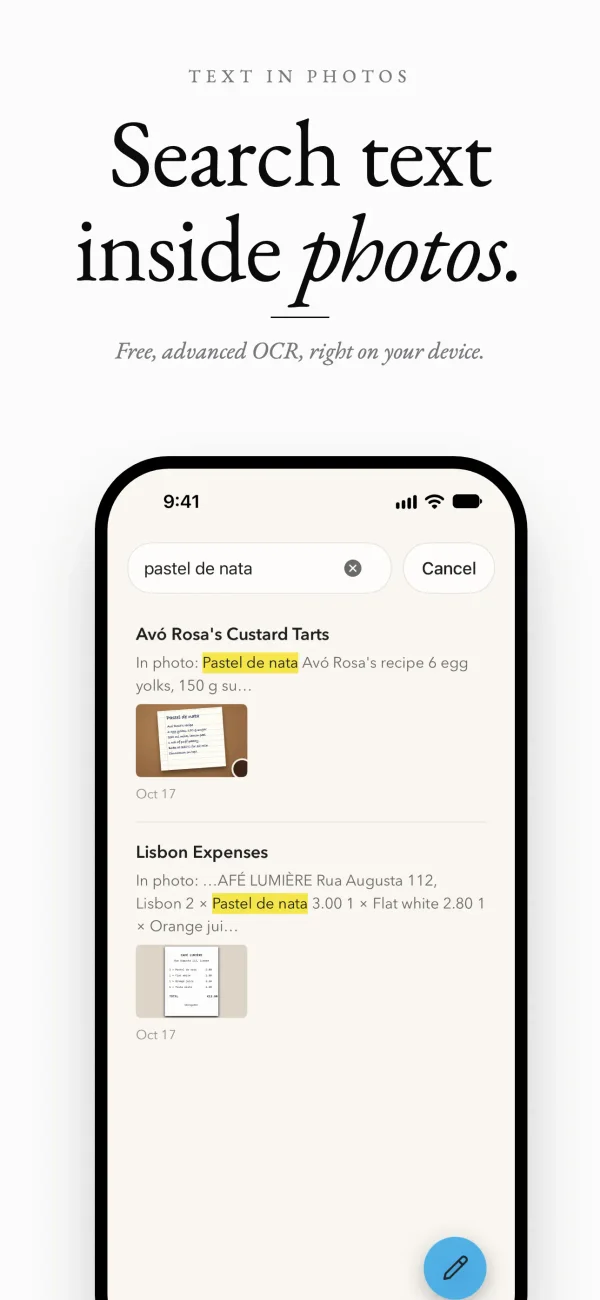
• Full-text search across every note, with jump to match
• In-document find and replace with match highlighting
• Attach photos to notes; files stay ordinary Markdown
• Folders keep related notes together; create one right from the sidebar
• Tags under the title, a Tags section in the sidebar, and search by tag
• Smart folders collect notes automatically from the tags you choose
• Scan documents into a note, and search the text inside photos and scans — on device, free
• Import from Obsidian, Bear, Apple Notes, TextBundle or any folder of Markdown files — free
• Version History keeps earlier versions of every note on device, ready to restore — free
EXPORT AND SHARE
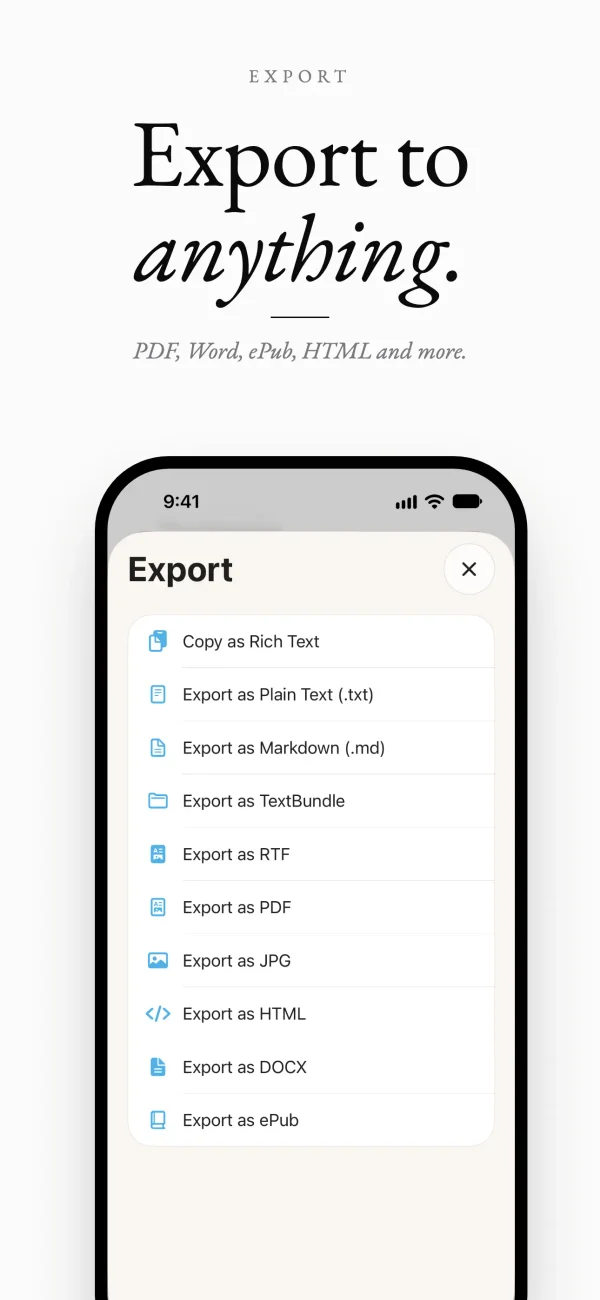
• Export Markdown and plain text — free
• Copy as rich text for mail and documents
• PDF, HTML, Word (DOCX), ePub, RTF, JPG and TextBundle export with MDash Pro
MDASH PRO — LIFETIME OR MONTHLY
MDash Pro unlocks iCloud sync across your devices, export to PDF, HTML, Word, ePub and more, and watermark-free Mermaid diagrams. Choose a one-time lifetime purchase or a monthly subscription — both unlock exactly the same features. The monthly subscription renews automatically until cancelled; manage or cancel it anytime in your App Store account settings.
PRIVATE BY DESIGN
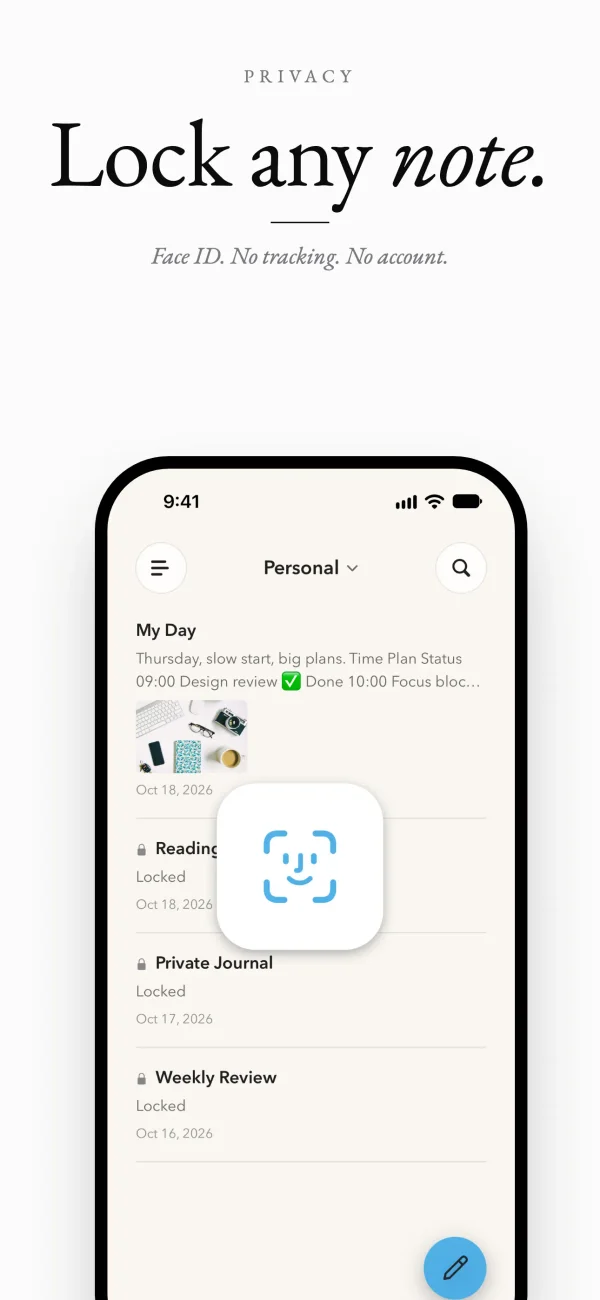
Notes are stored on device; sync is optional and uses your iCloud. Mermaid rendering is local. There is no tracking and no account.
Questions or ideas? Leave a review or reach out through the App Store page — MDash is built by an independent developer and shaped by user feedback.
Terms of Use: https://nightcodeapps.com/apps/markdown-editor/terms/
Privacy Policy: https://nightcodeapps.com/apps/markdown-editor/privacy/
What’s new
Version 6.6 · Nov 11, 2026
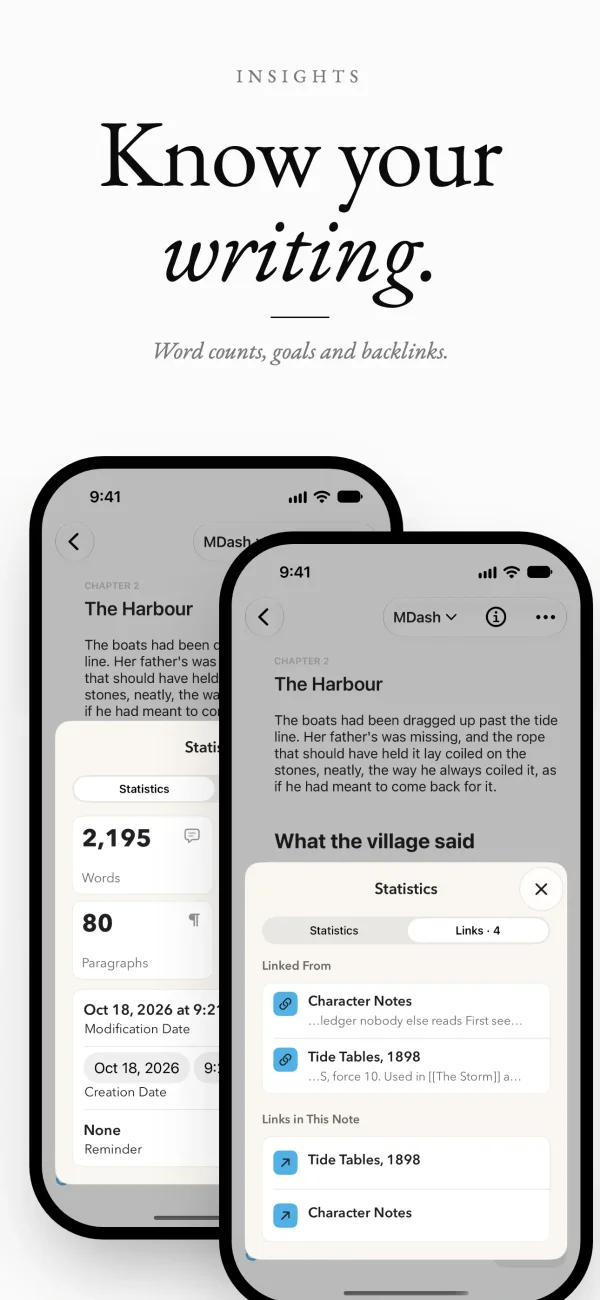
• Two notes side by side on Mac and iPad
• Daily Notes: Today opens the day's note
• Line Length keeps text in a centered column
• Correct Spelling: choose if typos are fixed as you type
• New Photo and Scan Document from the Home Screen
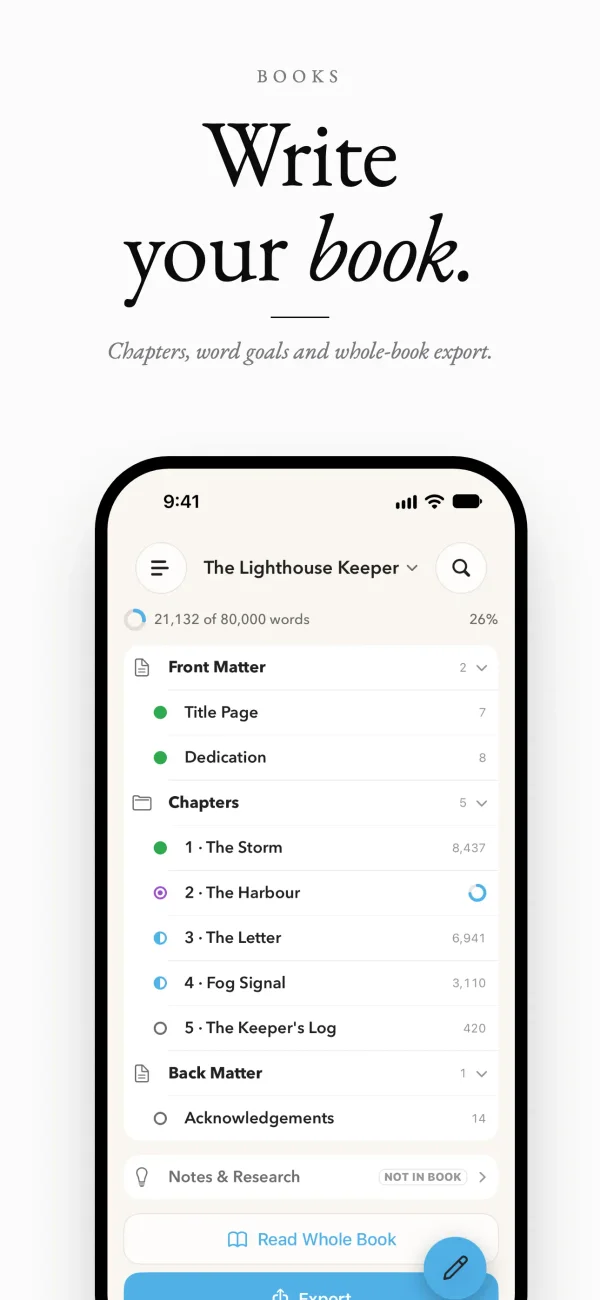
• Books: reading time beside the word count
MDash 6.6 puts two notes side by side on Mac and iPad: choose Open Beside on a note, a link or a backlink, and both stay editable. On iPhone Duo each note takes one half of the open screen. Today is the first row in the sidebar and makes the day's note once; choose its folder, title and template in Settings ▸ Daily Notes. Text now sits in a centered column of 72 characters; change it with Line Length in Settings. Long-press the MDash icon on iPhone or iPad for New Photo, Scan Document and a template you choose.
Fixed: an open note no longer writes old text over a newer version from sync or Version History; switching directly between editor modes works again; the notes list stays still while you type. On Mac, a note opens again after its other window is closed. A note is no longer named after a picture.
App privacy
What Artur Gorbaczewski declares on the App Store about how this app handles data.
-
Data not collected
The developer does not collect any data from this app.
Privacy practices may vary, for example with the features you use or your age.
Information
- Seller
- Artur Gorbaczewski
- Category
- Productivity
- Version
- 6.6
- Updated
- Nov 11, 2026
- Released
- Mar 6, 2026
- Size
- 65.3 MB
- Requires
- iOS 17.0 or later
- Age rating
- 4+
- Price
- Free
- In-app purchases
- Yes
- Languages
- English, Dutch, French, German, Hindi, Indonesian, Italian, Japanese, Korean, Polish, Portuguese, Russian + 7 more
- Copyright
- © 2026 Artur Gorbaczewski
You might also like
-
 MerkdownMarkdown & Mermaid with AI
-
 sort & find documents: DocSortSmart Document Photos Manager
-
 Notelane - Markdown EditorYour notes, your own storage
-
 Amber - Simple MarkdownWrite Markdown like a note
-
 PromptWallet AI Prompt LibraryFind and reuse what works
-
 .md ViewerMarkdown Editor + HTML Viewer
-
 Editor - Markdown NotesWrite, Preview & Export
-
 Balane TextDeck: ShortcutsPrompt Library & Text Expander
-
 Save Button AppProductivity
-
 SoloMD: Markdown Editor & NoteFree Offline Writer, PDF, Math