Amber - Simple Markdown
Write Markdown like a note
Designed for iPhone, iPad, Mac
$2.99
- Age rating4+
- CategoryProductivity
- DeveloperDONGWOOK LEE
- LanguagesEnglish+ 3 more
- Size13.9 MB
Links to the official App Store page
Download.org hosts no file of Amber - Simple Markdown. The button opens its official App Store page, published by DONGWOOK LEE. Listing last checked on Nov 18, 2026.
Screenshots
About
Your writing should stay yours—and remain easy to open with other tools.
Amber is a Markdown document app that stores regular .md files in iCloud Drive. You can see the originals in the Files app on iPhone and iPad or in Finder on Mac, so your work never depends on a proprietary document format.
Natural to write, clear to read
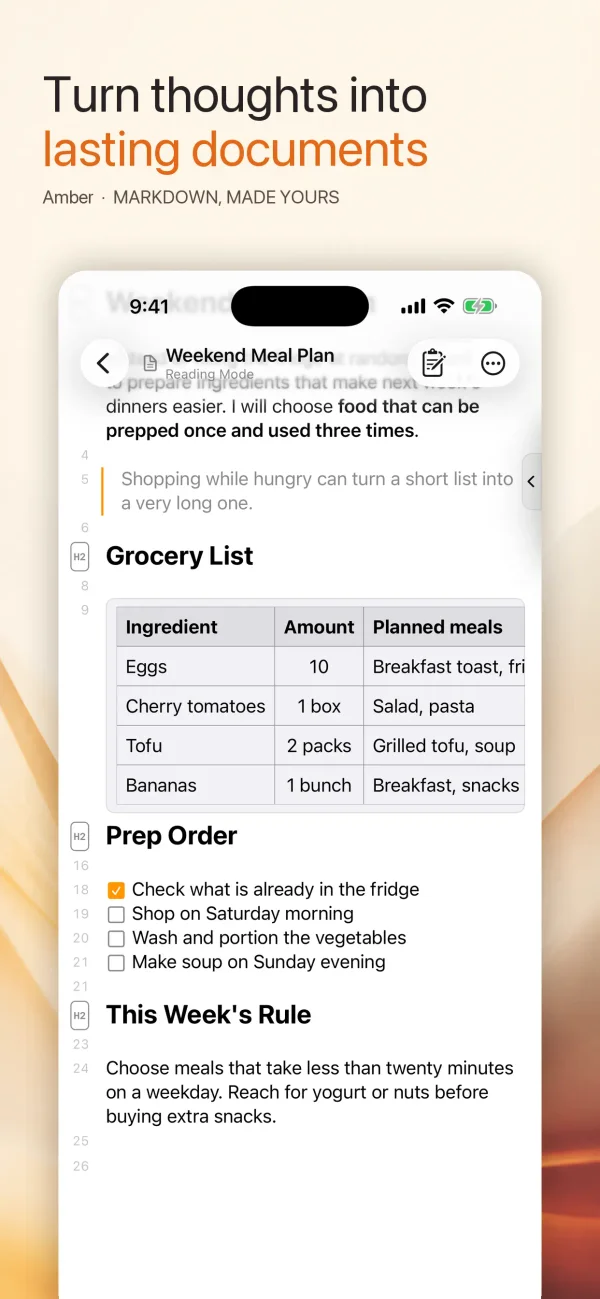
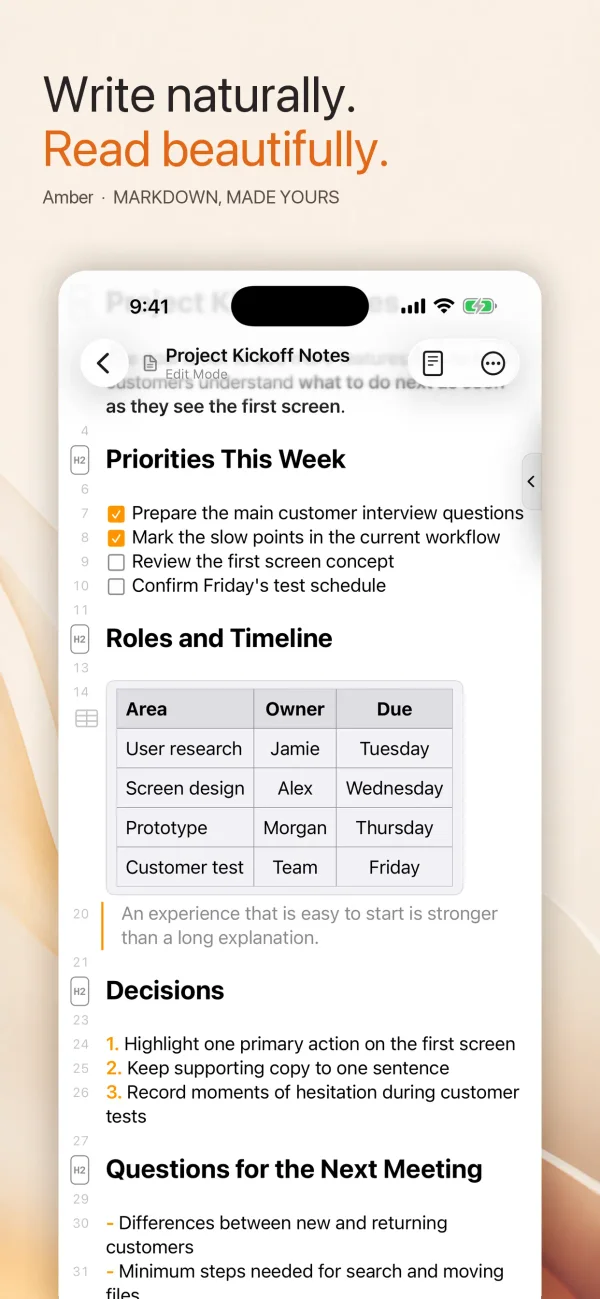
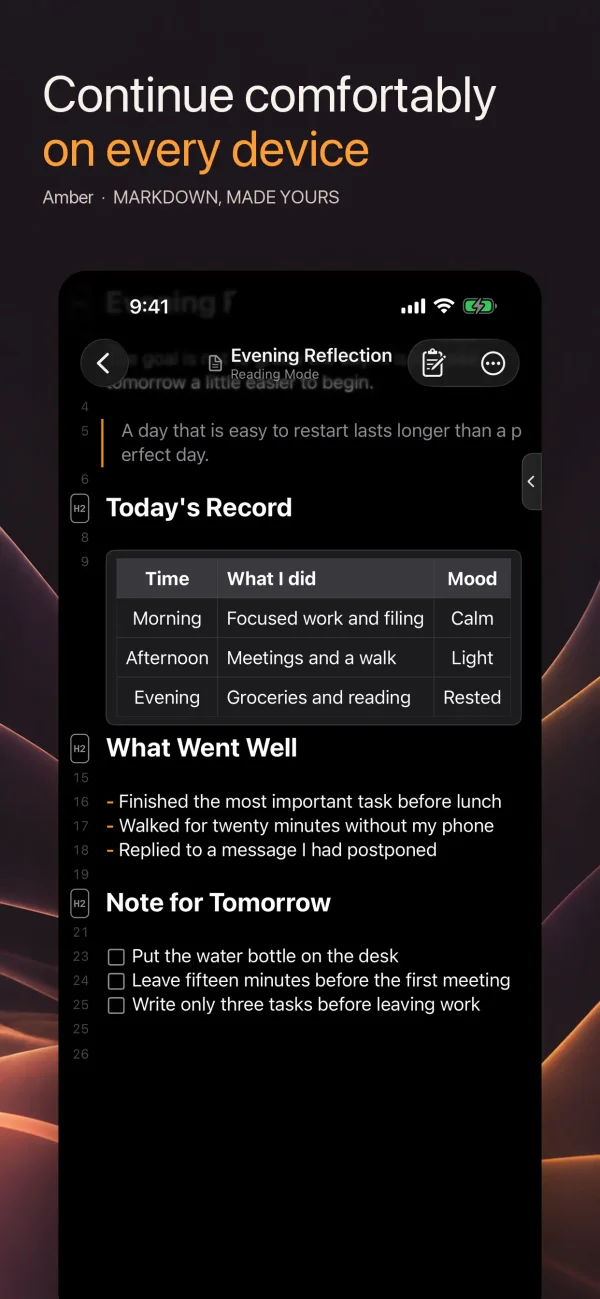
Markdown markers appear when you need them, while headings, lists, quotes, links, images, checkboxes, and code blocks stay easy to read. Reading Mode lets you select and copy without worrying about accidental edits. Editing Mode gets you straight back to writing.
Tables you can edit in place
Amber turns Markdown tables into clear, editable grids. Change cells, add or remove rows and columns, choose header rows or columns, and adjust alignment without leaving the document. The source remains regular Markdown.
Stay oriented in long documents
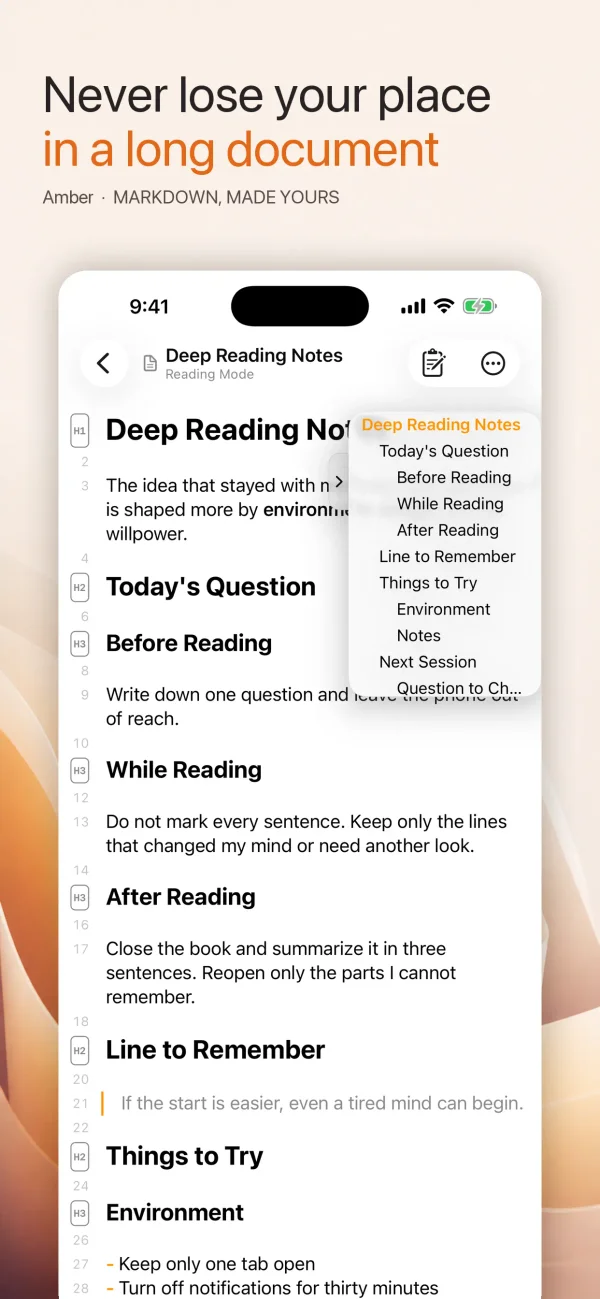
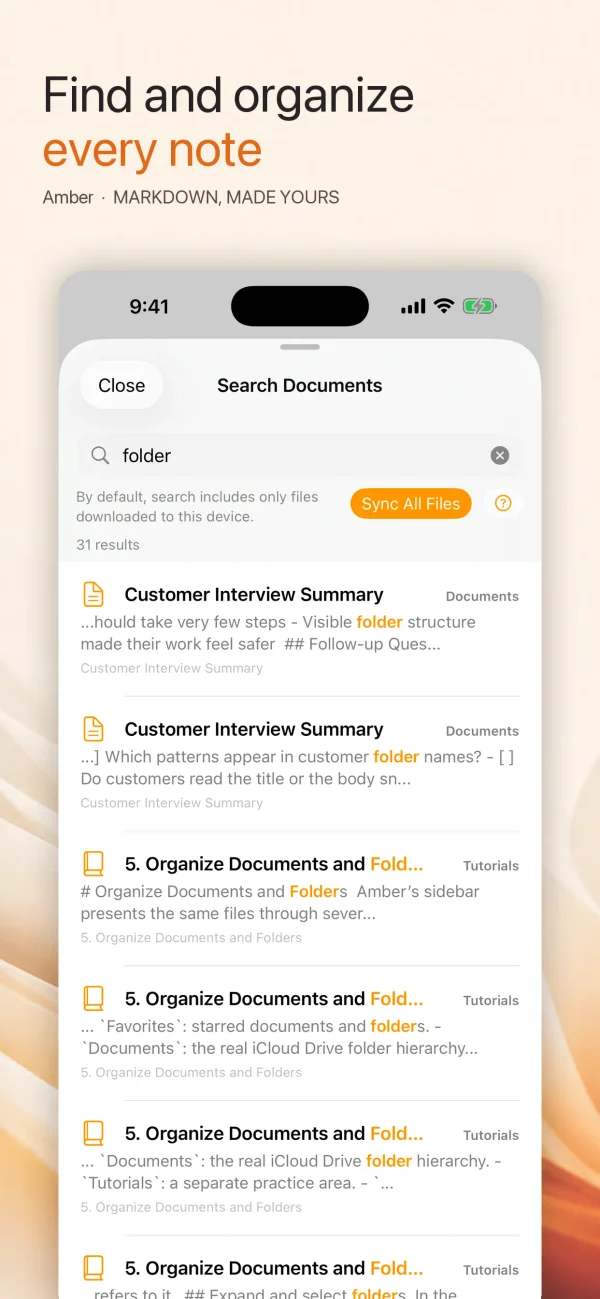
Jump to any section with the heading navigator, or fold a heading to see only the shape of your document. Find within the current file, search your entire library, use line numbers, and move back or forward between documents.
Keep a growing library organized
Recent Documents, Favorites, and folders keep important files close. Choose a destination before creating a document or folder, then rename, move, delete, and restore items with a familiar flow on iPhone, iPad, and Mac.
Recover from accidental changes
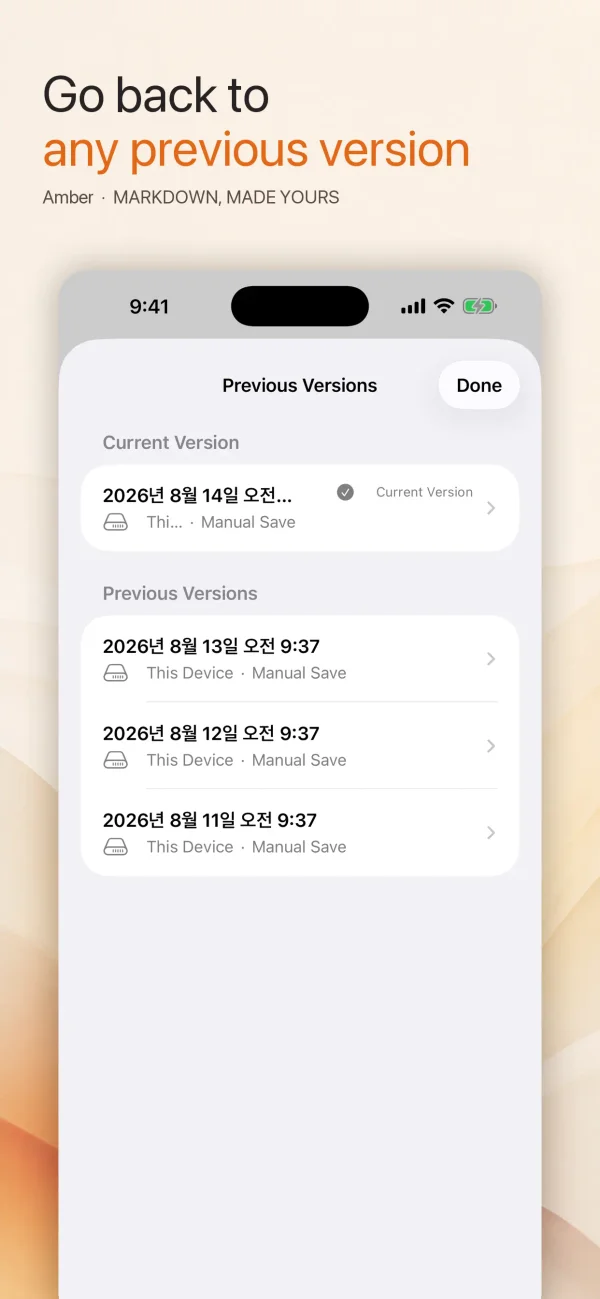
Amber can keep earlier contents in version history on the current device. Preview an older version, compare it with the current document, and restore the one you need. History is stored separately on each device rather than in iCloud, and its storage limit is under your control.
Continue across iPhone, iPad, and Mac
Your documents sync through iCloud Drive. Capture a thought on iPhone, shape a longer draft on iPad, and work with the original files in Finder on Mac. No separate Amber account is required.
Amber includes an interface and built-in guides in Korean, English, Japanese, and Russian.
Terms of Use and EULA:
https://www.apple.com/legal/internet-services/itunes/dev/stdeula/
Privacy Policy:
https://drfranken.net/apps/amber/privacyPolicy_en.html
What’s new
Version 2.0 · Aug 22, 2026
Amber 2.0 is a major update that refreshes the reading and writing experience across iPhone, iPad, and Mac.
• View Markdown tables as clear grids, then edit cells, rows, columns, headers, and alignment right in the document.
• Use Reading Mode to select and copy without accidental changes, or switch to Editing Mode and start writing immediately.
• Recent Documents, Favorites, folders, search, creation, Trash, and Settings now feel consistent across devices.
• Find what you need faster with improved search across your entire library, even with many documents or very long files.
• Move back and forward between documents, see a centered title and current mode, and jump through long files with the heading navigator.
• Enjoy more natural headings, lists, quotes, dividers, links, images, checkboxes, code blocks, folding, and line numbers.
• Get smoother typing and scrolling in long documents, plus more reliable document switching and iCloud syncing.
• Learn Amber from the beginning with completely rewritten guides in four languages.
App privacy
What DONGWOOK LEE declares on the App Store about how this app handles data.
-
Data not collected
The developer does not collect any data from this app.
Privacy practices may vary, for example with the features you use or your age.
Information
- Seller
- DONGWOOK LEE
- Category
- Productivity
- Version
- 2.0
- Updated
- Aug 22, 2026
- Released
- Mar 18, 2026
- Size
- 13.9 MB
- Requires
- iOS 17.4 or later
- Age rating
- 4+
- Price
- $2.99
- Languages
- English, Japanese, Korean, Russian
- Copyright
- © 2026 drfranken
You might also like
-
 Obsession: Goal AccountabilityOne goal. Total commitment
-
 TypeFlow: AI Keyboard & WriterTranslate, Grammar spell Check
-
 OraKit – PDF & File ToolsScan, OCR, convert, protect
-
 FlipScapeDynamicScenes、Flip Clock、Focus
-
 Calendar SchedulePlan your days with ease
-
 Calculator Keyboard - FasterArithmetic, Advanced functions
-
 CalUnityUnify All Your Calendars
-
 Just Did - Task TrackerChore Tracker, Daily Checklist
-
 Recall ContactsFind people by context
-
 Shift Calendar & Work RosterNurse & Firefighter Schedule