MDWriter - Simple Text Editor
Quick capture, instant styling
Designed for iPhone
In-app purchases
- Age rating4+
- CategoryProductivity
- Developerhirokazu murabe
- LanguagesJapanese+ 1 more
- Size4.5 MB
Links to the official App Store page
Download.org hosts no file of MDWriter - Simple Text Editor. The button opens its official App Store page, published by hirokazu murabe. Listing last checked on Nov 12, 2026.
Screenshots
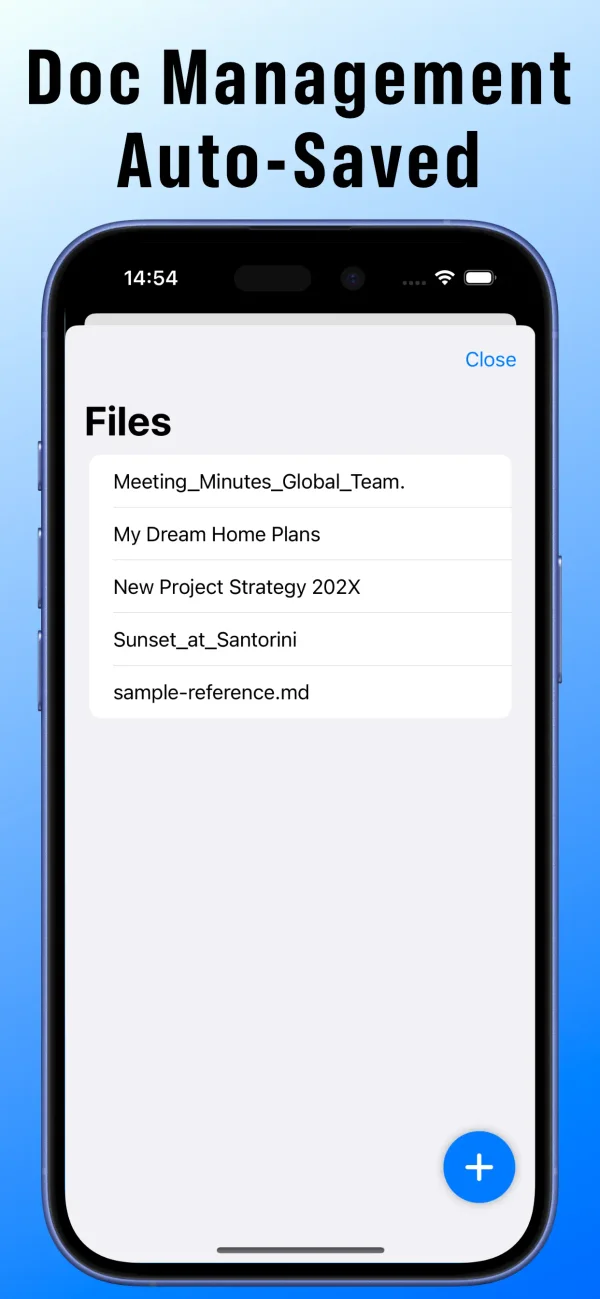
About
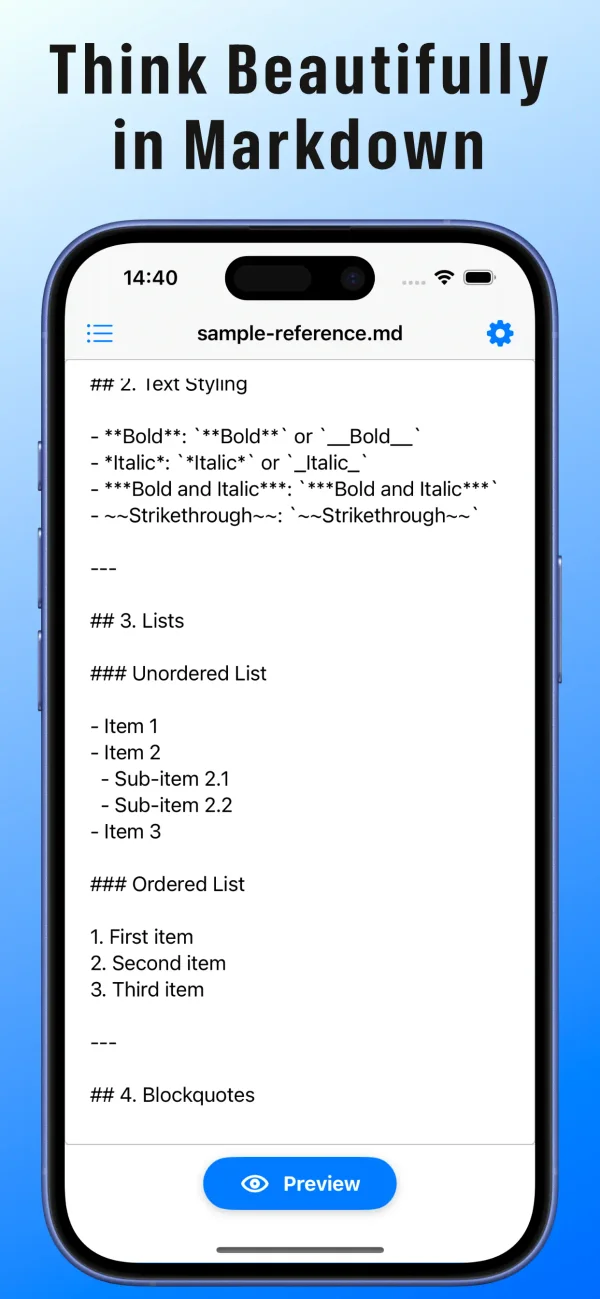
This app is the clean and simple Markdown editor designed to help you capture, organize, and format your ideas with ease. Enjoy a writing experience that's focused, fast, and free from distractions.
Key Features:
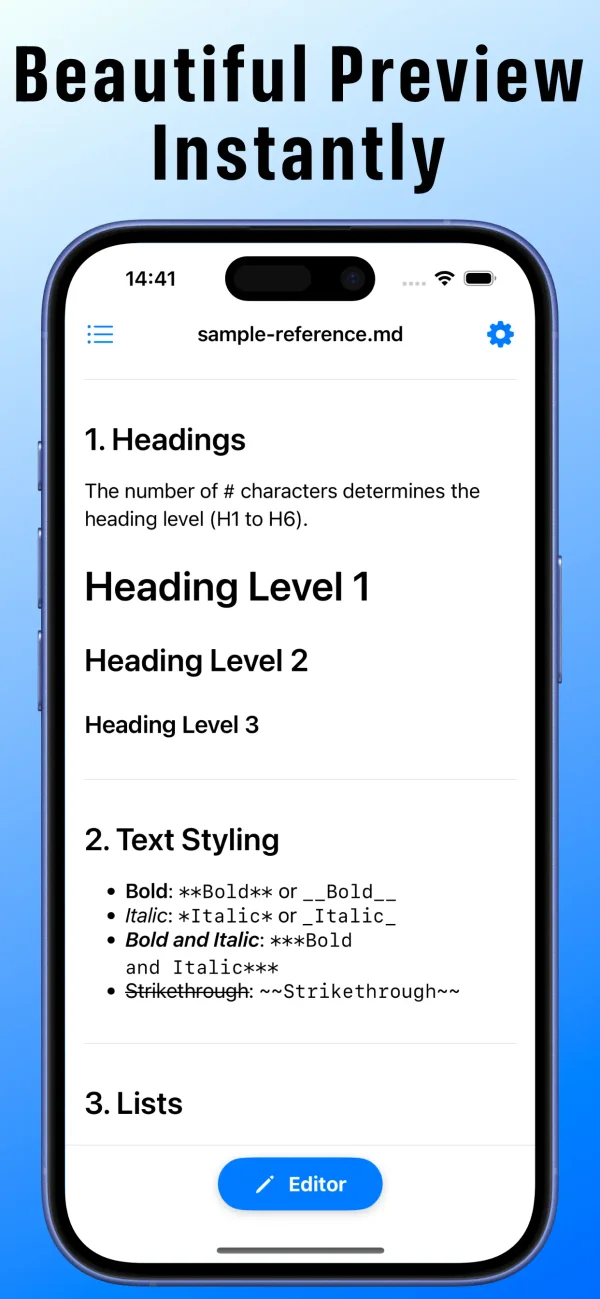
Instant Preview
With a single tap, switch from editor to a beautifully formatted preview. See exactly how your text will look, ensuring your lists, links, and images are perfect before you export.
Distraction-Free Writing
Our clean, minimalist interface lets you focus on what truly matters: your content. No complicated menus, just a straightforward space for your thoughts to flow.
Intuitive File Management
Easily create, rename, and delete your files right within the app. Keep all your notes, drafts, and documents neatly organized and accessible.
Works Completely Offline
No internet? No problem. All your files are stored securely on your device, giving you the freedom to write and edit anytime, anywhere.
Learn as You Write
Features a built-in reference with all the basic Markdown syntax, making it easy for anyone to master the essentials and start writing beautifully formatted text in no time.
Perfect for:
Bloggers and writers drafting articles.
Students taking lecture notes and writing reports.
Developers creating documentation and technical notes.
Anyone looking to capture and structure their ideas.
[About Premium Plan (Subscription)]
Ad‑free browsing, iCloud sync, and unlimited documents — all included in the Premium Plan.
• Subscription period: 1 month (Auto-renewable)
• Price: $0.49/ month
• Payment will be charged to your iTunes Account at confirmation of purchase.
• Subscription automatically renews unless auto-renew is turned off at least 24-hours before the end of the current period.
• Your account will be charged for renewal within 24-hours prior to the end of the current period, and identify the cost of the renewal.
• Subscriptions may be managed by the user and auto-renewal may be turned off by going to the user's Account Settings after purchase.
Privacy Policy:
https://ios-mac-a7694.web.app/privacy.html
Terms of Use (EULA):
https://www.apple.com/legal/internet-services/itunes/dev/stdeula/
Download now and rediscover the joy of writing.
What’s new
Version 2.1 · Feb 9, 2026
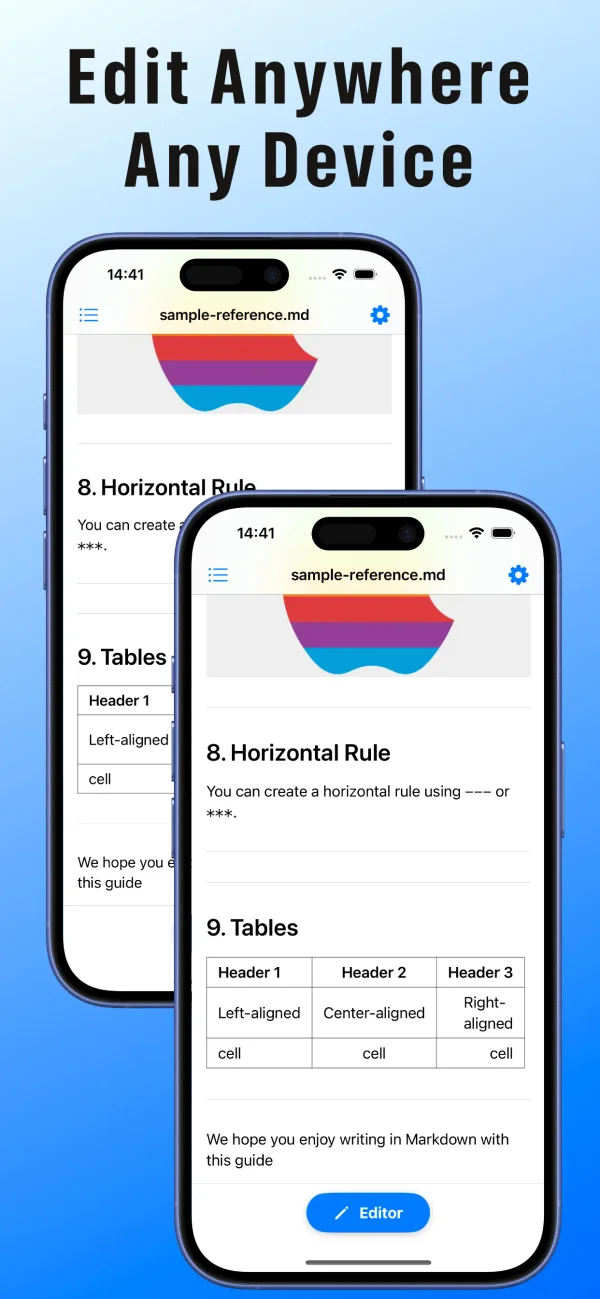
Added support for document sharing across multiple devices.
You can now edit the same files from any device.
App privacy
What hirokazu murabe declares on the App Store about how this app handles data.
-
Data used to track you
May be used to track you across apps and websites owned by other companies.
- Identifiers
-
Data not linked to you
May be collected but is not linked to your identity.
- Identifiers
Privacy practices may vary, for example with the features you use or your age.
Information
- Seller
- hirokazu murabe
- Category
- Productivity
- Version
- 2.1
- Updated
- Feb 9, 2026
- Released
- Oct 27, 2025
- Size
- 4.5 MB
- Requires
- iOS 16.6 or later
- Age rating
- 4+
- In-app purchases
- Yes
- Languages
- Japanese, English
- Copyright
- © @2016 - 2025 Studio Magic
You might also like
-
 Note.md: Markdown, HTML VieweriCloud editor & read aloud
-
 Finishwell: Daily Goal TrackerGoal Setting & Life Planner
-
 MDPapermarkdown
-
 DODO - Full focus on one thingProductivity
-
 DecaNotesProductivity
-
 Cue - 予定管理をかんたんにProductivity
-
 Markdown Editor : Md ViewerReader. Convert to pdf. LaTex
-
 PDF Split & ExtractExtract or split PDF pages
-
 Markdown Editor: Write & PDFWrite, Live Preview & Export
-
 Snippets: Quick Markdown NotesSync via iCloud