
Markdown Editor: Write & PDF
Write, Live Preview & Export
Designed for iPhone, iPod touch
In-app purchases
- Age rating17+
- CategoryProductivity
- DeveloperOKAN KAYCI
- LanguagesSpanish+ 11 more
- Size49.8 MB
Links to the official App Store page
Download.org hosts no file of Markdown Editor: Write & PDF. The button opens its official App Store page, published by OKAN KAYCI. Listing last checked on Nov 10, 2026.
Screenshots


About
The most elegant and powerful way to craft your ideas, technical notes, and daily documents.
Markdown Editor offers a distraction-free, focus-first environment built for writers, developers, students, and productivity enthusiasts. Eliminate menu clutter and focus purely on your content.
WHY CHOOSE MARKDOWN EDITOR?
Rich & Fluid Writing Experience:
Full Markdown syntax support lets you construct headings, lists, code blocks, blockquotes, and links effortlessly.
Live Side-by-Side Preview:
Watch your text format instantly as you type. Real-time syntax highlighting ensures your code blocks and Markdown tags are always crystal clear.
Professional PDF Export & Printing:
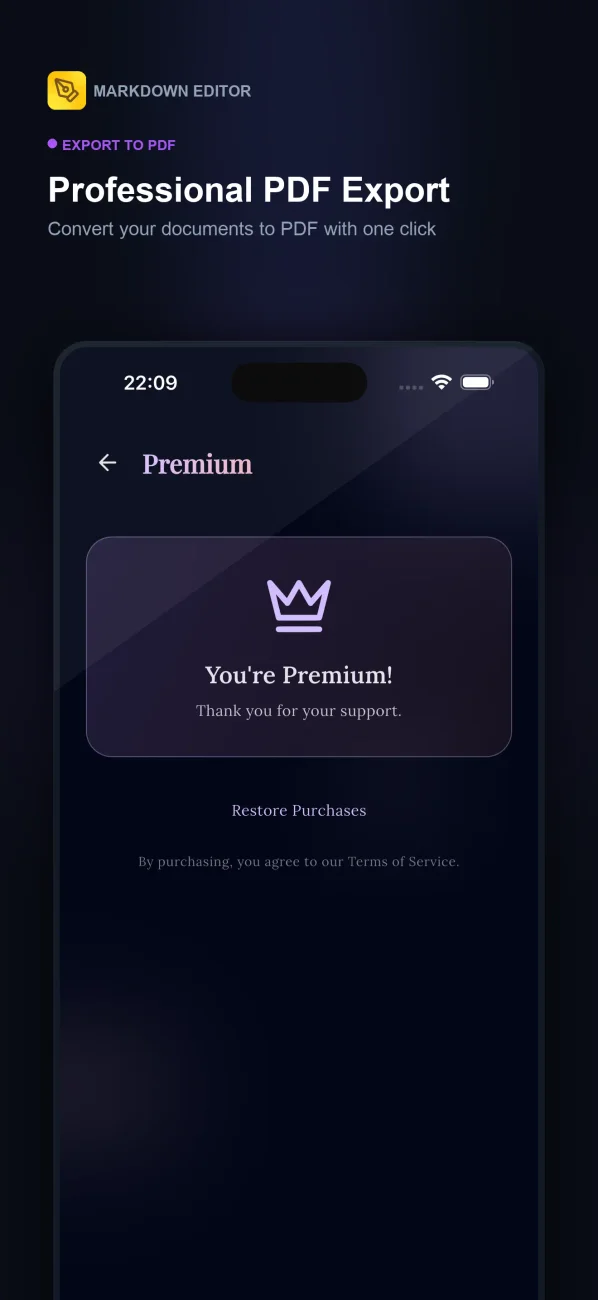
Convert your documents into beautifully styled, print-ready PDFs with a single tap. Print directly or share formatted files seamlessly.
Secure Local File Management:
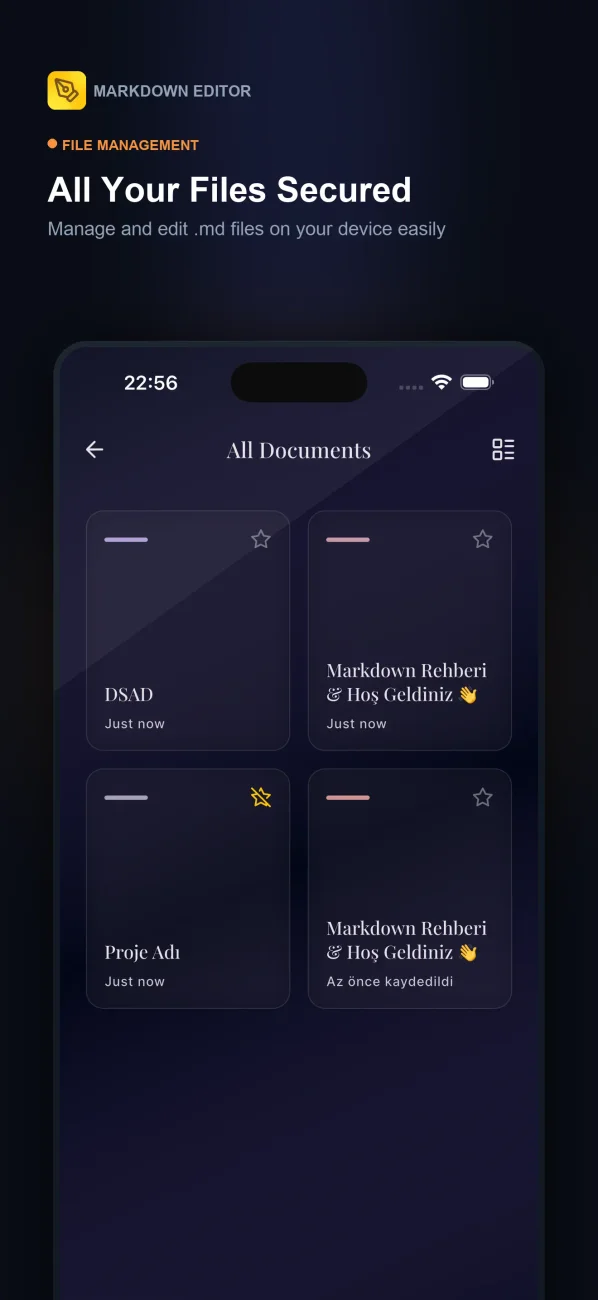
Your files stay completely private on your device. Open, edit, organize into folders, and save local .md documents without cloud lock-in.
Customizable Modern Themes:
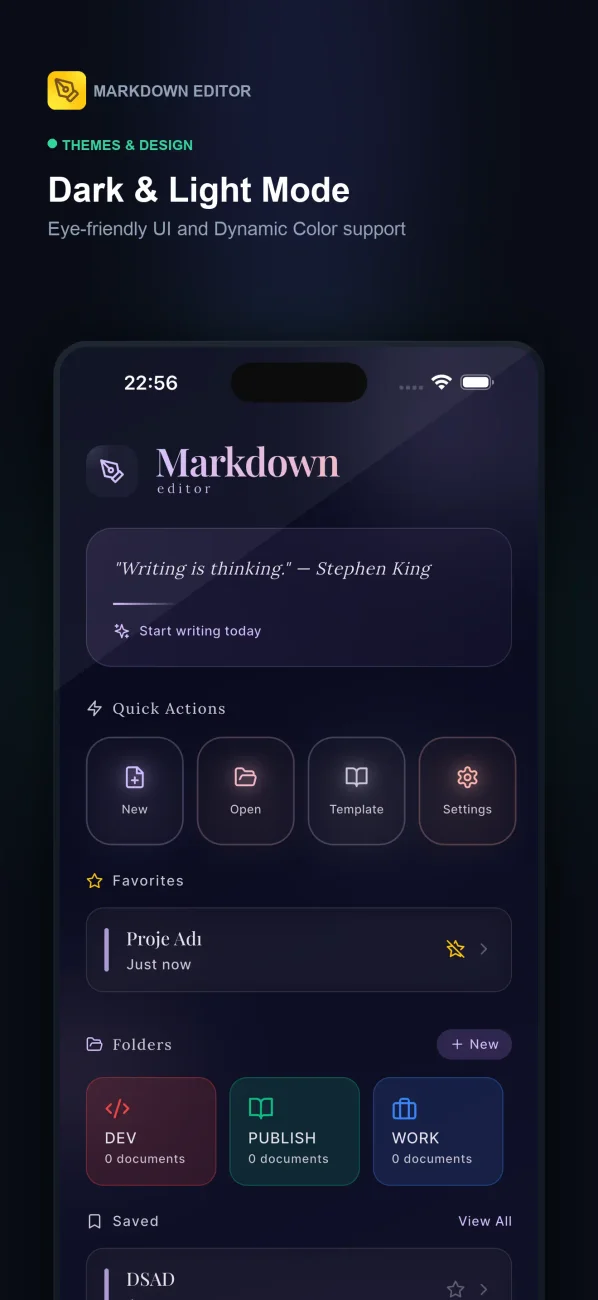
Enjoy comfortable day and night writing with Dark and Light modes alongside native Dynamic Color accent support.
Global Multi-Language Support:
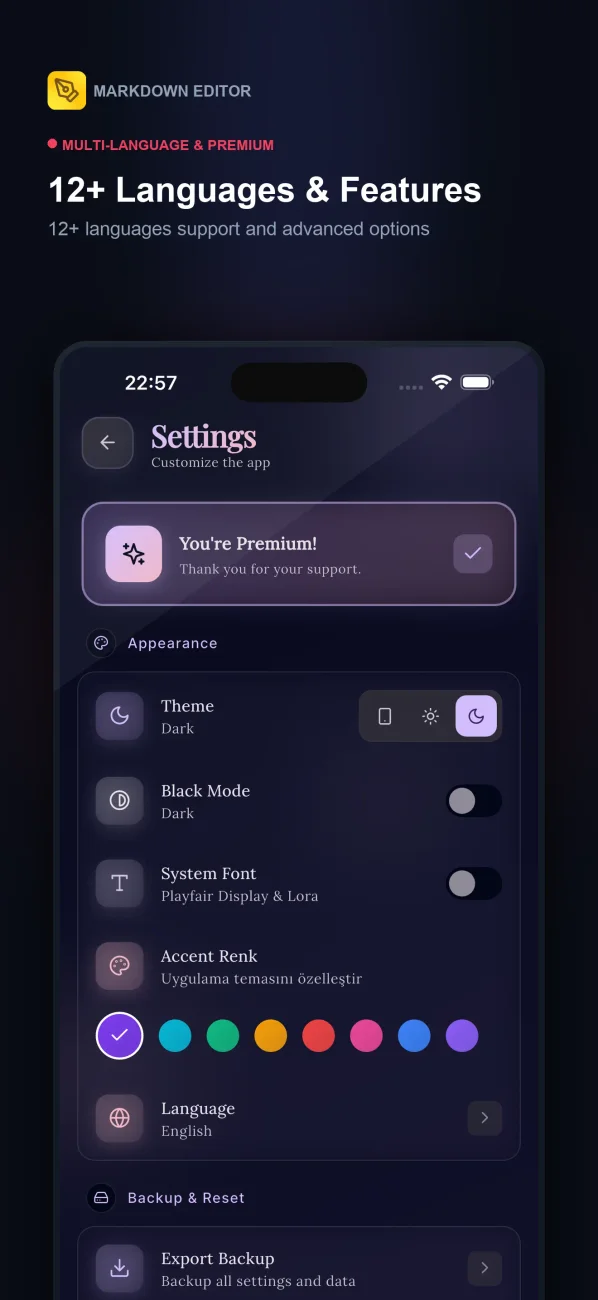
Fully localized in 12+ major languages for an intuitive experience worldwide.
IDEAL FOR
- Academic notes and lecture summaries
- Software documentation and code snippets
- Blog articles, drafts, and creative writing
- Daily task lists and personal journal entries
Download now and elevate your writing workflow today.
What’s new
Version 1.4.0 · Oct 22, 2026
Added PIN lock for folders: secure and protect your private documents.
AMOLED pure black theme styles with refreshed accent colors for a better visual experience.
Improved direct preview navigation and modernized notification alerts.
App privacy
What OKAN KAYCI declares on the App Store about how this app handles data.
-
Data used to track you
May be used to track you across apps and websites owned by other companies.
- Usage data
-
Data linked to you
May be collected and linked to your identity.
- Usage data
Privacy practices may vary, for example with the features you use or your age.
Information
- Seller
- OKAN KAYCI
- Category
- Productivity
- Version
- 1.4.0
- Updated
- Oct 22, 2026
- Released
- Jan 18, 2026
- Size
- 49.8 MB
- Requires
- iOS 15.0 or later
- Age rating
- 17+
- In-app purchases
- Yes
- Languages
- Spanish, German, Simplified Chinese, Korean, French, English, Italian, Japanese, Portuguese, Russian, Turkish, Arabic
- Copyright
- © Pixelflow 2026
You might also like
-
 Markdown Editor : Md ViewerReader. Convert to pdf. LaTex
-
 GitWriter - Markdown AnywhereMarkdown and Git for Writers
-
 Hyday MDWiki-linked Markdown reader
-
 Editor - Markdown NotesWrite, Preview & Export
-
 QuickMark: Markdown EditorPreview, Export & Publish
-
 Quick Markdown ViewerRead Markdown folders quickly
-
 Note.md: Markdown, HTML VieweriCloud editor & read aloud
-
 SoloMDLocal Markdown notes & editor
-
 MDWriter - Simple Text EditorQuick capture, instant styling
-
 Markdown to PDF: Pro EditorConvert MD to DOCX, EPUB, HTML