
MeasurePlan: Floor Plan Ruler
Measure rooms, areas & maps
Designed for iPhone, iPad, iPod touch
Free
- Age rating4+
- CategoryProductivity
- DeveloperAAC Digital
- LanguagesEnglish
- Size5.0 MB
Links to the official App Store page
Download.org hosts no file of MeasurePlan: Floor Plan Ruler. The button opens its official App Store page, published by AAC Digital. Listing last checked on Nov 12, 2026.
Screenshots
About
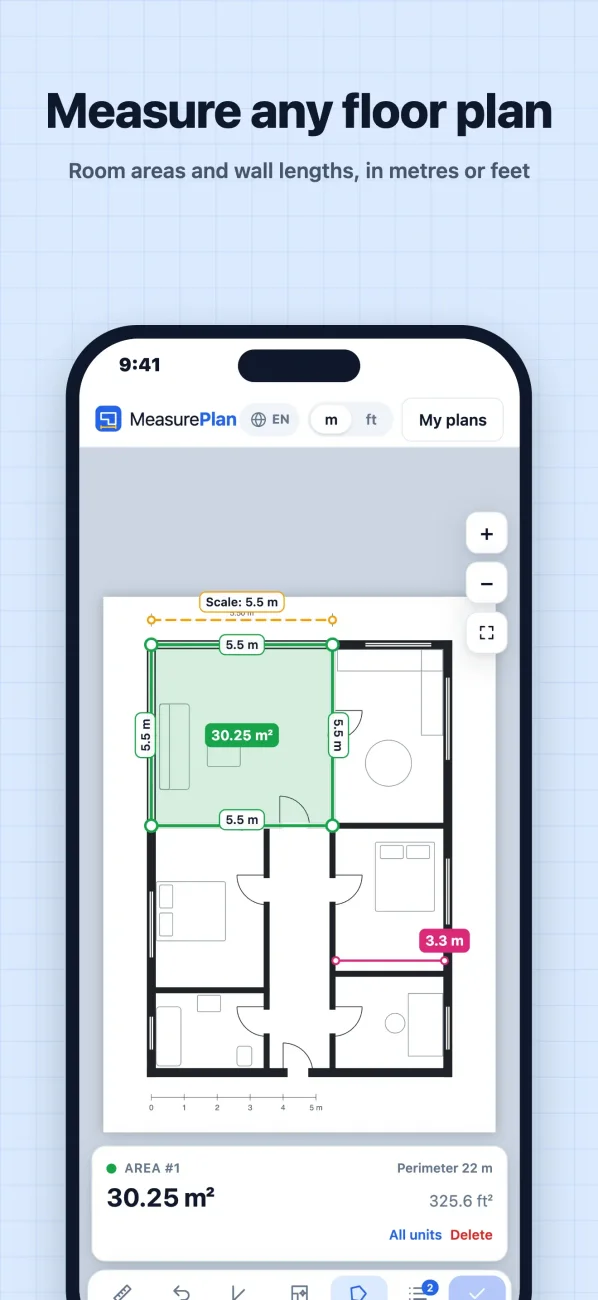
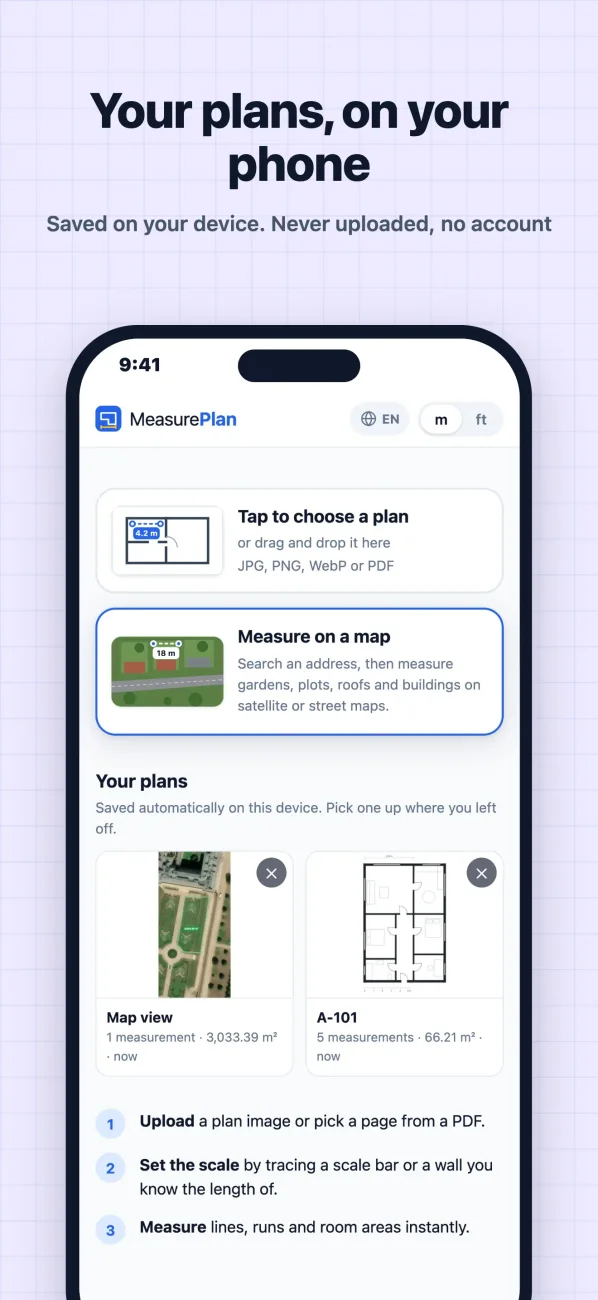
MeasurePlan measures floor plans, PDFs and maps. Open a plan, set the scale from one length you know, then tap to measure walls, rooms and gaps in metres or feet. It's free, with no ads and no account, and your files never leave your device.
Open any plan
• Pick a floor plan image from your photos or files
• Open PDFs, including multi-page drawings: just choose the page
• Architect drawings, estate agent floor plans and screenshots all work
Set the scale once
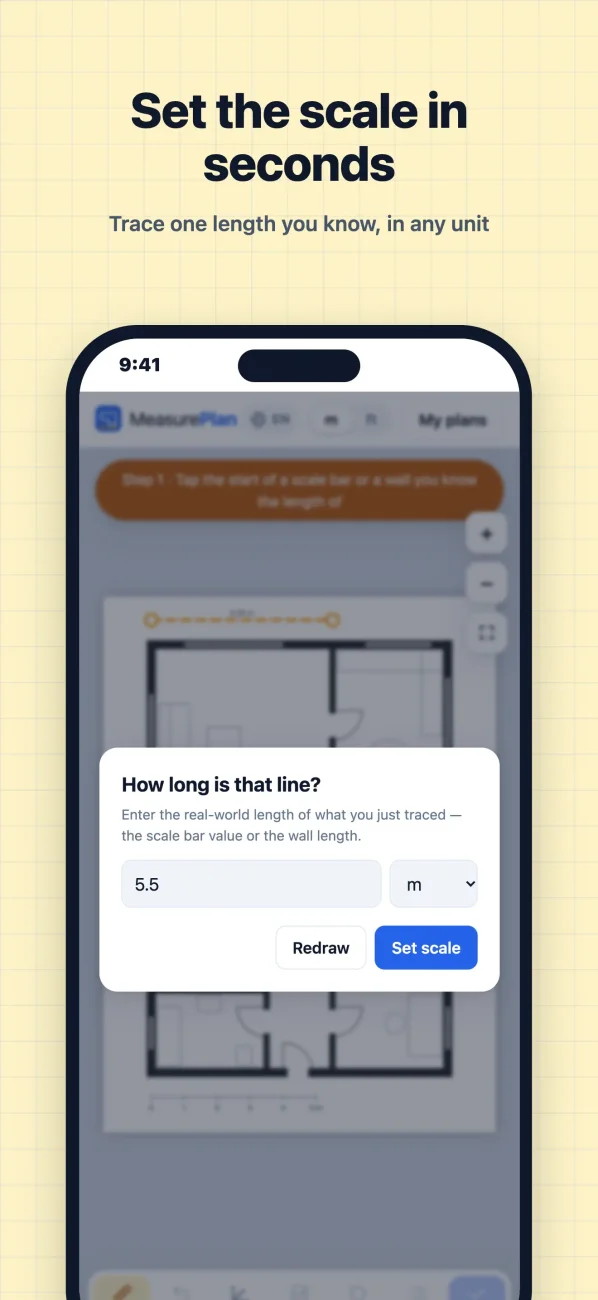
Trace the plan's scale bar, or a wall you know the length of, and enter its real length in any unit. Every line you draw after that is measured to the same scale.
Measure anything
• Straight lines and multi-segment runs
• Room areas and perimeters: tap the corners, then the first point again
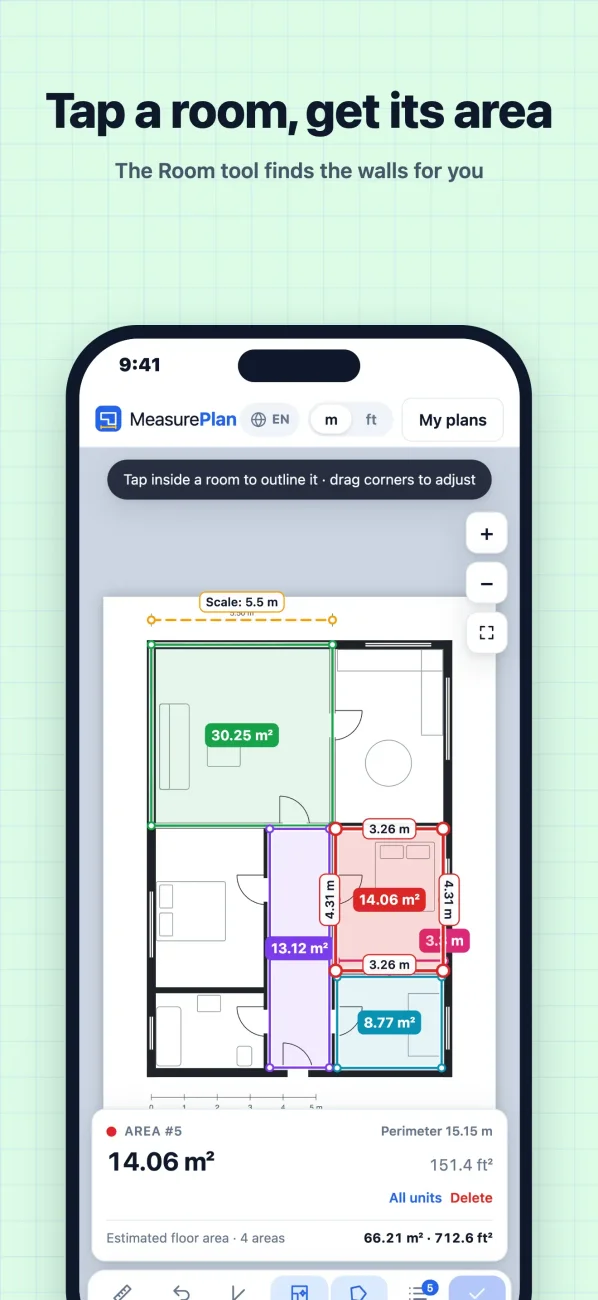
• Room tool: tap inside a room and MeasurePlan finds its walls and area for you
• Snap to 45° angles for neat, straight lines
• A magnifier appears while you drag a point, so you can place it precisely
• Pinch to zoom, drag to pan
Metric and imperial
Switch at any time between metres, centimetres, millimetres, feet and inches, feet, inches and yards, with areas in m² and ft².
Measure on a map
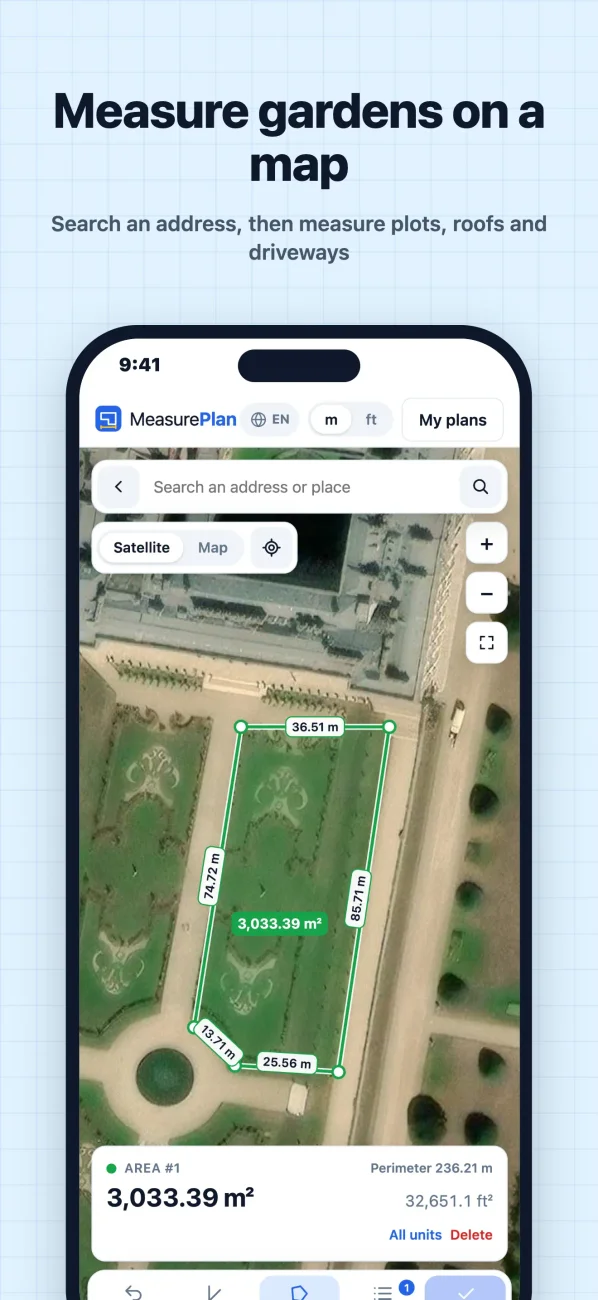
Search an address or use your location, then measure gardens, plots, roofs and driveways on satellite or street maps.
Your plans, saved on your device
Plans and measurements are saved automatically in My plans, so you can pick up where you left off. Save an image of your measured plan to share or print.
Private by design
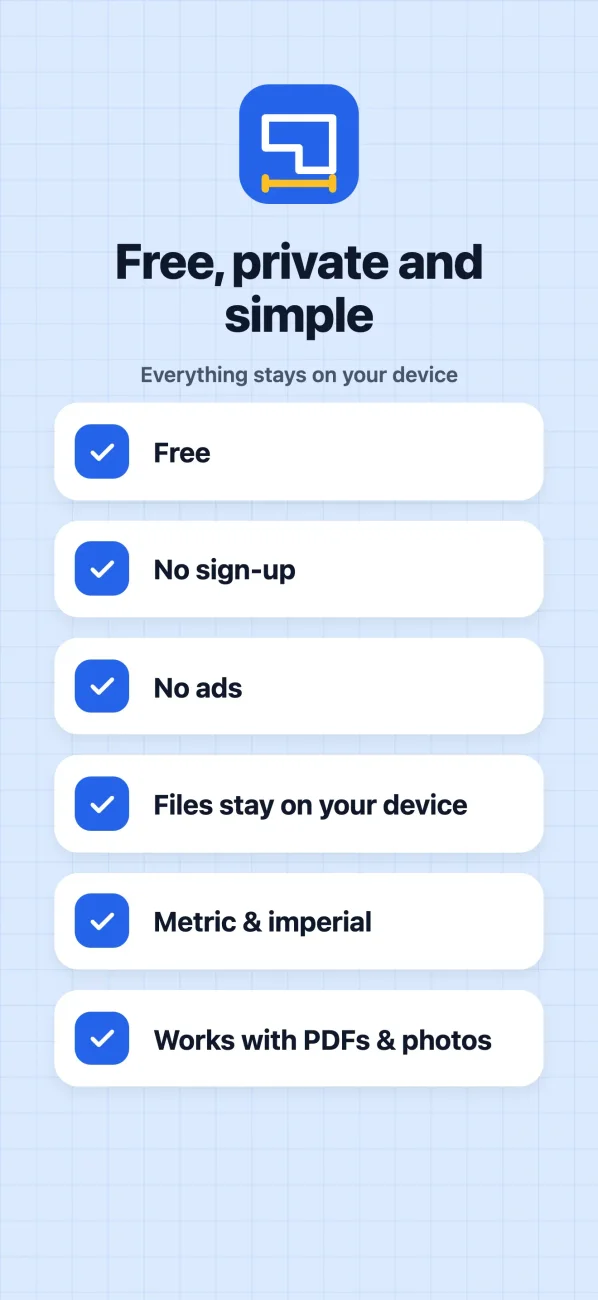
• Free, with no in-app purchases
• No ads and no tracking
• No account or sign-up
• Your plans and photos are opened on your device and never uploaded
• Map search sends only the address you type to the map service
MeasurePlan works in 10 languages: English, Spanish, French, German, Portuguese, Russian, Arabic, Chinese, Japanese and Hindi.
Questions or ideas? hello@measureplan.app
What’s new
Version 2026.11.0619 · Nov 7, 2026
Bug fixes and improvements.
App privacy
What AAC Digital declares on the App Store about how this app handles data.
-
Data not collected
The developer does not collect any data from this app.
Privacy practices may vary, for example with the features you use or your age.
Information
- Seller
- AAC Digital LTD
- Category
- Productivity
- Version
- 2026.11.0619
- Updated
- Nov 7, 2026
- Released
- Nov 5, 2026
- Size
- 5.0 MB
- Requires
- iOS 15.0 or later
- Age rating
- 4+
- Price
- Free
- Languages
- English
- Copyright
- © 2026 AAC Digital Ltd
You might also like
-
 PQ CAD ViewerDWG Viewer & Measurement
-
 TrueDimMeasurement-grade markup
-
 DFORMAEngineering Career Network
-
 Lidarmeter: LiDAR Floor PlanRoom scanner, 3D & PDF report
-
 Scan-to-PDFScan and convert to PDF
-
 DWG Viewer: CAD Drawing ReaderConvert PDF to DWG, DXF Editor
-
 Rebar BBS - Bar BendingBar Bending Schedule
-
 PDExact: PD MeasureMeasure pupillary distance
-
 Room Planner 3D LiDAR ScannerFloor Plan Creator & Ruler App
-
 PlanBridge: Measure PDF PlansConstruction Project Organizer