
MeCode: QR Barcode Scanner
Generator, Photo & PDF Reader
Designed for iPhone, iPad
Free · In-app purchases
- Age rating4+
- CategoryUtilities
- Developer佩佩 杨
- LanguagesEnglish+ 12 more
- Size24.5 MB
Links to the official App Store page
Download.org hosts no file of MeCode: QR Barcode Scanner. The button opens its official App Store page, published by 佩佩 杨. Listing last checked on Nov 16, 2026.
Screenshots
About
MeCode is a code tool for iPhone and iPad. Everything you scan or make stays in one place, ready to find and show when you need it.
Scan and recognize
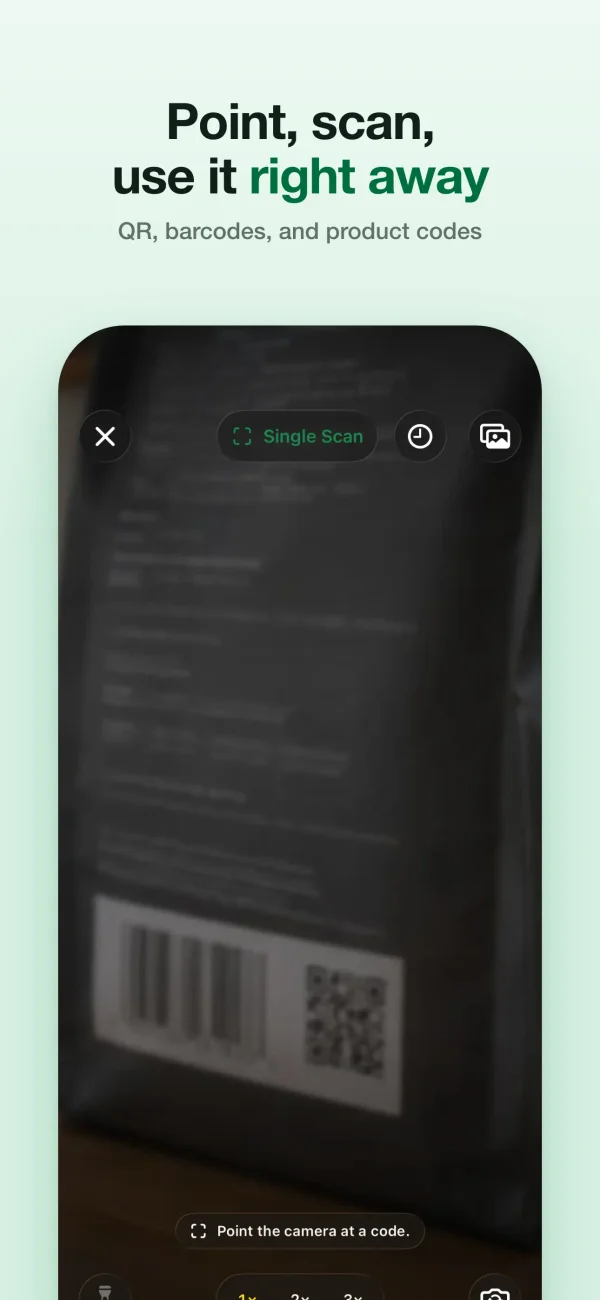
- Scan QR codes, barcodes, product codes, and 2D matrix codes right away
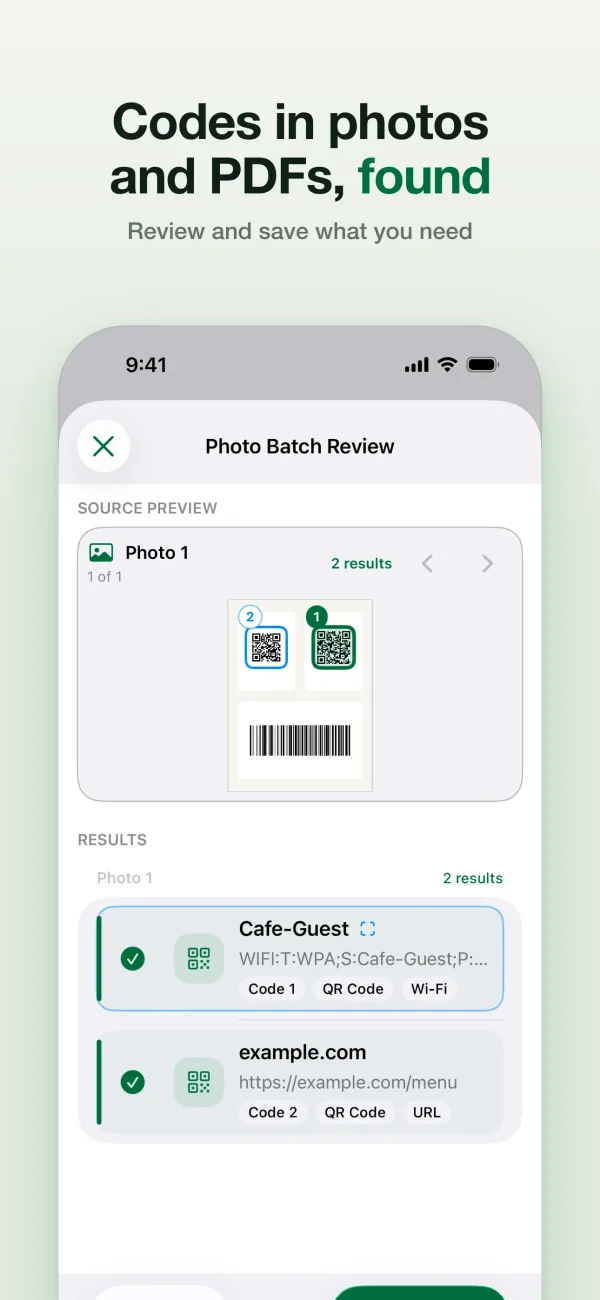
- Recognize codes in photos, screenshots, and PDFs, review every result, and save what you need
- Open links, copy content, share, and favorite results
Create codes
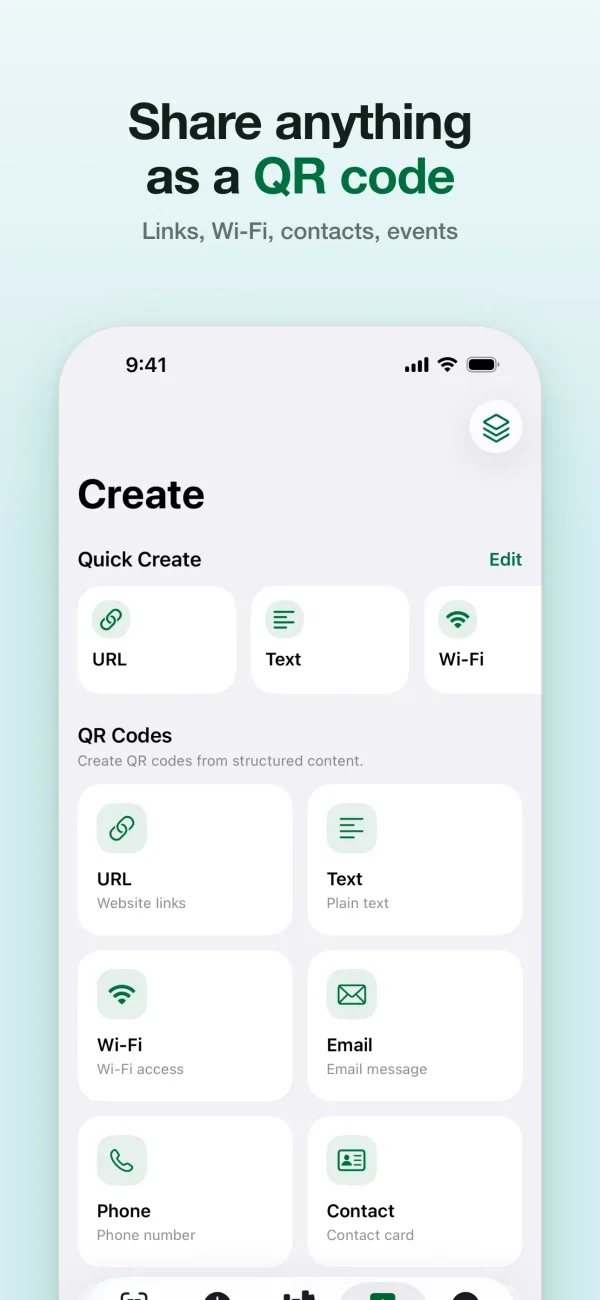
- QR codes for links, text, Wi-Fi, email, phone, contacts, SMS, locations, and events
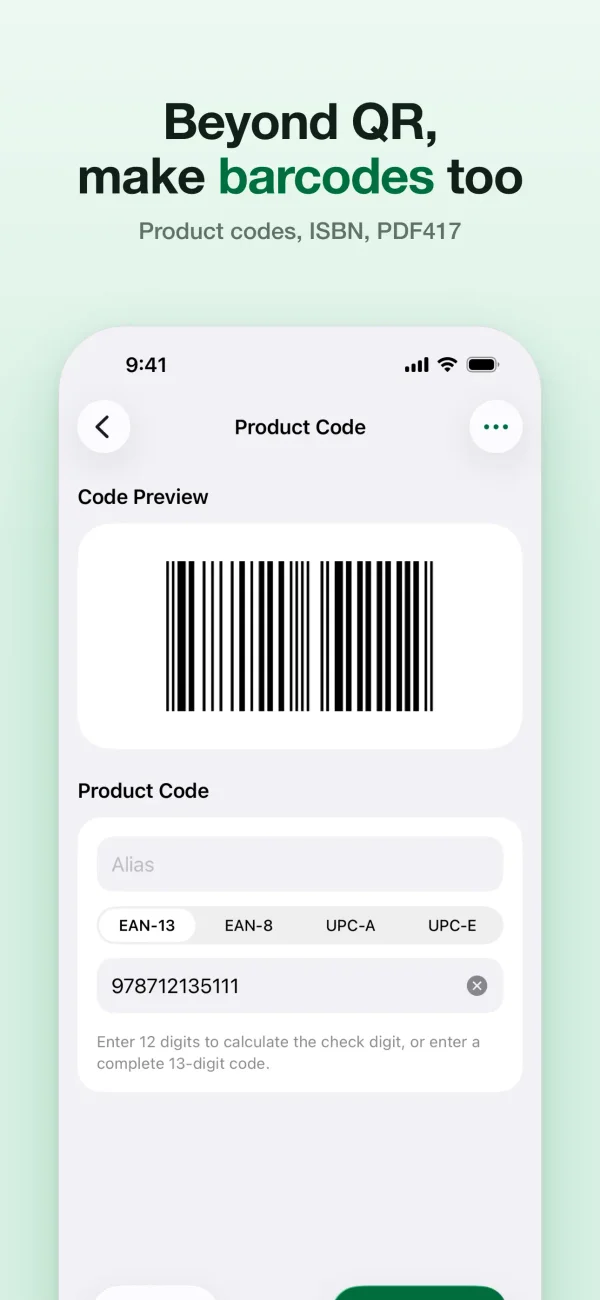
- Product codes, ISBN, Code 128, Code 39, Code 93, Codabar, ITF-14, and Interleaved 2 of 5
- Data Matrix, PDF417, and Aztec
- Turn content shared from Safari, Notes, Messages, and other apps into QR codes
QR style and export
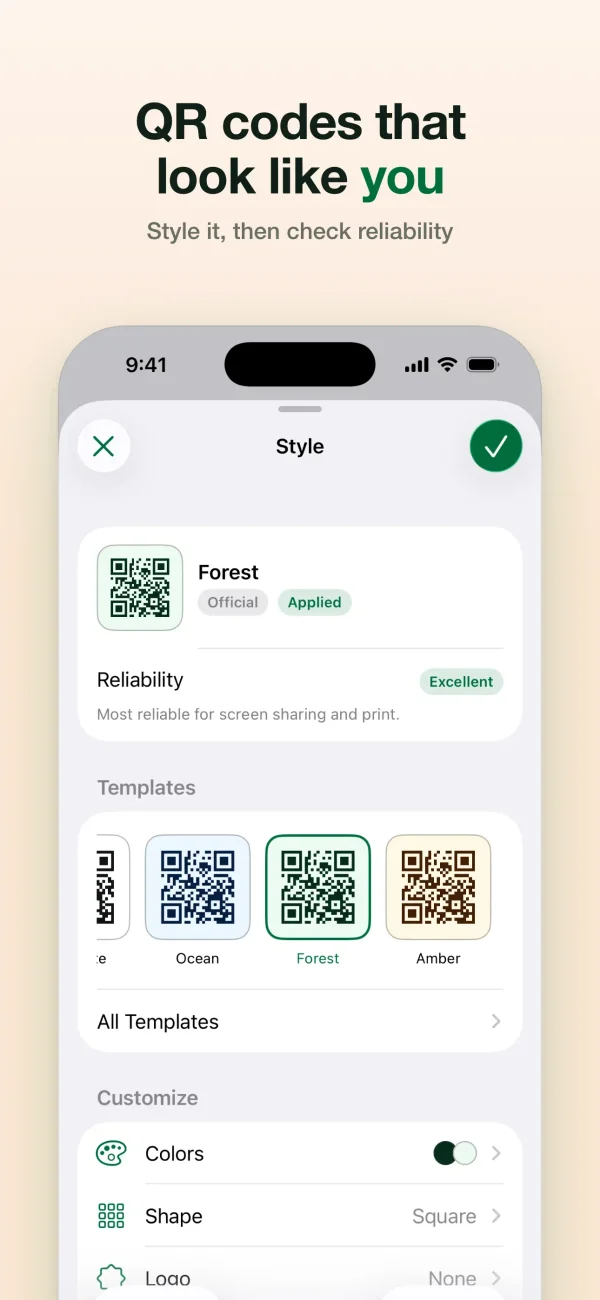
- Start with a template, adjust colors, shapes, finder style, and margin, then add a logo
- See reliability status and risk reasons while you edit, before you export
- Export PNG, PDF, or SVG depending on the format, always on a clear high-contrast background
Batches and scan sessions
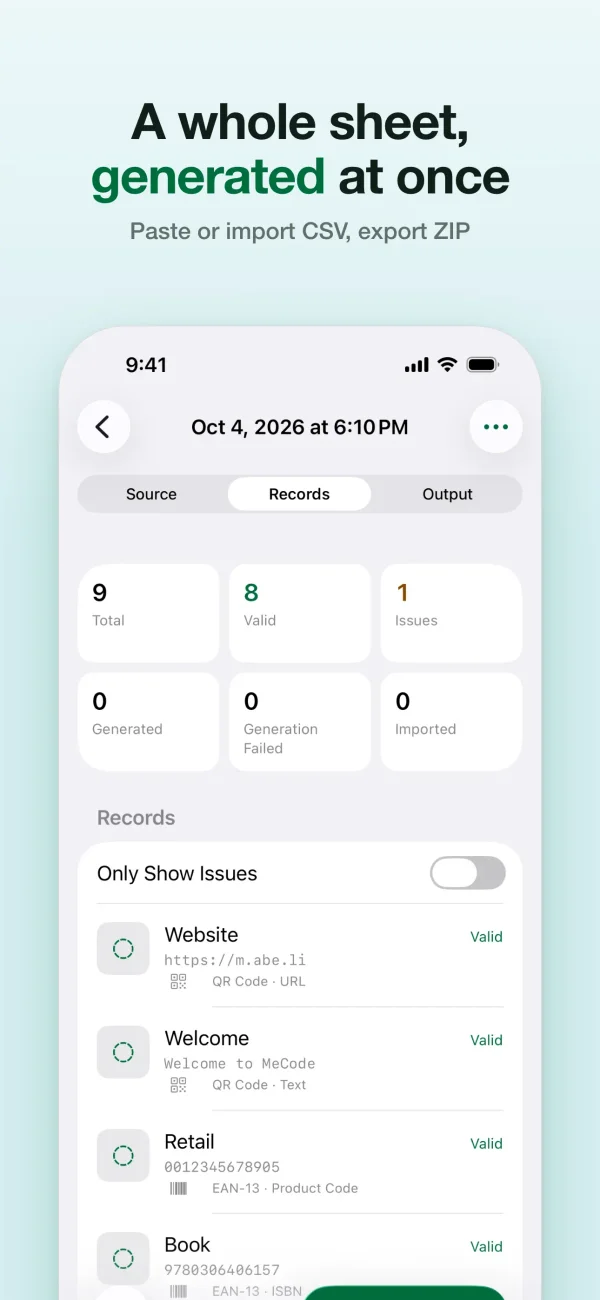
- Paste lines, paste a table, or import a UTF-8 CSV to generate a whole batch
- Review valid, invalid, and duplicate records, then export a ZIP or import results into History
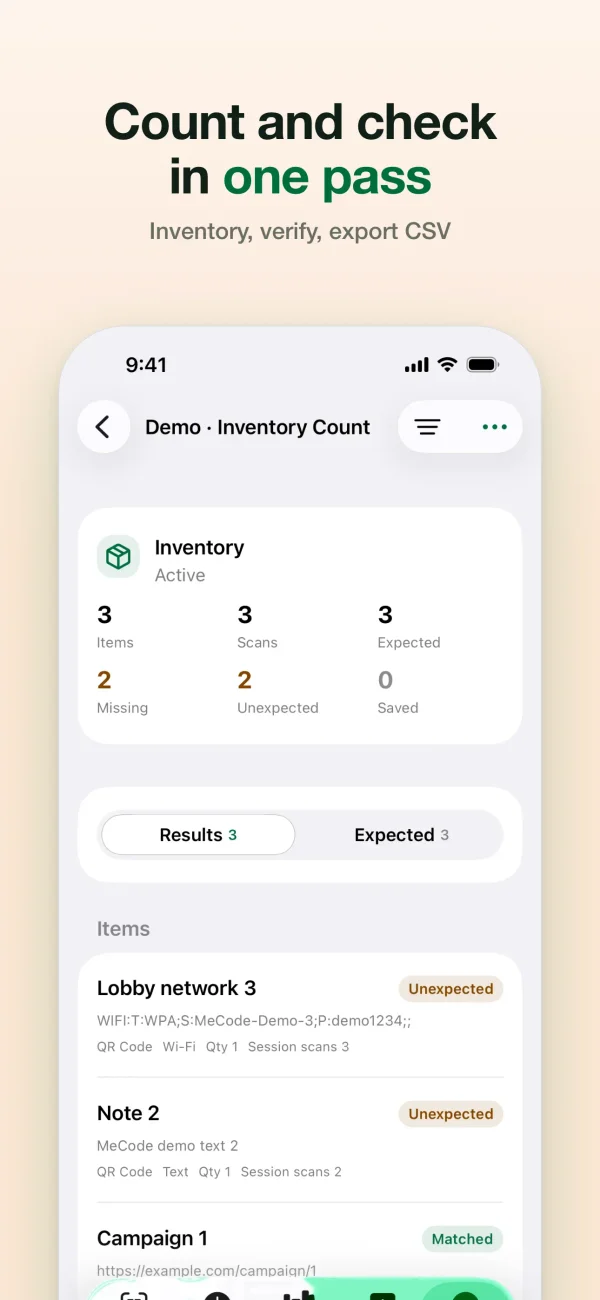
- Inventory, verification, collection, and audit sessions show what is missing or unexpected
- Export scan session results as CSV
Organize, quick access, and privacy
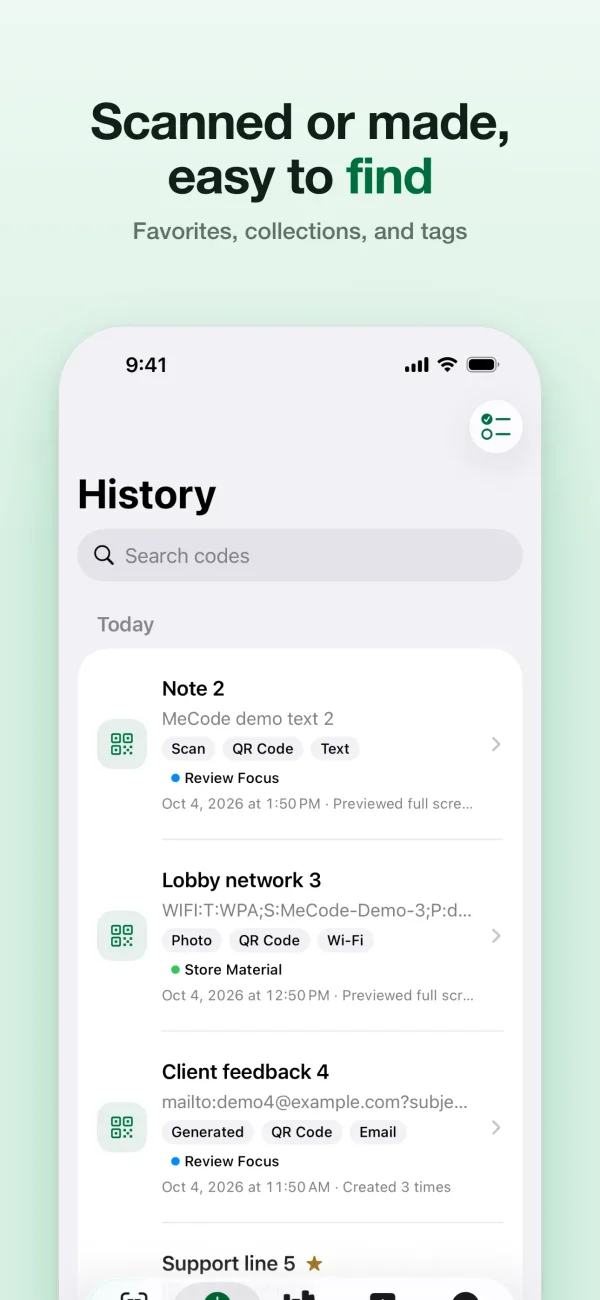
- History keeps scans, recognition results, shared records, manual creations, and batch output together
- Search and filter records, and organize frequent codes with Favorites, Collections, and Tags
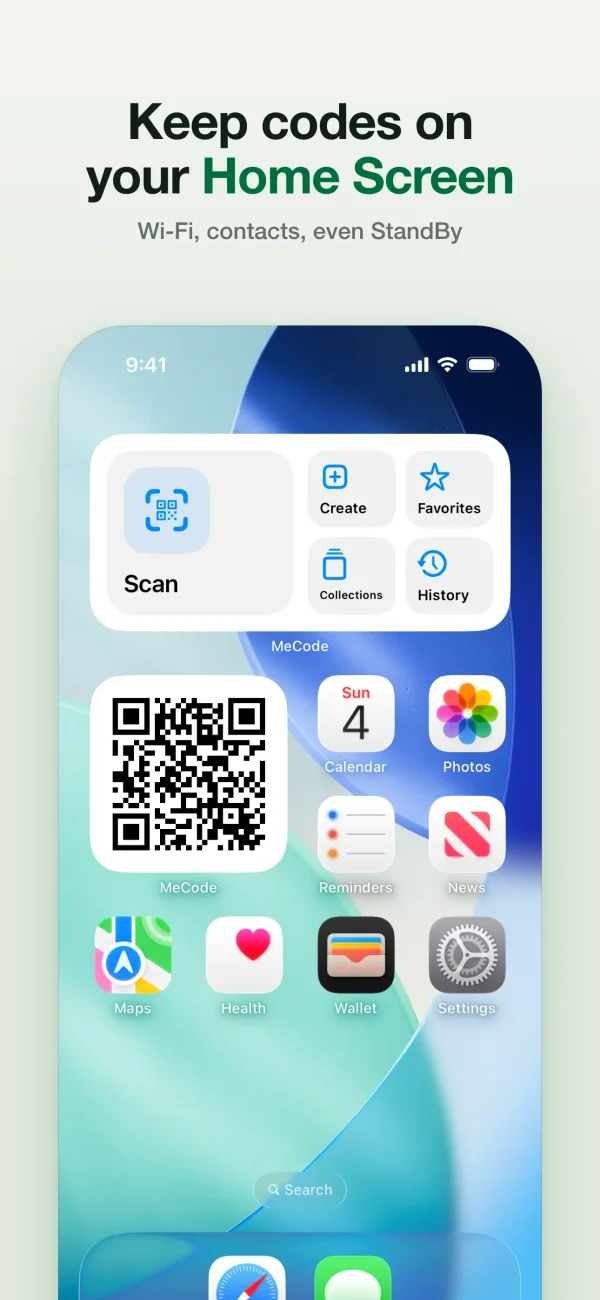
- Home Screen widgets keep codes such as Wi-Fi ready to show, including in StandBy
- Open scanning and common create flows from Control Center, the Lock Screen, and the Action button
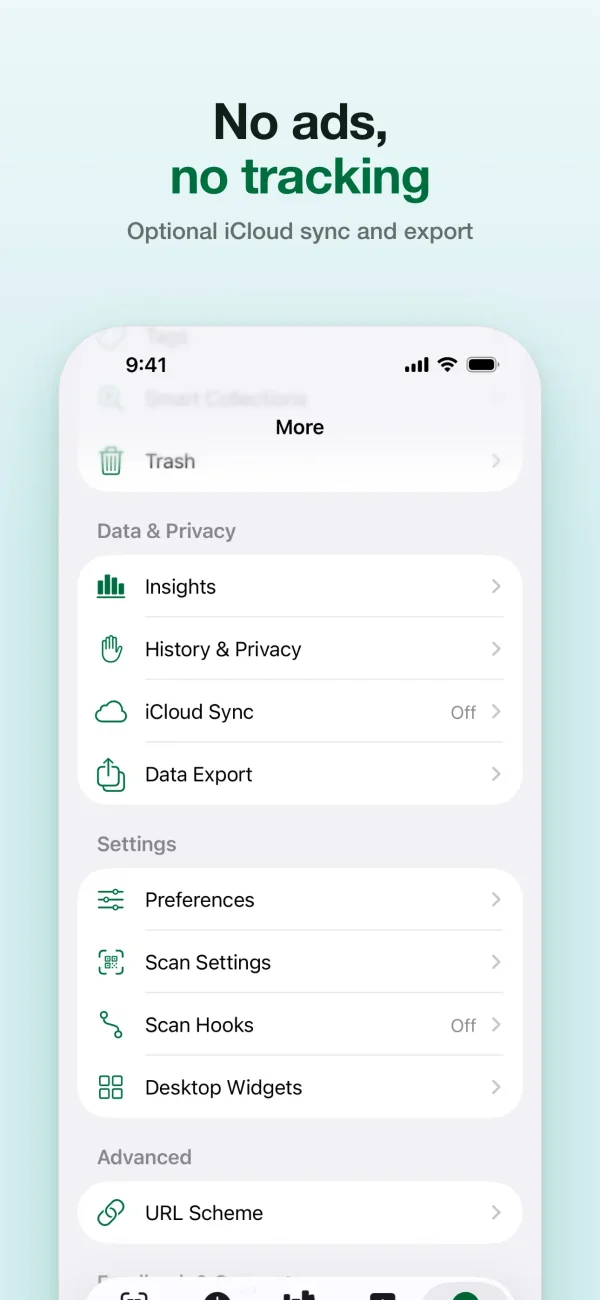
- No ad SDKs or third-party tracking SDKs; iCloud sync is your choice, and you can export your data anytime
Terms of Use (EULA):
https://www.apple.com/legal/internet-services/itunes/dev/stdeula/
What’s new
Version 1.3.1 · Oct 18, 2026
New Features
- Added iPhone Duo support with a sidebar layout that shows lists and details side by side when unfolded
- Added outer display support for iPhone Duo so you can scan, create, and manage codes while folded
App privacy
What 佩佩 杨 declares on the App Store about how this app handles data.
-
Data not collected
The developer does not collect any data from this app.
Privacy practices may vary, for example with the features you use or your age.
Information
- Seller
- 佩佩 杨
- Category
- Utilities
- Version
- 1.3.1
- Updated
- Oct 18, 2026
- Released
- Jun 9, 2026
- Size
- 24.5 MB
- Requires
- iOS 18.6 or later
- Age rating
- 4+
- Price
- Free
- In-app purchases
- Yes
- Languages
- English, French, German, Indonesian, Italian, Japanese, Korean, Portuguese, Simplified Chinese, Spanish, Thai, Traditional Chinese + 1 more
- Copyright
- ©️ funnyzak
You might also like
-
 FlowClock - Standby ClockAnimated Display & Screensaver
-
 TwoCameraTeleprompter, PiP Dual Camera
-
 Boundless ScreenshotScreen recording to long image
-
 SnapFrame - On-device AIApple Vision camera coach
-
 Found It: Home InventoryMoving Boxes & Storage Tracker
-
 Moonglow: Soft Night LightWarm Moonlight & Nature Sounds
-
 Keep&Go: AI Photo CleanerDelete Duplicates, Save Space
-
 ZeroExif - Photo PrivacyRemove EXIF & GPS from photos.
-
 Inventory Scanner: OrganizerScan barcodes & Store
-
 WuseePersonal & Home Inventory