
MeetingsAI: Notes & Summary
Transcribe, Translate & Chat
Designed for iPhone, iPad
Free · In-app purchases
- Age rating4+
- CategoryUtilities
- DeveloperIbrahim Mesan
- LanguagesEnglish+ 9 more
- Size294.4 MB
Links to the official App Store page
Download.org hosts no file of MeetingsAI: Notes & Summary. The button opens its official App Store page, published by Ibrahim Mesan. Listing last checked on Nov 25, 2026.
Screenshots
About
Stop taking notes. MeetingsAI records your meetings, calls and lectures, then writes accurate transcripts, summaries, meeting minutes and action items — and it can run 100% on-device, so nothing has to leave your phone.
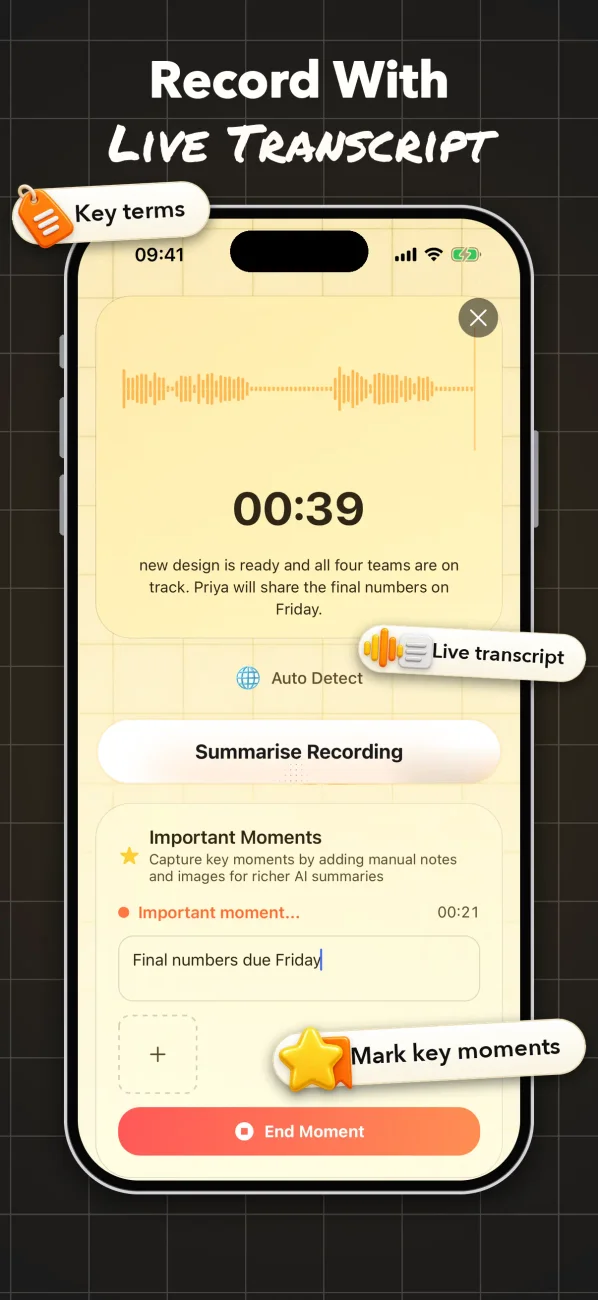
Record on your iPhone, from your Apple Watch, or right in Chrome. One tap later, every conversation is searchable, summarized and ready to share. No account required, and core workflows run offline after a one-time model download.
Built for founders, lawyers, doctors, journalists, executives and students — anyone whose conversations are too important to forget and too private to upload carelessly.
MEETINGSAI ON APPLE WATCH
• Start recording straight from your wrist, no phone needed
• Read AI transcripts, summaries and action items on the watch
• Send any recording to your iPhone with one tap
• Your calendar and to-dos, right on the watch
• Pair in seconds: iPhone app, Settings, Pair Watch
CHROME EXTENSION FOR ONLINE MEETINGS
• Record Google Meet, Zoom and Teams calls in your browser
• Captures the meeting audio and your mic, with speaker labels
• Transcript, summary and action items sync to your phone automatically
• Crash-proof: recordings are checkpointed, so a two-hour call is never lost
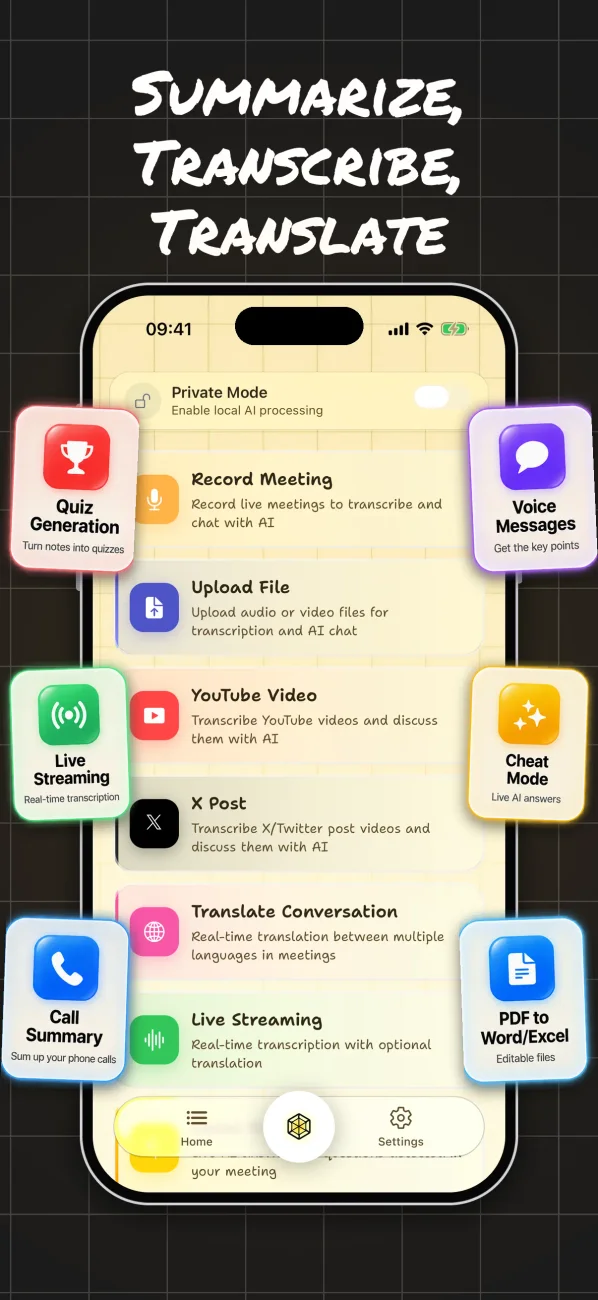
10 WAYS TO CAPTURE
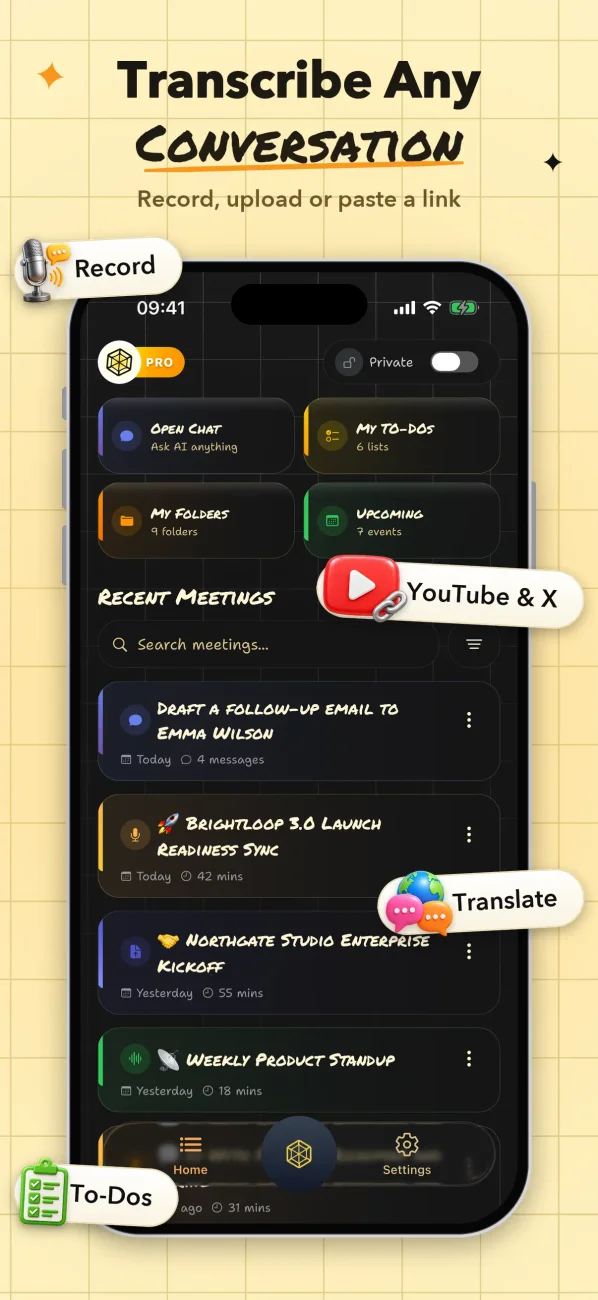
• Live recording with real-time transcription
• Upload audio or video (MP3, MP4, M4A, WAV, MOV)
• YouTube videos from any link
• X (Twitter) videos from any post
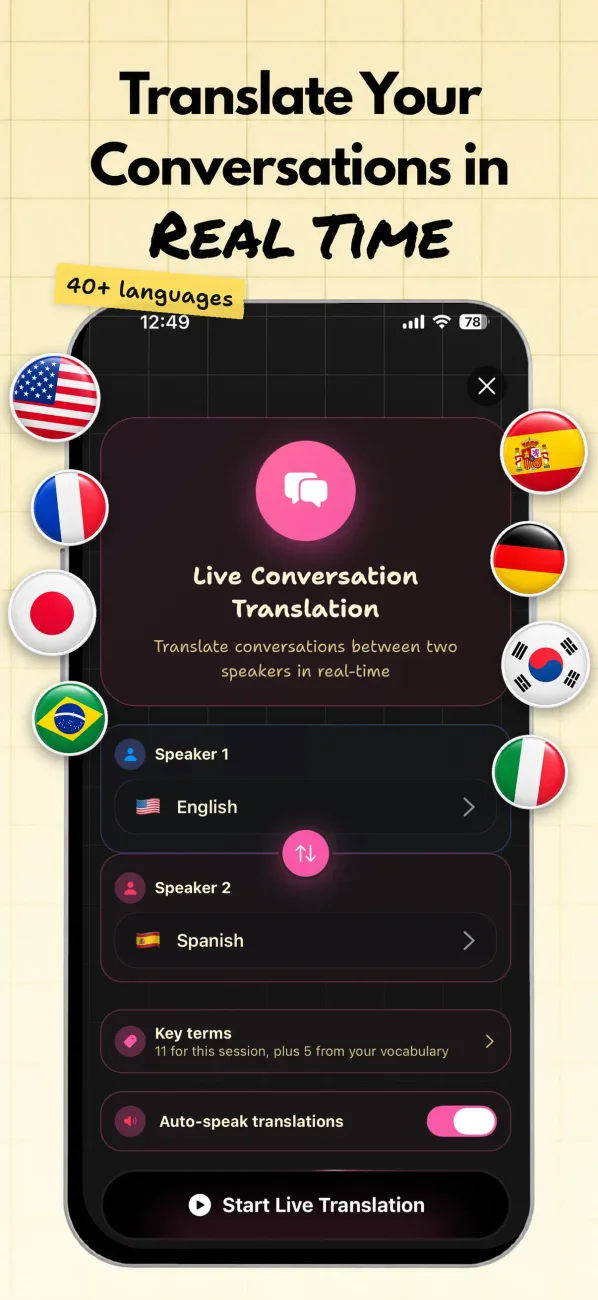
• Live translation while recording in 100+ languages
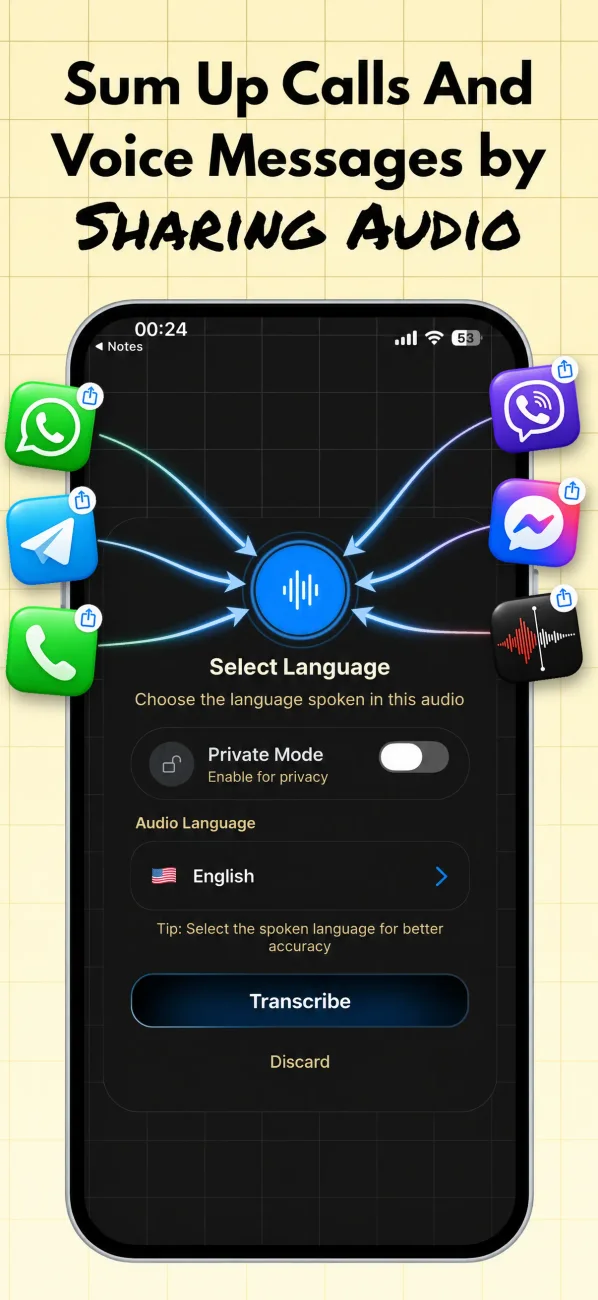
• Call recording with automatic summaries
• Voice messages with one-tap transcription
• Streaming sessions for long-form audio
• Apple Watch recordings from your wrist
• Chrome extension for Meet, Zoom and Teams
AI THAT DOES THE FOLLOW-UP FOR YOU
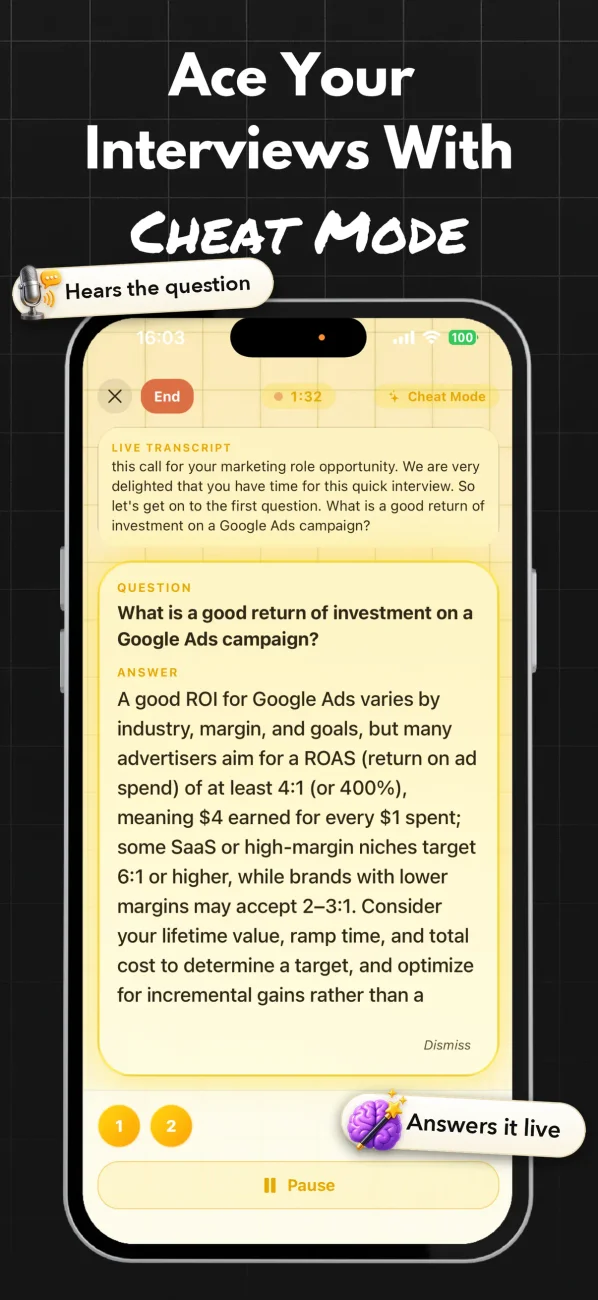
• Cheat Mode: live AI answers during your call or meeting (Pro)
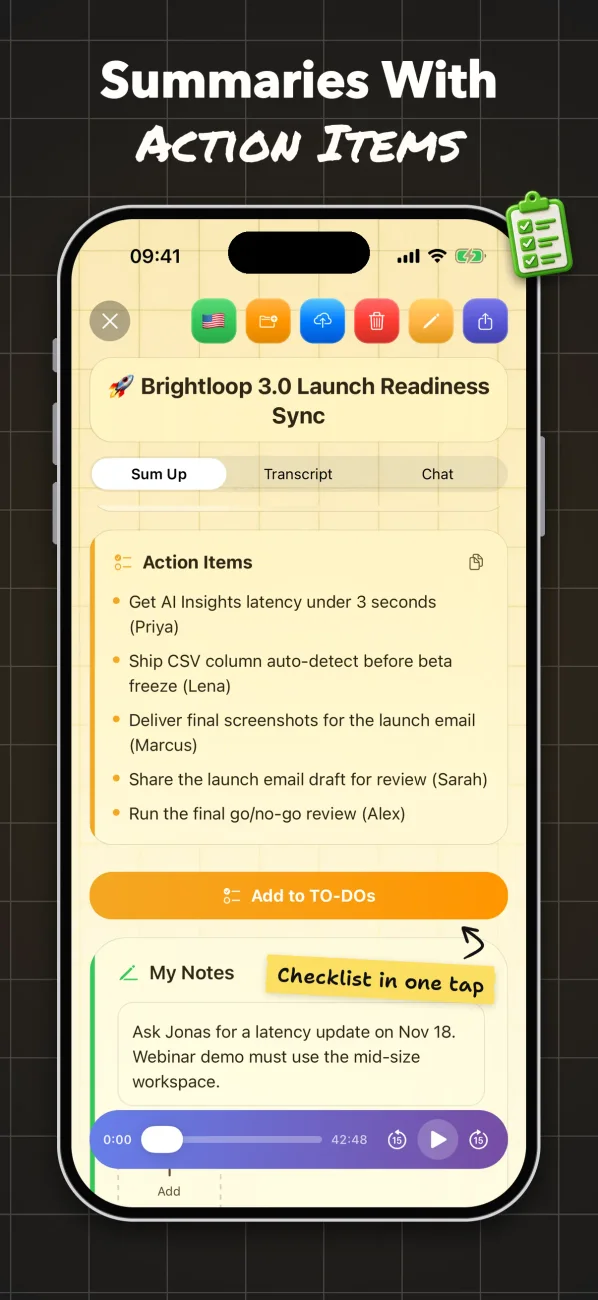
• Summaries you control: choose style, length and focus
• Global AI chat: ask questions across ALL your meetings at once
• Per-meeting chat for deep-dive follow-ups
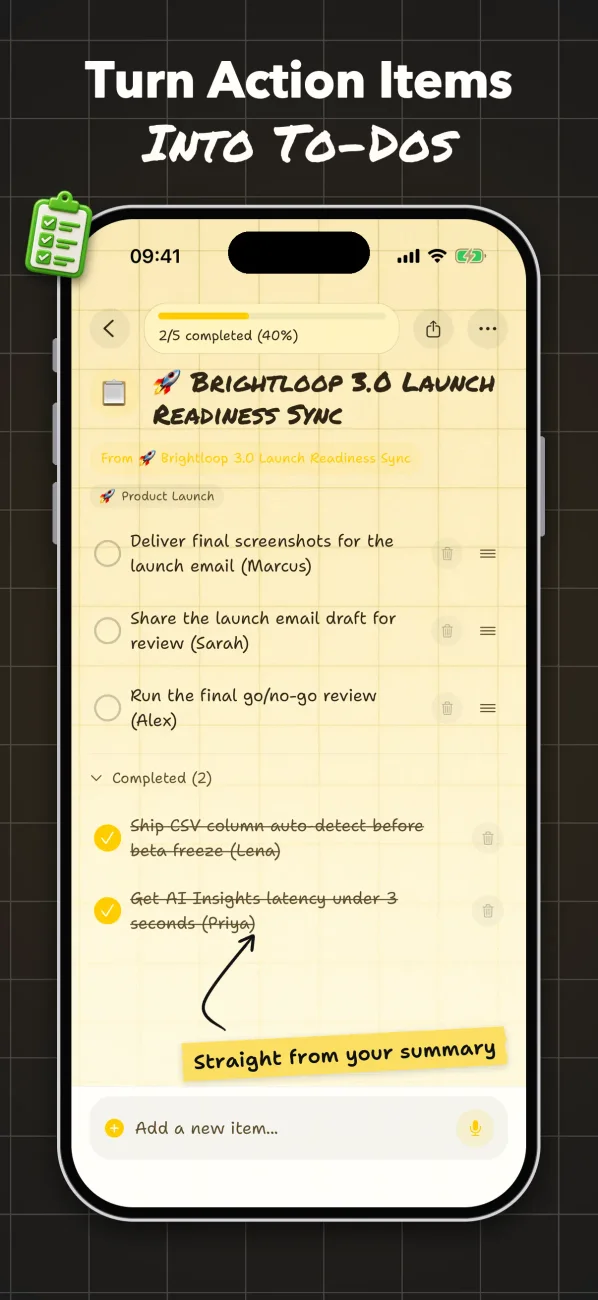
• AI-extracted action items and to-do lists
• Smart semantic search across every transcript (Pro)
• Speaker identification: know who said what (Pro)
• AI Profile + Knowledge Base: add your documents for personalized answers
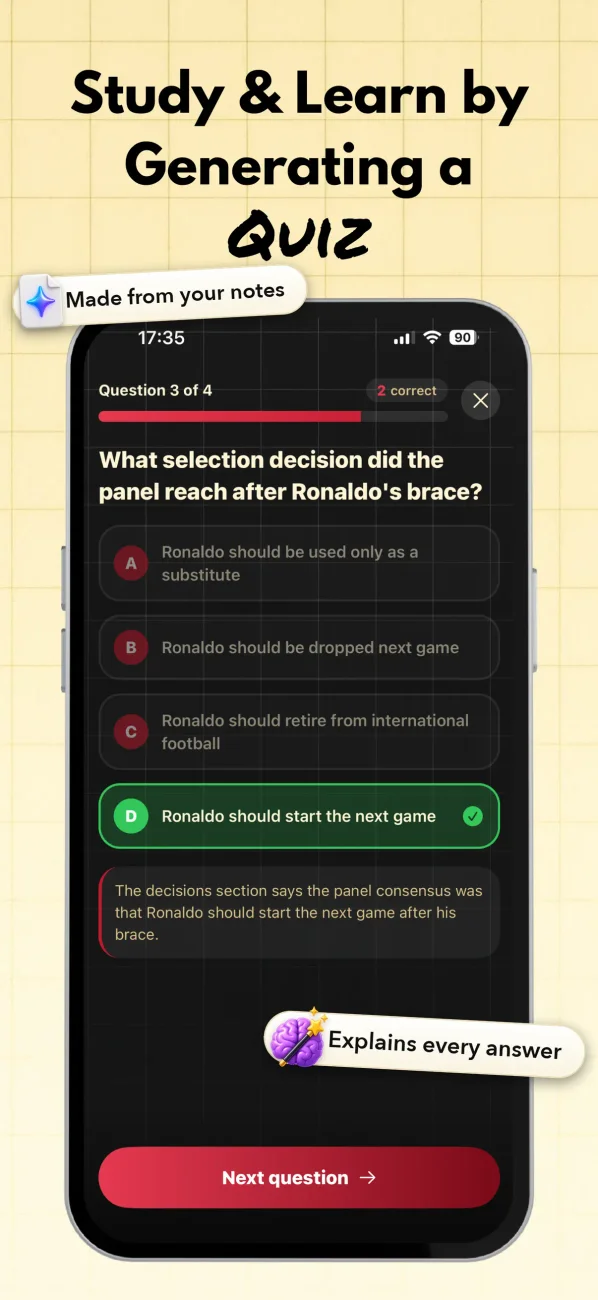
• Quiz: turn any meeting or lecture into a game-show quiz
• Share summaries as web pages, revoke access anytime
• Export formatted transcripts and summaries
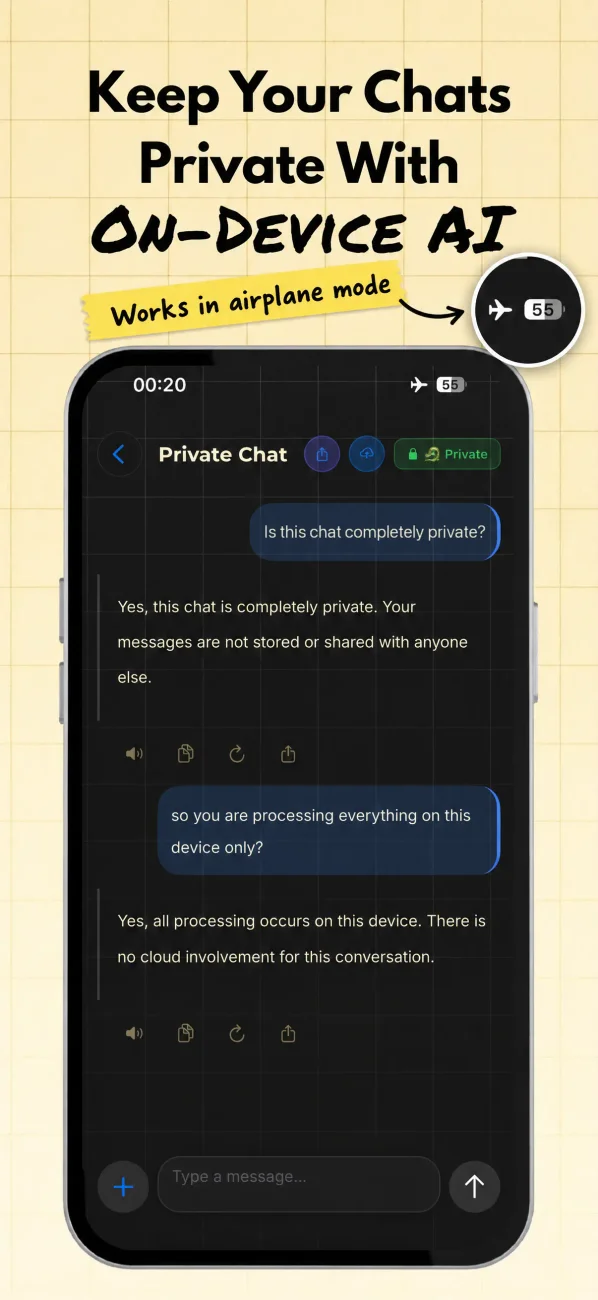
PRIVATE MODE: 100% ON-DEVICE AI
Sensitive conversation? Flip one switch.
• Apple Intelligence: instant, no download required
• Or pick your model: Gemma 4 E2B, Qwen 3 4B, LLaMA 3.2, SmolLM2
• Whisper speech-to-text runs on your iPhone
• Fully offline after download
Choose cloud AI when you want peak accuracy. Switch anytime.
DOCUMENT TOOLS
• Scan paper documents with on-device OCR
• Convert scanned PDFs to editable Word documents (Pro)
• Convert scanned PDFs to structured Excel spreadsheets (Pro)
• Chat with your uploaded documents
MADE FOR iPHONE
• Home Screen widget for one-tap recording
• Share Extension: send audio or video from any app
• Siri Shortcuts: record, chat, upload or translate by voice
• Live Activity on the Lock Screen while recording
• Background recording, even with the app closed
• Calendar integration for upcoming meetings
TRY EVERYTHING FREE
• 1 free use of every workflow (Record, Upload, YouTube, X, Streaming, Call, Voice, Translate)
• 10 AI chat messages per day
• 60-minute recording length
GO UNLIMITED WITH PRO
• Unlimited transcriptions, recording length, chat and translations
• Speaker identification and smart semantic search
• PDF to Word and PDF to Excel conversion
• Priority access to new features and models
Your meeting assistant when accuracy matters, your private notebook when privacy matters, your translator when language is in the way.
Download MeetingsAI and never leave a meeting empty-handed.
Terms of use: https://www.meetingsai.app/terms
Privacy policy: https://www.meetingsai.app/privacy
What’s new
Version 1.8.2 · Nov 23, 2026
• New to-do screen: add a photo to an item, hold a row to move it, swipe left to delete.
• Live transcription now works in more languages.
• Updated transcription engine.
App privacy
What Ibrahim Mesan declares on the App Store about how this app handles data.
-
Data used to track you
May be used to track you across apps and websites owned by other companies.
- Usage data
-
Data not linked to you
May be collected but is not linked to your identity.
- Identifiers
- Usage data
- Diagnostics
Privacy practices may vary, for example with the features you use or your age.
Information
- Seller
- Ibrahim Mesan
- Category
- Utilities
- Version
- 1.8.2
- Updated
- Nov 23, 2026
- Released
- Jan 16, 2026
- Size
- 294.4 MB
- Requires
- iOS 17.0 or later
- Age rating
- 4+
- Price
- Free
- In-app purchases
- Yes
- Languages
- English, French, German, Italian, Japanese, Korean, Portuguese, Simplified Chinese, Spanish, Traditional Chinese
- Copyright
- © nafakashh
You might also like
-
 SyverAuto Scroll & AI Summaries
-
 Voice Recorder & Memos: VokmeeTranscribe Audio Notes to text
-
 Swipify CleanerSwipe Photos & Free Up Space
-
 Origin LensIs This Photo Real or AI?
-
 Web Privacy & ControlFast & Secure
-
 Docket - Offline AI & MapsAI in Your Pocket, Anywhere.
-
 Photo Translator & Camera OCRScan Photos & Translate text
-
 Darkify for SafariSmart Dark Mode for Safari
-
 Dice Roller: Random DiceSpin The Wheel, Finger Chooser
-
 PDF Text to Speech:AI ListenRead Aloud & AI Voice Reader