
Memo Sticky - Notes & Widgets
Simple & localized note app
Designed for iPhone, iPad, Mac, iPod touch
Free
- Age rating4+
- CategoryProductivity
- DeveloperDongjie Zhang
- LanguagesEnglish+ 7 more
- Size100.1 MB
Links to the official App Store page
Download.org hosts no file of Memo Sticky - Notes & Widgets. The button opens its official App Store page, published by Dongjie Zhang. Listing last checked on Nov 25, 2026.
Screenshots
About
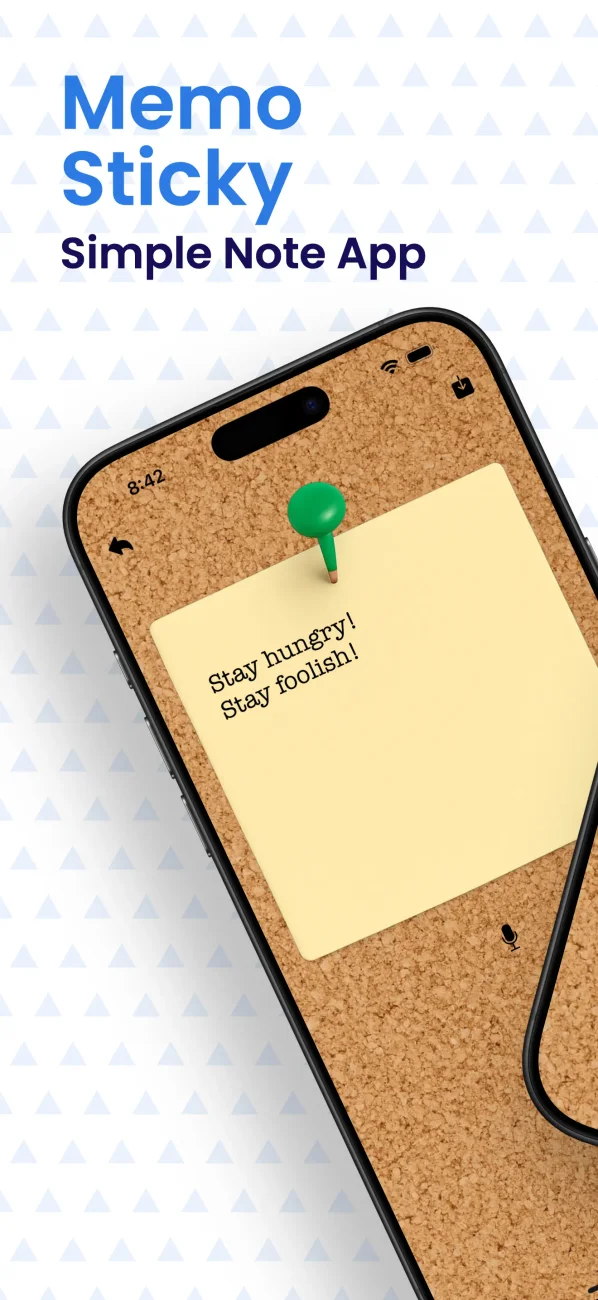
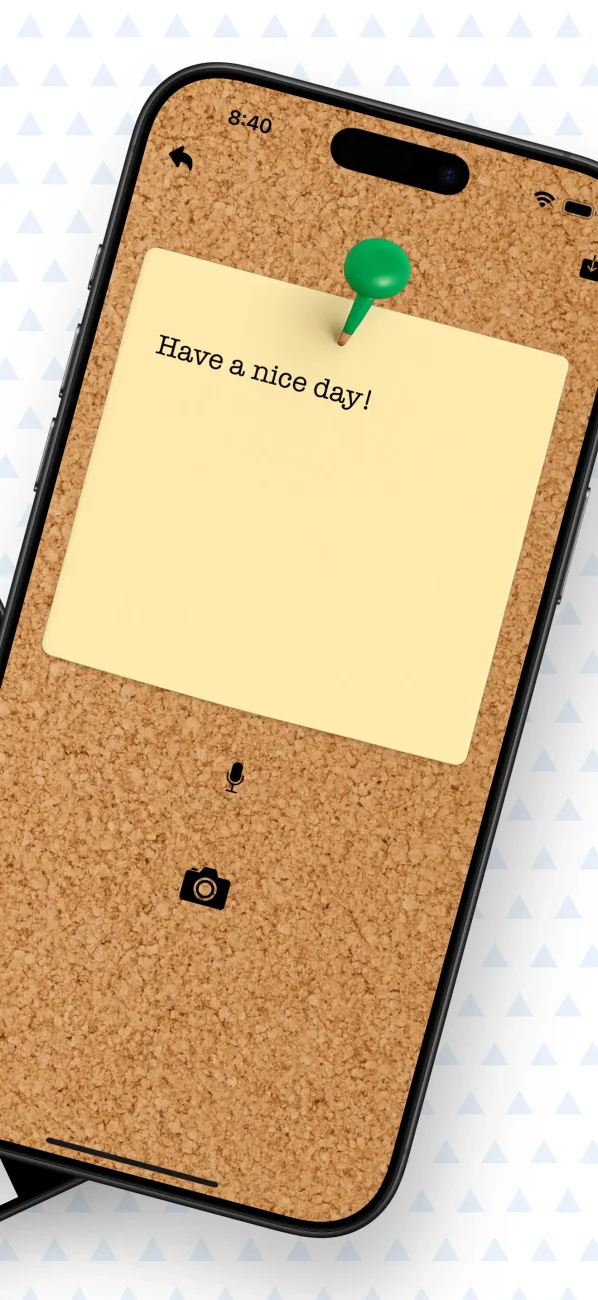
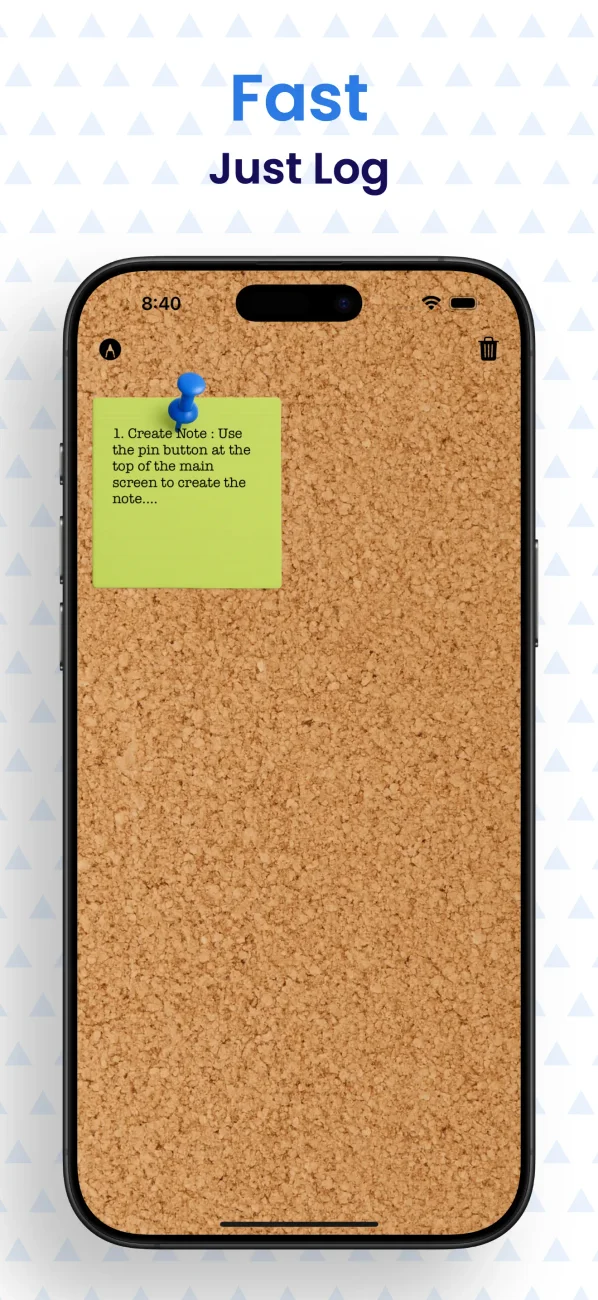
Keep quick thoughts, everyday lists, and useful reminders on a familiar corkboard. Memo Sticky makes text notes easy to capture, browse, and find again on iPhone and iPad.
CAPTURE YOUR IDEAS
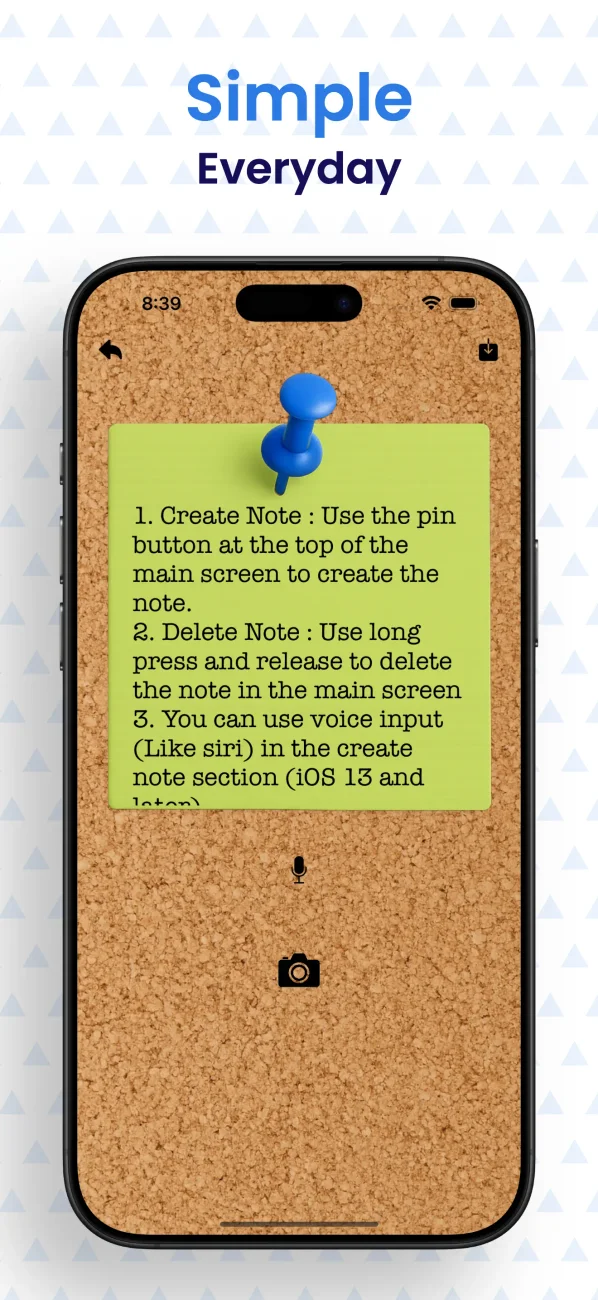
• Create and edit colorful sticky notes
• Use speech-to-text input when you would rather speak
• Scan printed text with the camera and add the recognized text to a note
• Adjust text size for comfortable reading
KEEP IMPORTANT NOTES IN SIGHT
• Search your notes and pin the ones you need most
• View notes in Home Screen widgets and supported Lock Screen widgets
• A single pinned note stays selected; multiple pinned notes rotate. If nothing is pinned, widgets rotate through active notes
• Share note text or a Memo Sticky link
ORGANIZE AT YOUR OWN PACE
• Move notes to Trash, preview them, and restore them when needed
• Select multiple notes for batch actions
• Add a note to Calendar using the system event editor
• Set note alarms on iOS and iPadOS 26 or later
• Enable App Lock with system device authentication
• Choose whether to use iCloud backup, restore, and automatic sync
Use Memo Sticky for shopping lists, study notes, meeting ideas, or a thought you want to revisit. English and Simplified Chinese are supported.
iCloud features require an iCloud account and an internet connection. Scanning, speech recognition, and alarms depend on supported devices, system versions, and permissions. Widget refresh timing is managed by the system.
What’s new
Version 1.8.2 · Nov 23, 2026
New Shortcuts actions for iOS 27
• Create a note and set a one-time alarm in a single action.
• Create and save notes without opening the editor.
• Find and open existing notes.
• Add text to a note or set an alarm for it.
If alarm setup fails after a note is saved, your note is kept and the result is clearly explained.
Note content actions require App Lock to be turned off. Alarm actions require your permission.
App privacy
What Dongjie Zhang declares on the App Store about how this app handles data.
-
Data not linked to you
May be collected but is not linked to your identity.
- Usage data
- Diagnostics
Privacy practices may vary, for example with the features you use or your age.
Information
- Seller
- Dongjie Zhang
- Category
- Productivity
- Version
- 1.8.2
- Updated
- Nov 23, 2026
- Released
- Apr 16, 2020
- Size
- 100.1 MB
- Requires
- iOS 15.6 or later
- Age rating
- 4+
- Price
- Free
- Languages
- English, Arabic, French, Japanese, Portuguese, Simplified Chinese, Spanish, Traditional Chinese
- Copyright
- © Dongjie Zhang
You might also like
-
 Craftify: BYOK AI shortcutsText tools with your own LLM
-
 Tri ClipperWeb clipper for Trilium
-
 NoteBox: Sticky Notes & To-DoChecklist, Workflow, Organizer
-
 Sticky NoteaQuick notes, simply organized
-
 Deep Focus Noise & Timer: dpliADHD, Study & Spatial Sounds
-
 Notesy — Quick & Private NotesNo Sign-Up. No Cloud. No Ads.
-
 Sticky Notes + WidgetsSimple stickies with reminders
-
 ColorSticky: Sticky Notes AppRemindful notes in widget
-
 Note Board: Instant NotesCapture instant notes
-
 Hi Sticky: Sticky NotesQuick Notes, Lists & Widgets