
Memo Wallet
Fast, private note-taking app
Designed for iPhone, iPad
Free · In-app purchases
- Age rating4+
- CategoryProductivity
- DeveloperRohmiapps Inc.
- LanguagesEnglish+ 4 more
- Size6.6 MB
Links to the official App Store page
Download.org hosts no file of Memo Wallet. The button opens its official App Store page, published by Rohmiapps Inc. Listing last checked on Nov 12, 2026.
Screenshots


About
MemoWallet is a clean, fast, and private note-taking app that helps you organize your thoughts with ease. Whether you're jotting down a quick idea, keeping a journal, or managing project notes, MemoWallet keeps everything neatly categorized and instantly searchable — all stored securely on your device.
WHY MEMOWALLET
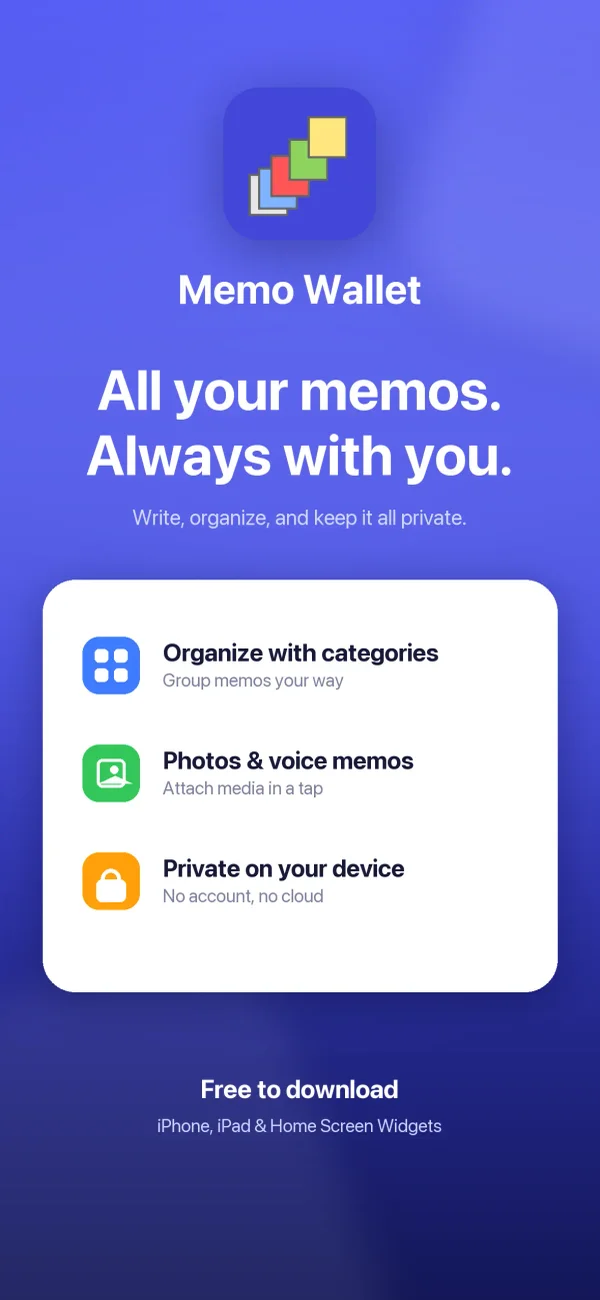
- 100% Private: Your notes never leave your device. No accounts, no servers, no data collection.
- Lightning Fast: Built with Apple's SwiftData for instant saves and searches.
- Beautifully Simple: Clean iOS-native design that feels right at home on your iPhone or iPad.
FEATURES
ORGANIZE WITH CATEGORIES
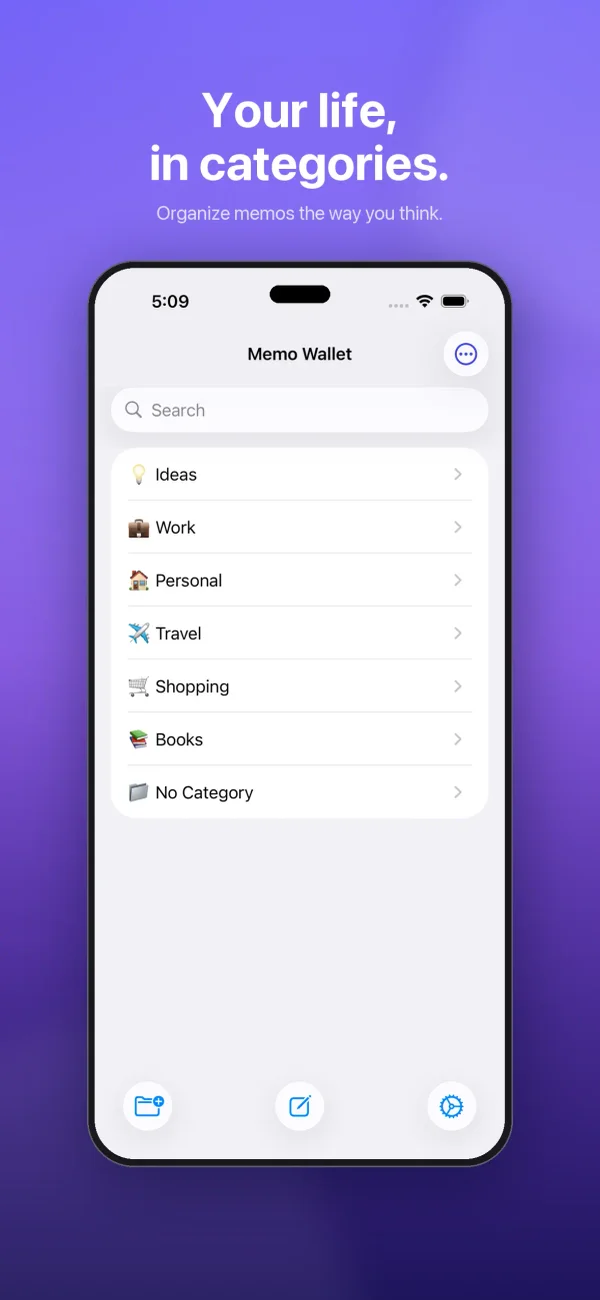
Create custom categories with expressive emoji icons. Keep your memos grouped by topic, project, or anything that makes sense to you.
POWERFUL NOTE EDITING
Write memos with titles and rich content. Every memo is automatically saved and timestamped.
ATTACH PHOTOS & AUDIO
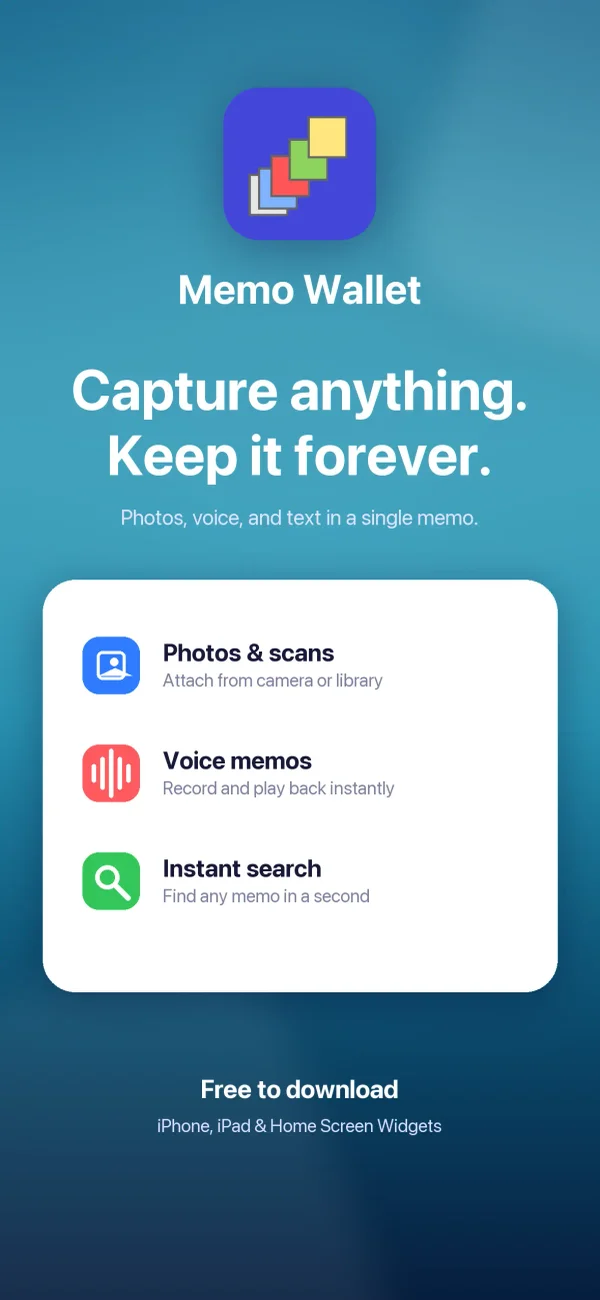
Bring your memos to life by attaching up to 10 photos from your library or camera. You can also record voice memos directly within the app and play them back anytime.
SEARCH INSTANTLY
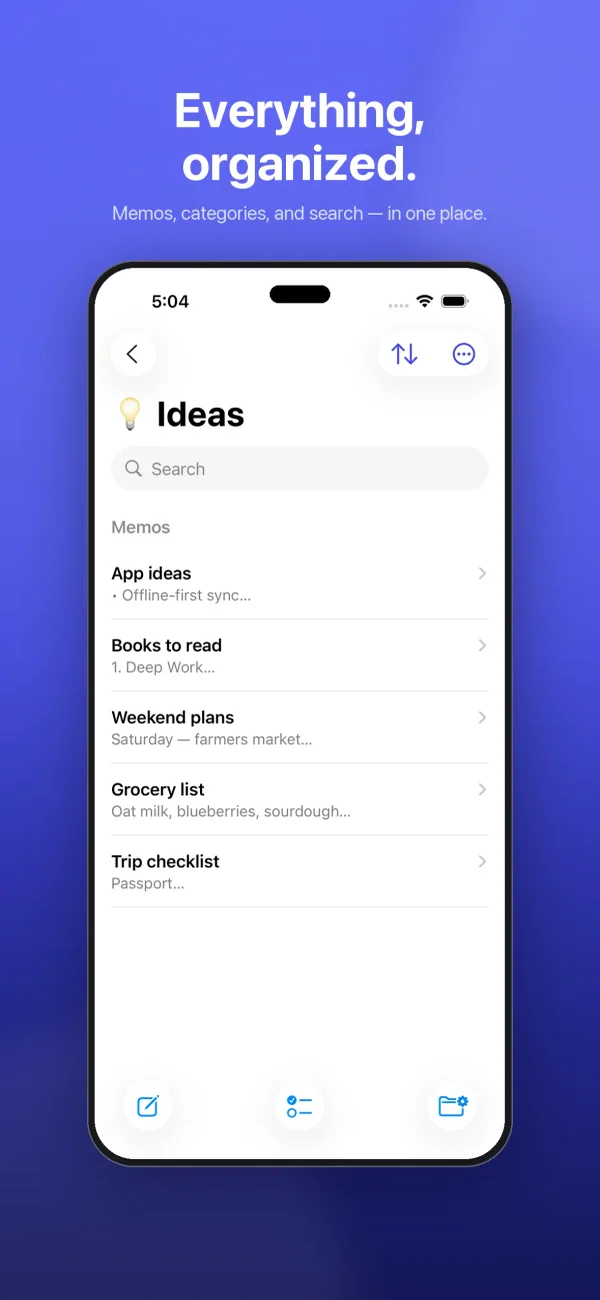
Find any memo in seconds with full-text search across titles and content. Narrow results with search filters (All, Title, or Content only). Matching text is highlighted so you can spot what you need at a glance. Each category shows a live badge with the number of search results inside.
SORT YOUR MEMOS
Sort by date (newest or oldest first) or by title (A–Z or Z–A) to browse your memos exactly how you want.
PIN IMPORTANT MEMOS
Pin your most important memos so they always stay at the top of the list in a dedicated Pinned section. Perfect for quick access to daily notes, to-do lists, or reference material.
SMOOTH NAVIGATION
Swipe left or right on the memo detail screen to seamlessly move between memos. No need to go back to the list every time.
CUSTOMIZE YOUR EXPERIENCE
Choose your own theme color, toggle the status bar, and control how many lines of content appear in the memo list preview (1-10 lines).
WIDGET SUPPORT
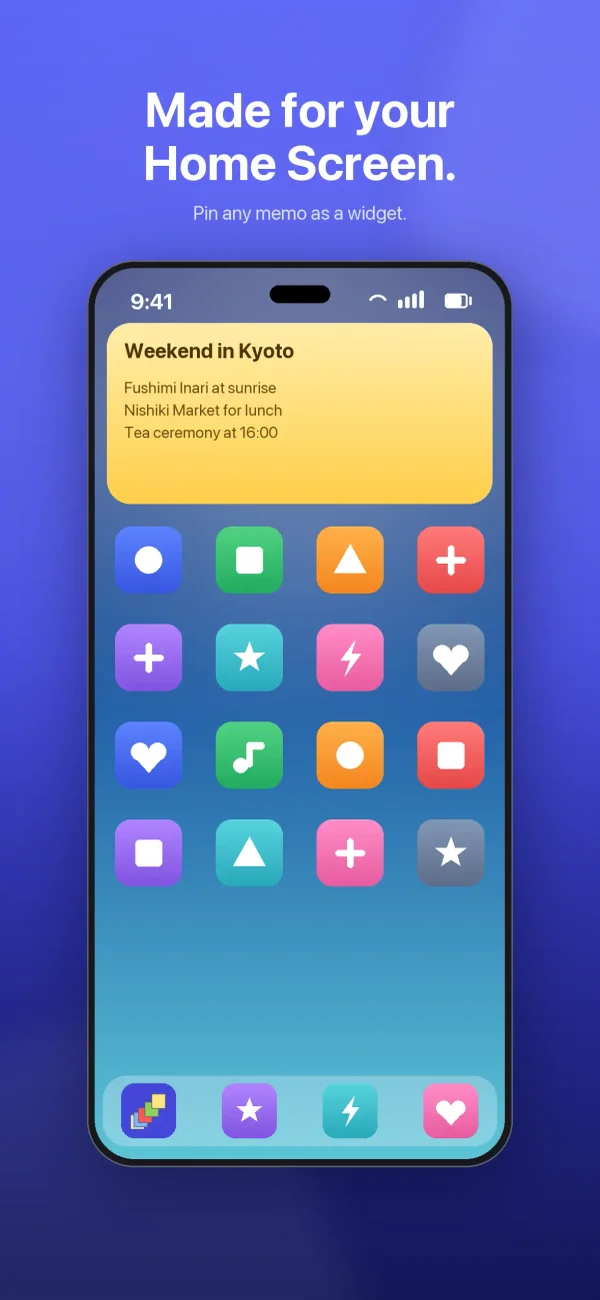
Add a MemoWallet widget to your home screen for quick access to your recent memos.
EXPORT YOUR DATA
Export your memos as Text, PDF, HTML, or complete ZIP archives. Choose to export all memos or only your current search results. PDF and HTML exports include attached photos inline. ZIP export preserves your original images and audio files for a true full backup.
IMPORT & RESTORE
Import memos from ZIP or JSON files — perfect for migrating from other apps or restoring backups. ZIP import restores both memo data and all attached media. Legacy JSON files with embedded media are also supported.
SHARE EXTENSION
Quickly save content from other apps directly into MemoWallet using the iOS Share Sheet.
SHARE MEMOS
Share any memo along with its attached photos and audio recordings via the iOS share sheet.
BULK ACTIONS
Select multiple memos at once to move them between categories or delete them in bulk.
PRIVACY & SECURITY
MemoWallet is designed with your privacy first:
- All data is stored locally on your device using Apple SwiftData
- No accounts, no sign-ups, no cloud sync
- No analytics, no tracking, no data collection
- No third-party SDKs (except Apple's StoreKit for purchases & Google AdMob for the free version)
- Your memos are yours - always
What’s new
Version 2.3.3 · Oct 25, 2026
User interface improvement and additional language support
App privacy
What Rohmiapps Inc. declares on the App Store about how this app handles data.
-
Data not linked to you
May be collected but is not linked to your identity.
- Identifiers
- Usage data
Privacy practices may vary, for example with the features you use or your age.
Information
- Seller
- Rohmiapps Inc.
- Category
- Productivity
- Version
- 2.3.3
- Updated
- Oct 25, 2026
- Released
- May 11, 2015
- Size
- 6.6 MB
- Requires
- iOS 17.0 or later
- Age rating
- 4+
- Price
- Free
- In-app purchases
- Yes
- Languages
- English, Japanese, Korean, Simplified Chinese, Traditional Chinese
- Copyright
- © 2026 Rohmiapps Inc.
You might also like
-
 Ferd FocusTravel while you focus
-
 SnapNote SyncMulti-page notes with images
-
 Paper Safe ScanFor clutter-free paper storage
-
 GlanceMemoMemos on your lock screen
-
 DailyboardHabits, Goals & Mood Tracker
-
 Snagbox: Bookmark & Link SaverRead Later, Private Organizer
-
 AggreLogData's Favorite Text Editor
-
 Scrap2: Team Task OrganizerProjects, Notes & Follow-ups
-
 OryneProductivity
-
 TypeNote - Daily NotesLists, Planners & Tasks