
- Age rating4+
- CategoryProductivity
- DeveloperHaruki Uriu
- LanguagesEnglish+ 1 more
- Size125.5 MB
Links to the official App Store page
Download.org hosts no file of MemofyAI. The button opens its official App Store page, published by Haruki Uriu. Listing last checked on Nov 12, 2026.
Screenshots

About
■ Your messy notes deserve better.
Scribbled meeting notes you can't read later. Quick ideas jotted down between tasks. A to-do list buried in a wall of text.
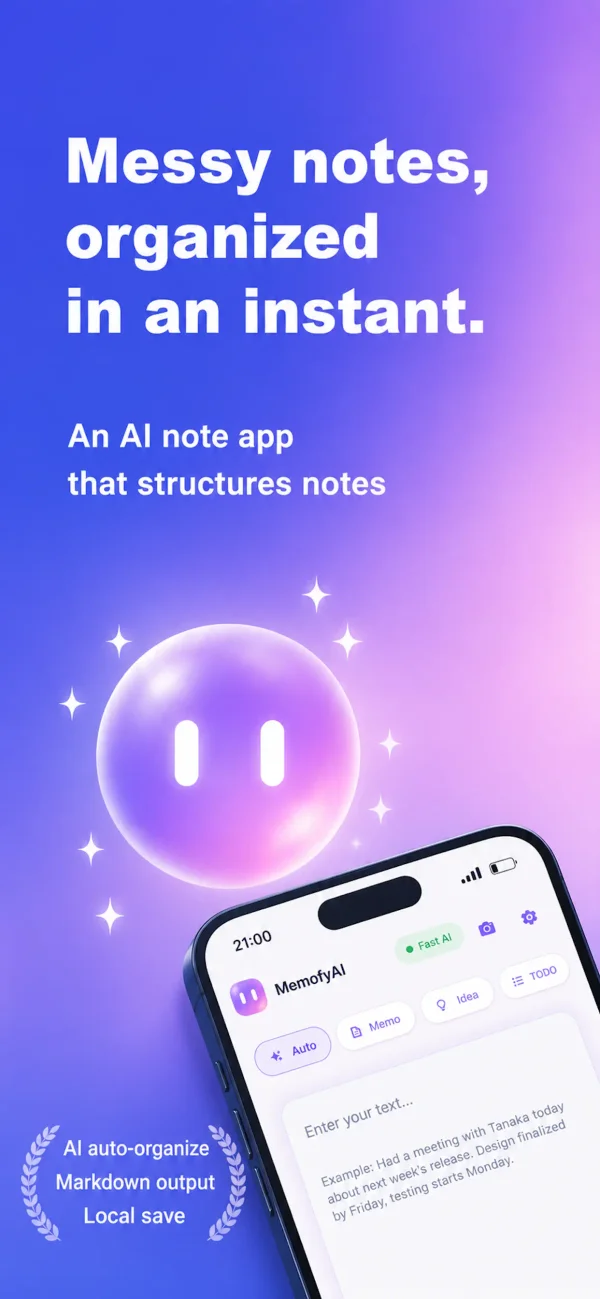
MemofyAI turns your rough, unstructured notes into perfectly organized documents — automatically.
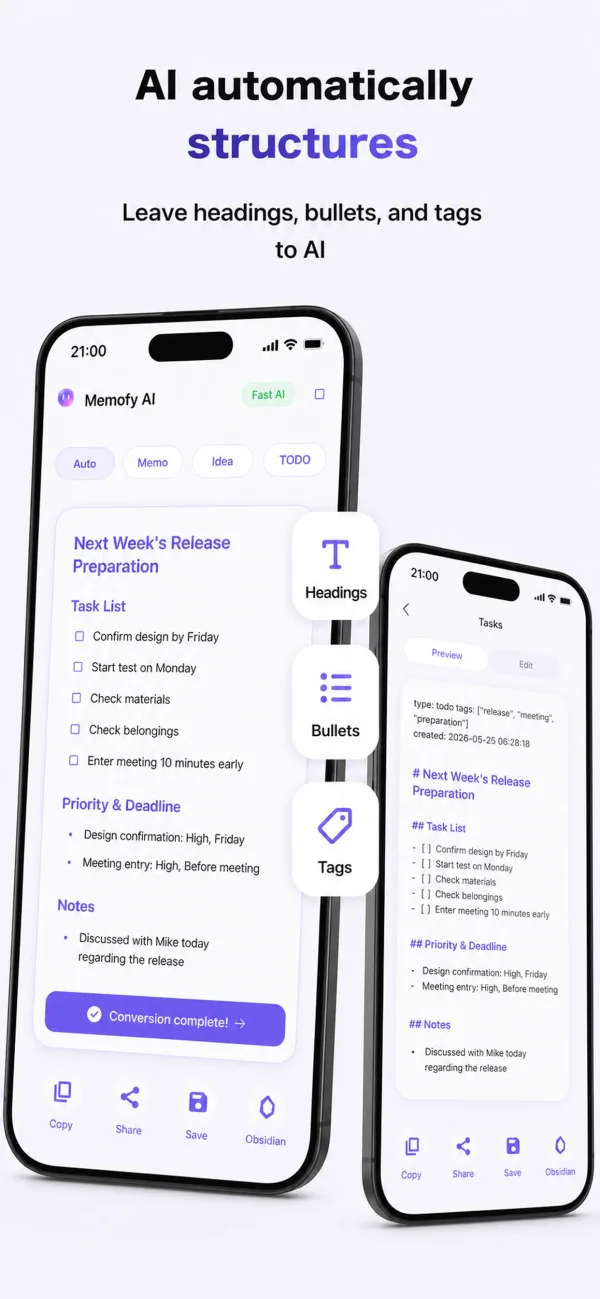
Just type (or paste) your messy text. AI instantly adds headings, bullet points, and structure. Done.
■ Perfect for...
- Meeting notes that need to become proper minutes
- Random ideas that deserve structure
- To-do lists that need checkboxes and priorities
- Lecture notes that need to be study-ready
- Handwritten notes or whiteboards — just snap a photo
■ 5 Smart Modes
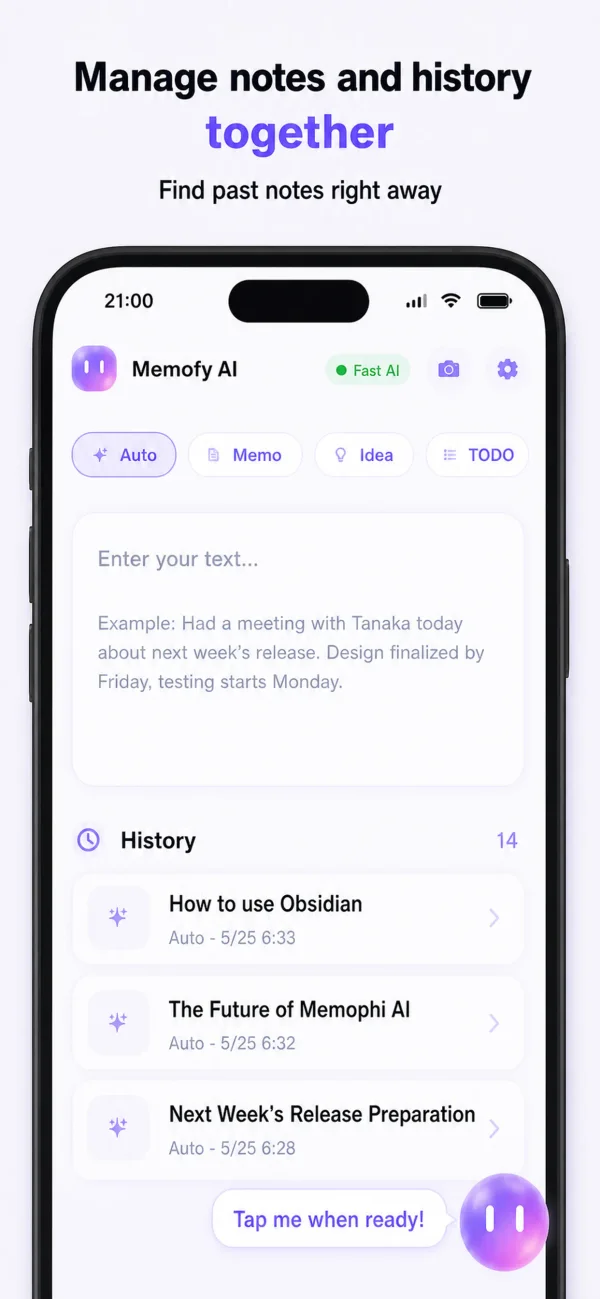
1. Auto-detect — AI figures out what kind of note it is and formats accordingly
2. Memo — General notes with clean headings and sections
3. Meeting Minutes — Adds date, attendees, decisions, and action items
4. TODO — Creates prioritized checklists
5. Idea — Organizes your brainstorm with next steps
■ Camera Input — Read Handwriting Instantly
Point your camera at handwritten notes, a whiteboard, or printed text. The app reads it and organizes it automatically. No more typing things out by hand.
■ On-Device AI for Privacy
Choose the on-device AI mode and the AI runs directly on your phone.
- In on-device mode, your notes stay on your device
- Nothing is uploaded to any cloud
- No one else can see your data — ever
Confidential work notes, personal journal entries, sensitive ideas — type freely.
■ Works Offline
After downloading the on-device AI model, you don't need an internet connection. Use it on a plane, underground, or anywhere without signal.
■ Home Screen Widgets
Add a widget to your home screen or lock screen. Start writing notes with a single tap — no need to open the app first.
■ Meet Memobee — Your AI Buddy
A cute, friendly assistant that lives in the app. Tap Memobee to start organizing your notes. A small touch of joy in your productivity.
■ Use Your Notes Anywhere
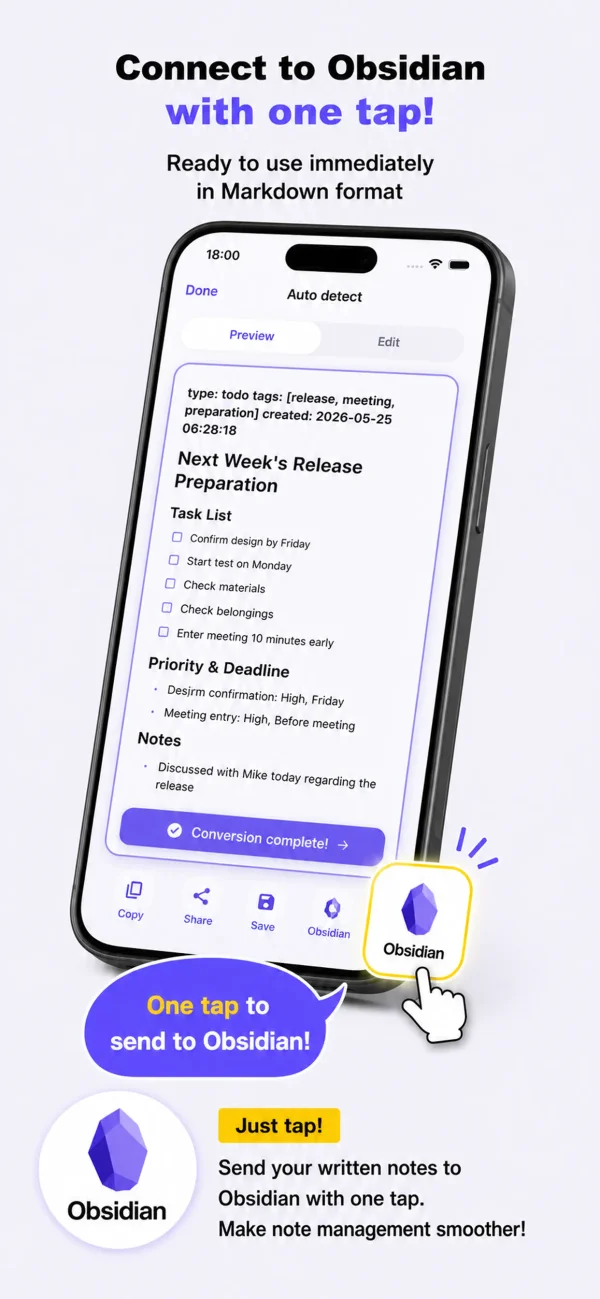
- Copy to clipboard and paste into any app
- Share with colleagues or friends
- Save as a file for backup
- Works great with Obsidian and other note apps
■ Why MemofyAI?
- AI organizes your notes automatically
- 5 modes for every type of note
- Camera reads handwriting and whiteboards
- On-device AI mode keeps your notes on your phone
- Works without internet
- Home screen and lock screen widgets
- No ads
Download now and never struggle with messy notes again.
What’s new
Version 0.19.0 · Jul 22, 2026
Now you can show off the notes you've tidied up.
• Redesigned sharing: share your messy input and the tidied note together as a single image card
• Cards now include the full tidied note — nothing gets cut off, even for long notes
• Open the menu by swiping anywhere on the left half of the home screen, not just from the very edge
• Various display and behavior fixes
App privacy
What Haruki Uriu declares on the App Store about how this app handles data.
-
Data not linked to you
May be collected but is not linked to your identity.
- User content
- Diagnostics
Privacy practices may vary, for example with the features you use or your age.
Information
- Seller
- Haruki Uriu
- Category
- Productivity
- Version
- 0.19.0
- Updated
- Jul 22, 2026
- Released
- May 26, 2026
- Size
- 125.5 MB
- Requires
- iOS 16.0 or later
- Age rating
- 4+
- Price
- Free
- Languages
- English, Japanese
- Copyright
- © 2026 MemofyAI
You might also like
-
 Mindverse: Private AI NotesAI Notes, No Token Fees
-
 Wisen: AI Notes & KnowledgeNotes that think back at you
-
 Vault Notes by HanssonProductivity
-
 screenshatFull-page web screenshots
-
 MemNote: Context-Aware MemoryCapture notes, improve recall
-
 Canvo: AI Mind MapsBrainstorm, Learn and Create
-
 Yantra: Second BrainPrivate notes you can talk to
-
 Steno NotesStunning, Simple Notes
-
 Supremo AILocal & private LLM chats
-
 Local AI NotesA notebook that thinks locally