
MemNote: Context-Aware Memory
Capture notes, improve recall
Designed for iPhone, iPad, Mac, iPod touch
Free
- Age rating4+
- CategoryProductivity
- DeveloperRandom Fact
- LanguagesEnglish
- Size55.0 MB
Links to the official App Store page
Download.org hosts no file of MemNote: Context-Aware Memory. The button opens its official App Store page, published by Random Fact. Listing last checked on Nov 14, 2026.
Screenshots

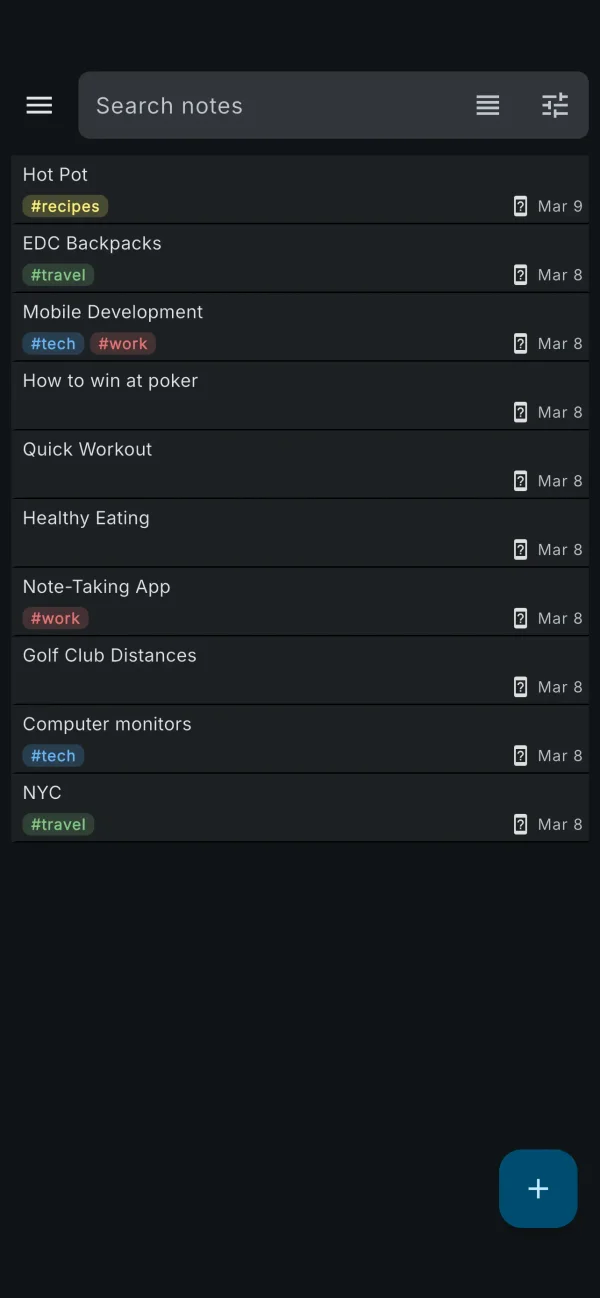
About
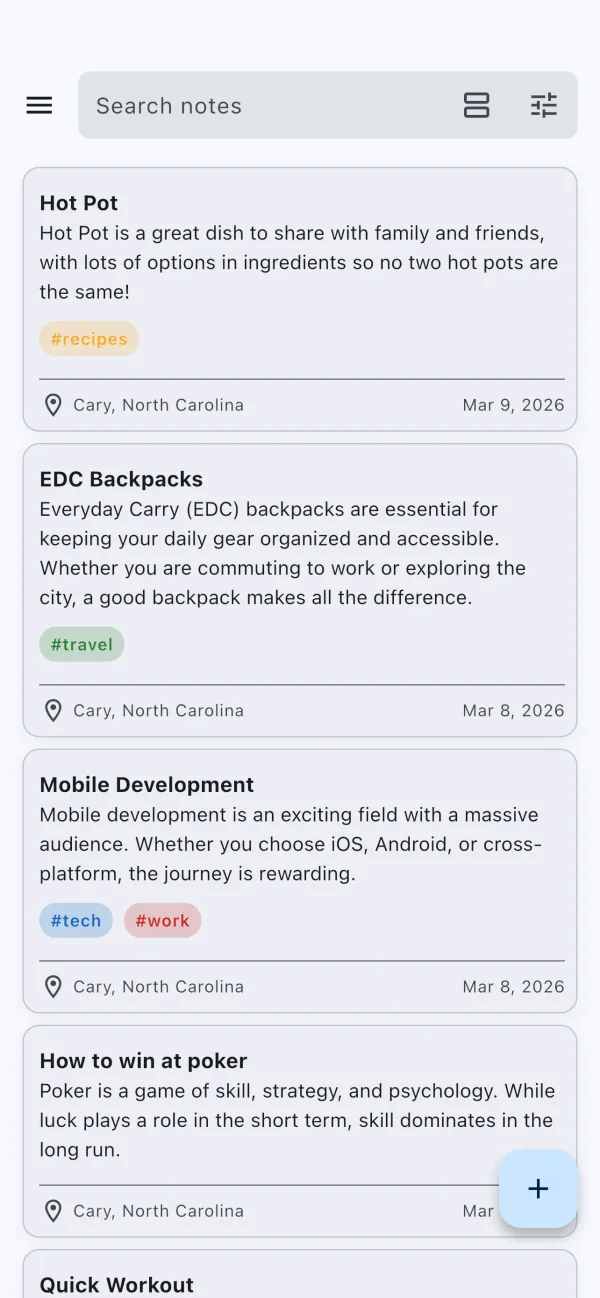
MemNote: Take notes, improve recall
Stop losing fleeting ideas to the void. MemNote is the first context-aware note-taking application designed to work the way your brain does: by association.
Most note apps are just static text editors. You write something down, but weeks later, you can't remember why you wrote it or where you were. MemNote solves this by automatically anchoring every thought to the time, place, and device where it was created—giving you total recall without the effort.
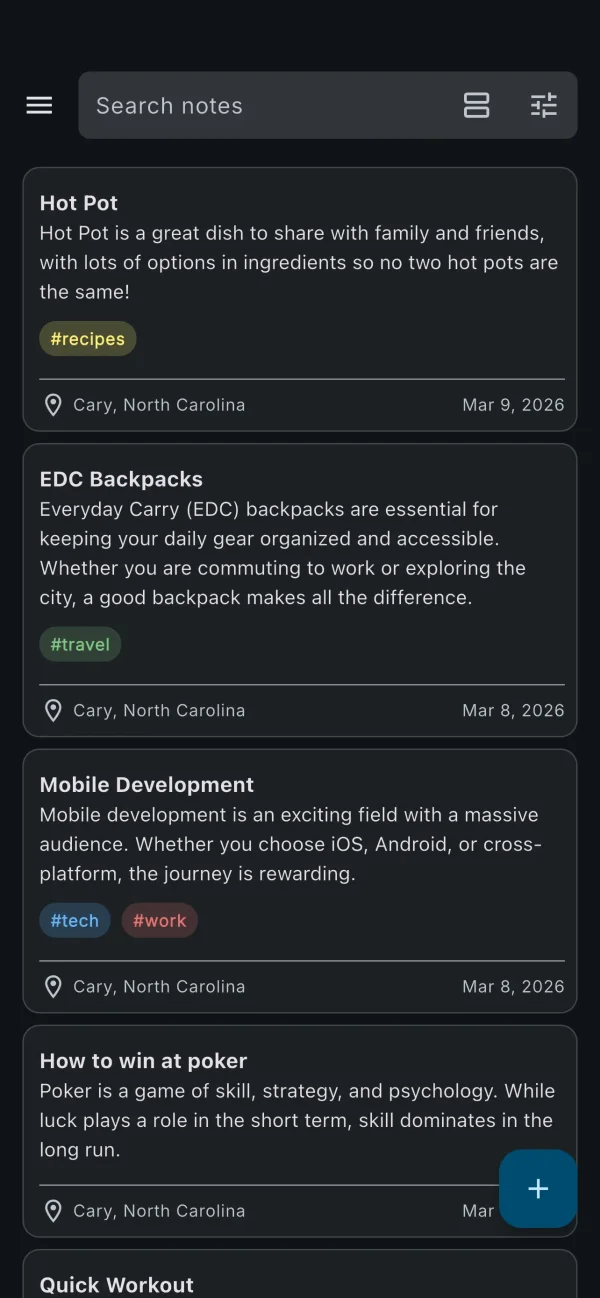
Fast and mobile-first
MemNote is fast and lightweight, available on all platforms, and designed from the ground up to be mobile-first.
Automatic context logging
You focus on the content; we handle the context. MemNote passively records:
* Location: Automatically geotags notes so you can find them on a map later.
* Time: precise timestamps to visualize your thoughts on a timeline.
* Device: Know exactly which device you used -- did I take this note on my laptop, or on my phone while watching TV?
Recall via association
Map and timeline views allow you to browse notes by their meta-data -- if you took a note at that restaurant you were at last Tuesday, the note will show up at the restaurant location on the map, and at the time you took the note on the timeline.
Local-first, private, and available everywhere
Your thoughts are private and available everywhere, any time. For performance and reliability, we store and search notes locally. For backup and availability across devices, we sync notes to the cloud. Data is encrypted both at rest and in transit.
Markdown native, no lock-in
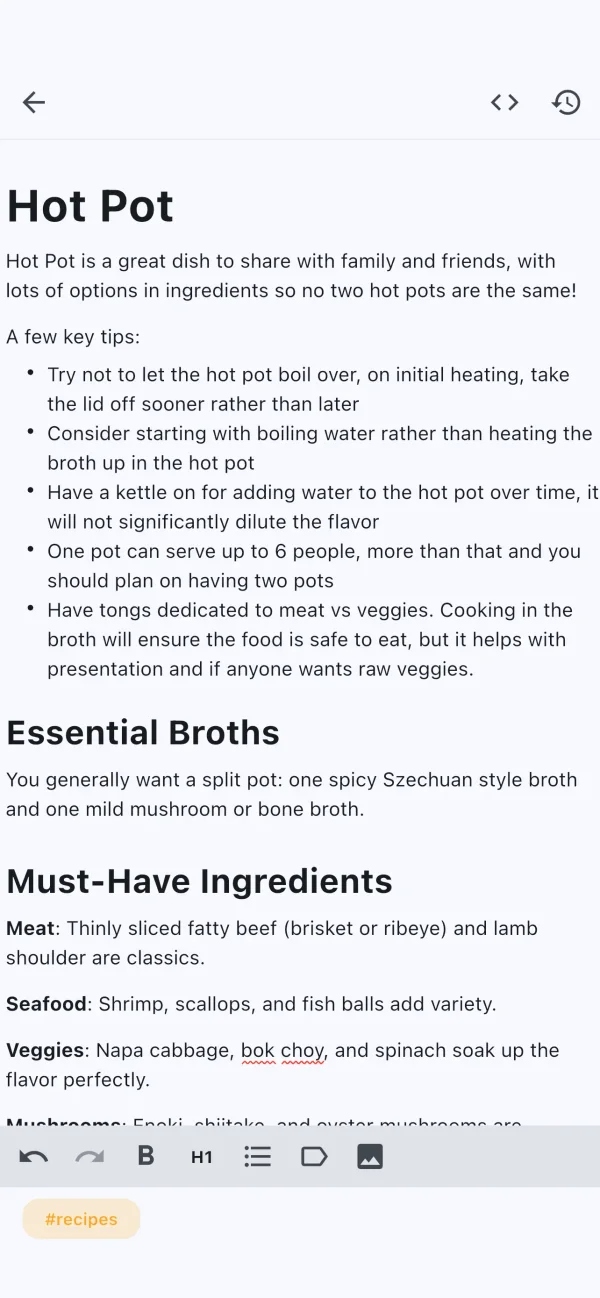
Write in pure Markdown. Your data is portable, readable, and never locked into a proprietary format. You can export your notes as a well organized zip file that contains any relative links and attachments. Meta-data is retained in YAML front-matter.
AI compatible
MemNote uses Markdown with LaTeX extensions to allow you to copy-paste responses from your favorite AI assistant into your notes without any formatting issues.
Key features:
* Fast startup
* Offline-first reliability
* Automatic geolocation & timestamping
* Cross-platform synchronization (with native apps on Windows, MacOS, Android, and iPhone)
* Beautiful, distraction-free interface
* Powerful timeline & map views
Don't just take notes. Improve recall. Download MemNote today and upgrade your second brain.
What’s new
Version 0.5.7 · Nov 11, 2026
- Trash shows who deleted each note, and you can restore several notes at once, or everything Claude or another device deleted in a chosen time window
- A note restored on one device now leaves the trash on your other devices too
- Better protection against data loss when a note is deleted forever
- Removing a tag's color or parent now syncs to your other devices
- Only a link's own text is clickable, not the rest of its line
- Spelling suggestion fixes and stability improvements
- Sync now recovers on its own after a failed start instead of leaving the session unsynced until you restart
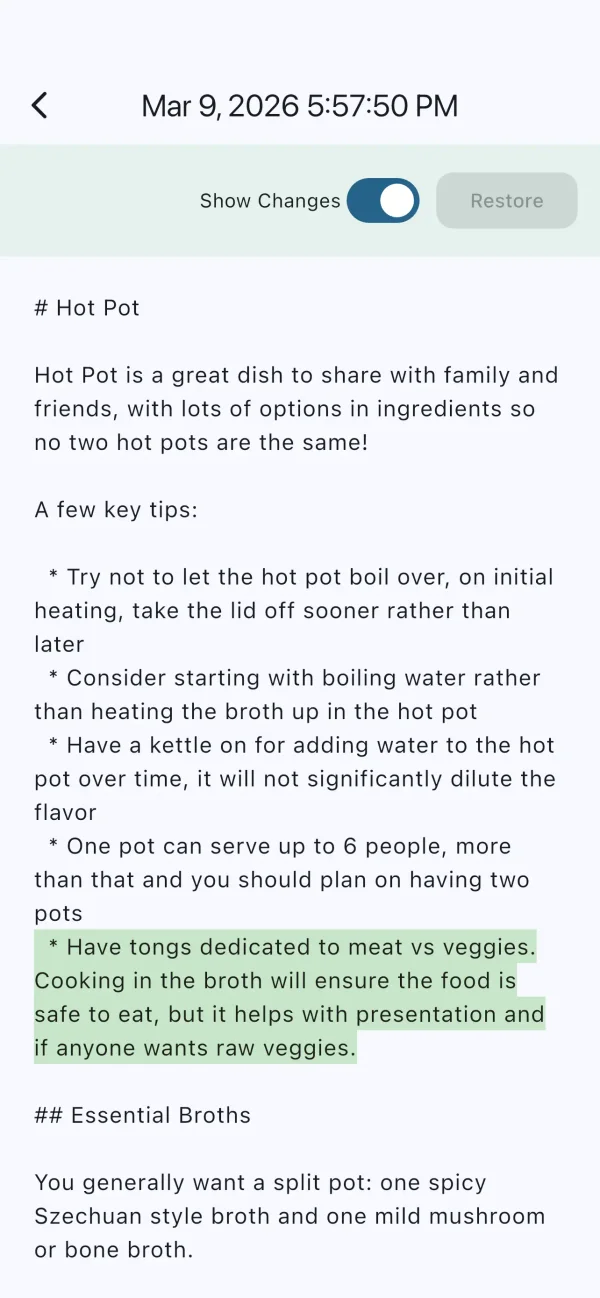
- Fixed the selection highlight in note history and the tap feedback on tag suggestions
- Pasting from a web page keeps headings, lists and tables, and pasting into a bullet continues the list
- Tab indents every selected bullet and task in one step, the same way on every keyboard and platform
- New link button on the editor toolbar, in visual and markdown mode
- Shift with Home, End, Page Up and Page Down now extends the selection
- Fixed the map locking into an error box after a fast drag
- Faster editing in long notes
- Various bug fixes and stability improvements
App privacy
What Random Fact declares on the App Store about how this app handles data.
-
Data linked to you
May be collected and linked to your identity.
- Location
- Contact info
- User content
- Identifiers
-
Data not linked to you
May be collected but is not linked to your identity.
- Diagnostics
Privacy practices may vary, for example with the features you use or your age.
Information
- Seller
- Random Fact, LLC
- Category
- Productivity
- Version
- 0.5.7
- Updated
- Nov 11, 2026
- Released
- Mar 26, 2026
- Size
- 55.0 MB
- Requires
- iOS 15.6 or later
- Age rating
- 4+
- Price
- Free
- Languages
- English
- Copyright
- © 2026 Random Fact LLC
You might also like
-
 Wisen: AI Notes & KnowledgeNotes that think back at you
-
 Hello-MynahSave, organize, and explore.
-
 MemofyAIOn-Device AI Note Structuring
-
 Vault Notes by HanssonProductivity
-
 Mindverse: Private AI NotesAI Notes, No Token Fees
-
 Neuro HiveProductivity
-
 Yantra: Second BrainPrivate notes you can talk to
-
 Plotted: Planner & To Do ListVisual Day Planner & Tracker
-
 Lumen: Knowledge BrowserBrowse. Remember. Recall.
-
 Papyrus: Research LibraryNative research workspace