
- Age rating4+
- CategoryProductivity
- DeveloperJared Camilli
- LanguagesEnglish+ 7 more
- Size2.0 MB
Links to the official App Store page
Download.org hosts no file of MemoMaps. The button opens its official App Store page, published by Jared Camilli. Listing last checked on Nov 18, 2026.
Screenshots
About
MemoMap
Never lose a moment again.
MemoMap captures your voice and instantly pins it to the exact spot where you spoke. Every thought, memory, and idea is saved right there on the map — so you can always go back and relive it exactly as it happened.
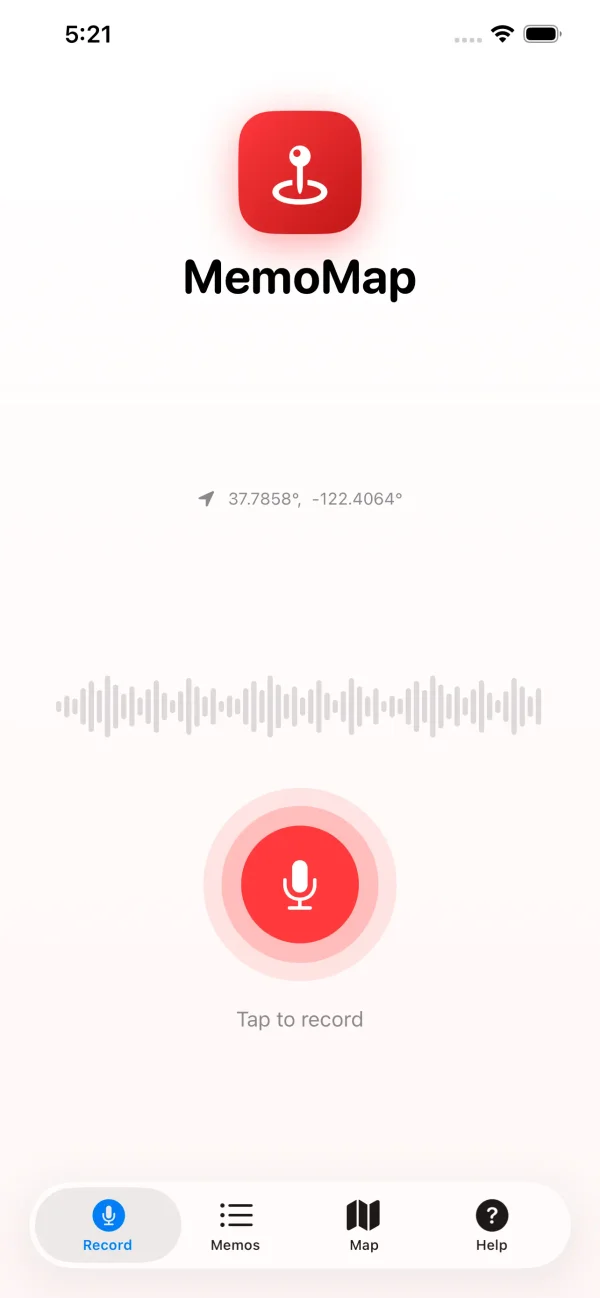
RECORD ANYWHERE
One tap to start, one tap to stop. MemoMap suggests a smart, natural name based on where you are — “Union Square” or “Sunset Beach.” It saves and pins the moment the second you finish.
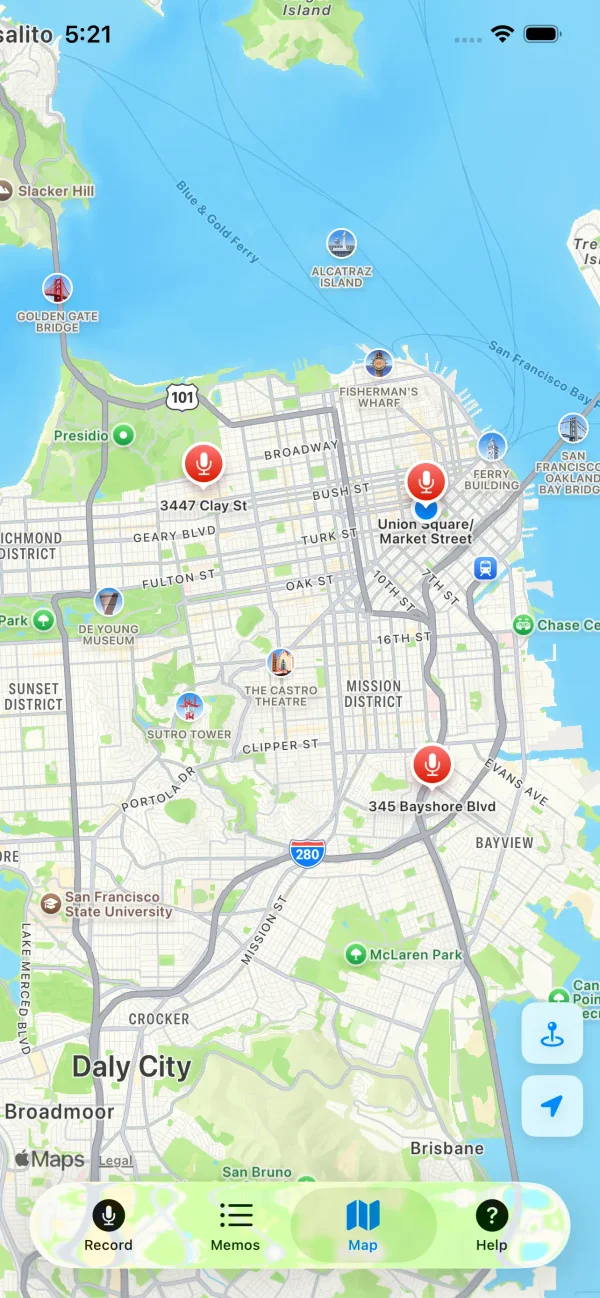
SEE IT ON THE MAP
Every recording appears as a clean pin on a beautiful live map. Zoom into any neighborhood to rediscover what you captured. Long-press anywhere to drop a custom pin and record — even if you’re not standing there.
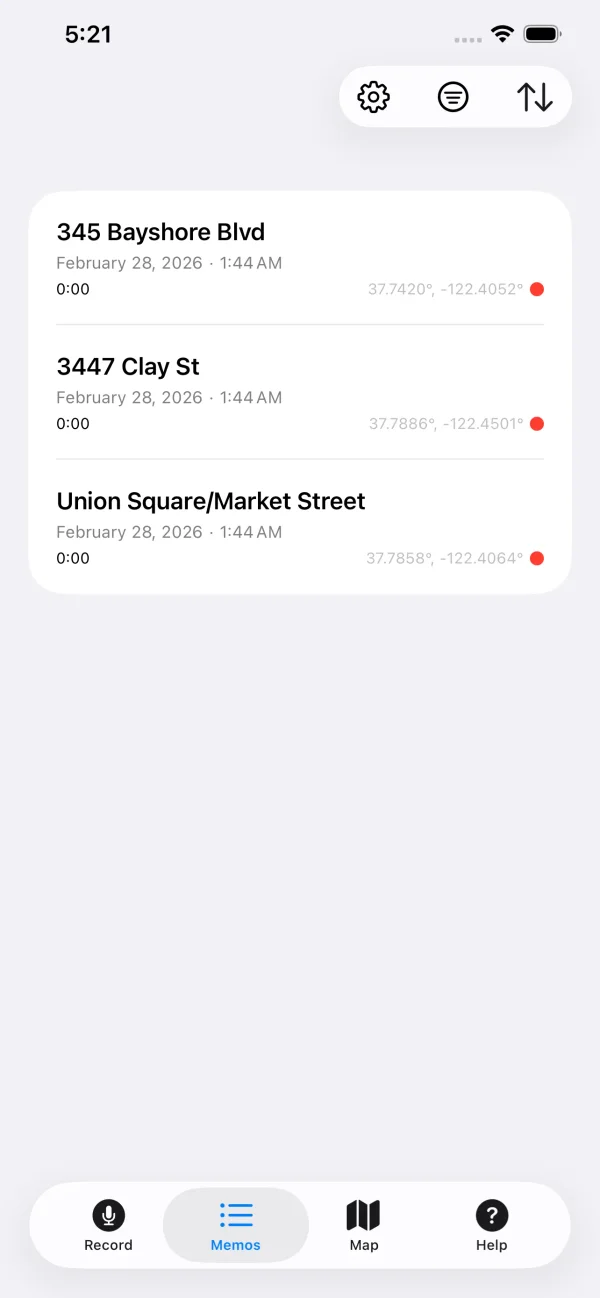
BROWSE YOUR MEMORIES
Scroll through your collection sorted by newest, oldest, or closest to you right now. Tap any memo to play it back and instantly remember exactly where you were.
100% PRIVATE
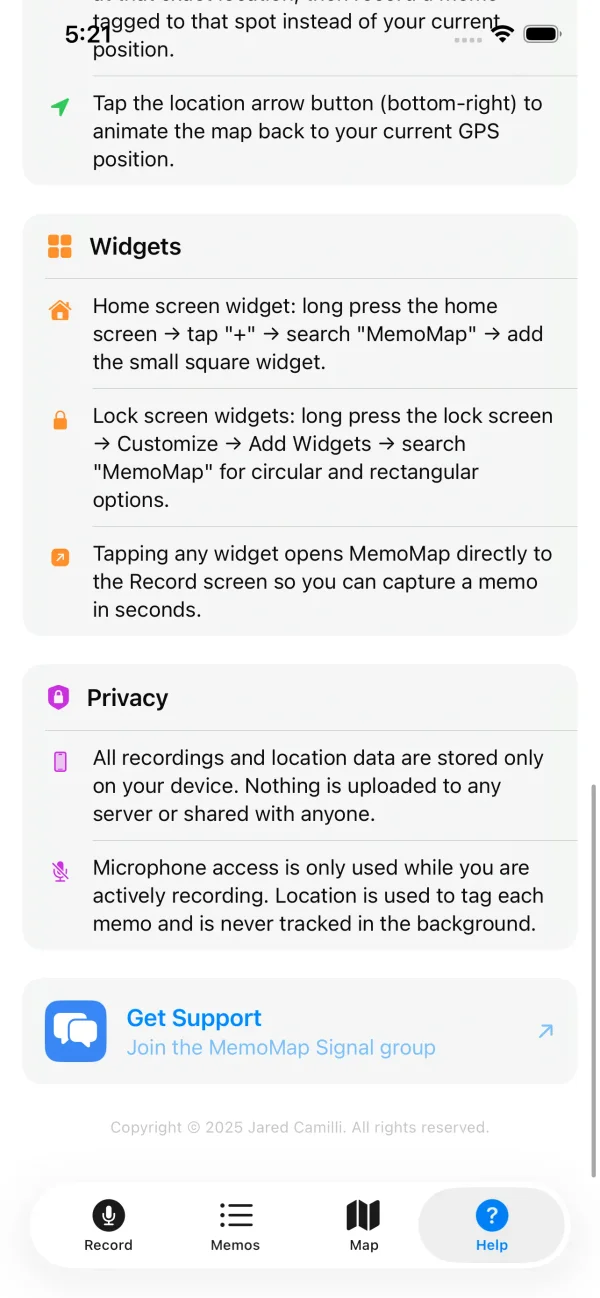
Your voice and locations never leave your iPhone. No accounts. No cloud. No tracking. Everything stays safely stored on your device. Delete anything with a swipe.
Ready to remember every moment exactly where it mattered most?
———
MemoMap requires microphone access to record voice memos, and location access (While Using the App) to tag each recording with GPS coordinates and suggest a location-based name.
What’s new
Version 2.1.3 · Mar 12, 2026
1. Recording path tracking — The app tracks GPS movement every 3 seconds during recording and stores the path with the memo. Paths are drawn as colored polylines on the map matching the memo's pin color.
2. "Show Recording Paths" toggle — Added in the pin color settings above the color list. Persists via @AppStorage.
3. "Map" button in memo details — Dismisses the detail sheet, switches to the Map tab, and zooms to the memo's location.
4. "Delete Memo" button — Red delete button on its own row in memo details with a confirmation alert.
App privacy
What Jared Camilli declares on the App Store about how this app handles data.
-
Data not collected
The developer does not collect any data from this app.
Privacy practices may vary, for example with the features you use or your age.
Information
- Seller
- Jared Camilli
- Category
- Productivity
- Version
- 2.1.3
- Updated
- Mar 12, 2026
- Released
- Mar 9, 2026
- Size
- 2.0 MB
- Requires
- iOS 26.2 or later
- Age rating
- 4+
- Price
- $1.99
- Languages
- English, French, Hindi, Japanese, Portuguese, Russian, Simplified Chinese, Spanish
- Copyright
- © 2026 Jared Camilli
You might also like
-
 Anticipāt: Countdown WidgetDays until trips & birthdays
-
 iMapInvasives MobileReport invasive species
-
 ADHD Planner: DoublyHabit tracker & Weekly planner
-
 Freelo Project ManagementGet things done easier
-
 Signature generator: Sign PDFDraw, type & sign PDF files
-
 Timery: Time TrackerEasy time tracking with Toggl
-
 Datovka.czProductivity
-
 eSign AI - AI Signature MakerText to Signature Maker
-
 Galarm - Alarms and RemindersNever Miss Anything!
-
 Flashlight | Night LightNight Light or Reading Lamp