- 対象年齢4+
- カテゴリ仕事効率化
- 開発元Jared Camilli
- 言語英語ほか7言語
- サイズ2.0 MB
App Storeの公式ページにリンクしています
Download.orgはMemoMapsのファイルを一切ホストしていません。ボタンを押すと、Jared Camilliが公開しているApp Storeのアプリページが開きます。ページの最終確認:2026/11/18。
スクリーンショット
概要
開発元はこのテキストをお使いの言語で提供していません。
MemoMap
Never lose a moment again.
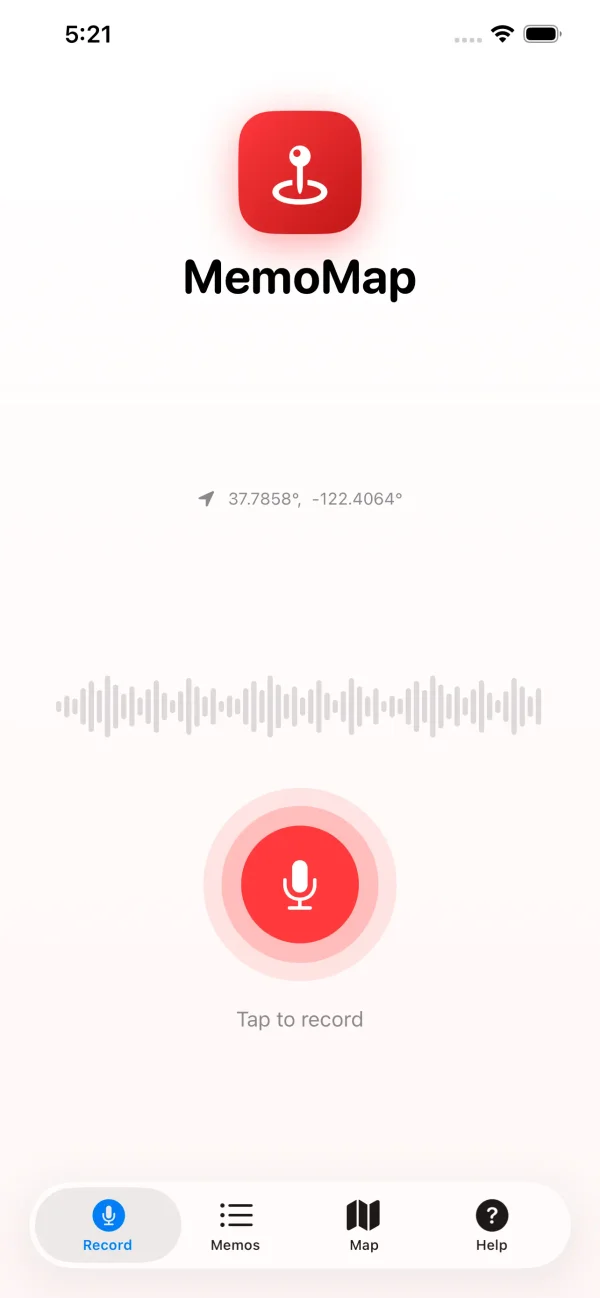
MemoMap captures your voice and instantly pins it to the exact spot where you spoke. Every thought, memory, and idea is saved right there on the map — so you can always go back and relive it exactly as it happened.
RECORD ANYWHERE
One tap to start, one tap to stop. MemoMap suggests a smart, natural name based on where you are — “Union Square” or “Sunset Beach.” It saves and pins the moment the second you finish.
SEE IT ON THE MAP
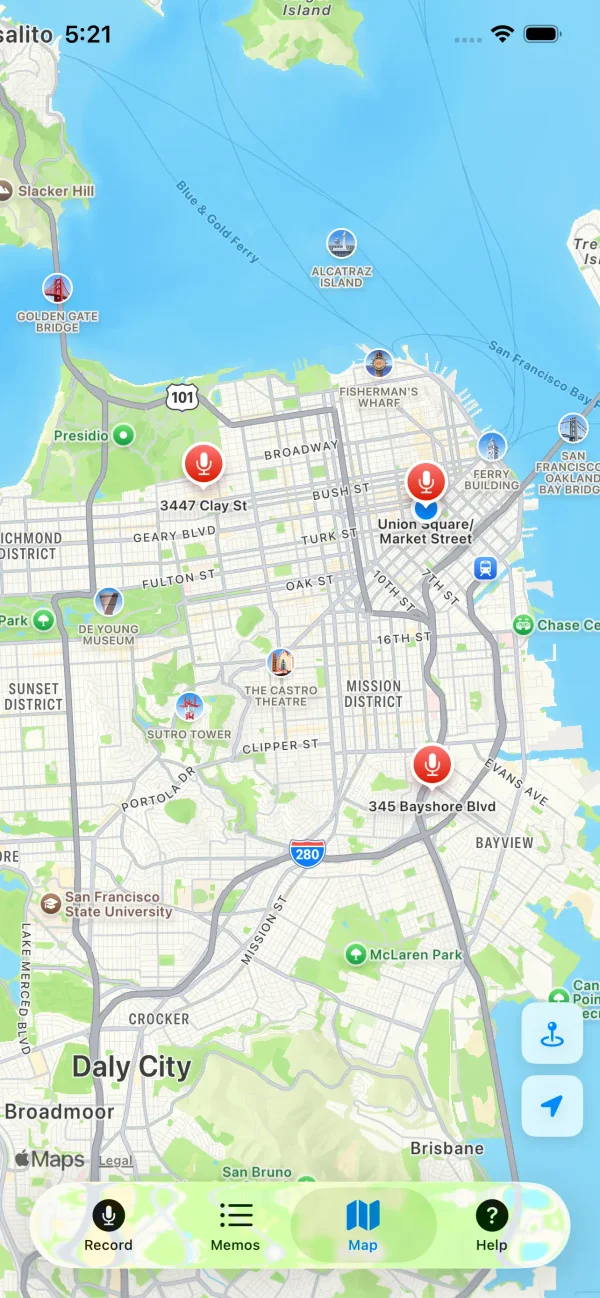
Every recording appears as a clean pin on a beautiful live map. Zoom into any neighborhood to rediscover what you captured. Long-press anywhere to drop a custom pin and record — even if you’re not standing there.
BROWSE YOUR MEMORIES
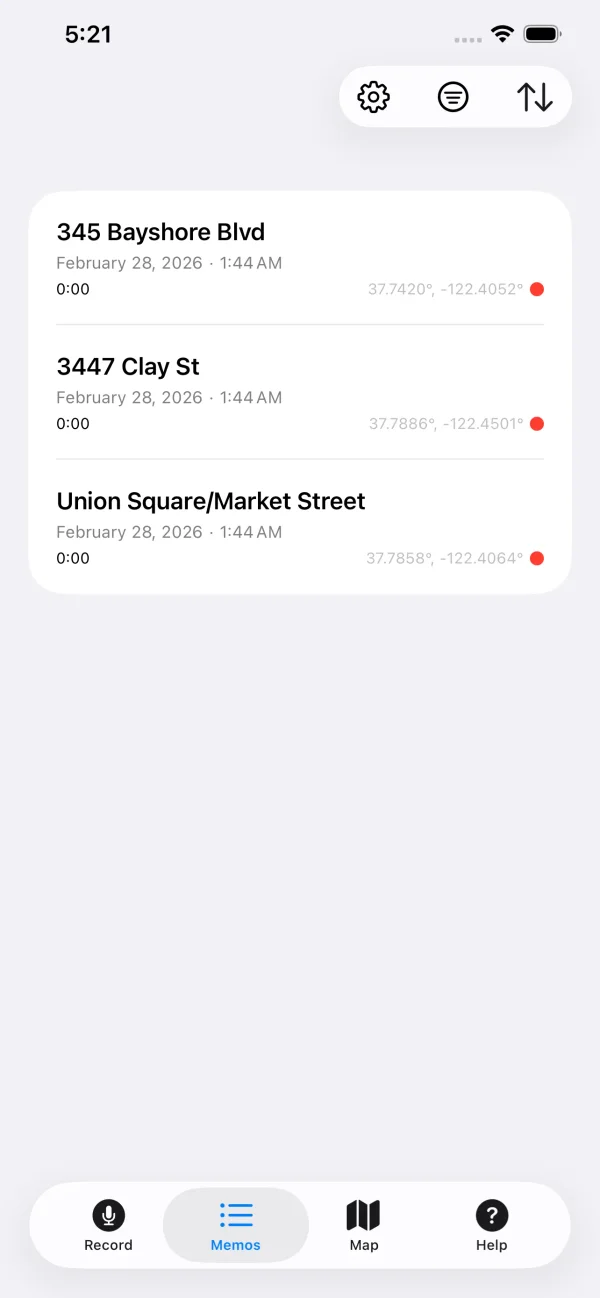
Scroll through your collection sorted by newest, oldest, or closest to you right now. Tap any memo to play it back and instantly remember exactly where you were.
100% PRIVATE
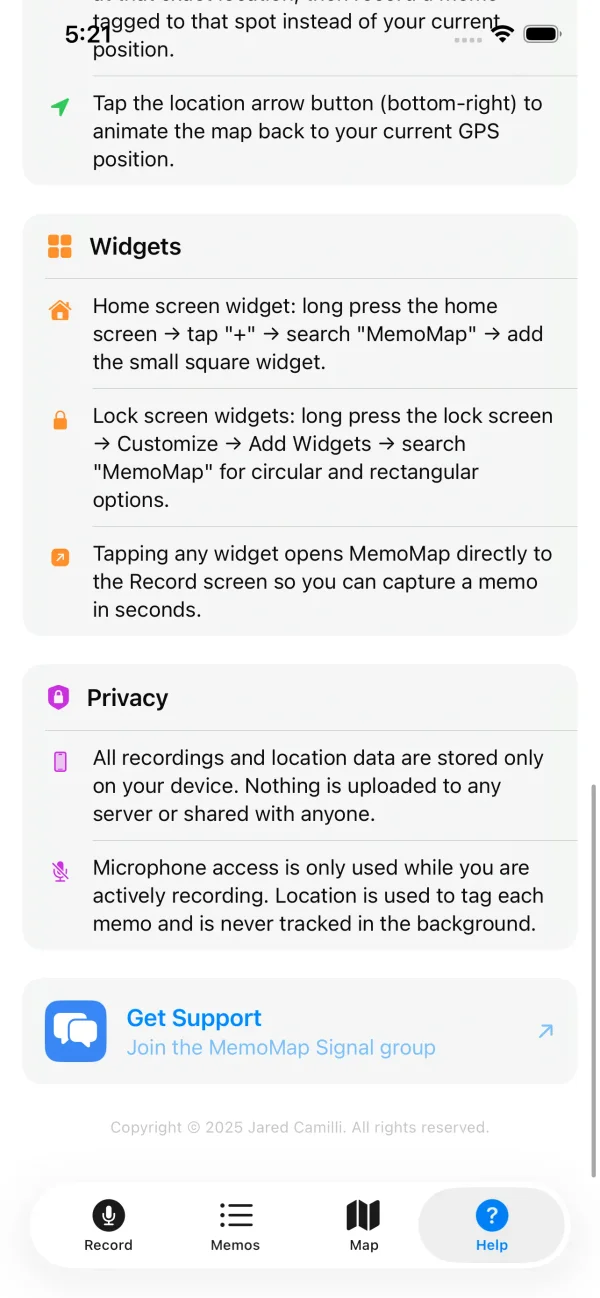
Your voice and locations never leave your iPhone. No accounts. No cloud. No tracking. Everything stays safely stored on your device. Delete anything with a swipe.
Ready to remember every moment exactly where it mattered most?
———
MemoMap requires microphone access to record voice memos, and location access (While Using the App) to tag each recording with GPS coordinates and suggest a location-based name.
新機能
バージョン 2.1.3 · 2026/3/12
1. Recording path tracking — The app tracks GPS movement every 3 seconds during recording and stores the path with the memo. Paths are drawn as colored polylines on the map matching the memo's pin color.
2. "Show Recording Paths" toggle — Added in the pin color settings above the color list. Persists via @AppStorage.
3. "Map" button in memo details — Dismisses the detail sheet, switches to the Map tab, and zooms to the memo's location.
4. "Delete Memo" button — Red delete button on its own row in memo details with a confirmation alert.
アプリのプライバシー
このアプリのデータの取り扱いについて、Jared CamilliがApp Storeで申告している内容です。
-
データの収集なし
開発元はこのアプリからデータを収集しません。
プライバシーの取り扱いは、ご利用の機能やお客様の年齢などに応じて異なる場合があります。
情報
- 販売元
- Jared Camilli
- カテゴリ
- 仕事効率化
- バージョン
- 2.1.3
- 更新日
- 2026/3/12
- リリース
- 2026/3/9
- サイズ
- 2.0 MB
- 必要条件
- iOS 26.2以降
- 対象年齢
- 4+
- 価格
- ¥300
- 言語
- 英語, フランス語, ヒンディー語, 日本語, ポルトガル語, ロシア語, 簡体字中国語, スペイン語
- 著作権
- © 2026 Jared Camilli