
Memorandum - Password Manager
All IDs and passwords
Designed for iPhone, iPad, iPod touch
Free · In-app purchases
- Age rating4+
- CategoryUtilities
- DeveloperBistro ISAKI
- LanguagesEnglish+ 2 more
- Size7.4 MB
Links to the official App Store page
Download.org hosts no file of Memorandum - Password Manager. The button opens its official App Store page, published by Bistro ISAKI. Listing last checked on Nov 23, 2026.
Screenshots

About
Memorandum keeps passwords, login IDs, and notes together so you can find them when you need them. Organize accounts by category and data type, whether they’re for home, work, or family.
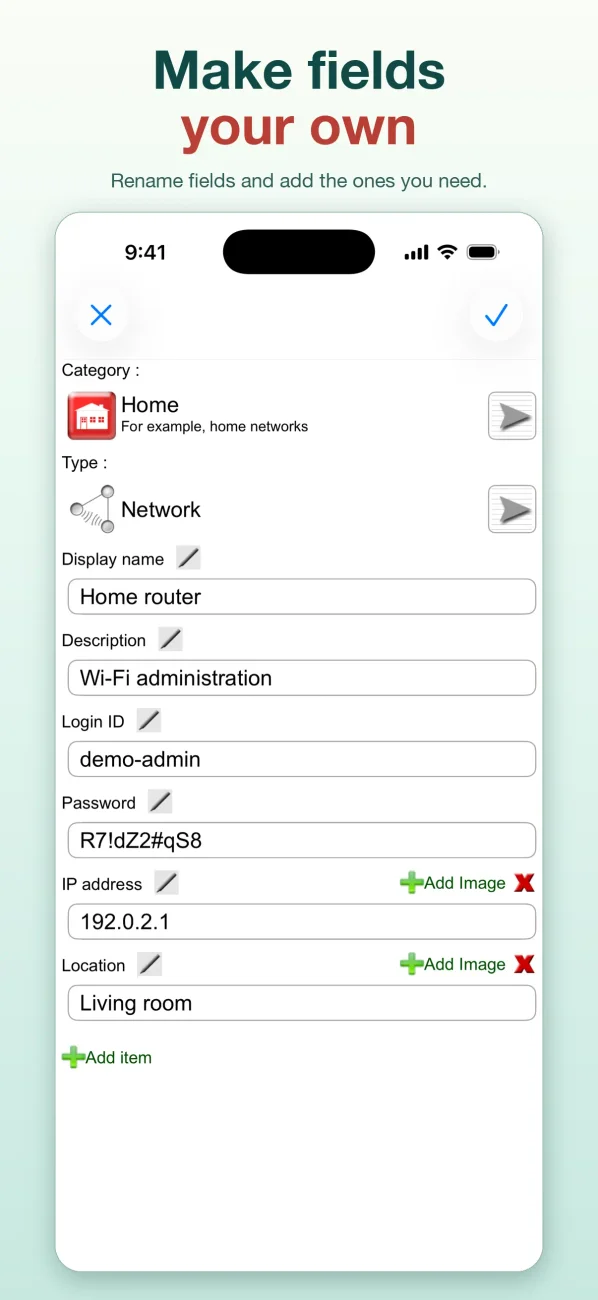
• Rename fields and add the ones you need.
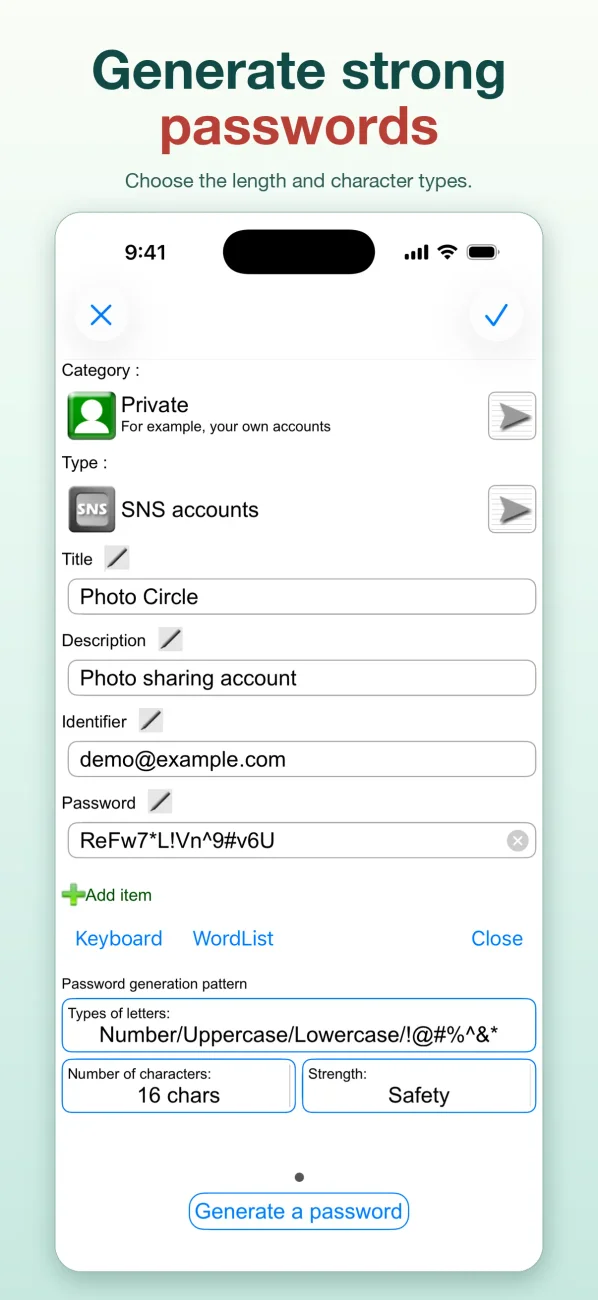
• Generate passwords with your choice of length and character types.
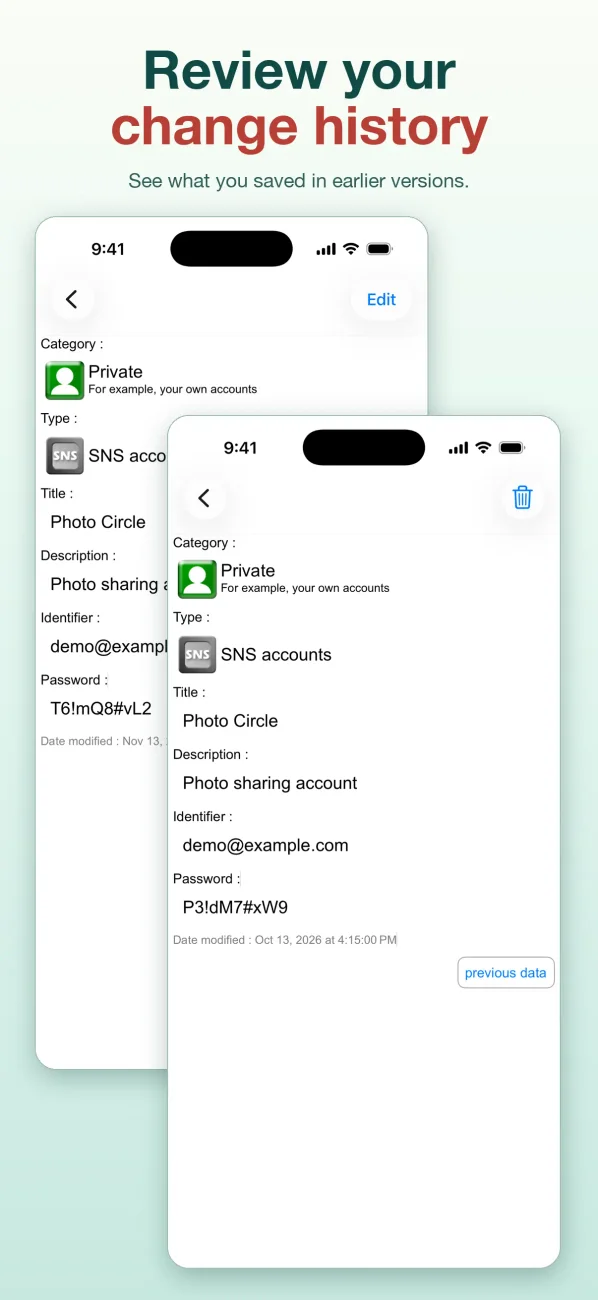
• Check change history to see what you saved in earlier versions of an entry.
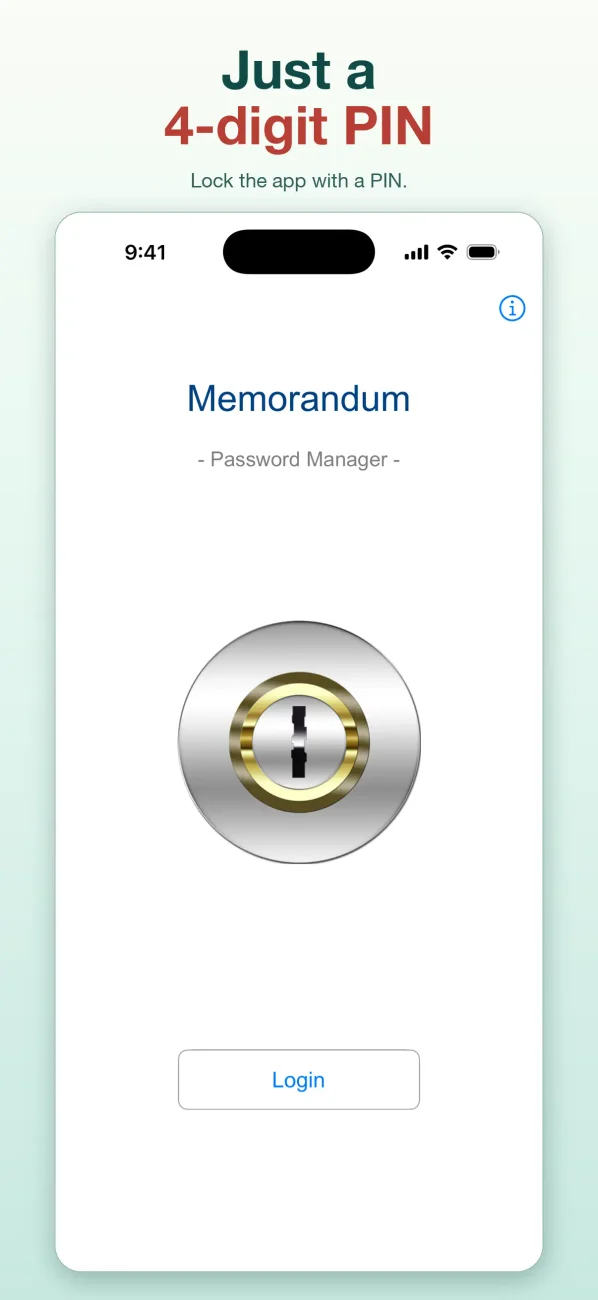
• Unlock the app with a four-digit PIN, Face ID, or Touch ID on supported devices.
• Keep your data on your device and enable iCloud sync in Settings if you choose.
What’s new in ver.2
Sort entries by name or date added within a category or data type. Change the order for viewing, or save it as the default while editing the list.
In Settings, go to Data management and open Recently deleted to review and restore deleted entries whose contents were retained.
Access to sorting and restoration
Whether you’re installing Memorandum for the first time or upgrading from ver.1, you can try both features for seven days from your first launch of ver.2 without watching video ads. After the trial, watch one available video ad to completion to use both features for the same 30-minute period.
The one-time Unlimited ver.2 Features purchase unlocks sorting and restoration without video ads. The ver.2 Pro License also removes banner ads and unlocks unlimited custom fields. Eligible ver.1 Pro owners can add sorting and restoration with a discounted upgrade.
Migrating your ver.1 data and restoring your previous purchases are free.
What’s new
Version 2.0.1 · Nov 21, 2026
Version 2.0.0
• Sort entries by name or date added within each category or data type.
• Open Recently deleted to review and restore entries whose contents were retained.
• Receive compatible Memorandum data files from the share menu in the Files app.
• We reworked loading and saving from ver.1 to keep the app more responsive during these operations. If a link fails to load inside the app, you can retry from the same screen.
• Carry over your ver.1 data and restore your previous purchases for free.
Try sorting and restoration for seven days from your first launch of ver.2 without watching video ads. After the trial, watch one available video ad to completion to use both features for 30 minutes, or unlock them with an eligible one-time purchase.
Version 2.0.1
Improved data transfer from version 1. If the transfer stops because none of the saved files’ PINs match your current app PIN, tap “Verify current PIN” on the transfer screen and enter the PIN you use to unlock the app to continue.
App privacy
What Bistro ISAKI declares on the App Store about how this app handles data.
-
Data used to track you
May be used to track you across apps and websites owned by other companies.
- Identifiers
-
Data linked to you
May be collected and linked to your identity.
- Purchases
- Location
- Identifiers
- Usage data
-
Data not linked to you
May be collected but is not linked to your identity.
- Location
- Identifiers
- Usage data
- Diagnostics
Privacy practices may vary, for example with the features you use or your age.
Information
- Seller
- Stephane ISAKI
- Category
- Utilities
- Version
- 2.0.1
- Updated
- Nov 21, 2026
- Released
- Jan 4, 2017
- Size
- 7.4 MB
- Requires
- iOS 15.6 or later
- Age rating
- 4+
- Price
- Free
- In-app purchases
- Yes
- Languages
- English, French, Japanese
- Copyright
- © 2016 Bistro ISAKI
You might also like
-
 Password Manager - ClipboardManage and copy your passwords
-
 EasyToUse ! PasswordManagerAppUtilities
-
 シンプルパス管理Utilities
-
 パスワード管理帳(パスメモ)Utilities
-
 PManager(Password management)Utilities
-
 Pass Secure - password managerThe ultimate password manager
-
 Password Manager - パスワード管理Utilities
-
 PasswordGen: Just GenerateUtilities