Password Manager - Clipboard
Manage and copy your passwords
Designed for iPhone, iPad, iPod touch
Free · In-app purchases
- Age rating4+
- CategoryUtilities
- Developernaoki otsu
- LanguagesEnglish+ 23 more
- Size55.3 MB
Links to the official App Store page
Download.org hosts no file of Password Manager - Clipboard. The button opens its official App Store page, published by naoki otsu. Listing last checked on Nov 23, 2026.
Screenshots

About
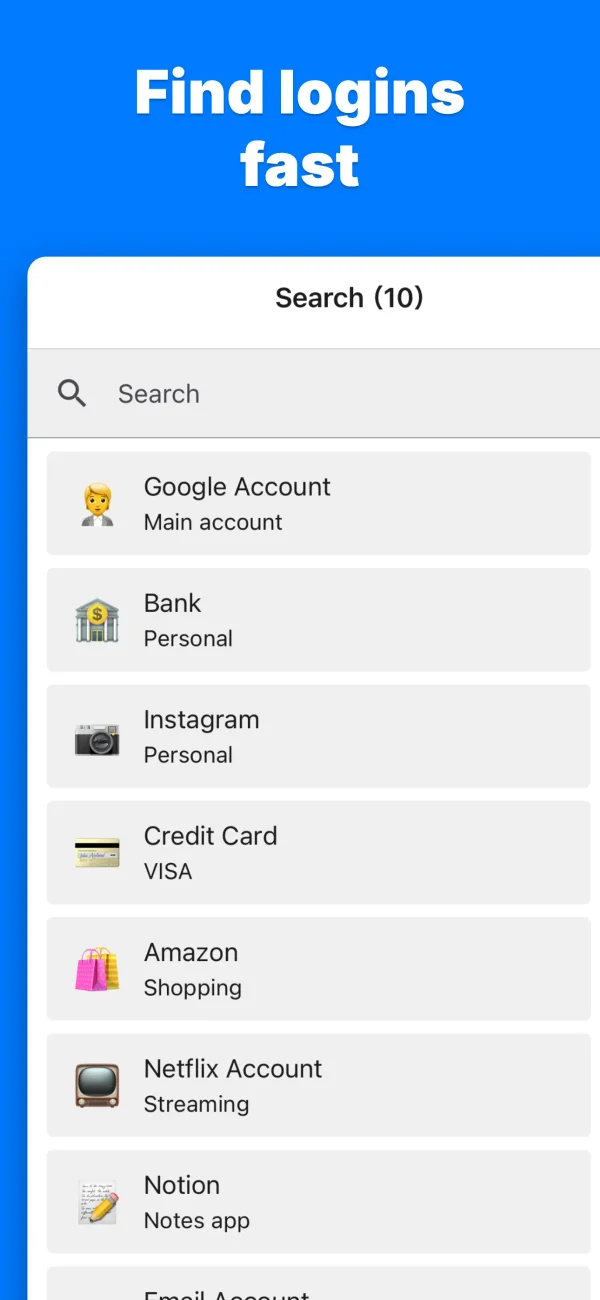
A powerful and feature-rich password management app.
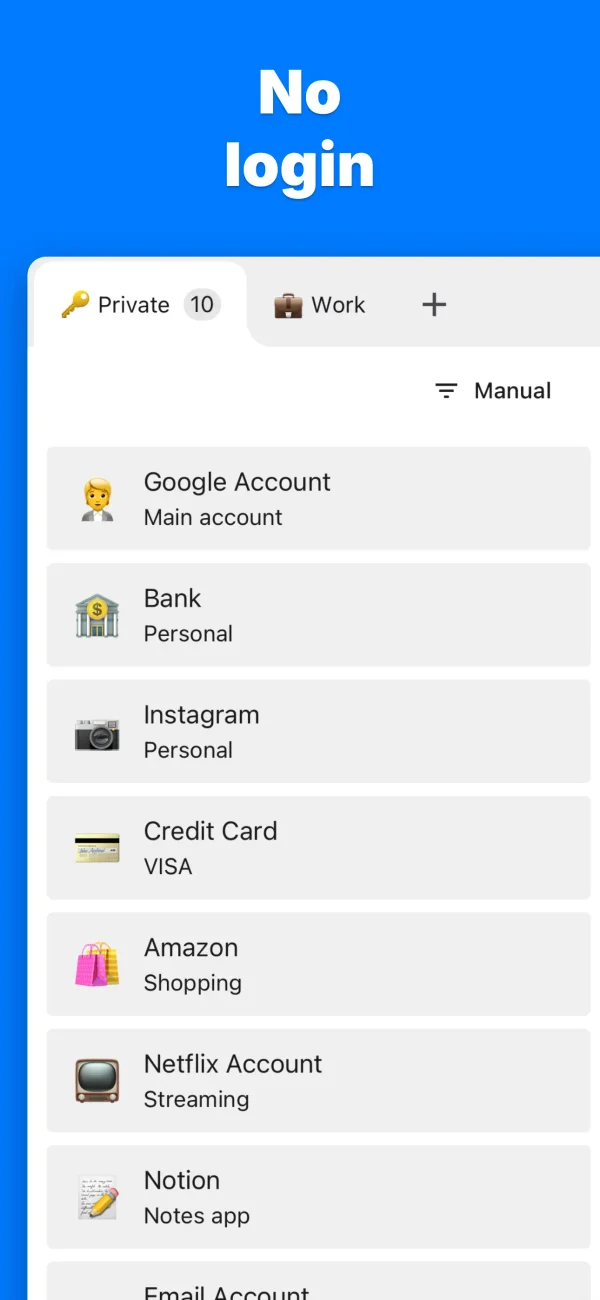
Start using it immediately without any login required.
Your data is completely protected and kept private.
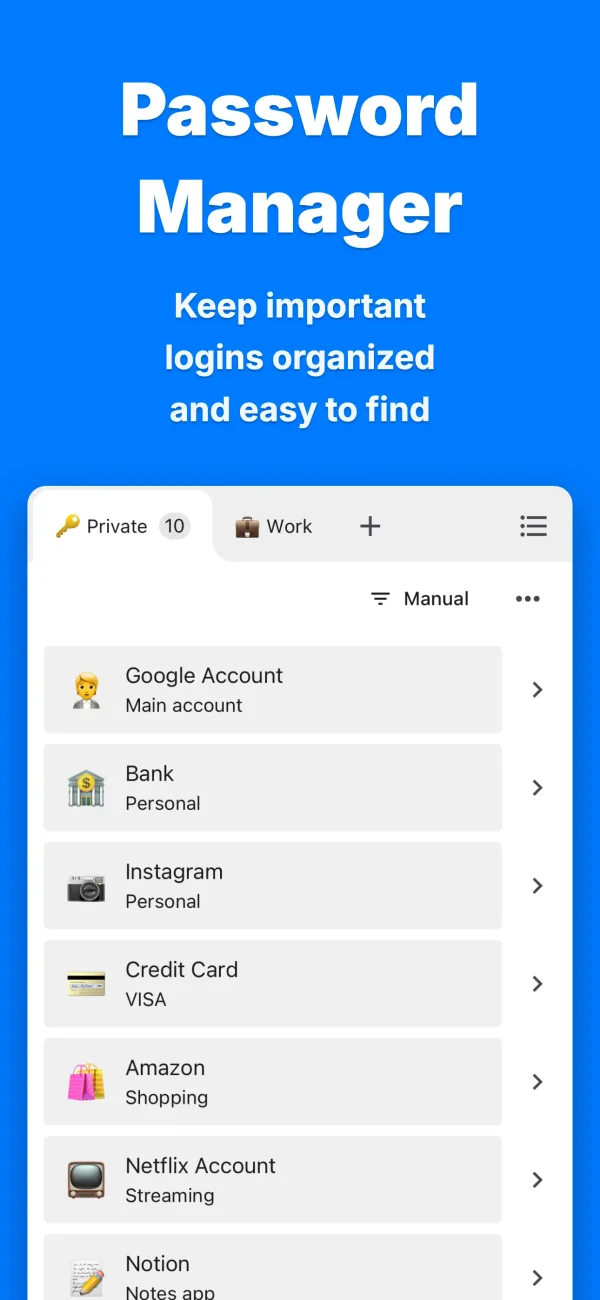
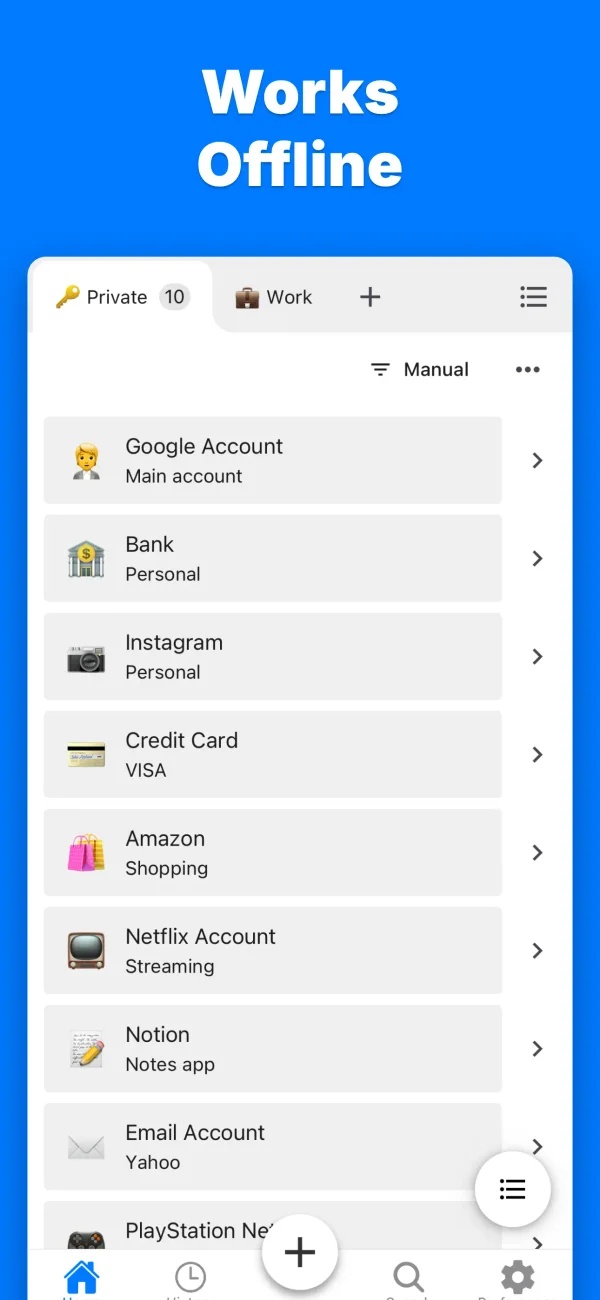
This app perfectly solves all your password management, data organization, and security protection needs. Equipped with powerful features including a custom keyboard, password AutoFill, unlimited tab creation, drag and drop, alphabetical sorting, dark mode, notification system, biometric authentication, CSV export, tab notes, and more to meet all your requirements.
■ Password Management
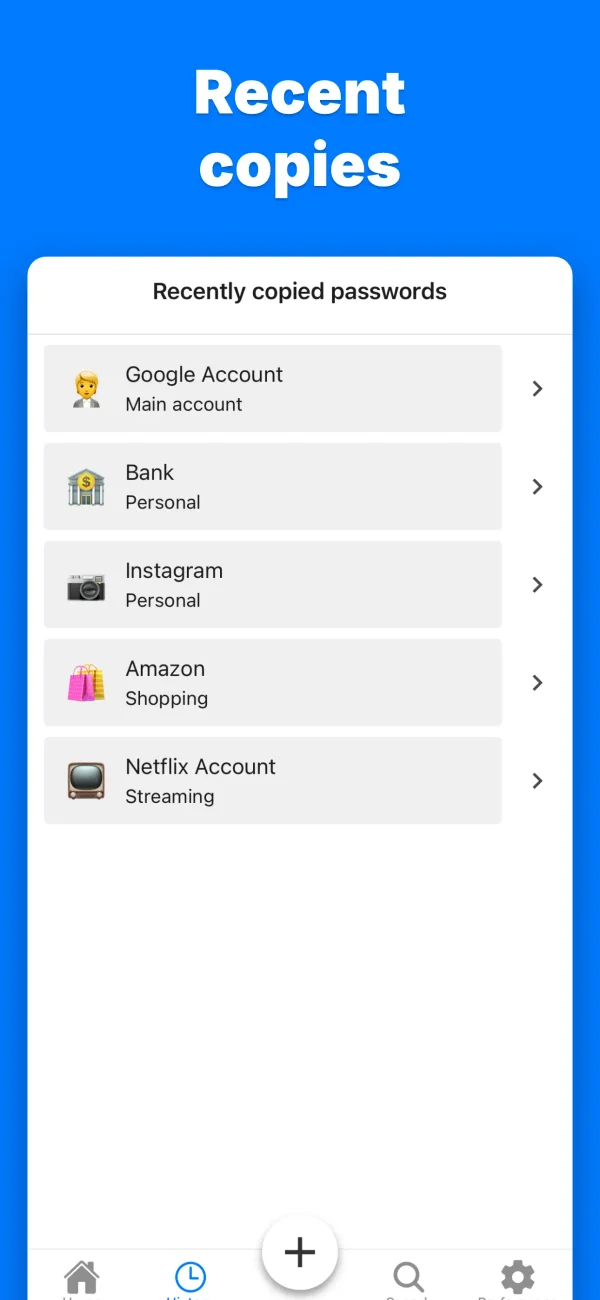
Securely store your important passwords and instantly copy and paste them when needed.
■ Custom Keyboard
Add the keyboard to insert your saved usernames and passwords with one tap while typing in other apps, without switching apps.
■ Password AutoFill
On login screens in other apps and websites, just choose a saved item to fill in its username and password together.
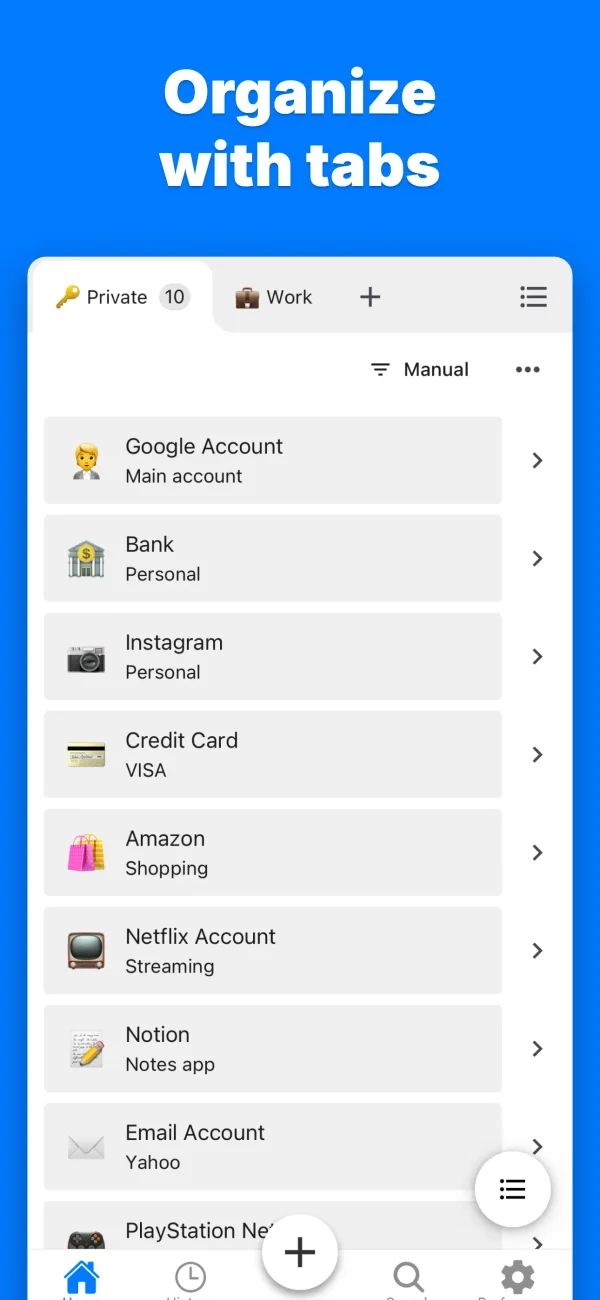
■ Unlimited Tab Management
Create unlimited tabs and organize them perfectly by category.
■ Flexible Rearrangement
Freely rearrange tabs and tasks to achieve your optimal workflow.
■ Notification System
Receive notifications with your custom messages at specified times.
■ Biometric Authentication
Dramatically enhance your app security with biometric authentication.
■ CSV Export
Export all your data to CSV files for complete backup protection.
■ Tab Notes
Leave important notes on tabs for efficient information management.
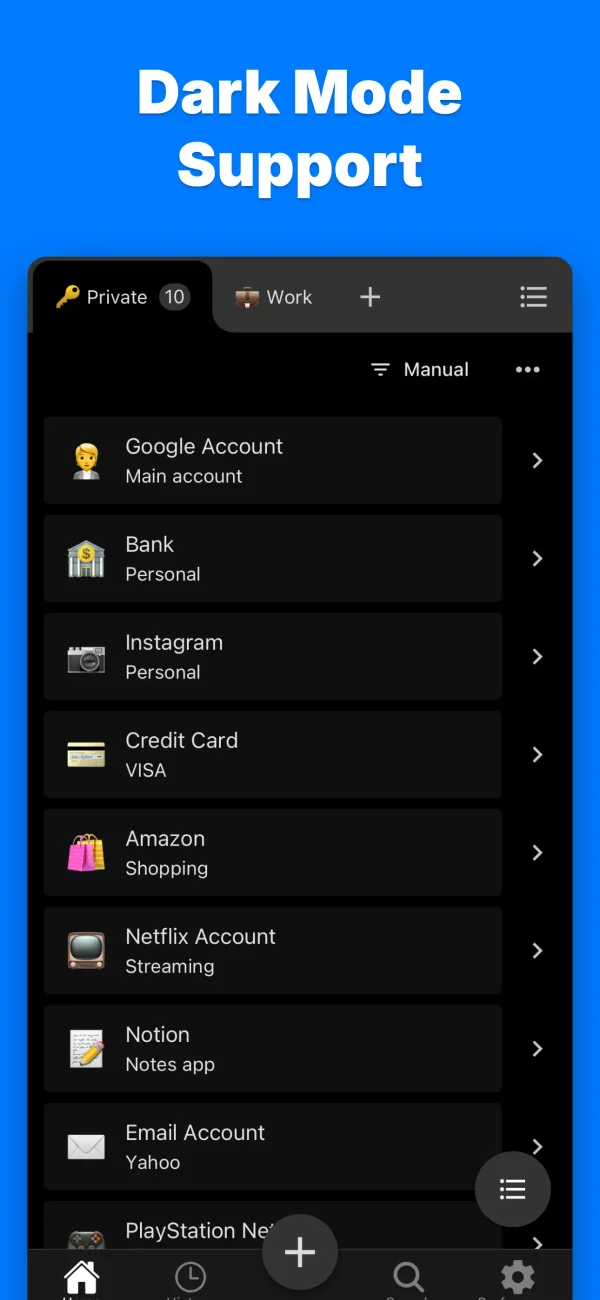
■ Dark Mode Support
Switch freely between light and dark modes for comfortable usage.
■ No Login Required
No tedious login process required - start using immediately.
■ Privacy Protection
The passwords and other data you save are stored only on your device. Unless you use Backup / Restore, they are never sent to our server or anywhere else.
If you choose to use Backup / Restore (Premium), a copy of your data is stored on our server (Firebase) and linked to the account you sign in with.
■ Comprehensive Support
We provide swift and reliable support when issues arise.
info@naokiotsu.com
What’s new
Version 5.25.0 · Nov 22, 2026
- The latest version includes new features, bug fixes, and performance improvements.
Thank you for always using our app.
We will continue to develop it with the valuable feedback from everyone.
If you have any requests or encounter any issues, please feel free to contact us through "Send Feedback" in the app settings or at info@naokiotsu.com.
App privacy
What naoki otsu declares on the App Store about how this app handles data.
-
Data used to track you
May be used to track you across apps and websites owned by other companies.
- Usage data
-
Data linked to you
May be collected and linked to your identity.
- Usage data
-
Data not linked to you
May be collected but is not linked to your identity.
- Diagnostics
Privacy practices may vary, for example with the features you use or your age.
Information
- Seller
- Naoki Otsu
- Category
- Utilities
- Version
- 5.25.0
- Updated
- Nov 22, 2026
- Released
- Jan 13, 2024
- Size
- 55.3 MB
- Requires
- iOS 15.1 or later
- Age rating
- 4+
- Price
- Free
- In-app purchases
- Yes
- Languages
- English, Czech, Danish, Dutch, French, German, Hindi, Hungarian, Indonesian, Italian, Japanese, Korean + 12 more
- Copyright
- Copyright © 2023 Password Manager.
You might also like
-
 Password Manager & Generatorrandom pwd generator & manager
-
 Password Manager - PassCoveLocal storage & 2FA codes
-
 PassSecurium Password ManagerFor Business & Teams · Swiss
-
 Password Manager_My PasswordPassword safe & vault data
-
 EasyToUse ! PasswordManagerAppUtilities
-
 Password Manager - SecurePassword Manager Safe
-
 Password Manager. Login VaultPasswords Generator & Wallet
-
 Norton Password ManagerSecure Password Manager
-
 Khmer Smart KeyboardUtilities
-
 VPNSix - Protect your PrivacyConnect. Protect. Go.