memorit: Website-Style Notes
Themed pages for your notes
Designed for iPhone, iPad
Free · In-app purchases
- Age rating4+
- CategoryProductivity
- DeveloperSEOKYUNG CO., LTD.
- LanguagesEnglish+ 13 more
- Size15.7 MB
Links to the official App Store page
Download.org hosts no file of memorit: Website-Style Notes. The button opens its official App Store page, published by SEOKYUNG CO., LTD. Listing last checked on Nov 23, 2026.
Screenshots
About
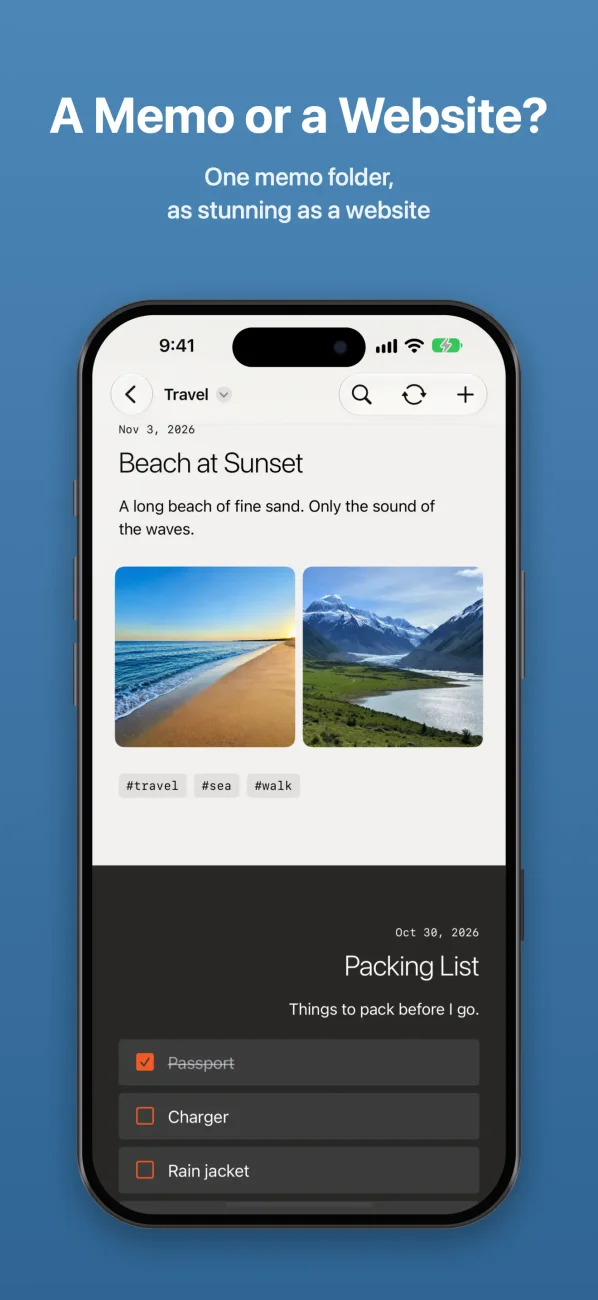
Turn a memo folder into something as polished as a website.
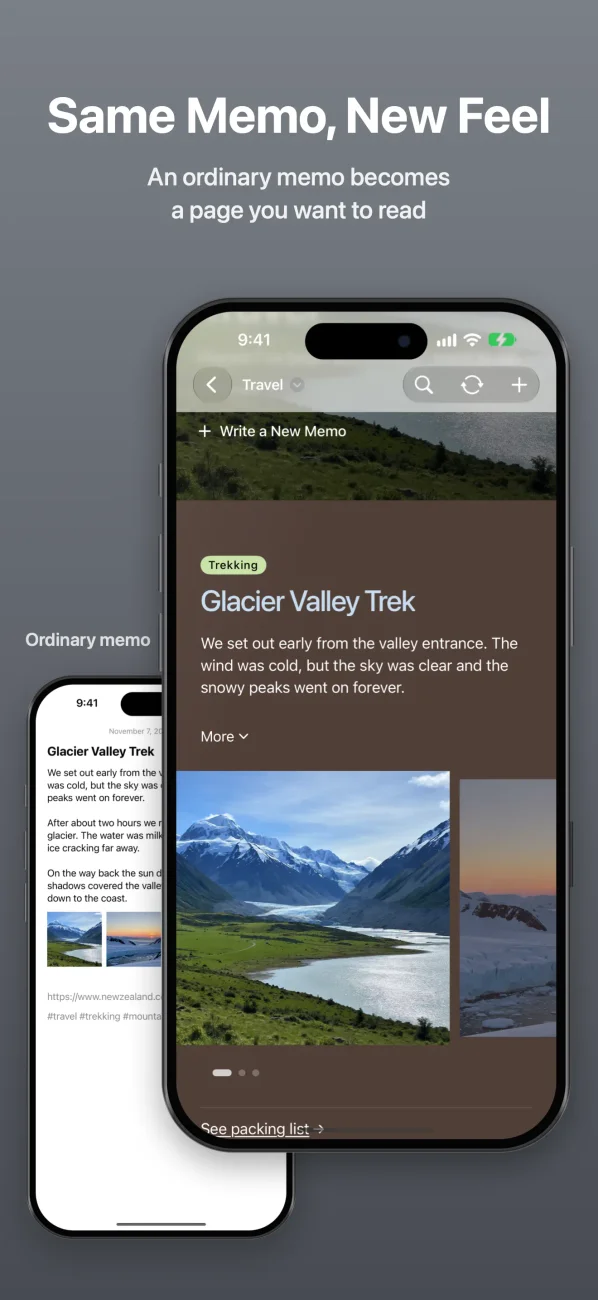
memorit is an iPhone and iPad memo app that shows your folders like a site's menu and your memos like its pages. It doesn't build a real website; it presents your own notes beautifully, like one.
■ Folders are the menu, memos are the pages
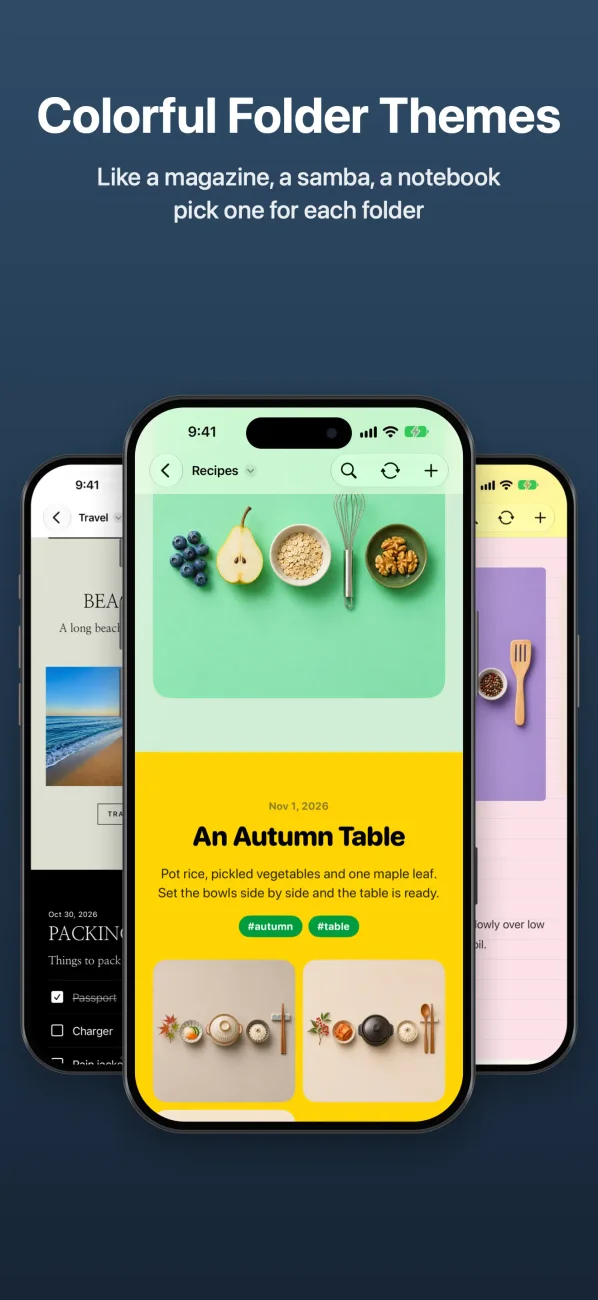
Open a folder and its memos flow one after another like a blog. Tap a memo to open a page with just that memo. The header at the top of each folder can show the folder name, a short introduction and a background photo.
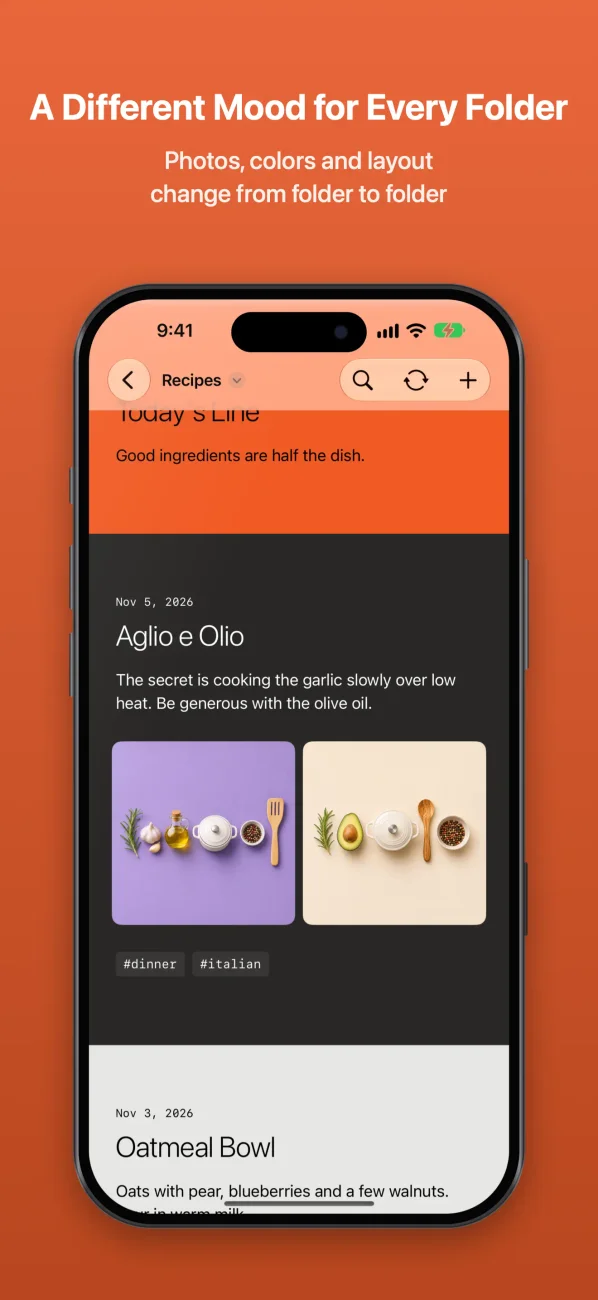
■ A different mood for every folder
Choose one of 12 themes for each folder: Basic, Interior, Magazine, Orange Lab, Newspaper, Clean, Samba, Notebook, Gallery, Polaroid, Swiss and Margin.
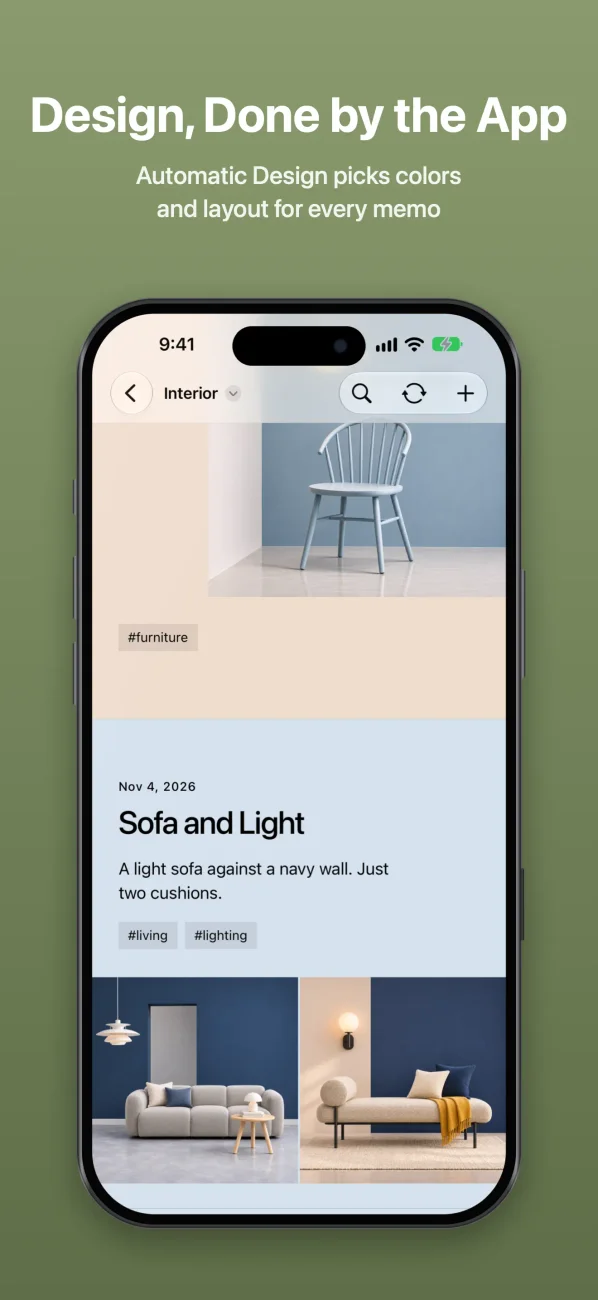
■ Design, done by the app
Turn on Automatic Design and the app picks colors and layouts for each memo to suit its content, such as how many photos and links it has. One tap on the refresh button shows a new combination.
■ Light, simple memos
Each memo holds a title, text, a checklist, tags and photos. Link to other memos or web addresses with buttons or small preview cards.
■ Search and tags
Find memos by title, text, checklist and tags. Tap a tag to see every memo with that tag, from all your folders, on one page.
■ Export and sync
Export a single memo or a whole folder as PDF or HTML. Sign in to iCloud with the same Apple Account and your folders and memos stay in sync across devices. Deleted folders and memos can be restored from Recently Deleted for 30 days.
■ memorit Pro
Besides the Get Started folder, 1 folder of your own, up to 5 memos per folder and 3 themes (Basic, Clean and Notebook) are free. A memorit Pro subscription removes the folder and memo limits and unlocks every theme.
New subscribers start with a 7-day free trial, followed by a monthly or yearly subscription. The subscription renews automatically unless you cancel at least 24 hours before the end of the trial or current period. Manage or cancel it in the Settings app > Apple Account > Subscriptions.
■ Privacy
memorit collects no personal data. No sign-up, no ads, no analytics.
Terms of Use: https://www.apple.com/legal/internet-services/itunes/dev/stdeula/
What’s new
Version 1.1.0 · Nov 11, 2026
• iPad support: use memorit in portrait or landscape, in Split View, and in multiple windows.
• New design themes.
App privacy
What SEOKYUNG CO., LTD. declares on the App Store about how this app handles data.
-
Data not collected
The developer does not collect any data from this app.
Privacy practices may vary, for example with the features you use or your age.
Information
- Seller
- SEOKYUNG CO., LTD.
- Category
- Productivity
- Version
- 1.1.0
- Updated
- Nov 11, 2026
- Released
- Nov 9, 2026
- Size
- 15.7 MB
- Requires
- iOS 26.0 or later
- Age rating
- 4+
- Price
- Free
- In-app purchases
- Yes
- Languages
- English, French, German, Hindi, Indonesian, Italian, Japanese, Korean, Portuguese, Simplified Chinese, Spanish, Thai + 2 more
- Copyright
- © 2026 SEOKYUNG CO., LTD.
You might also like
-
 CAPPLProductivity
-
 바로 메모 - 빠른 복사, 붙여넣기, 시간 리마인더Productivity
-
 Daily Planner - DayBlocksPlan today, review tonight
-
 TTingNoteIdeas that come back to you
-
 Jotline – Timestamped NotesQuick journal, diary & log
-
 Routine: Daily Planner & ToDoBuild Habits, Get Things Done
-
 Note Taking - Voice Photo MemoNotetaking without writing
-
 Remi - Everyday ReminderCreate reminders faster
-
 Caliu - Markdown NotesPlain text editor with MCP
-
 notetime: Timestamp NotesTimeline & Journal with time