
Mena: Mind Map & Concept Map
Visual Notes, Thinking & AI
Designed for iPhone, iPad, Mac
Free · In-app purchases
- Age rating4+
- CategoryProductivity
- DeveloperCihat Salik
- LanguagesEnglish+ 32 more
- Size53.1 MB
Links to the official App Store page
Download.org hosts no file of Mena: Mind Map & Concept Map. The button opens its official App Store page, published by Cihat Salik. Listing last checked on Nov 24, 2026.
Screenshots


About
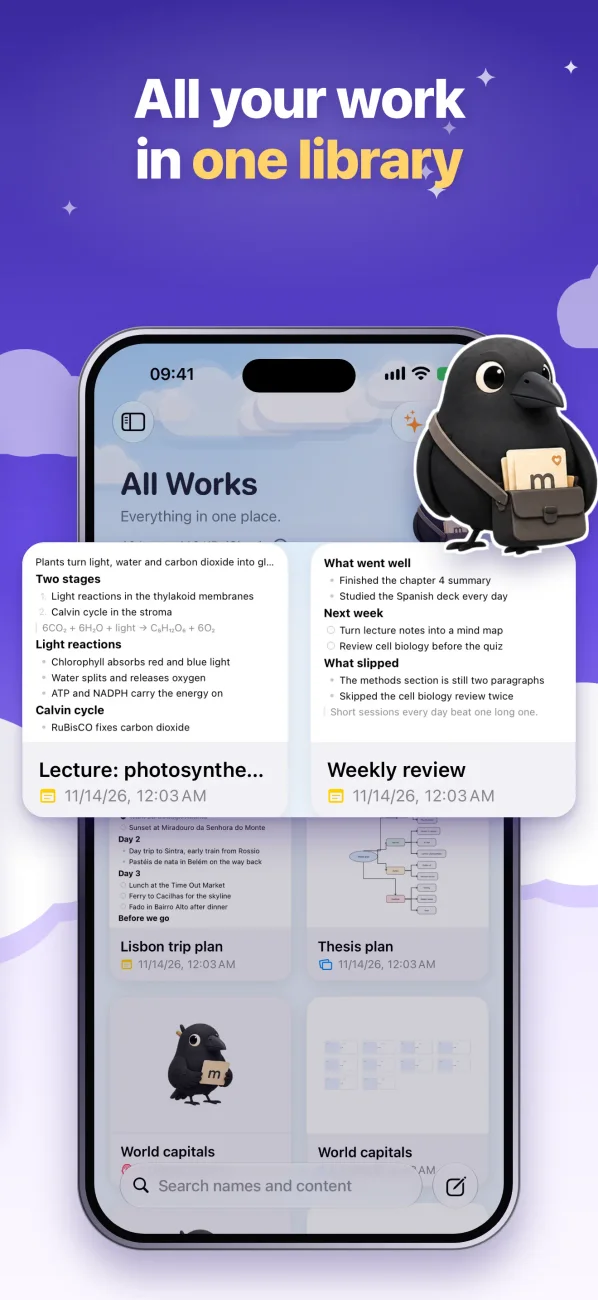
Private visual notes for iPhone, iPad and Mac. Build mind maps and concept maps on an infinite canvas, study with FSRS flashcards, and sync through your private iCloud storage — no account required.
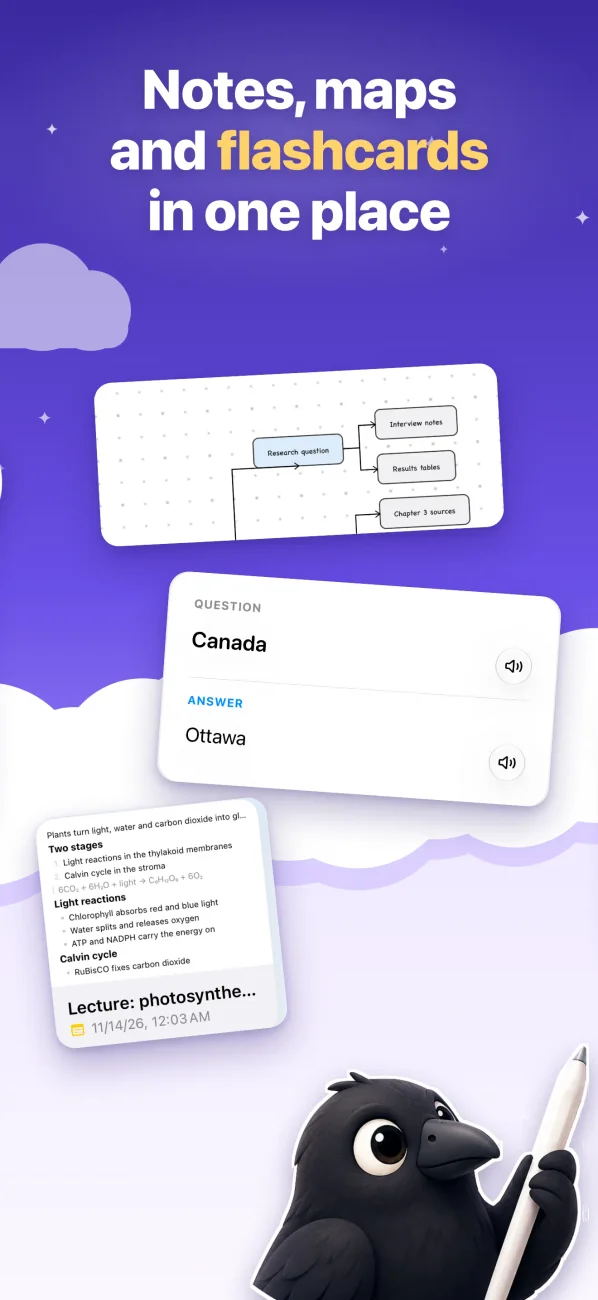
Mena is an infinite canvas and visual second brain. Sketch ideas, build mind maps, embed media, and turn any board into spaced-repetition flashcards you actually review. Nothing gets lost: deleted boards wait in Recently Deleted, and one purchase unlocks Pro on iPhone, iPad and Mac.
Infinite canvas
Pan, zoom, and draw with no page limits. Pastel sticky notes, shapes and connectors for mind maps and flowcharts, frames, tables, and 19 polygon shapes. Apple Pencil support with Draw to Shape — sketch a rough shape and Mena snaps it perfect.
Every kind of content
Drop anything onto your board: sticky notes, rich text and Markdown, code blocks with syntax highlighting, images, PDFs with full page navigation, video, audio files, and live maps. Record voice memos directly on the canvas — ink drawn during recording is seekable by playback time. Web embeds and URL preview cards keep sources right where you need them.
Paper templates
Note pages come in blank, lined, dotted, and grid. Change one page or every blank page at once, and choose auto, light, or dark paper independently of your system theme. The same page renders identically in the reader, sidebar, overview grid, library thumbnail, and exported PDF.
Study with FSRS
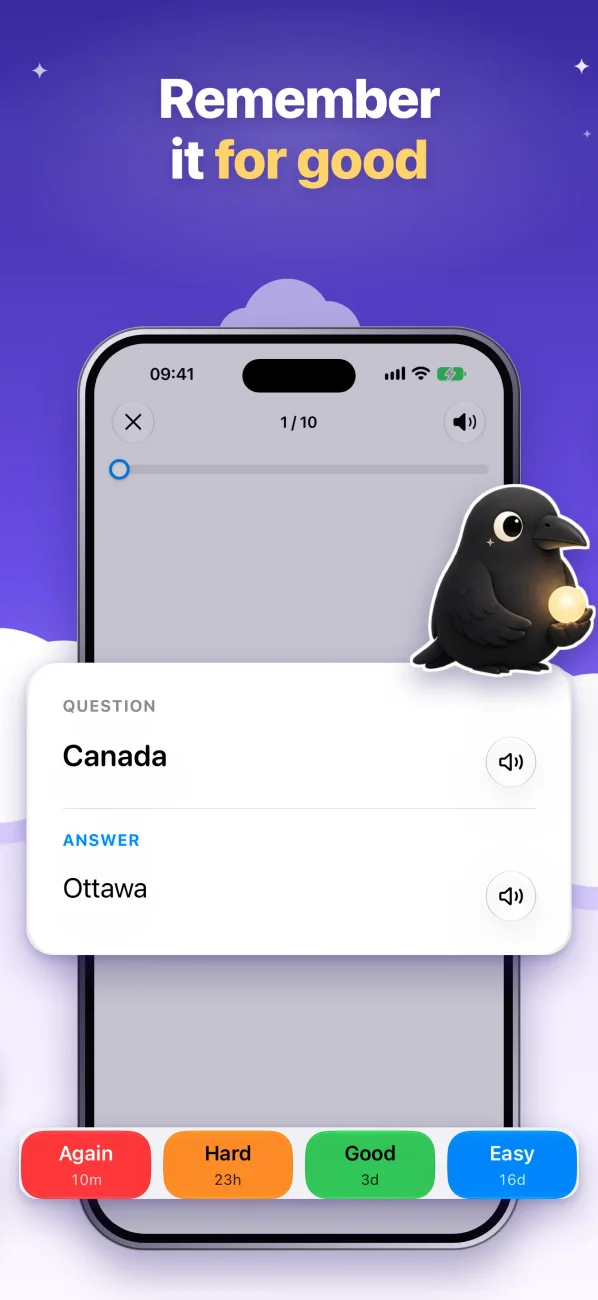
Turn any deck board into spaced-repetition flashcards. Mena uses FSRS — the most accurate scheduling algorithm available — to surface cards exactly when you need them. Again / Hard / Good / Easy grading with interval preview. Cloze deletion with one tap. Auto-generate flashcards from your notes on-device, no network needed.
Study dashboard
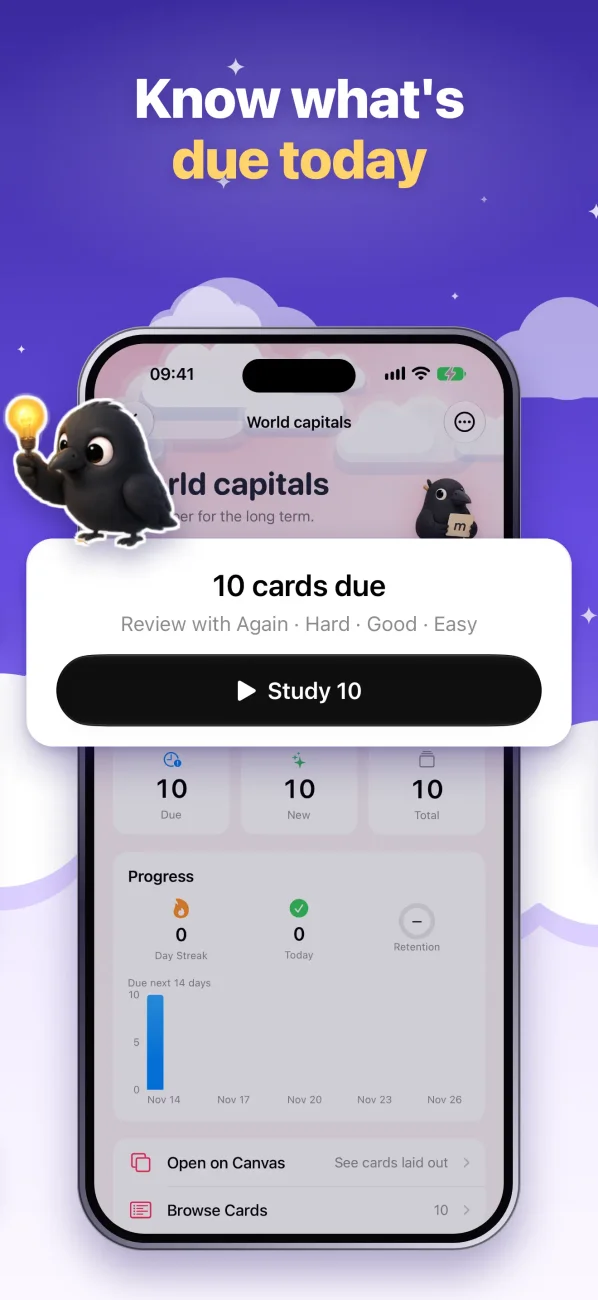
Track your streak, retention rate, and 14-day due forecast. See today's review count at a glance.
Import and export decks
Import any .apkg file directly. Mena imports your cards, scheduling data, embedded images, and cloze deletions. Export any deck back as .apkg.
Slides & presentation
Draw a frame around anything and it becomes a slide. Open the filmstrip panel, jump to any slide, present full-screen, or export the whole deck as a crisp PDF.
6 board types
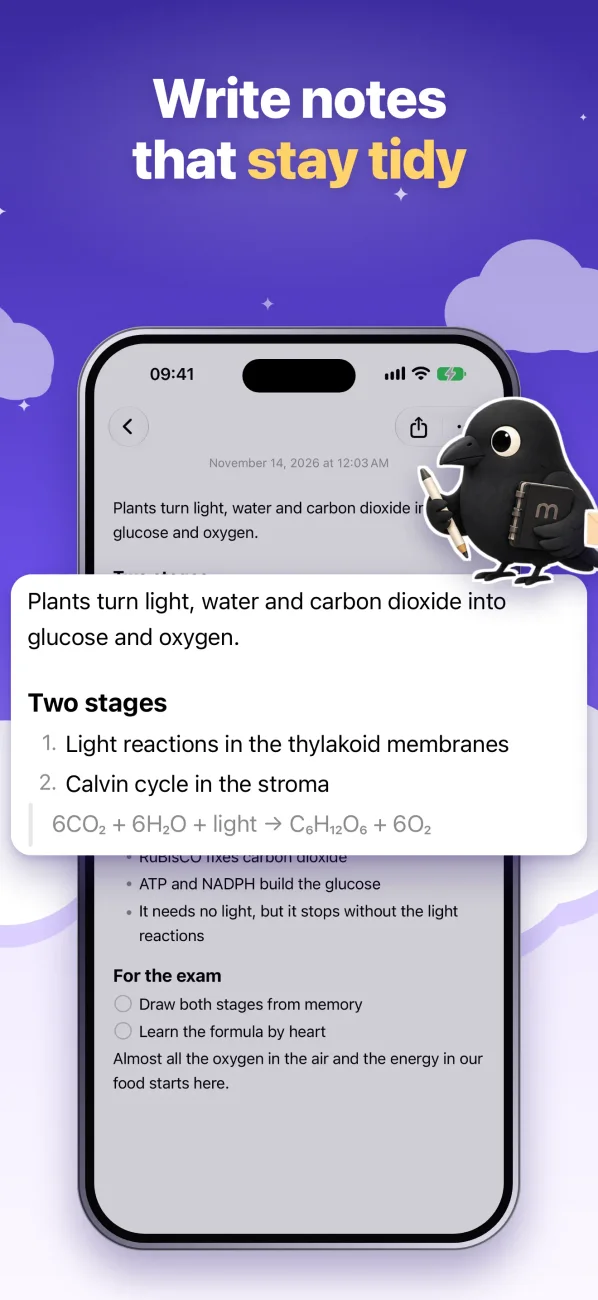
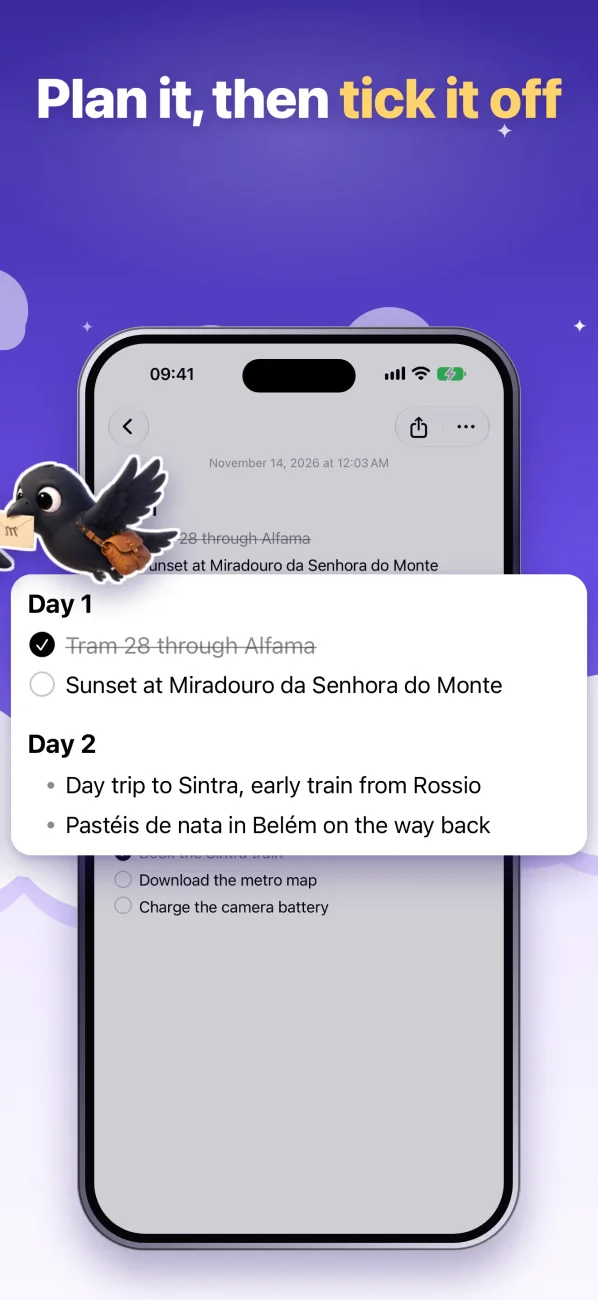
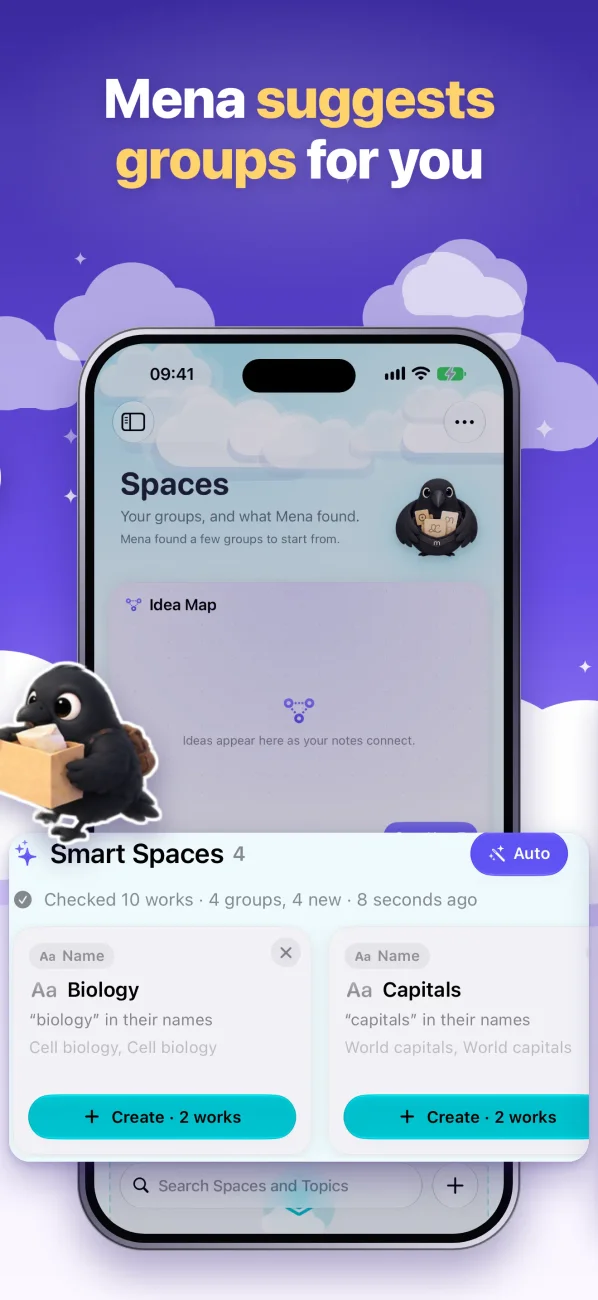
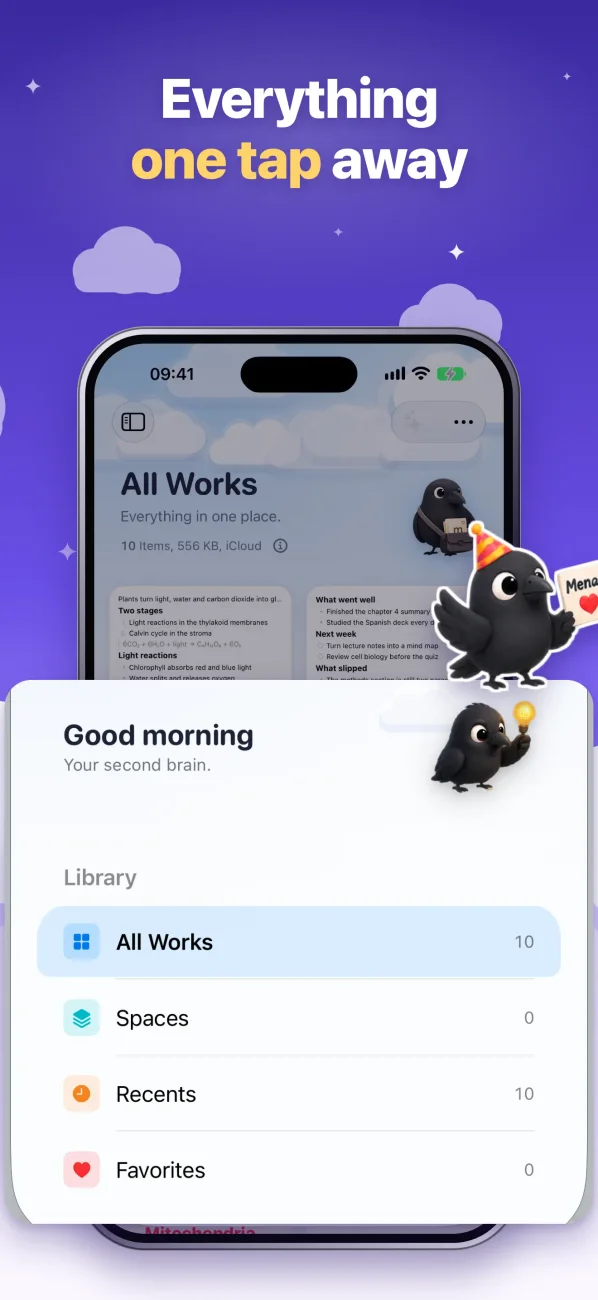
Board — infinite whiteboard. Note — vertical scroll page. Journal — one auto-created page per day. Atlas — a spatial map of all your boards. Document — PDFs, scans and images read page by page and marked up with Apple Pencil. Deck — FSRS study deck with review session.
Home screen widgets
4 widget types for home screen and lock screen: Quick Capture (today's note in one tap), Board Preview (live thumbnail of any board), Today's Study (due count, streak, retention), and Deck (per-deck stats). All fully configurable.
Share from anywhere
A share extension catches text, links, images, PDFs, and videos from any other app — tap Share → Mena, pick a board, done.
Private iCloud sync
Every board, element, and attachment syncs across your Apple devices through your private iCloud CloudKit database. No Mena account. No third-party cloud server stores your Mena content. Flashcard generation runs on-device. Optional web embeds and Unsplash search connect only when you choose to use them.
Mena fits how your brain actually works — capture, connect, and remember.
Privacy Policy: https://apps.cihat.dev/mena/privacy-policy/
Terms of Use: https://www.apple.com/legal/internet-services/itunes/dev/stdeula/
What’s new
Version 1.10.5 · Nov 23, 2026
What's new in 1.10.5
Mena no longer stays on a blank screen at launch when the system's notification service is slow to answer.
App privacy
What Cihat Salik declares on the App Store about how this app handles data.
-
Data not collected
The developer does not collect any data from this app.
Privacy practices may vary, for example with the features you use or your age.
Information
- Seller
- Cihat Salik
- Category
- Productivity
- Version
- 1.10.5
- Updated
- Nov 23, 2026
- Released
- Sep 8, 2026
- Size
- 53.1 MB
- Requires
- iOS 18.0 or later
- Age rating
- 4+
- Price
- Free
- In-app purchases
- Yes
- Languages
- English, Arabic, Catalan, Czech, Danish, Dutch, Finnish, French, German, Greek, Hebrew, Hindi + 21 more
- Copyright
- © 2026 Cihat SALIK
You might also like
-
 MyslevichMind Maps & Infinite Canvas
-
 NodeSketch: Draw and Mind MapVisual Notes, Sketches & Nodes
-
 BLISS Note: Notes PDF PlannerHandwritten notes & PDF markup
-
 InfiniteNote - Canvas NotesThink in space, not in pages.
-
 Infinite Canvas Notes: CanvioInfinite Canvas, Draw & Notes
-
 Notia - Infinite WhiteboardWrite, pin & organize notes
-
 ThreadoraInteractive Story Studio
-
 Kibo Garden: Habit TrackerTo-do list that grows a garden
-
 判別式電卓 - Large DProductivity
-
 LifeHUD: Life’s DashboardProductivity