
MergePDF: PDF Editor
Merge, scan and sign documents
Designed for iPhone, iPad, Mac
In-app purchases
- Age rating4+
- CategoryUtilities
- DeveloperGuang Hui YANG
- LanguagesFrench+ 18 more
- Size11.7 MB
Links to the official App Store page
Download.org hosts no file of MergePDF: PDF Editor. The button opens its official App Store page, published by Guang Hui YANG. Listing last checked on Nov 23, 2026.
Screenshots
About
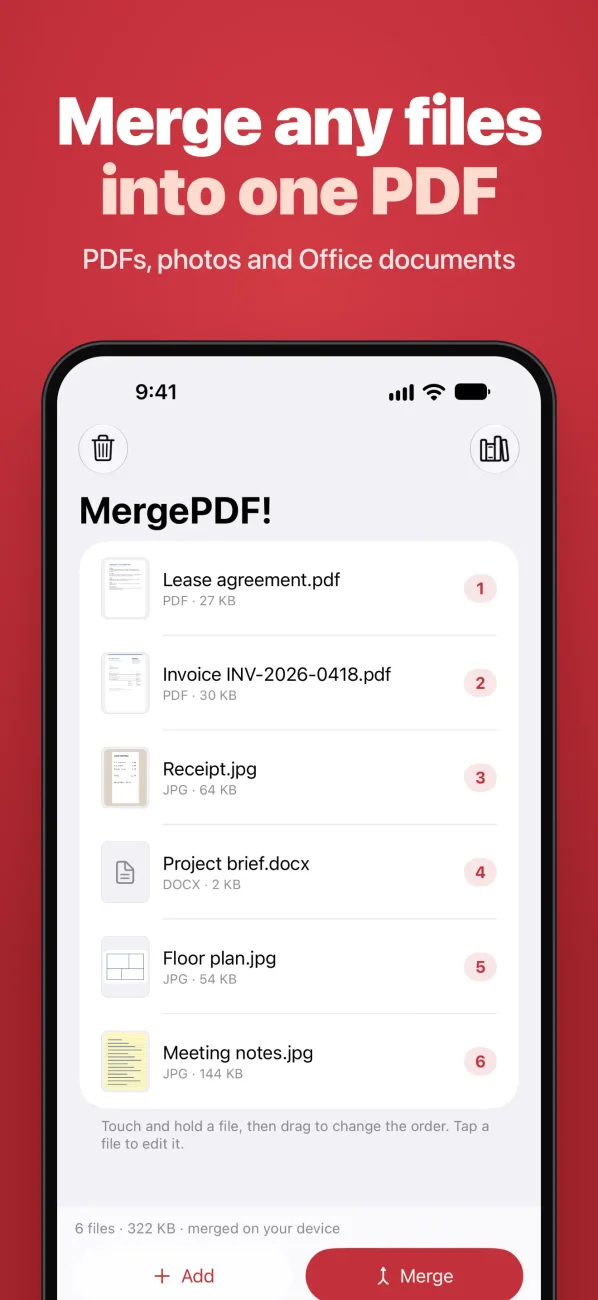
Merge PDFs, photos, scans and Office files into one clean PDF, right on your iPhone or iPad. Nothing is uploaded: your files never leave your device.
MERGE
• PDFs, photos, scans, Word, Excel and PowerPoint files
• Drag to reorder, rotate, crop and adjust image quality
• Edit pages: reorder, delete, extract
• Extract the text from any PDF or image
SCAN
• Scan paper documents with automatic edge detection
FREE
• Page numbers
• My documents: save and reload your merge lists
• History of everything you merged
• Share extension: send files to MergePDF from any app
• Smart names for merged PDFs (Apple Intelligence)
• iCloud sync
MERGEPDF PRO, ONE PURCHASE
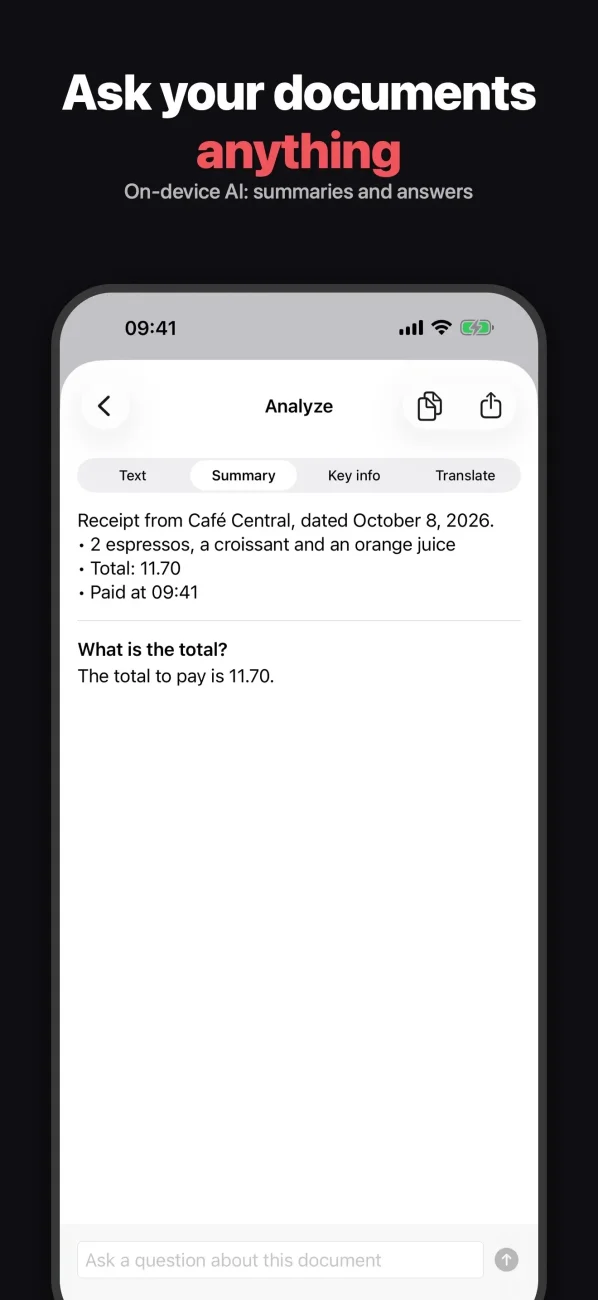
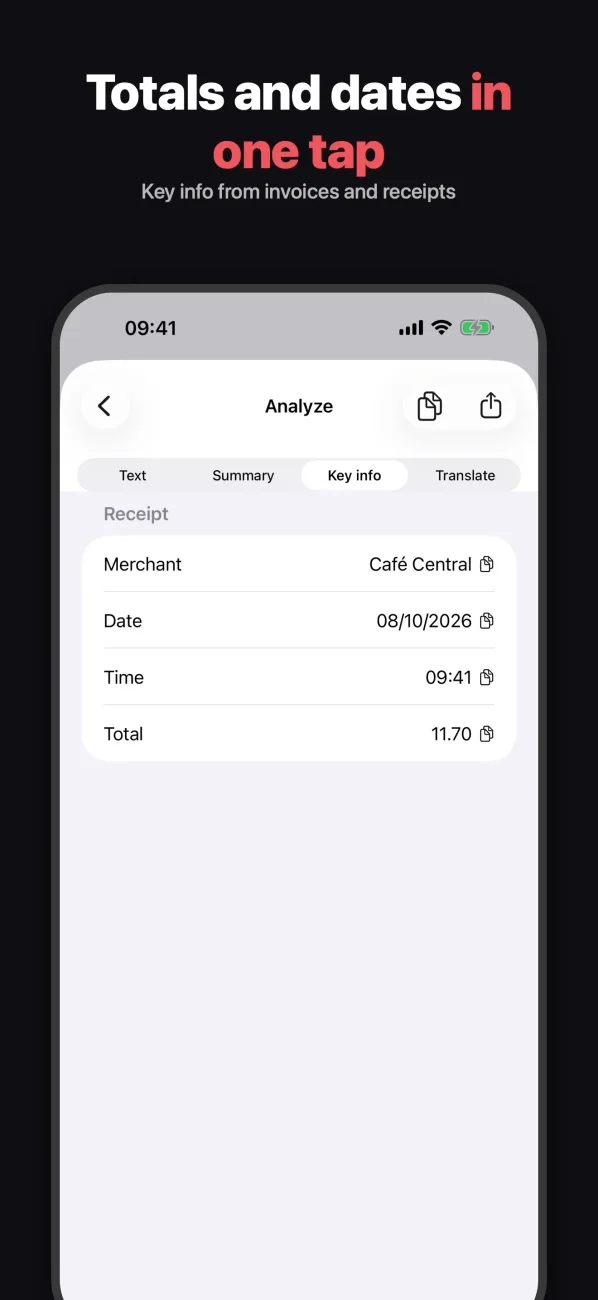
• Summaries, questions, key info and translation with on-device AI
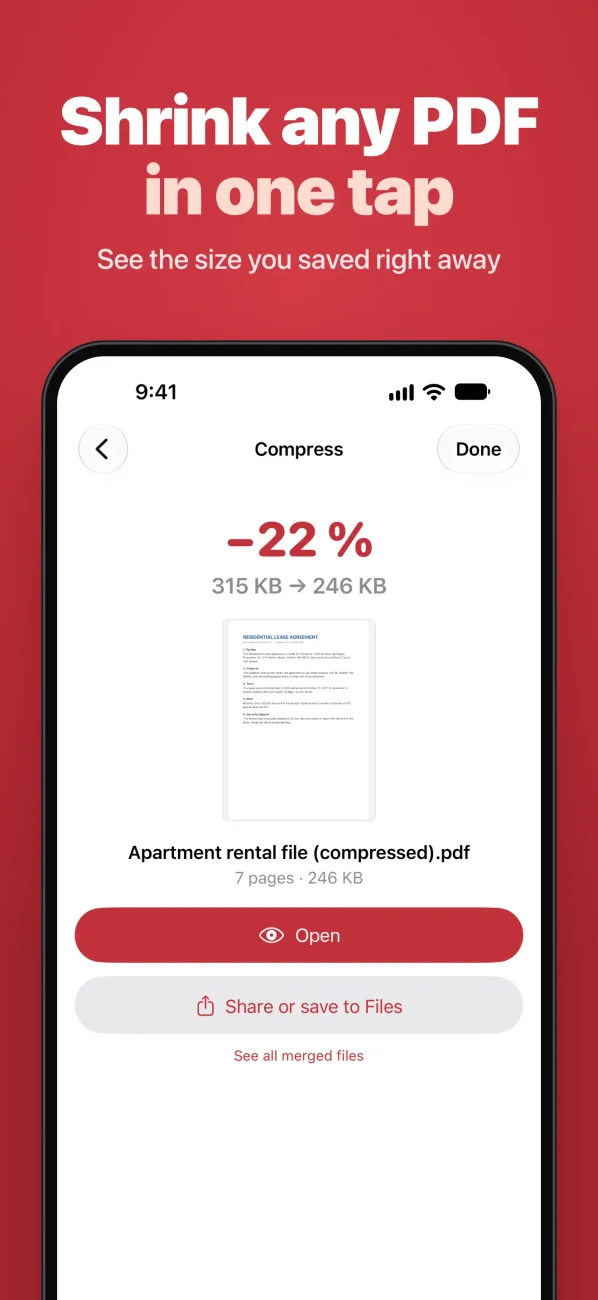
• Compress PDFs
• Split and extract pages
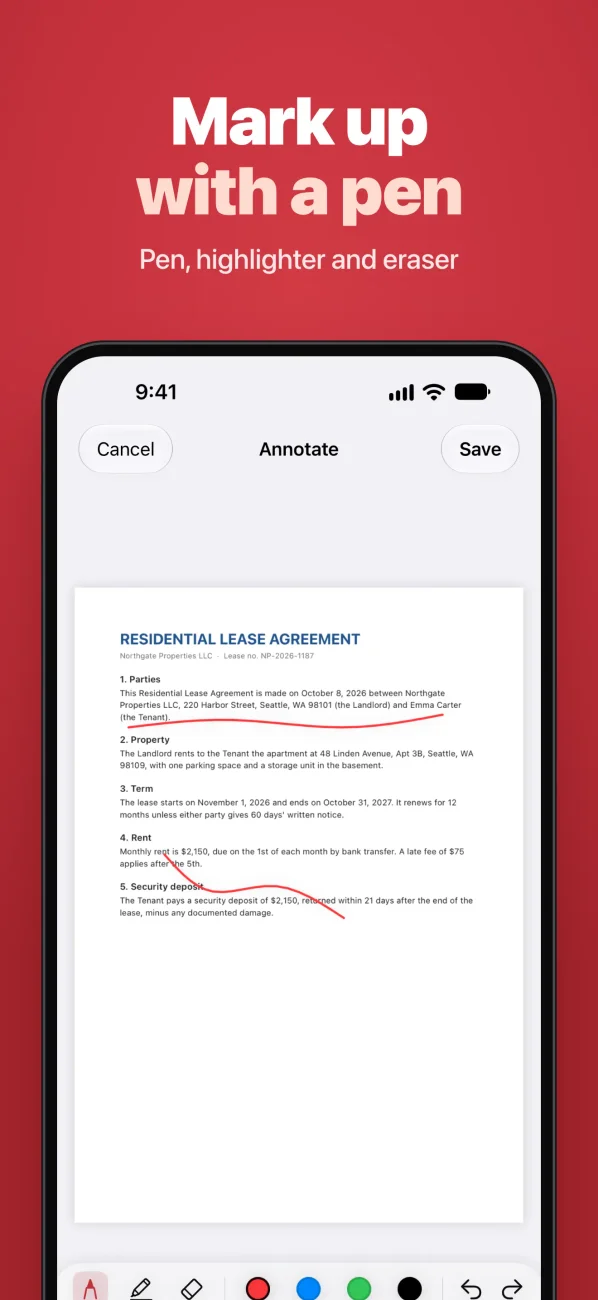
• Sign, annotate and fill forms
• Password protect or unlock
• Watermark, header and footer
• 2 or 4 pages per sheet
• Searchable scans (text recognition)
• Siri and Shortcuts
• No ads
Try each Pro tool 3 times for free. Pay once and it's yours, shared with your family. No subscription.
AI features need a device with Apple Intelligence.
PRIVATE BY DESIGN
Merging, compression, text recognition and Office conversion all run on your device, even offline.
Terms of Use: https://www.apple.com/legal/internet-services/itunes/dev/stdeula/
Privacy: https://www.decodr.tech/apps/mergepdf/privacy
MergePDF runs on iPhone, iPad and Mac. One purchase covers all three.
What’s new
Version 6.10 · Nov 19, 2026
A cleaner Tools page: tools grouped in sections with a one-line purpose each, in several columns on iPad.
Settings > About is redone: an app card with the version and a Check button, Share and Rate tiles, and links to Contact, Privacy and Terms.
The app is now simply MergePDF, including the name on the home screen.
MergePDF runs on iPhone, iPad and Mac. One purchase covers all three.
App privacy
What Guang Hui YANG declares on the App Store about how this app handles data.
-
Data used to track you
May be used to track you across apps and websites owned by other companies.
- Identifiers
- Usage data
-
Data not linked to you
May be collected but is not linked to your identity.
- Location
- Identifiers
- Usage data
Privacy practices may vary, for example with the features you use or your age.
Information
- Seller
- Guang Hui YANG
- Category
- Utilities
- Version
- 6.10
- Updated
- Nov 19, 2026
- Released
- Aug 11, 2020
- Size
- 11.7 MB
- Requires
- iOS 17.0 or later
- Age rating
- 4+
- In-app purchases
- Yes
- Languages
- French, German, English, Arabic, Simplified Chinese, Traditional Chinese, Korean, Spanish, Indonesian, Italian, Japanese, Dutch + 7 more
- Copyright
- © 2026 Numberspeaks
You might also like
-
 PDF : Merge, Extract & Reduce#1 PDF Scanner
-
 Tiny PDF Toolbox・Merge & SplitExtract pages from PDF files
-
 PDF Editor - Merge & SplitPDF Tools: Compress & Convert
-
 Merge files PDFMerge Multi PDF Files
-
 PDF Tools-Merge, Rotate& SplitComplete PDF Toolkit
-
 PDF Merge - Document Sign PDFPDF Merger,combine & split pdf
-
 PDF Merger - Combine & JoinMerge PDF & Combine PDF Files
-
 Merge Pdf Combine PdfPdf Combiner File Merger
-
 Images To PDF : Photo Editor#1 Photo Editor
-
 PDF Merge - Combine & Join PDFPDF Editor App - Write on PDF