PDF Tools-Merge, Rotate& Split
Complete PDF Toolkit
Designed for iPhone, iPad, iPod touch
Free · In-app purchases
- Age rating4+
- CategoryUtilities
- DeveloperNalin Savaliya
- LanguagesEnglish
- Size49.8 MB
Links to the official App Store page
Download.org hosts no file of PDF Tools-Merge, Rotate& Split. The button opens its official App Store page, published by Nalin Savaliya. Listing last checked on Nov 15, 2026.
Screenshots
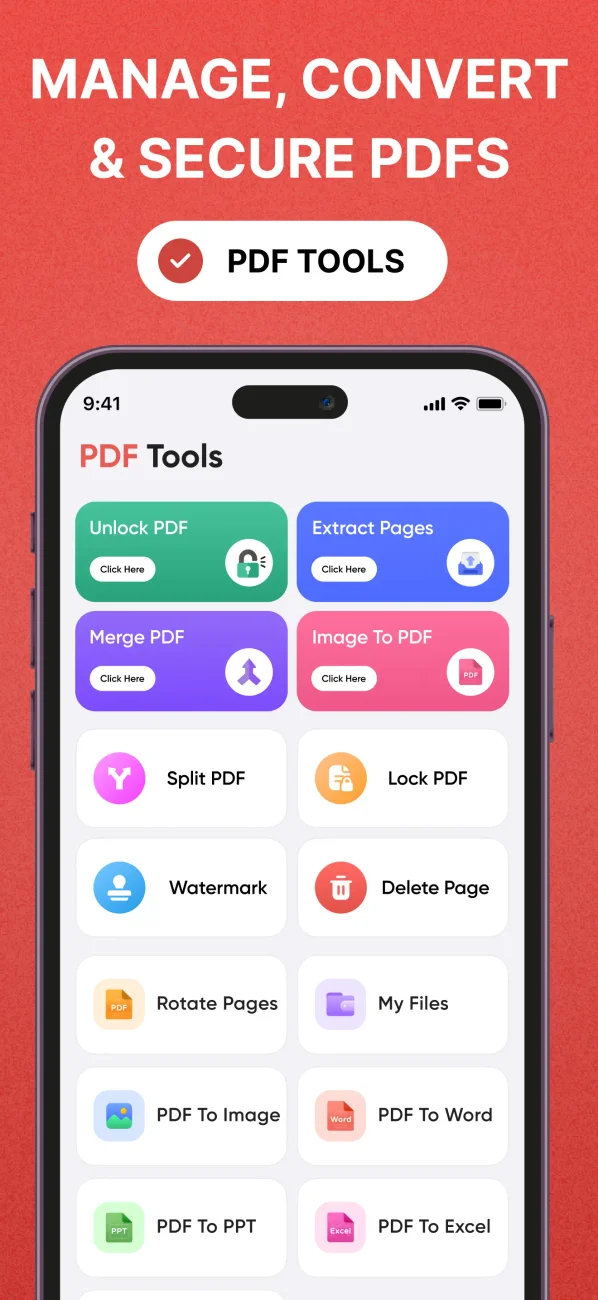
About
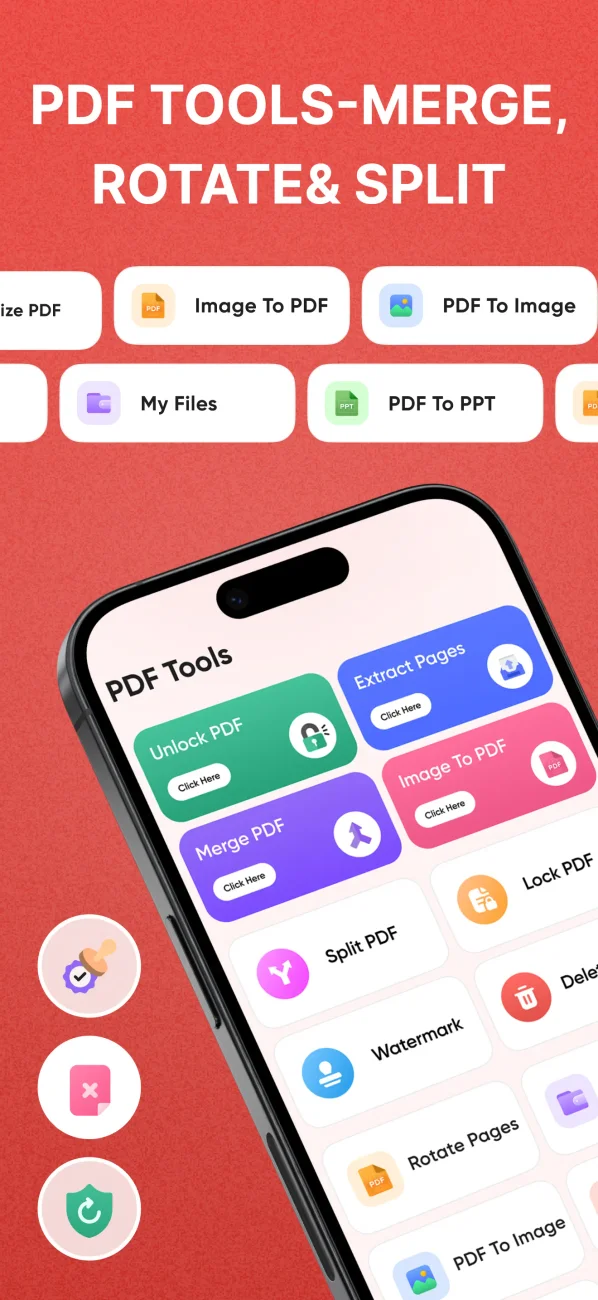
• SPLIT - Split a PDF file into multiple documents by specifying page points, number of output files or number of pages per file.
A free and easy to use tool to separate PDF pages: PDF Tools is a free of charge PDF splitter that allows you to split pages of any PDF document no matter the length or file size.
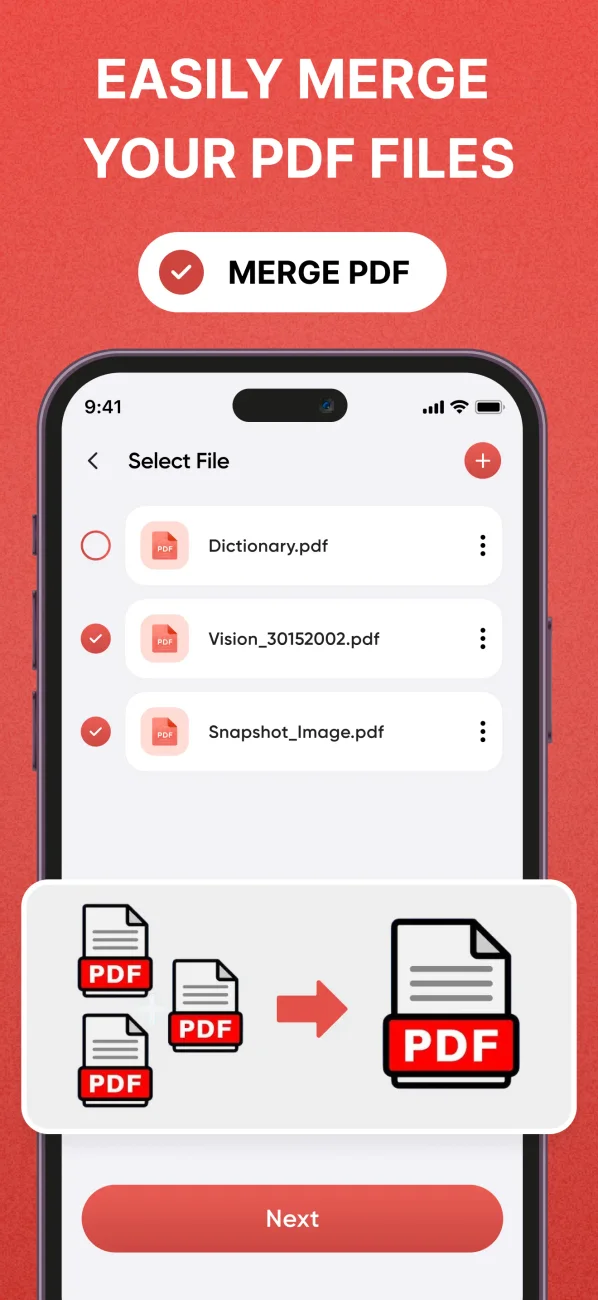
• MERGE - Merge many PDFs into a single document.
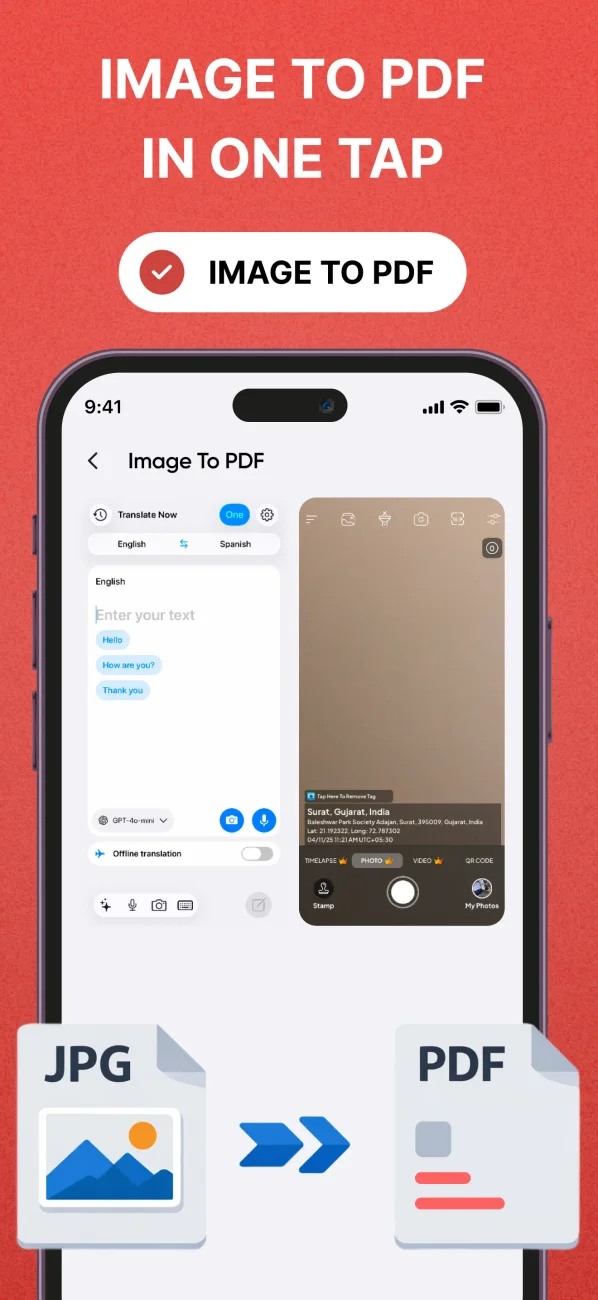
you can quickly and easily merge different files into one PDF file. These different file types will first be converted to PDF and then will be merged. For instance, would you like to have a Word-, Excel-, PDF-, PNG-, JPG-, GIF- and Mail file orderly in one document.
• DELETE PAGES - Delete specific pages from a PDF file.
Select and remove the PDF pages you don’t need. Get a new file without your deleted pages.
• EXTRACT PAGES - Extract specific pages from a PDF file.
To quickly select multiple pages in your PDF, you can use keyboard shortcuts. Once you've selected pages, click the Extract button to create your new PDF document.
• LOCK - Add password to a PDF file.
To secure your PDF documents from unauthorized access like copying or printing, you should password-protect your file! Protect PDF files by adding a password and encrypting it.
• UNLOCK - Remove password from a PDF file.
Removing passwords from PDFs is definitely tricky but not impossible.
You can use unlock a locked PDF.
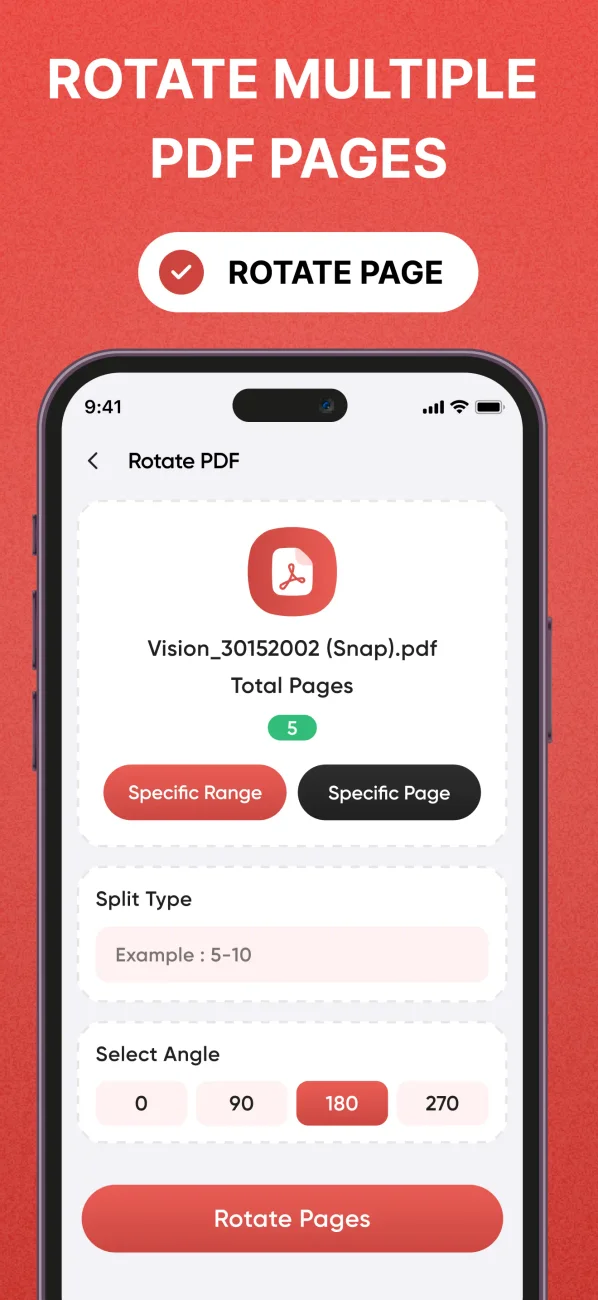
• ROTATE PAGES - Rotate pages from portrait to landscape or vice-versa (90°, 180°, 270° clockwise)
It can improve the legibility of the text or make it readable in the first place.
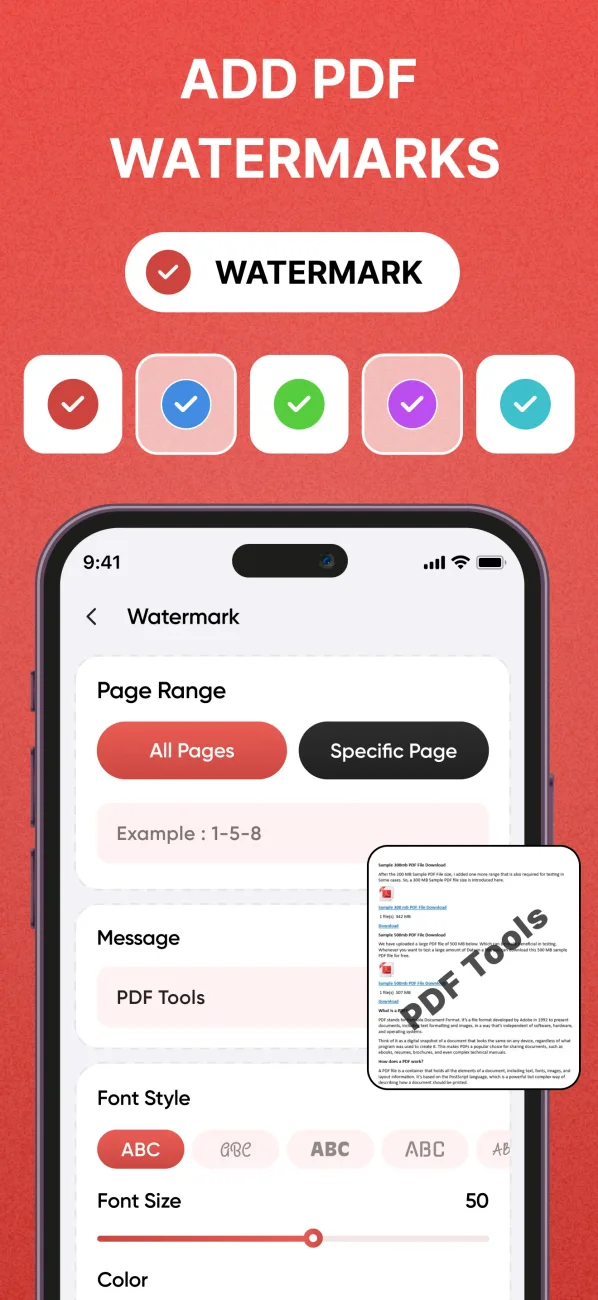
• TEXT WATERMARK - Add text watermarks, headers, footers and even page numbers. Change font type and transparency too.
it is possible to have a watermark in whatever design you want. With this app, you can add a watermark to one or several PDFs in one go and on any device.
Merge PDF | Split PDF | Delete page | Extract Page | Lock - Unlock PDF | Rotate Pages | Add Watermark | Merge Multiple PDF Files (PDF Combines) With PDF Tools - Merge, Rotate, Split & PDF utility app helps you to modify pdf files.
Merge or Combine two or more PDF files into a single PDF file.
Split, Extract, Reorder or Delete PDF pages from a PDF file into a new file.
Add Stylized Text Stamp.
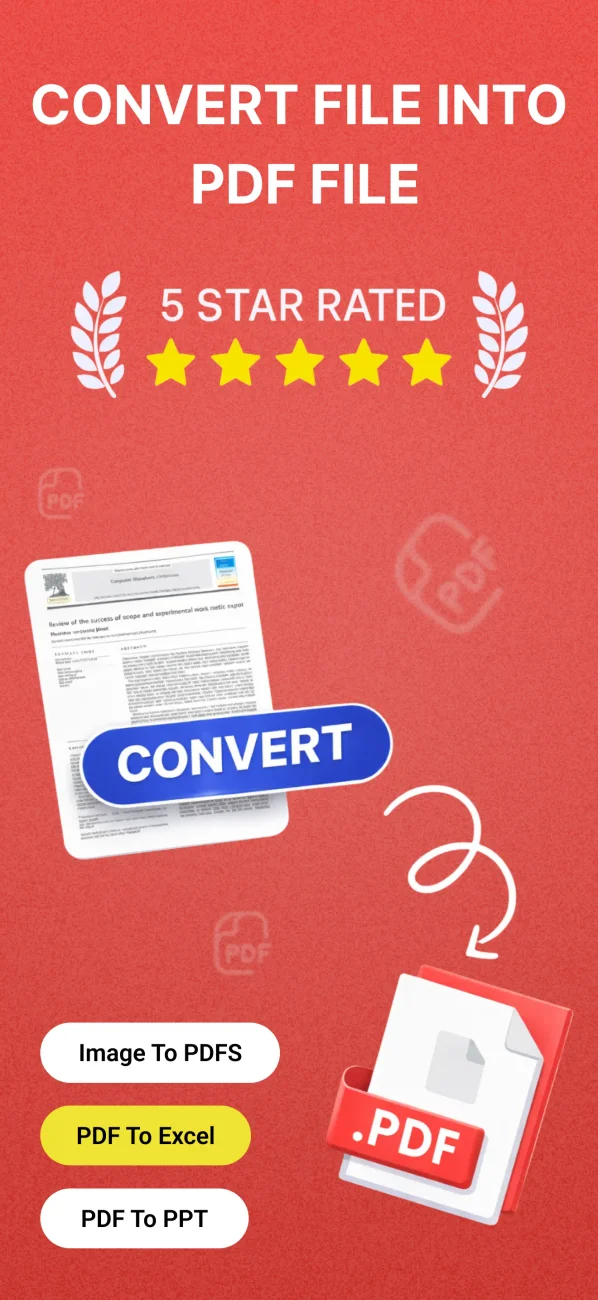
Convert PS files into PDF files so Adobe Reader can read them.
Create a transparent image with options to adjust transparency options.
Delete, Flatten or List the PDF Form Fields inside a PDF file.
For more information :
Privacy Policy : http://nhapplab.in/privacy_policy.html
Terms of Use : http://nhapplab.in/terms_of_use.html
What’s new
Version 4.0 · Jan 25, 2026
- Added multiple new features of converting PDFs.
- Enhanced UI/UX
App privacy
What Nalin Savaliya declares on the App Store about how this app handles data.
-
Data used to track you
May be used to track you across apps and websites owned by other companies.
- Identifiers
- Usage data
-
Data not linked to you
May be collected but is not linked to your identity.
- Identifiers
- Usage data
- Diagnostics
Privacy practices may vary, for example with the features you use or your age.
Information
- Seller
- Nalin Savaliya
- Category
- Utilities
- Version
- 4.0
- Updated
- Jan 25, 2026
- Released
- Feb 16, 2020
- Size
- 49.8 MB
- Requires
- iOS 15.6 or later
- Age rating
- 4+
- Price
- Free
- In-app purchases
- Yes
- Languages
- English
- Copyright
- © nalinsavaliya
You might also like
-
 Tiny PDF Toolbox・Merge & SplitExtract pages from PDF files
-
 PDF : Merge, Extract & Reduce#1 PDF Scanner
-
 PDF Editor - Merge & SplitPDF Tools: Compress & Convert
-
 Watermark PDF & Photo: MarklioAdd logo, text & stamp in bulk
-
 PDF Utils - Split,Merge & MoreUtilities
-
 MergePDF: PDF EditorMerge, scan and sign documents
-
 Split PDF MergerSplit pdf or merge pdf
-
 PDF Merge - Document Sign PDFPDF Merger,combine & split pdf
-
 Aspose.PDF – Converter, ViewerPDF Converter,Scanner & Signer
-
 Split PDF Filesextract PDF pages