
- Age rating4+
- CategoryProductivity
- DeveloperVictor Bovio
- LanguagesEnglish
- Size8.5 MB
Links to the official App Store page
Download.org hosts no file of Meshman 3D Viewer. The button opens its official App Store page, published by Victor Bovio. Listing last checked on Nov 14, 2026.
Screenshots

About
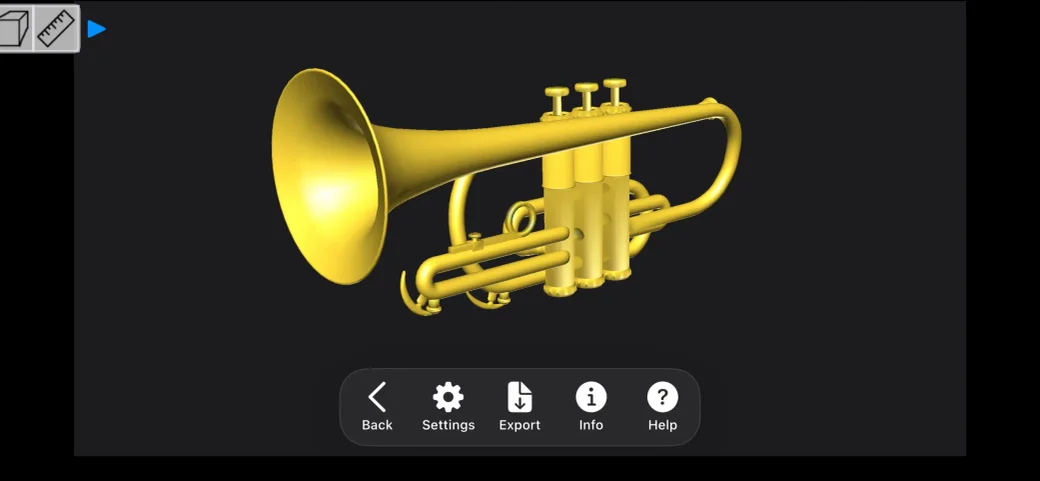
Meshman 3D Viewer is a great app to view and convert 3D model files: STL, OBJ, DXF, 3MF, USD, DAE, 3DS, DWG, FBX, PLY, OFF.
Features:
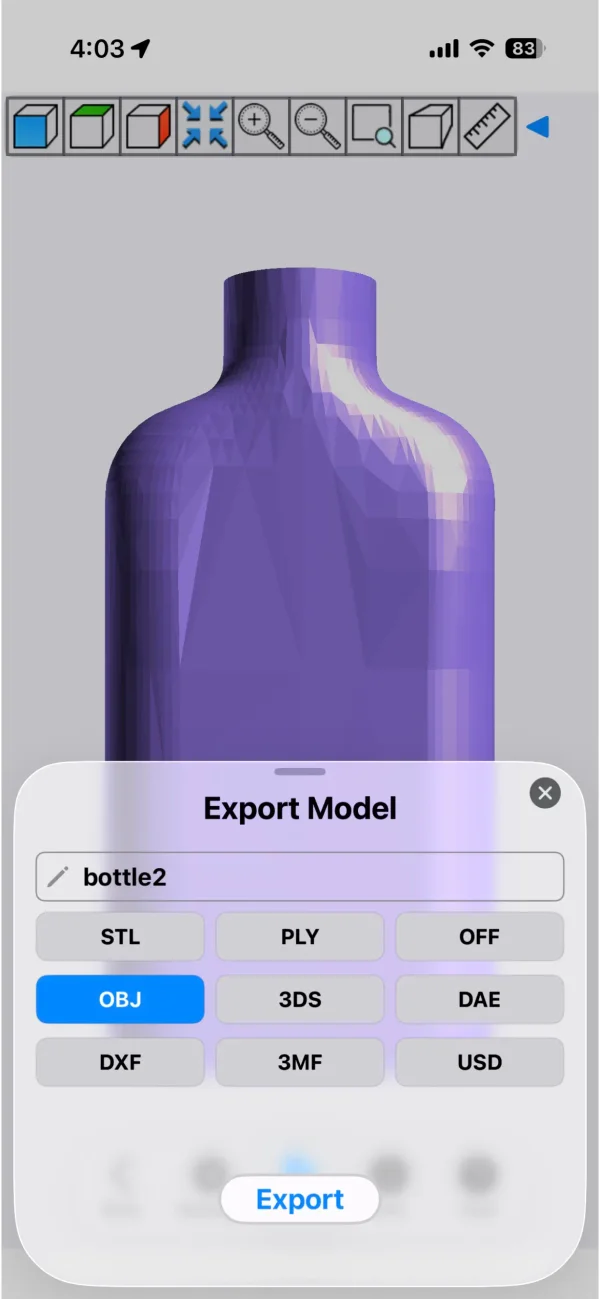
- Open & Export files from formats:
* STL (Stereolithography, supports ASCII & Binary)
* OBJ (Wavefront format)
* DXF (AutoCAD format, supports ASCII & Binary)
* 3MF (3D Manufacturing format)
* USD (Universal Scene Description)
* DAE (COLLADA file format)
* 3DS (3D Studio format)
* PLY (Polygon file format, supports ASCII & Binary)
* OFF (Object file format)
- Open (only) files from:
* DWG (AutoCAD format)
* FBX (Autodesk Filmbox format)
- Load from a ZIP or RAR file one of the files the app can open.
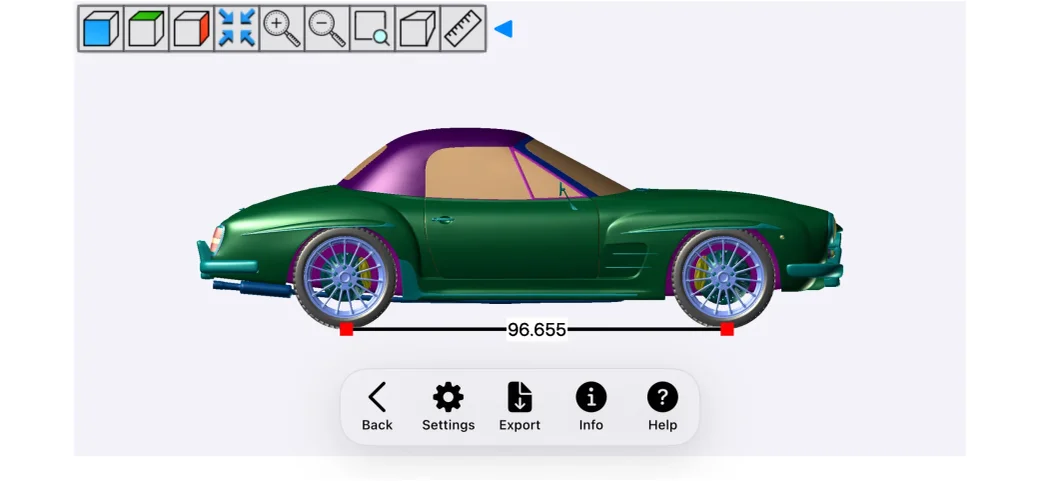
- Measure distance between points within your model.
- Graphic operations for Rotating, panning, zooming.
- View your model in Orthogonal or Perspective mode.
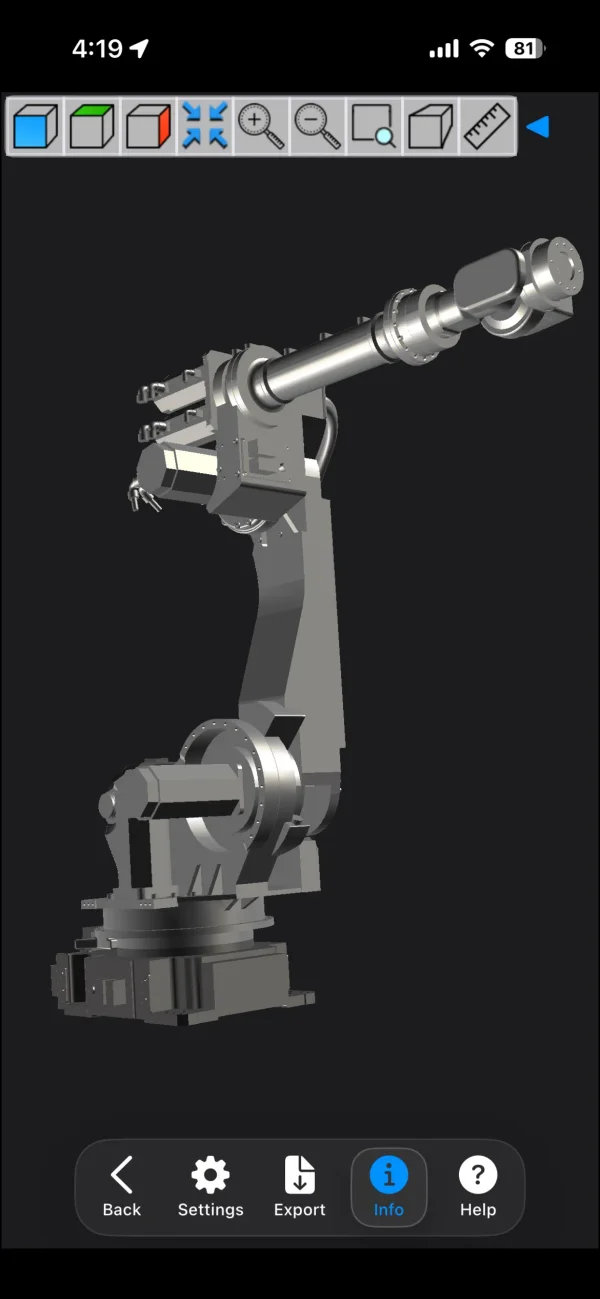
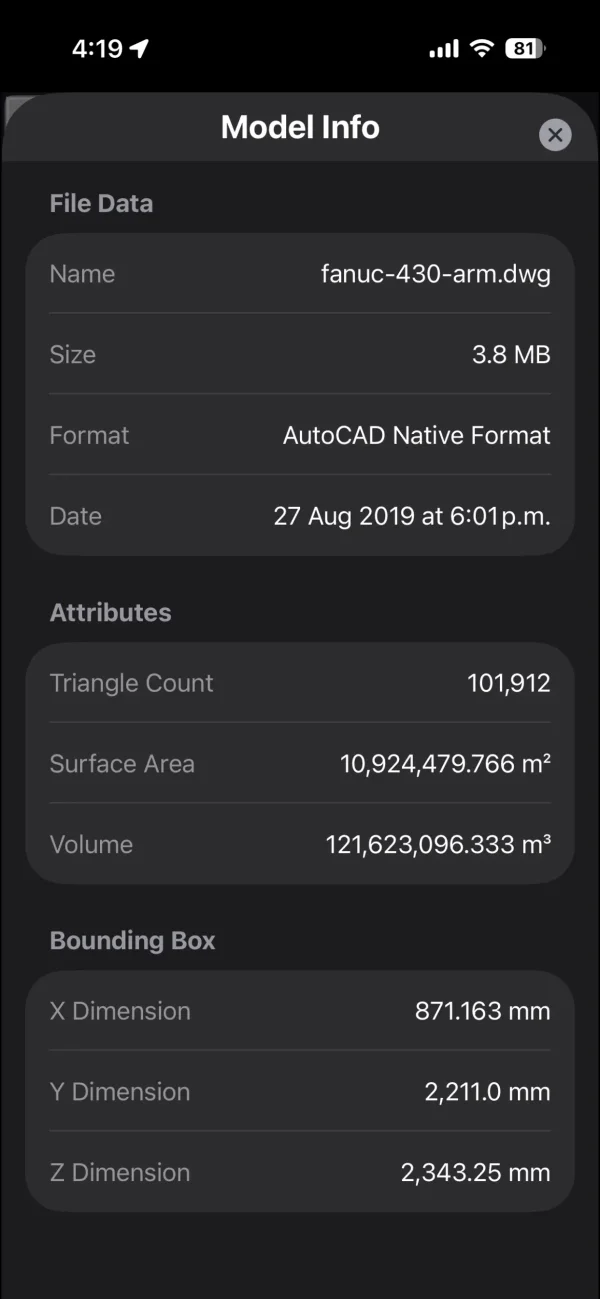
- Obtain info on the model: triangle count, bounding box, area, volume.
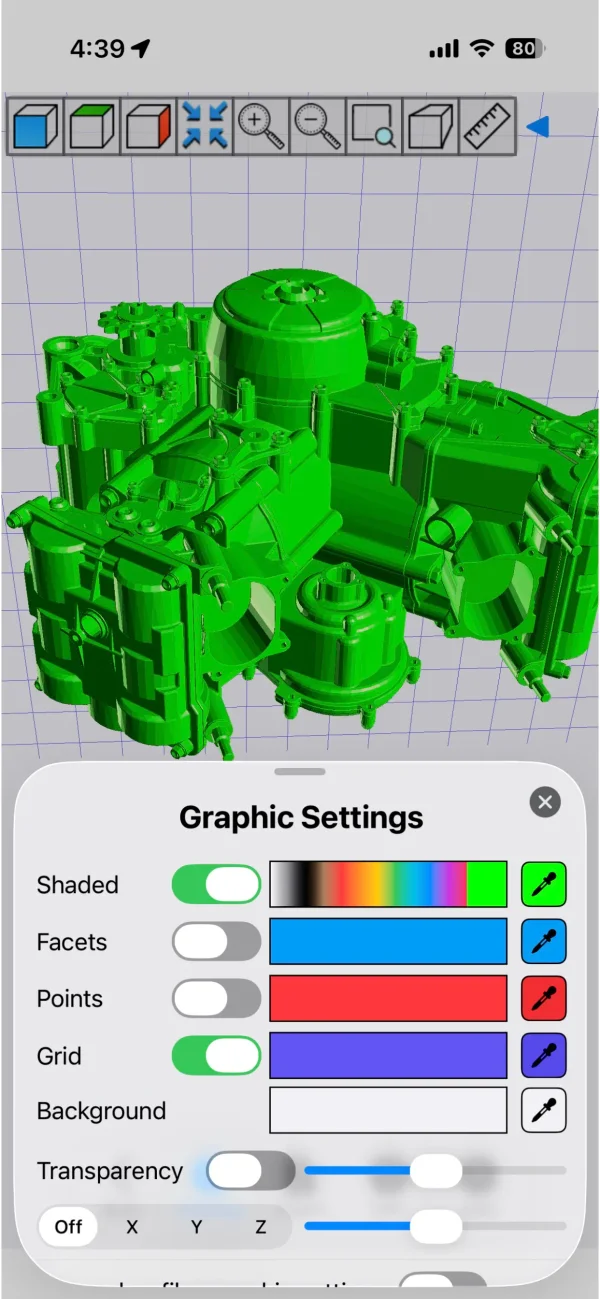
- Set up rendering options: faces, edges, points, transparency.
- Render using a clipping plane (useful for viewing interiors).
Please contact us for support, questions, feature request or any other inquiry.
support@boviosoft.com
What’s new
Version 2.0 · Jul 6, 2026
* Major UI refresh using Apple's latest technologies.
* Added Load & Export for 3MF files.
* Added Load & Export for USD files.
* Added Measurement distance between two point on Graphic toolbar
* Added Option to hide the toolbar for maximum viewing space.
* Added ground grid for improved model visualization.
* Improved performance when loading and viewing large files.
* Enhanced color selection controls.
* Enhanced Dark appearance & Landscape orientation.
* Bug fixes and stability improvements.
App privacy
What Victor Bovio declares on the App Store about how this app handles data.
-
Data not collected
The developer does not collect any data from this app.
Privacy practices may vary, for example with the features you use or your age.
Information
- Seller
- Victor Bovio
- Category
- Productivity
- Version
- 2.0
- Updated
- Jul 6, 2026
- Released
- Dec 8, 2019
- Size
- 8.5 MB
- Requires
- iOS 16.6 or later
- Age rating
- 4+
- Price
- $6.99
- Languages
- English
- Copyright
- © BovioSoft
You might also like
-
 3D Model Viewer: STL & USDZView 3D USDZ and CAD STL, PLY
-
 3D Model Viewer - AR & PrintSimulate 3D Printing and AR
-
 3D Model Viewer - AR ViewView model in AR and 3D mode
-
 Pikaslice - 3D Print SlicerSTL, Gcode, Resin & Filament
-
 iRhino 3D3D Viewer & Scanner
-
 Autodesk FusionProductivity
-
 Onshape 3D CADSpeed Up Your Product Design
-
 EasyCanvas -Graphic tablet AppDigitizer app for iPad
-
 KDE ConnectCommunication Between Devices
-
 AutoPylot For DronesB4UFLY, LAANC, Insurance