MeterTab: AI Usage
Usage for Claude & every AI
Designed for iPhone, Mac
In-app purchases
- Age rating4+
- CategoryDeveloper Tools
- DeveloperPETER DONGO
- LanguagesEnglish+ 9 more
- Size19.4 MB
Links to the official App Store page
Download.org hosts no file of MeterTab: AI Usage. The button opens its official App Store page, published by PETER DONGO. Listing last checked on Nov 12, 2026.
Screenshots
About
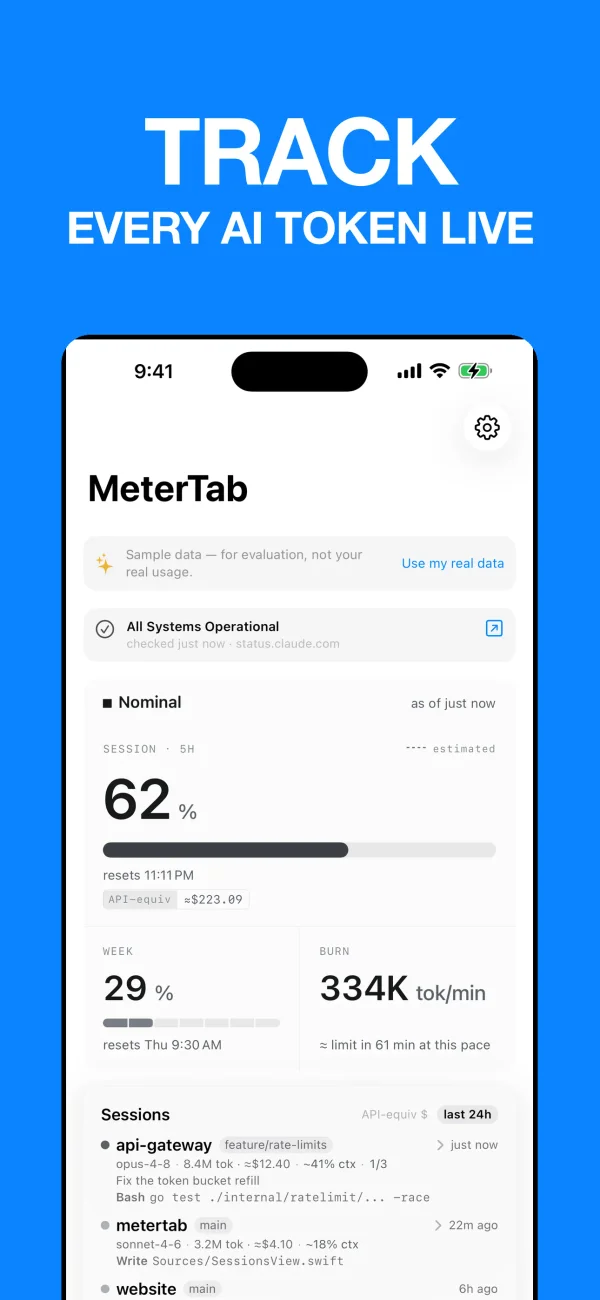
MeterTab puts your AI coding budget on your iPhone, Apple Watch and Home Screen. See at a glance how much of your Claude, Codex and Cursor budget is left - before you hit a wall mid-task.
WHY METERTAB
AI coding assistants burn through 5-hour and weekly limits with no warning. MeterTab turns the usage those tools already log into a live budget you can plan around, synced from the MeterTab Mac app to your iPhone and Watch over your own private iCloud.
WHAT YOU GET
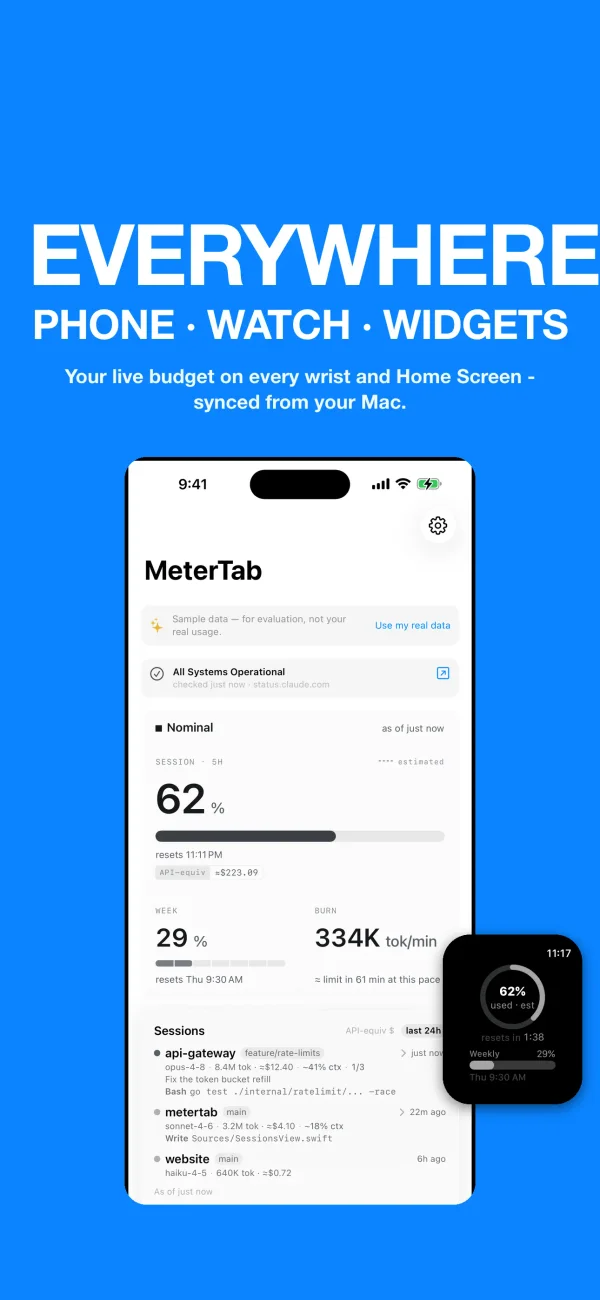
- Live budget - 5-hour and weekly usage, with time-to-reset countdowns.
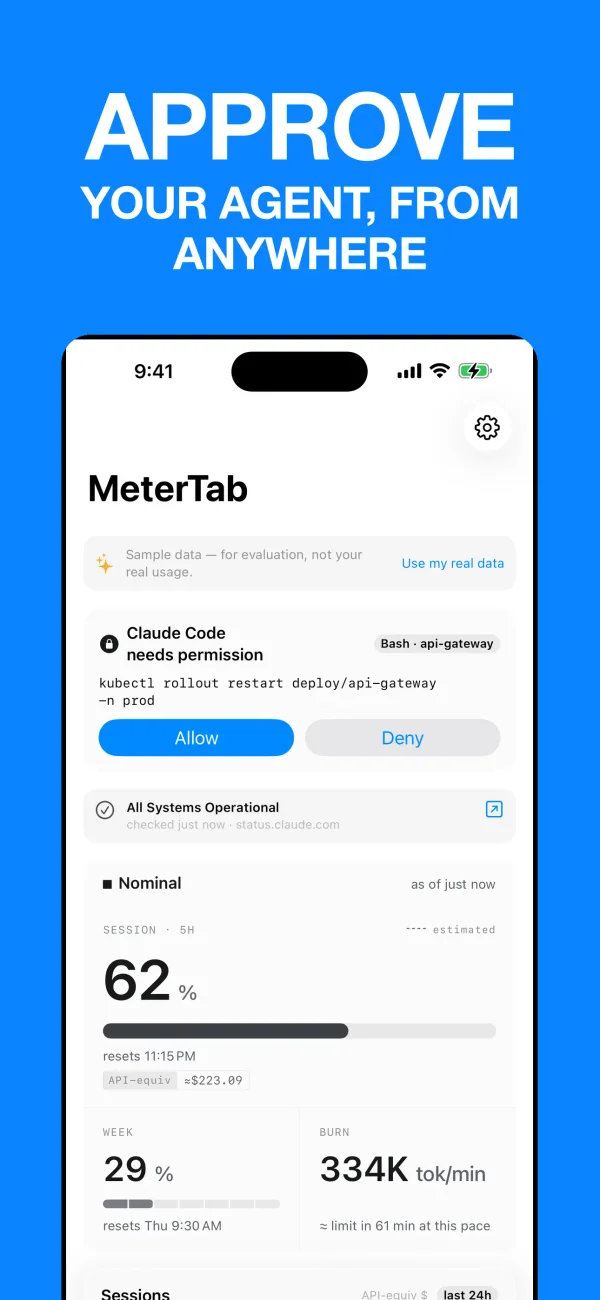
- Answer your agents from anywhere - approve, deny, or pick an option when Claude Code asks, from your Mac, iPhone or Watch.
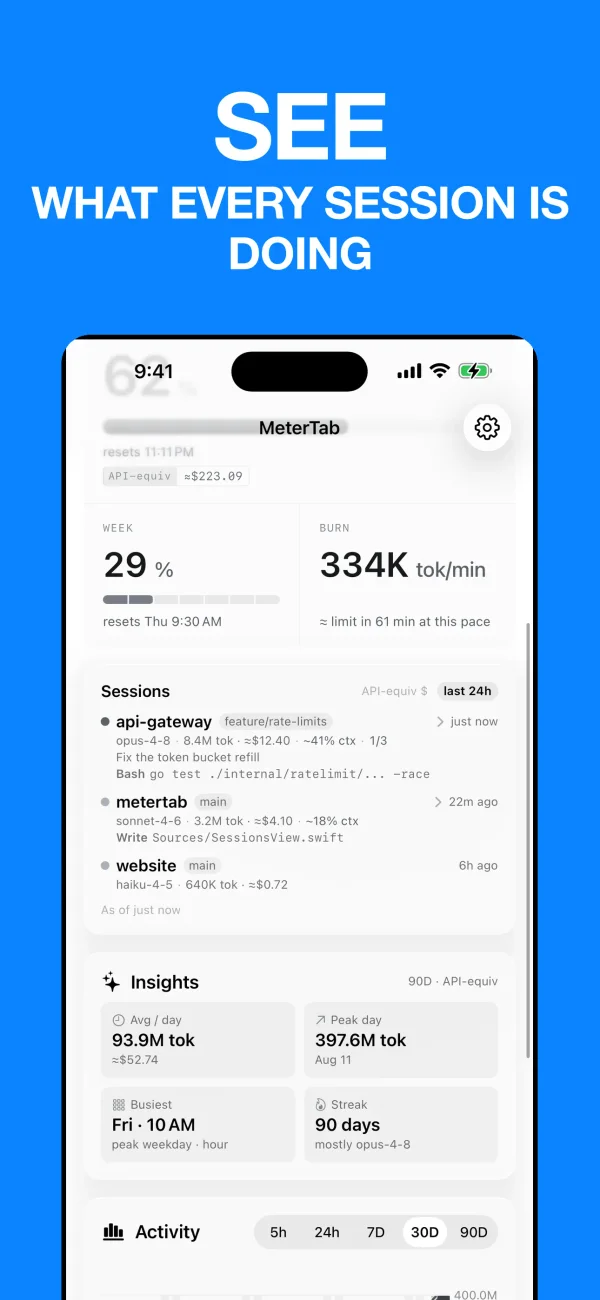
- See what every session is doing - which worktrees are busy, the command in flight, and the agent's own task list.
- iPhone and Apple Watch apps, Home Screen and Lock Screen widgets, and a Watch complication.
- Nine providers in one place - Claude Code, Codex, Cursor and more.
- Claude service status - tell an Anthropic outage from your own budget running out.
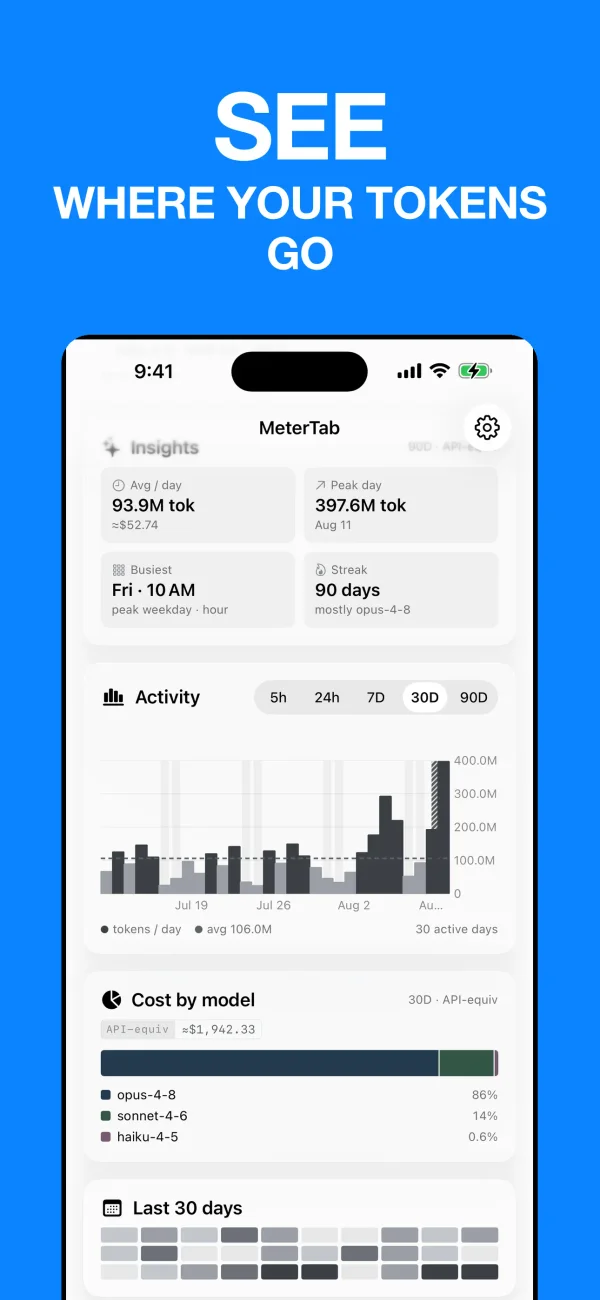
- Per-model cost breakdown, a 90-day activity heatmap and burn rate.
- Threshold notifications when you cross the line you set.
- Speaks your language: English, German, Spanish, French, Italian, Japanese, Korean, Dutch, Portuguese (Brazil) and Chinese (Simplified) - with figures formatted for your region.
REQUIRES THE MAC APP
The iPhone and Watch apps mirror MeterTab on your Mac; they are not standalone. The Mac app reads the logs your AI tools write locally and publishes a small private summary to your own iCloud. Companion access is part of MeterTab Pro, a one-time purchase covering Mac, iPhone and Watch.
PRIVATE BY DESIGN
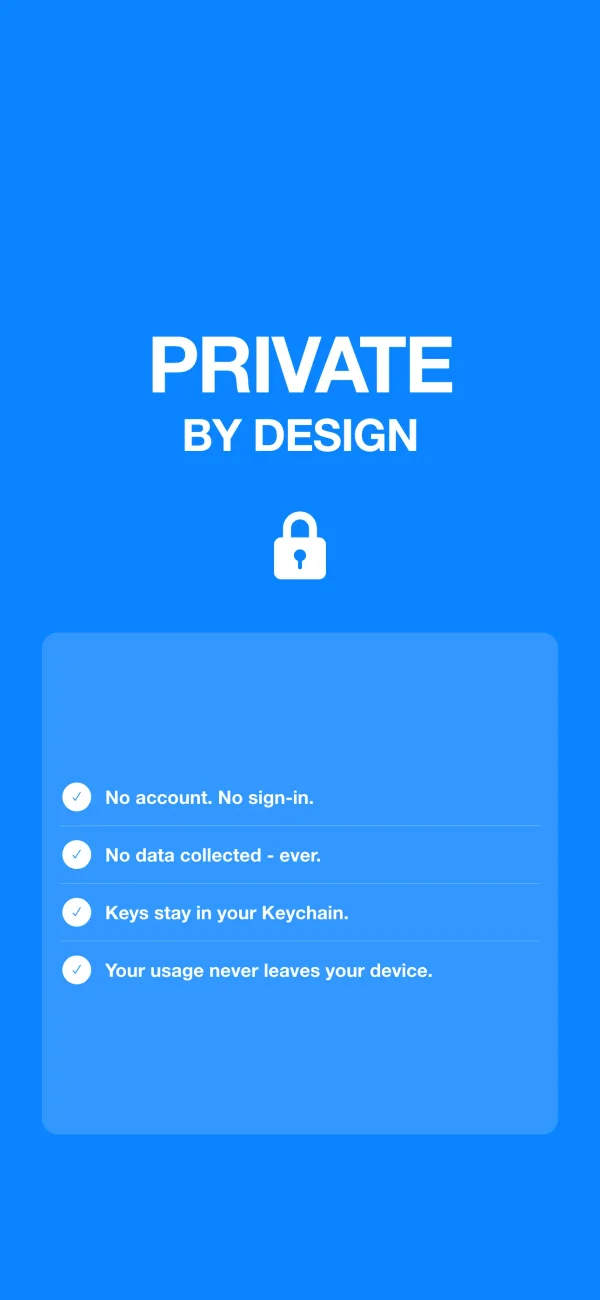
No backend. No account. No data collected. Sync uses your own private iCloud database and carries only counts and percentages.
ON THE DOLLAR FIGURES
On a subscription, every dollar figure is API-equivalent: your tokens priced at pay-as-you-go rates, which is what that usage would have cost without a plan. It is not money spent. Only figures from a connected provider billing key are real metered spend.
ON ACCURACY
Anthropic does not publish exact token limits, so percentages are estimated from your Mac's local logs and may differ a few percent from Claude's own usage screen. Calibrate on the Mac in one tap to anchor them.
MeterTab is an independent tool and is not affiliated with, endorsed by, or sponsored by Anthropic, OpenAI, or Cursor. Product names are used only to describe compatibility.
What’s new
Version 1.4.0 · Aug 13, 2026
A new look, and your agent can now ask you a question.
• Redesigned from the ground up. The panel is a cluster of equal readings (session, week, burn rate, plan value) that breaks into one full-width reading the moment a limit comes into reach. Colour now means one thing: trouble. Everything normal is quiet, so a single coloured pixel is worth looking at.
• Every chart rebuilt. Activity has a tooltip and reads out in VoiceOver, the heatmap scales by percentile instead of by maximum so one heavy day no longer flattens a whole quarter, and today's partial bar is hatched and left out of the average.
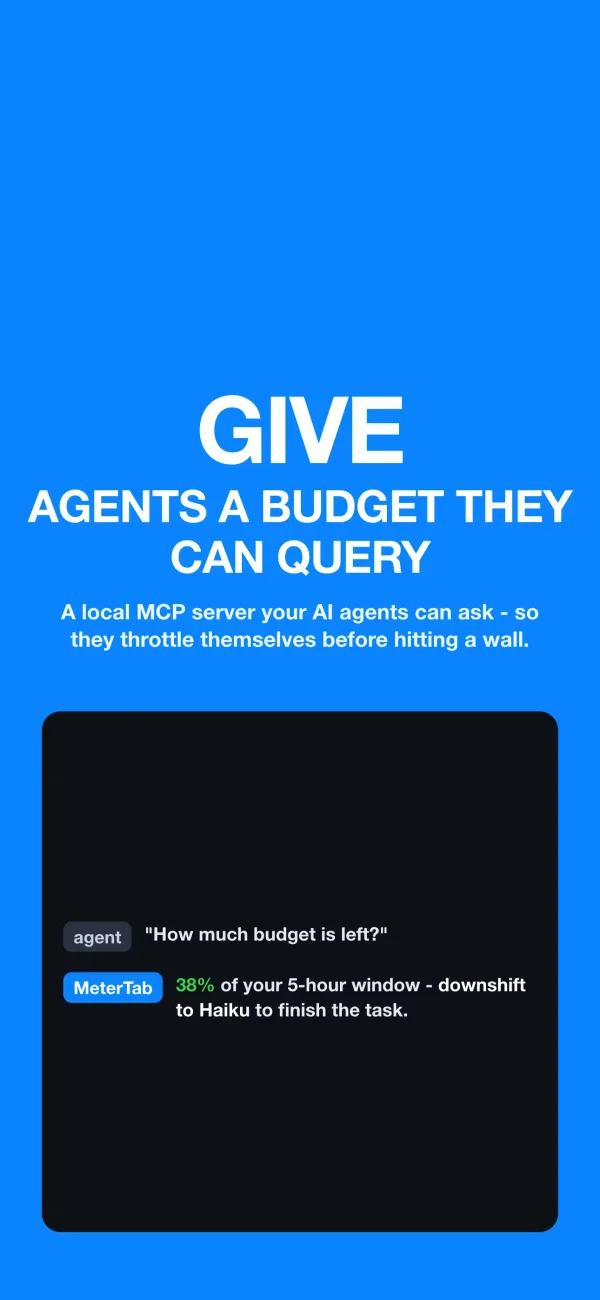
• Claude Code's multiple-choice questions can now be answered remotely, not just allowed or denied. Pick option two from your iPhone.
• Every reading now carries where it came from, measured, official or estimated, drawn as a rule rather than a colour so it survives Increase Contrast and the menu bar.
App privacy
What PETER DONGO declares on the App Store about how this app handles data.
-
Data not collected
The developer does not collect any data from this app.
Privacy practices may vary, for example with the features you use or your age.
Information
- Seller
- PETER DONGO
- Category
- Developer Tools
- Version
- 1.4.0
- Updated
- Aug 13, 2026
- Released
- Jul 12, 2026
- Size
- 19.4 MB
- Requires
- iOS 17.0 or later
- Age rating
- 4+
- In-app purchases
- Yes
- Languages
- English, Dutch, French, German, Italian, Japanese, Korean, Portuguese, Simplified Chinese, Spanish
- Copyright
- © 2026 Peter Dongo
You might also like
-
 UsageMaster - AI Usage TrackerToken limits & reset alerts
-
 AI Session MeterAI usage forecasts & insights
-
 AI Usage LimitsTrack your AI usage limits
-
 QuotaGlance - AI Quota TrackerCodex & Claude usage tracker
-
 Codex MeterDeveloper Tools
-
 VibeCheck - Limits CompanionClaude, Cursor & Codex Limits
-
 UsageNow: AI Usage TrackerClaude, Codex & Copilot Limits
-
 Ovis: Coding Agent RemoteWatch and answer from anywhere
-
 Agent Meter: AI UsageCodex/Gemini/Claud reset alert
-
 Model PulseAI usage, limits & spend