
Metrix Toolkit
Sensors, speed, and LiDAR
Designed for iPhone
Free · In-app purchases
- Age rating4+
- CategoryUtilities
- DeveloperJoseph May
- LanguagesEnglish
- Size9.5 MB
Links to the official App Store page
Download.org hosts no file of Metrix Toolkit. The button opens its official App Store page, published by Joseph May. Listing last checked on Nov 21, 2026.
Screenshots


About
Metrix gives you a clean set of tools for the sensors, radios, network routes, clocks, audio hardware, and device details already built into your iPhone.
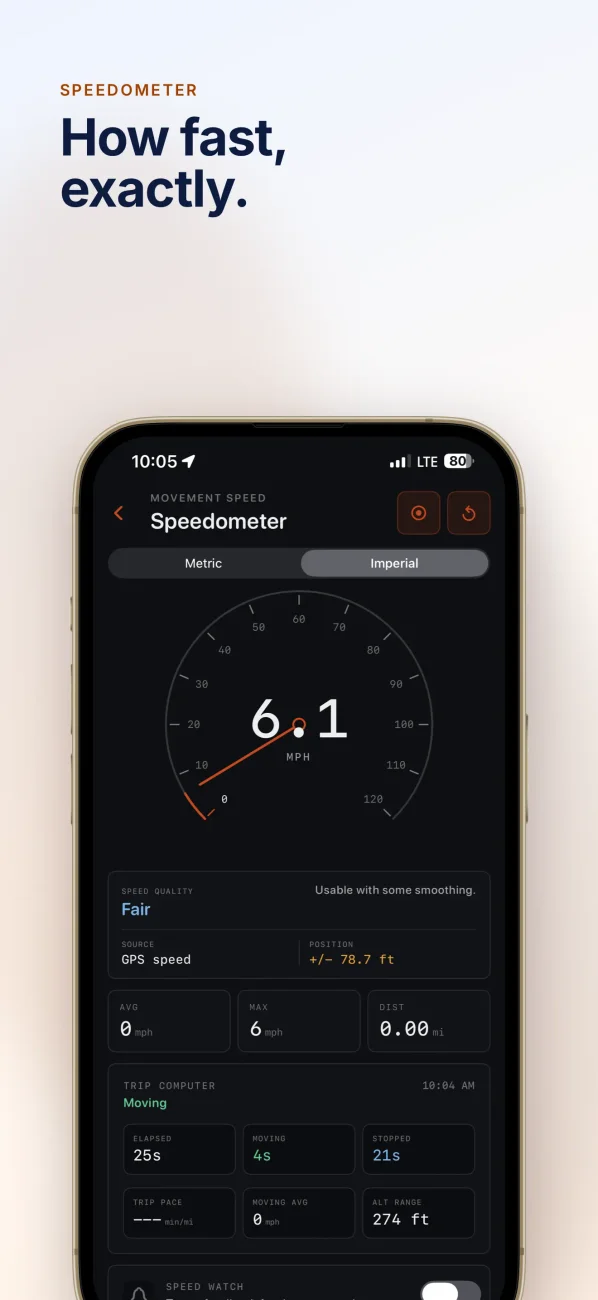
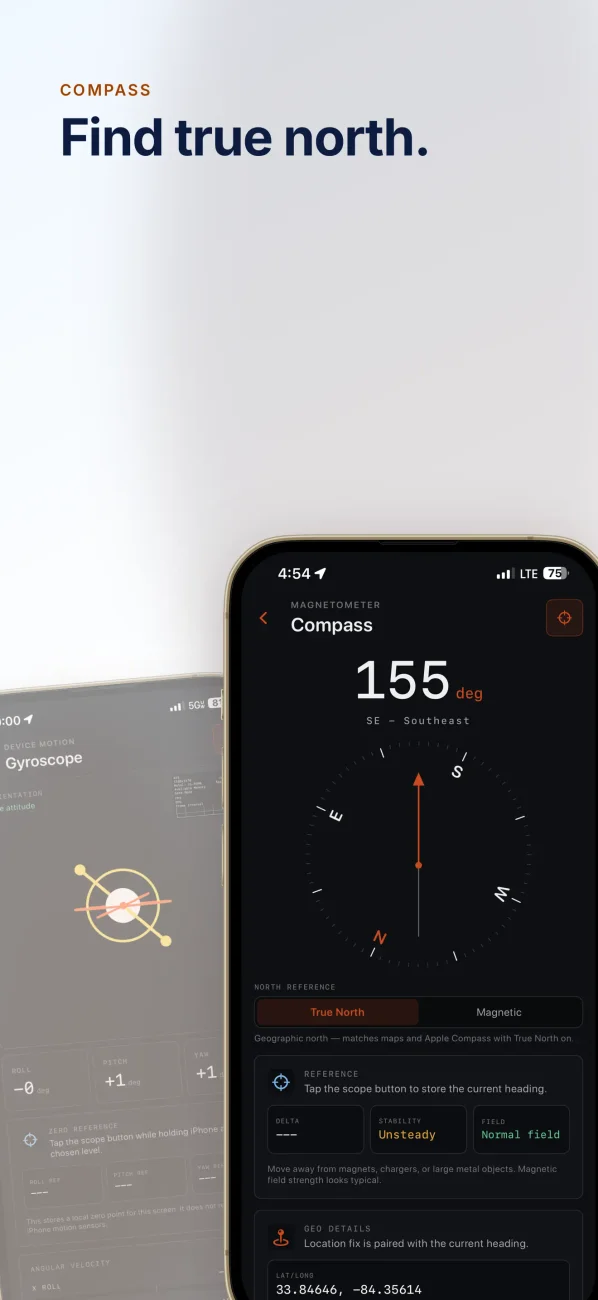
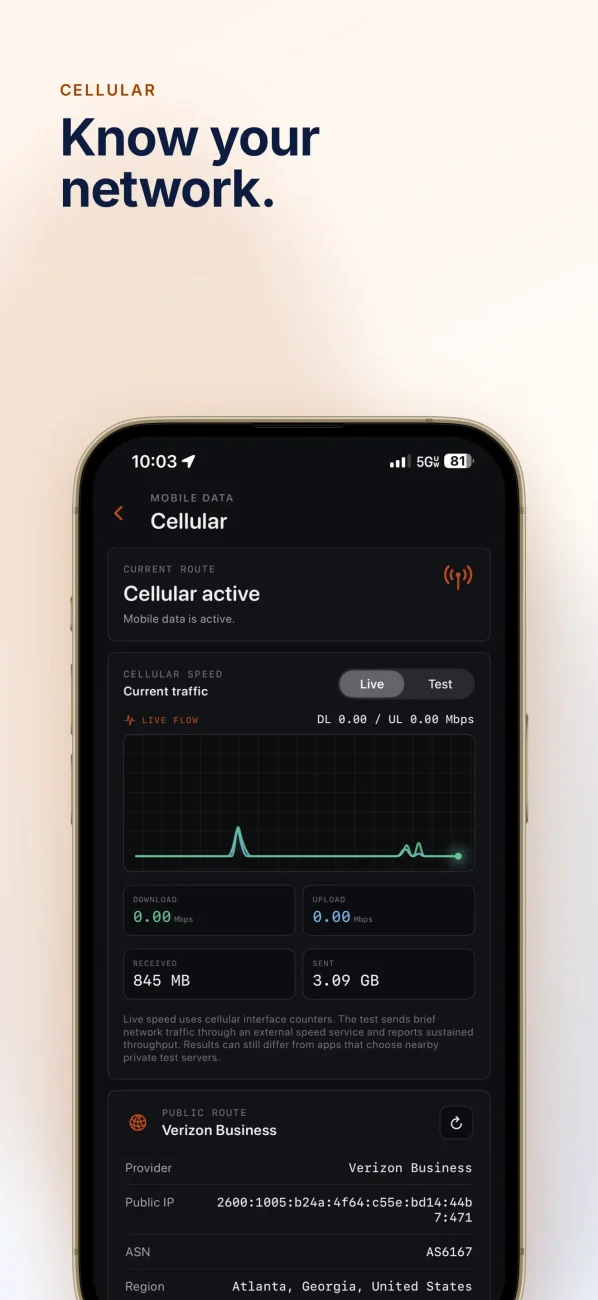
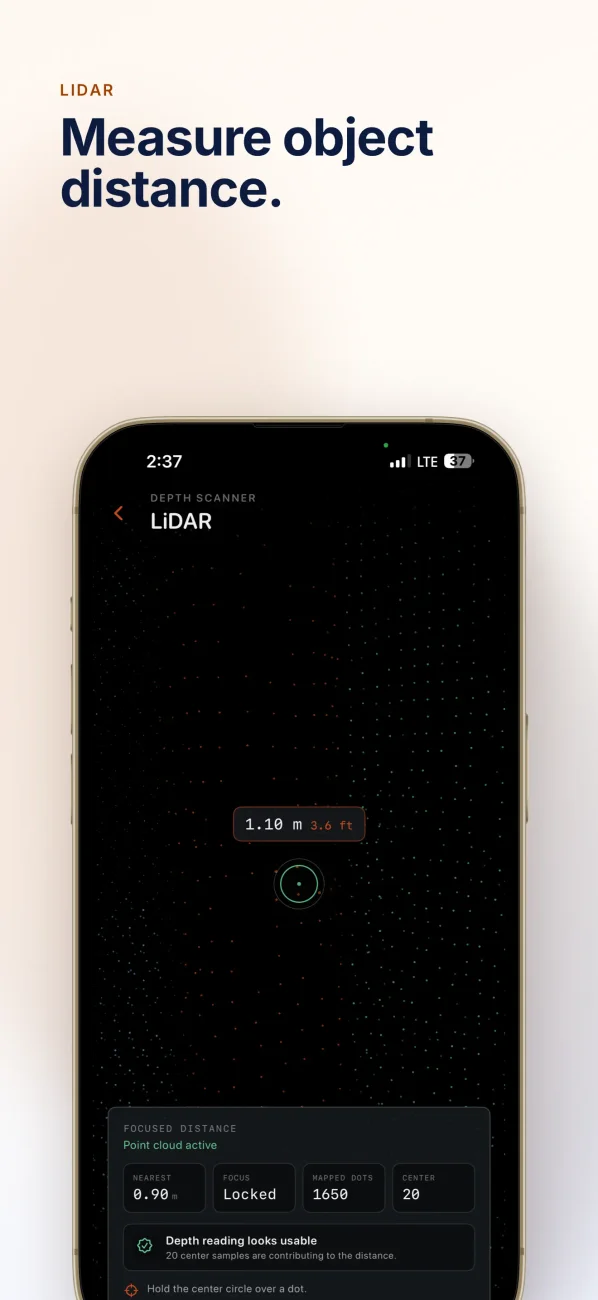
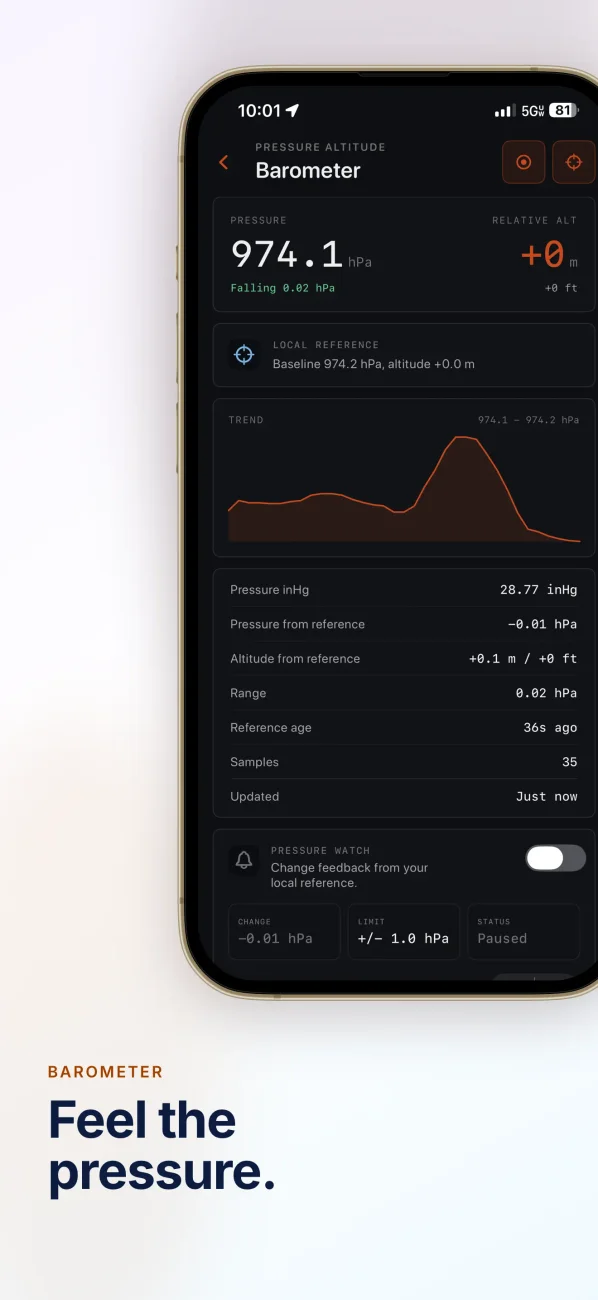
Open the app when you want a quick look at GPS speed, compass heading, gyroscope motion, barometer pressure, battery status, Wi-Fi and cellular details, Bluetooth signals, NFC tags, camera hardware, storage, memory, screen and graphics details, audio output, biometrics, or LiDAR distance on supported iPhone models.
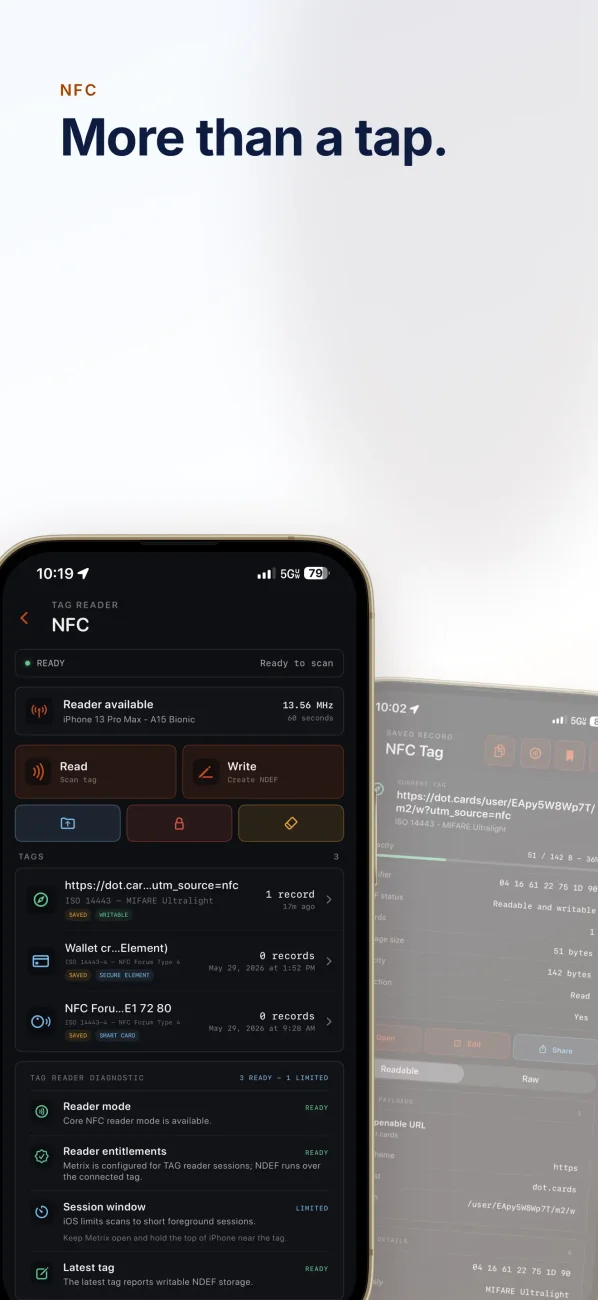
NFC: read and inspect tags in depth chip maker, memory size, NDEF records, and decoded payloads. Metrix recognizes smart cards, transit cards, digital IDs, passports, and security keys. Write URL, text, contact, email, phone, SMS, location, and App Store records to blank tags, then erase them or permanently lock them as read-only.
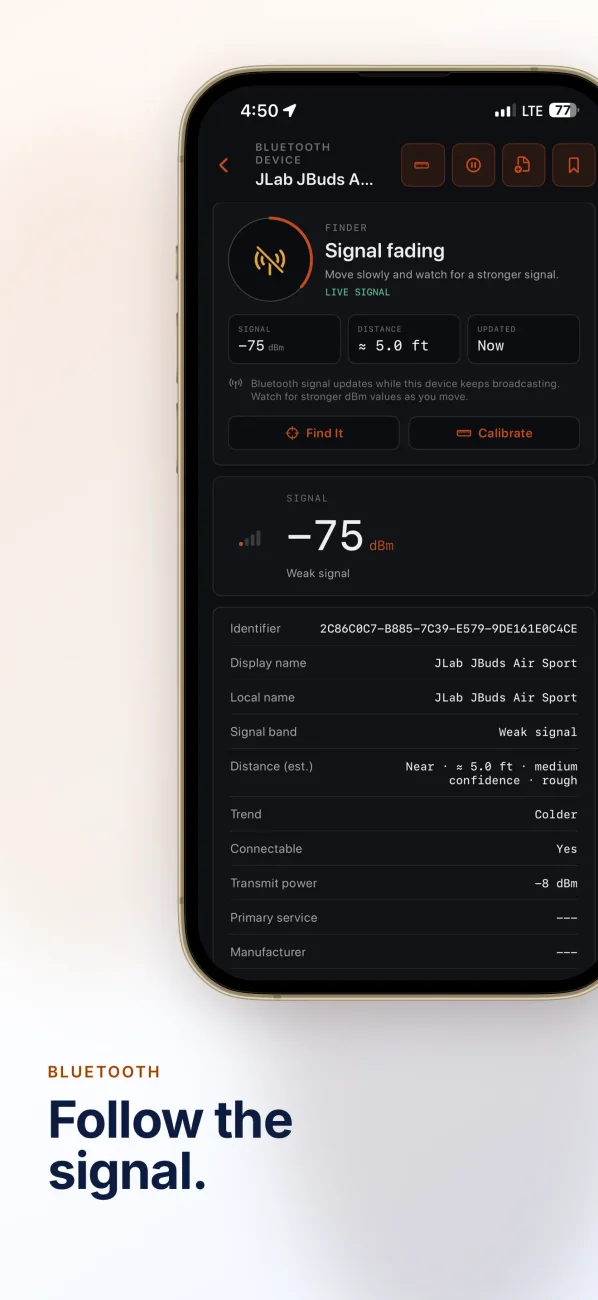
Bluetooth: scan nearby devices with live signal strength, decoded advertisements (iBeacon, Eddystone, device type), and a GATT inspector that connects and reads device info, battery, and services.
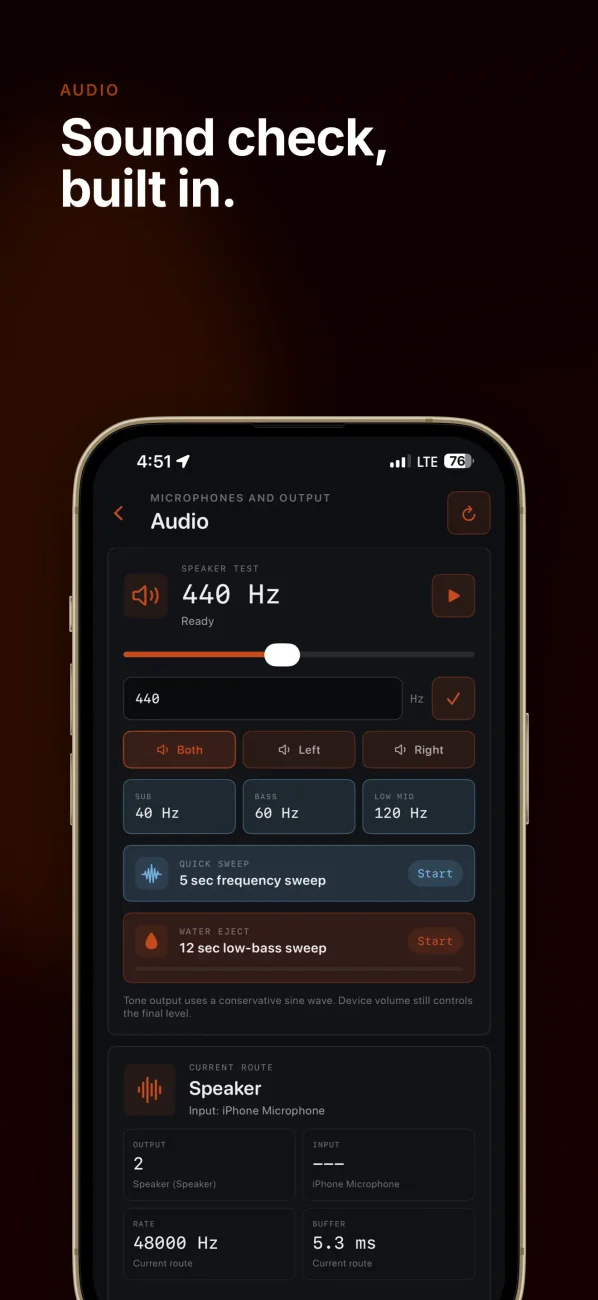
Metrix also includes a Clock tool for local time, UTC comparison, time-zone details, and locale reference, plus Audio tools for speaker details, frequency testing, bass testing, and sound output checks.
Free tools include live readouts, Checkup, public route lookup, Clock, Audio, the LiDAR dot-map distance view, NFC reading and basic writing, and Bluetooth scanning with GATT inspection.
Metrix Pro is a one-time purchase that adds Find It, a live Bluetooth proximity finder with a distance ring, intensifying haptics, a direction hint, and 1 m calibration. Plus saved history, recordings, snapshots, saved Bluetooth, Wi-Fi, and NFC items, device nicknames, watches, a trip computer, exports and reports, NFC import/export, advanced NFC writing (Wi-Fi, custom MIME, external, and multi-record tags), and Wi-Fi/cellular speed tests.
Metrix does not require an account and does not use ads, analytics, or tracking. Anything you save with Pro stays on your device unless you choose to export or share it.
Readings depend on device hardware, iOS permissions, signal quality, location quality, and sensor availability.
What’s new
Version 1.3 · Jun 12, 2026
The biggest Metrix update yet, centered on NFC and Bluetooth.
ALL-NEW NFC TOOL
• Read and inspect tags: chip maker, memory size, NDEF records, and decoded payloads
• Recognizes smart cards, transit cards, digital IDs, passports, and security keys
• Write URL, text, contact, email, phone, SMS, location, and App Store records
• Erase tags or permanently lock them as read-only (with clear confirmations)
• Tap-to-act on scanned tags: call, compose, get directions, save a contact, copy Wi-Fi credentials
• Pro: write Wi-Fi, custom MIME, external, and multi-record tags; save, import, and export scans
FIND IT (PRO)
• Locate a nearby or saved Bluetooth device with a live distance ring and haptics that intensify as you get closer
• Direction hint as you walk, plus 1m calibration for accurate distance on any device
BLUETOOTH UPGRADES
• Nicknames for saved devices, and Find It straight from a saved device
• GATT inspector: connect, browse services, and read values with clear explanations
• Smarter advertisement decoding (iBeacon, Eddystone, device type) and a steadier scan list
ALSO IN 1.3
• Smoother speedometer dial and more responsive activity detection
• One-tap Open Settings on permission prompts
• Performance tuning across live screens and many small design refinements
App privacy
What Joseph May declares on the App Store about how this app handles data.
-
Data not collected
The developer does not collect any data from this app.
Privacy practices may vary, for example with the features you use or your age.
Information
- Seller
- Qwady Solutions LLC
- Category
- Utilities
- Version
- 1.3
- Updated
- Jun 12, 2026
- Released
- Apr 29, 2026
- Size
- 9.5 MB
- Requires
- iOS 17.0 or later
- Age rating
- 4+
- Price
- Free
- In-app purchases
- Yes
- Languages
- English
- Copyright
- © 2026 Qwady Solutions LLC
You might also like
-
 Visible PINInvisible in plain sight!
-
 Bluelyze: Bluetooth ScannerBLE, GATT & MQTT Tools
-
 PEDAL CONTROL Pedalbox ProTake control of your Car
-
 WaveBlock® EMF MeterDetect EMF in Real Time
-
 Metric Conversions PremiumConversion app with no ads
-
 MaskduckUtilities
-
 RentDue: Rent TrackerLandlord rent collection log
-
 Metal Detector X50Detect Magnetic Metals
-
 MediaDrop -Smart Media ManagerDownload, Manage & Play Media
-
 ScooterCheckBattery health before you buy