
- Age rating4+
- CategoryPhoto & Video
- DeveloperLogitech Inc.
- LanguagesEnglish+ 15 more
- Size224.7 MB
Links to the official App Store page
Download.org hosts no file of Mevo Studio. The button opens its official App Store page, published by Logitech Inc. Listing last checked on Nov 20, 2026.
Screenshots




About
Mevo Studio
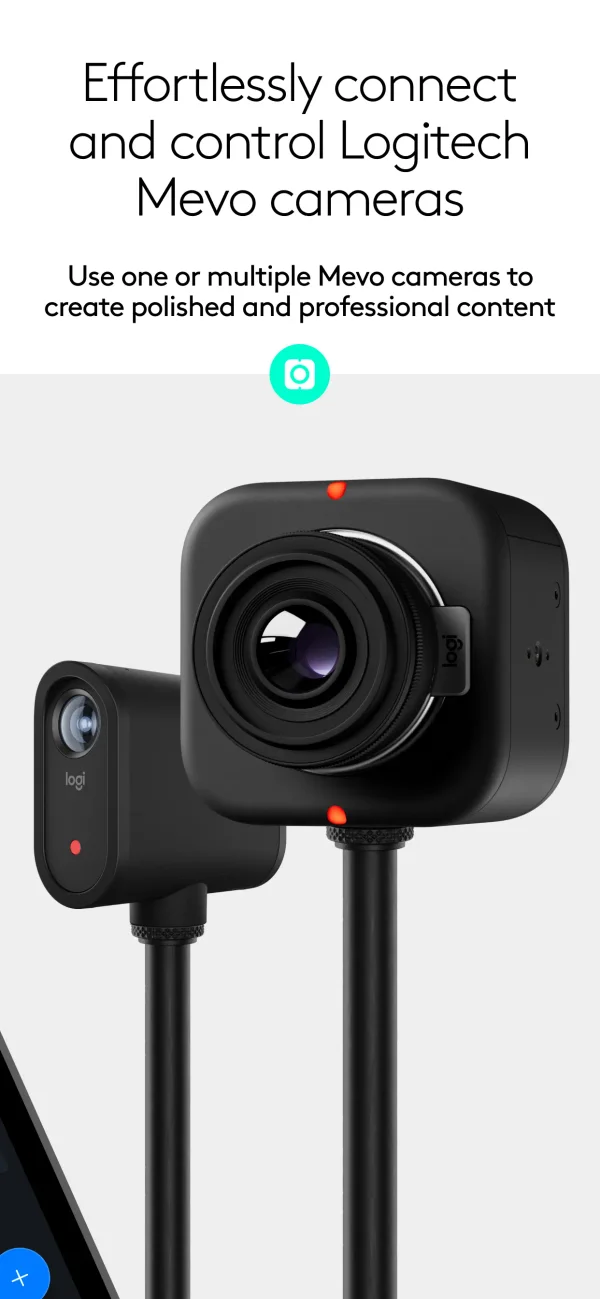
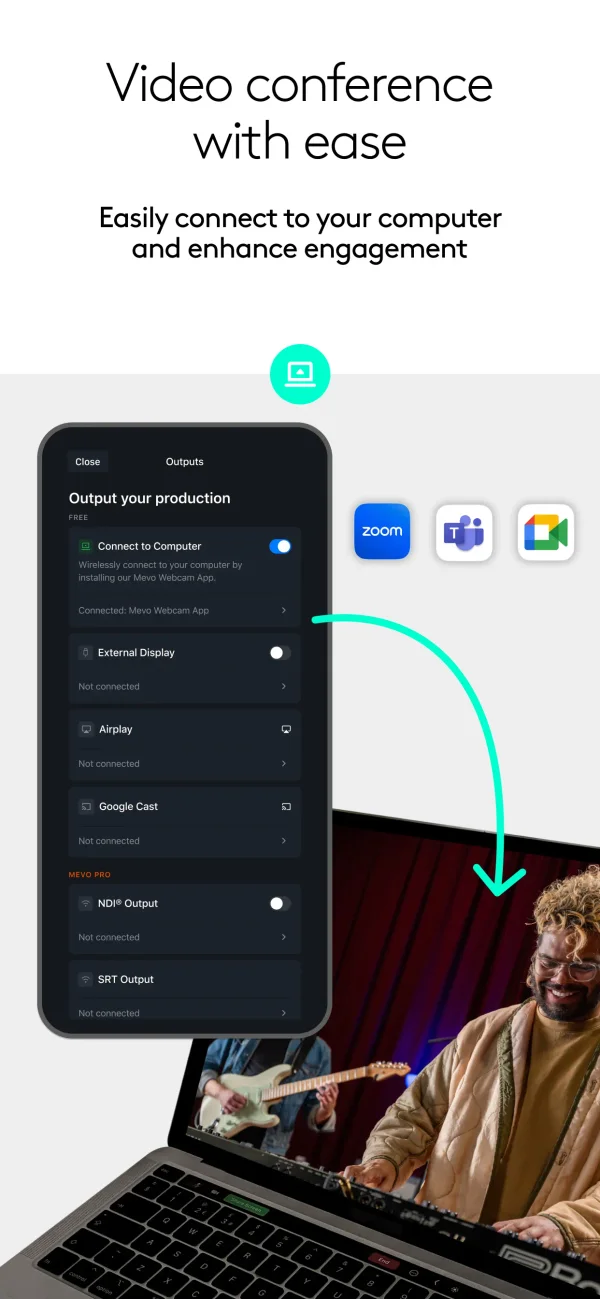
Mevo enables live streaming with ease. With Mevo Studio, you can wirelessly connect multiple sources including Mevo Start and Mevo Core cameras, Mevo Go*, NDI* enabled devices, and UVC/webcams.* Easily switch sources, record, and live stream to multiple platforms like YouTube, Facebook and many others.
Wirelessly switch:
Wirelessly control multiple Mevo cameras at the same time and switch between them—live. Pan, zoom, and crop each camera view as needed for editing on the fly.
Instantly stream:
Stream instantly, With a few taps, to popular platforms like YouTube, Twitter, Twitch and more. Subscribe to Mevo Pro to multistream.*
Record:
Record your program output locally to your mobile device. Also record each individual camera feed directly to their local microSD card.
Add Media:
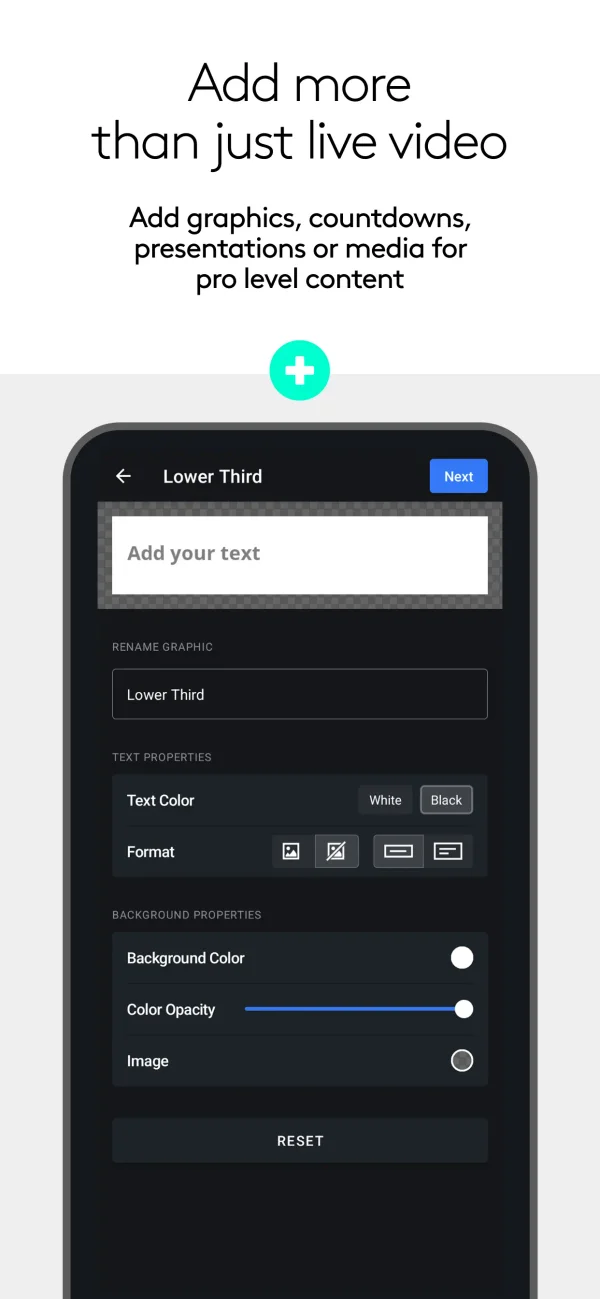
Add custom graphics including lower thirds, corner bugs, countdowns, and presentations, plus full screen images and media* to elevate your production value.
Create Custom Scenes:
Using the Scene creator, add live sources, graphics, or videos to use with a single tap.
Auto-Director:
Toggle auto-director and the app will live switch the show for you.
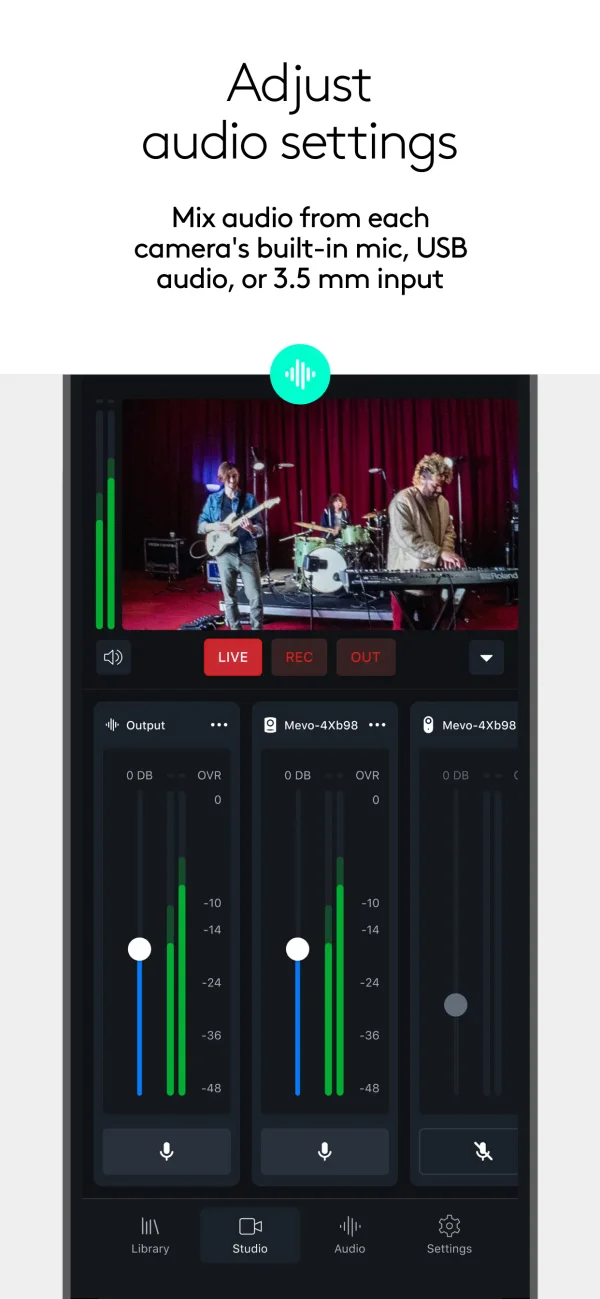
Audio Mixer:
Independently mix audio sources for the perfect sound.
Image Control:
Adjust each Mevo camera’s exposure and color settings for a high quality live stream.
Get more from Mevo with the Mevo Pro Subscription, including:
Multistream: Powered by Streamlabs, stream to multiple destinations while only needing the bandwidth of a single stream.
Mevo Go: You can share the camera, screen or audio of any mobile device directly to Mevo Studio.
NDI: Connect 3rd party cameras, camera or encoders that are NDI HX enabled or output Mevo Studio to an existing NDI workflow you may already be using.
Media: play videos, commercials or highlights to take your content to the next level.
Compatible with Mevo Core, Mevo Start, Mevo Plus, first-generation Mevo, and Mevo Go app.
Additional support:
Visit help.mevo.com
Annotation:
*Requires Mevo Pro subscription
Terms of Service: https://mevo.com/terms
Privacy Policy: https://mevo.com/privacy
What’s new
Version 4.3 · Nov 10, 2026
• Secondary Mode Support - You can now enable secondary modes (NDI, SRT, and Webcam) while staying connected. Modify settings, crop, zoom, and adjust your image on multiple cameras.
• Example: Connect, control and adjust multiple cameras that are outputting NDI and connected to a 3rd party like OBS.
• Note: The Mevo app is still required if you’d like to go live directly from the camera itself.
App privacy
What Logitech Inc. declares on the App Store about how this app handles data.
-
Data used to track you
May be used to track you across apps and websites owned by other companies.
- Usage data
-
Data not linked to you
May be collected but is not linked to your identity.
- Location
- User content
- Identifiers
- Usage data
- Diagnostics
Privacy practices may vary, for example with the features you use or your age.
Information
- Seller
- Logitech Inc.
- Category
- Photo & Video
- Version
- 4.3
- Updated
- Nov 10, 2026
- Released
- Mar 23, 2021
- Size
- 224.7 MB
- Requires
- iOS 16.0 or later
- Age rating
- 4+
- Price
- Free
- In-app purchases
- Yes
- Languages
- English, Danish, Dutch, Finnish, French, German, Italian, Japanese, Korean, Norwegian Bokmål, Polish, Portuguese + 4 more
- Copyright
- © (C) 2026 Logitech
You might also like
-
 Switcher: Live Streaming AppMulticam Live Streaming
-
 Larix Broadcaster: Live StreamSRT, NDI, RTMP Live Encoder
-
 Obsbot StartStart Your Moment
-
 TopDirector (NDI,SRT,UVC,RTSP)Multicam Switcher, Live Stream
-
 AVKANS LiveAVKANS Go Live Streaming App
-
 MixEffect (Trial & Pro Unlock)ATEM Switcher Remote Control
-
 XbotGoPhoto & Video
-
 Obsbot LivePhoto & Video
-
 StreamYard GuestJoin a studio as a guest
-
 Sony | Monitor & ControlPhoto & Video