
Mi Speaks
Read aloud, fully offline
Designed for iPhone, iPad
Free · In-app purchases
- Age rating4+
- CategoryUtilities
- DeveloperBlaine Miller
- LanguagesEnglish+ 8 more
- Size69.5 MB
Links to the official App Store page
Download.org hosts no file of Mi Speaks. The button opens its official App Store page, published by Blaine Miller. Listing last checked on Nov 14, 2026.
Screenshots

About
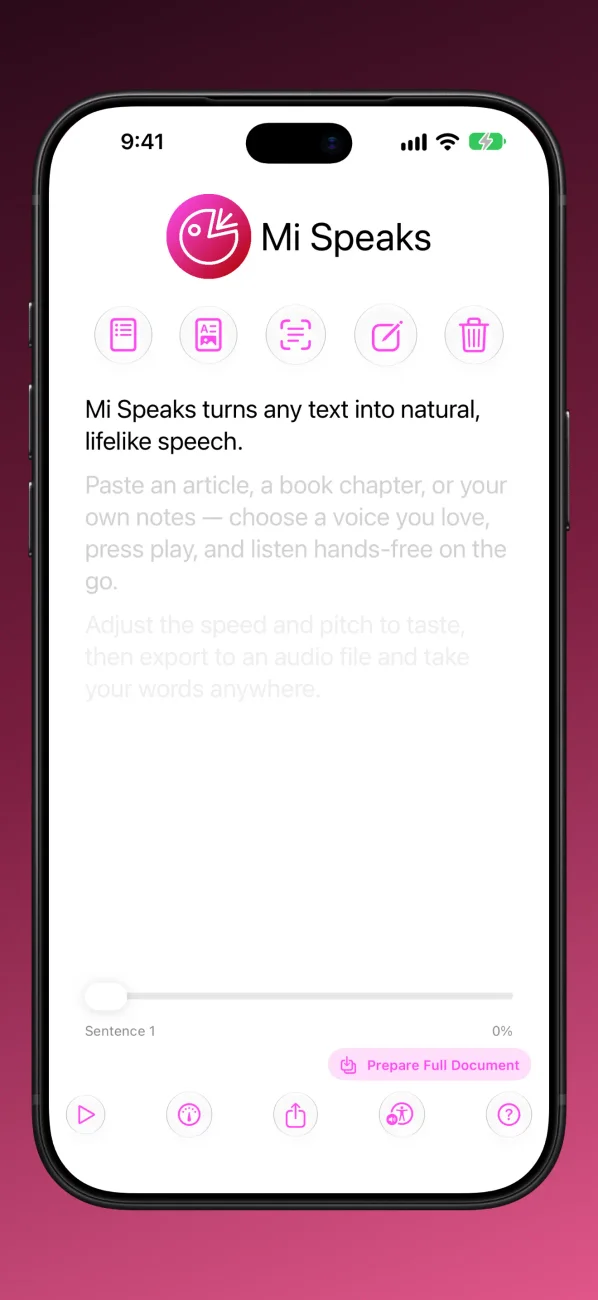
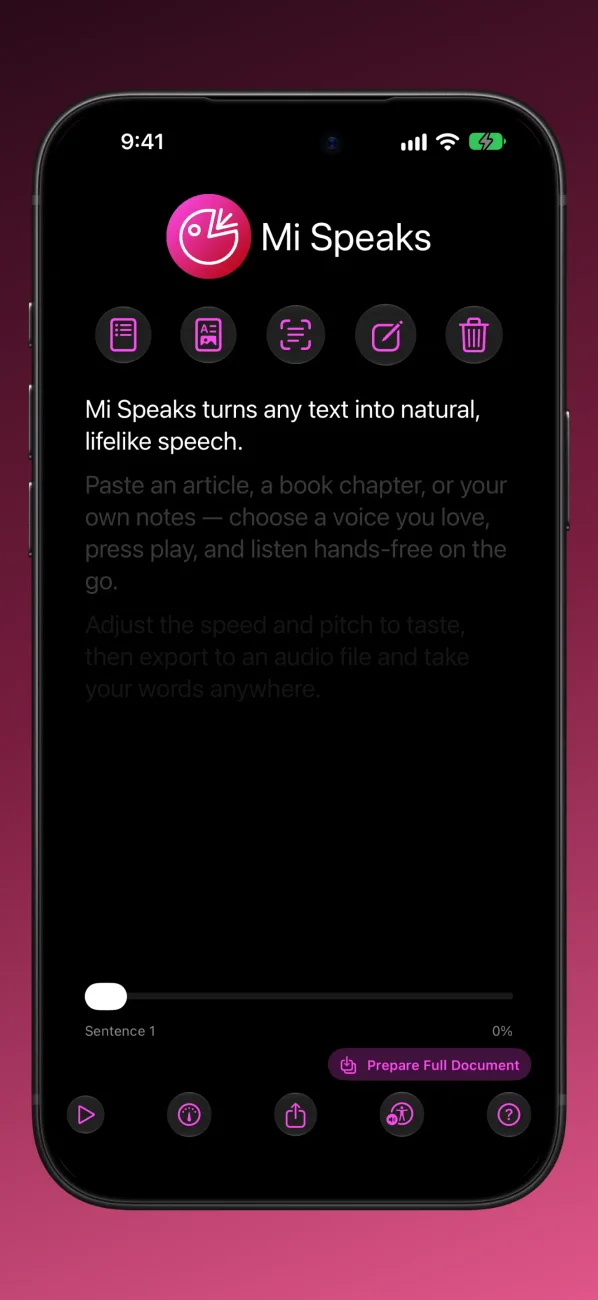
Mi Speaks reads your books, articles and documents aloud in voices that sound genuinely human — generated on your device, never in the cloud.
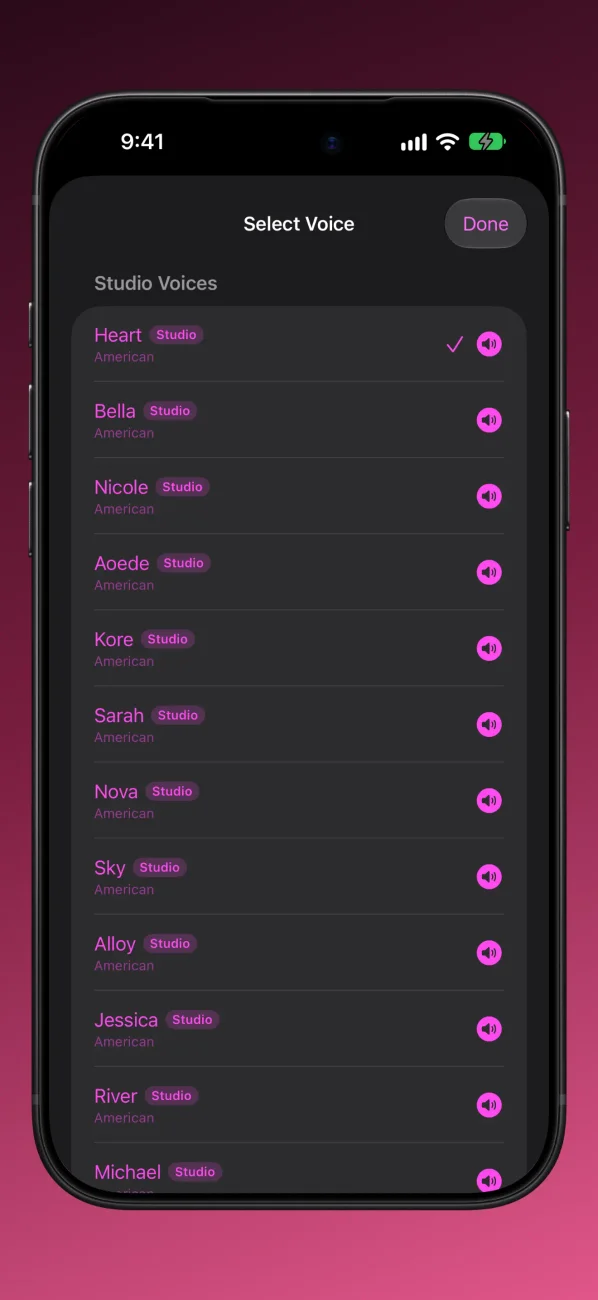
STUDIO VOICES — PREMIUM
Twenty-eight neural voices, American and British, male and female. They run entirely on your iPhone: nothing you read is ever uploaded, and they work in airplane mode. Blend two voices together to make one of your own.
READ ALONG
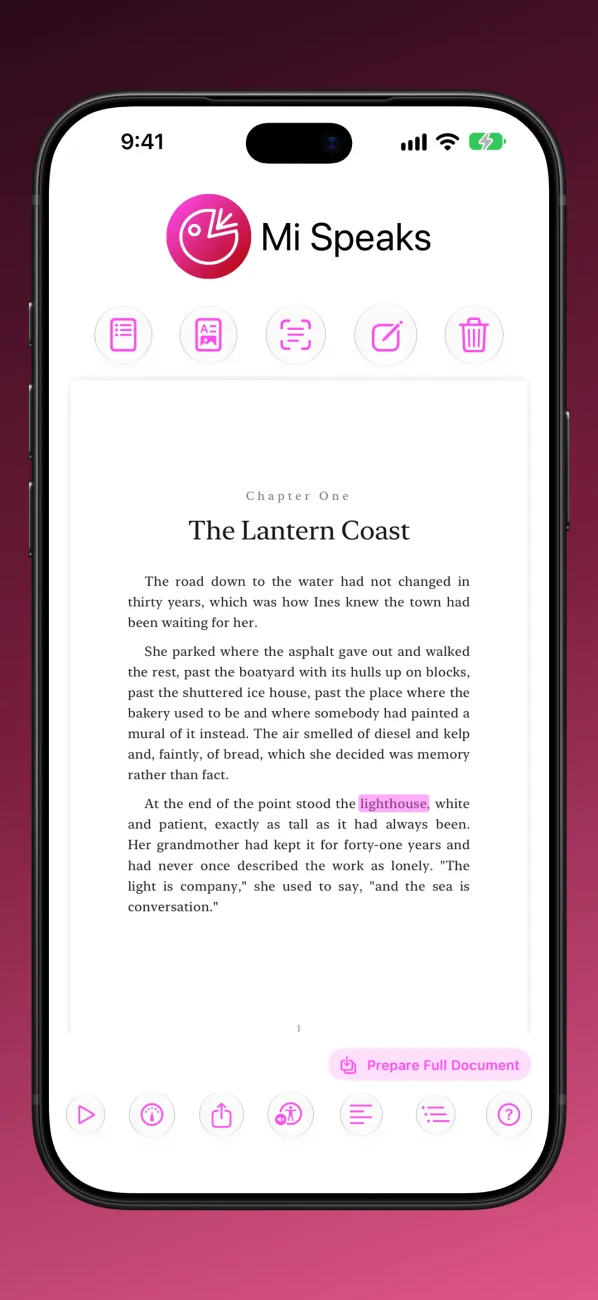
Every word is highlighted as it is spoken. Import a PDF and you can follow along on the real page, with the word lit where it actually sits — not a transcription of your book, but your book.
FIND YOUR PLACE
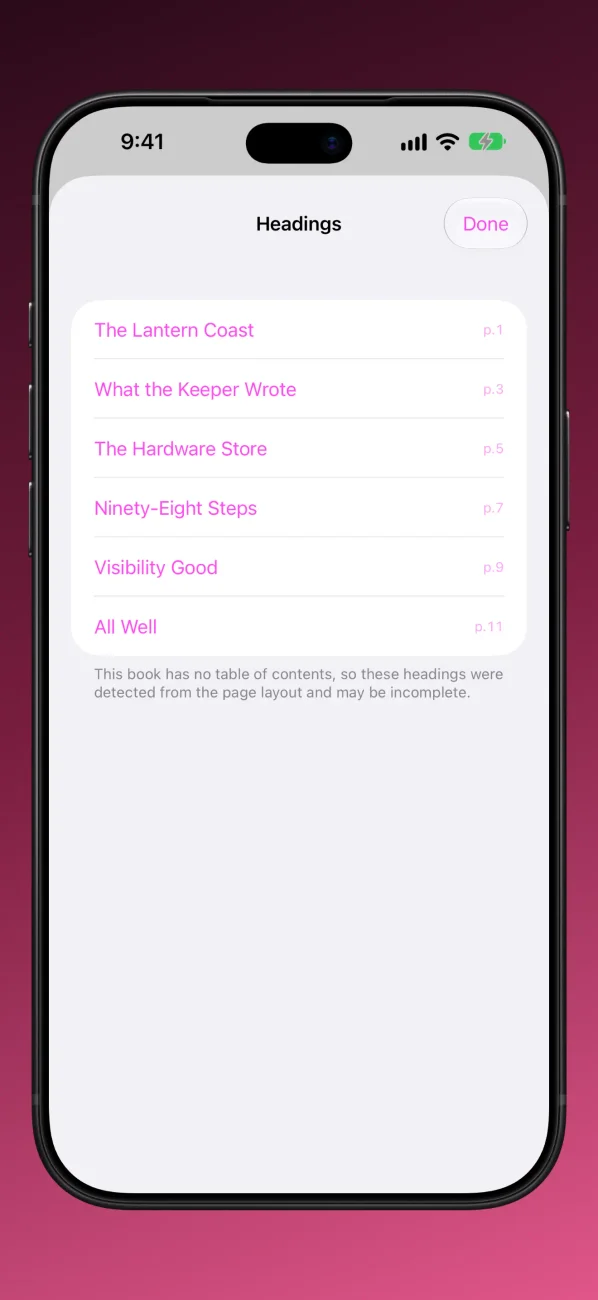
Jump straight to any chapter of an imported PDF. Mi Speaks remembers where you stopped, on every device. Skip from chapter to chapter right from the lock screen.
BEFORE YOU PUT THE PHONE DOWN
Studio Voices need no connection once they are installed, but generating them uses the graphics processor, and iOS will not run that while an app is off screen. Prepare Full Document renders every sentence up front — after that there is nothing left to generate, so it plays to the end with the screen locked, in another app, or on a flight. And if you haven't prepared a document, reading still doesn't stop: any passage that isn't ready yet is read in your own system voice, and Mi Speaks offers to prepare the rest for next time.
FREE, WITH NO TIME LIMIT
+ Read documents of any length
+ Import text, PDFs, photos of pages, and anything from the share sheet
+ Live word highlighting, background playback, lock screen controls
+ PDF page view and chapter navigation
+ Keep 3 documents in your library, each remembering where you left off
+ Resume Reading widget on the home and lock screen
+ Works completely offline
PREMIUM ADDS — IN-APP PURCHASE
* Studio Voices — all 28, on device
* An unlimited library, in sync across iPhone, iPad and Apple Watch
* Every playback speed from 0.5x to 2x, plus Turbo
* Export anything to an audio file you can keep
Premium is an optional in-app purchase: a 7-day free trial, then a Monthly or Yearly auto-renewing subscription. There is also a one-time Lifetime purchase if you would rather not subscribe.
Studio Voices need a one-time download of about 325 MB.
This uses Apple's Standard Terms of Use (EULA):
https://www.apple.com/legal/internet-services/itunes/dev/stdeula/
What’s new
Version 2.0.6 · Oct 15, 2026
Optimized for iPhone Duo. On the unfolded inner display, Mi Speaks now shows two columns: your text on the right, and clearly labeled controls grouped on the left, so everything is within reach at once. The same layout is used on an iPad held sideways.
App privacy
What Blaine Miller declares on the App Store about how this app handles data.
-
Data not collected
The developer does not collect any data from this app.
Privacy practices may vary, for example with the features you use or your age.
Information
- Seller
- Blaine Miller
- Category
- Utilities
- Version
- 2.0.6
- Updated
- Oct 15, 2026
- Released
- Jul 20, 2023
- Size
- 69.5 MB
- Requires
- iOS 26.0 or later
- Age rating
- 4+
- Price
- Free
- In-app purchases
- Yes
- Languages
- English, French, German, Italian, Japanese, Korean, Portuguese, Simplified Chinese, Spanish
- Copyright
- © 2025 Blaine Miller
You might also like
-
 Clip: Link OrganizerUtilities
-
 Peji - AI Agent for Your SitesAutomate your signed-in sites
-
 Wonder Port - SMS ExportExport Text Messages
-
 ContactFlowYour contacts differently
-
 SiteSnap Report: Photo PDFTurn photos into reports now
-
 Mira PostUtilities
-
 VoxCalculatorHands-free Input Calculator
-
 ReMacYour machine, in your pocket
-
 RF AwareScan/log RF Bluetooth signals
-
 ColorCalculator+Minimal calculator + history