Megaphone & Microphone
Live Mic to Bluetooth Speaker
Designed for iPhone, iPad, iPod touch
Free · In-app purchases
- Age rating4+
- CategoryUtilities
- DeveloperJan Augustyniak
- LanguagesEnglish+ 14 more
- Size62.4 MB
Links to the official App Store page
Download.org hosts no file of Megaphone & Microphone. The button opens its official App Store page, published by Jan Augustyniak. Listing last checked on Nov 23, 2026.
Screenshots


About
Need your voice to carry? Megi is a megaphone and microphone app: talk into your iPhone's microphone and your voice plays live through a Bluetooth speaker. Turn your iPhone and any Bluetooth speaker into a portable megaphone for classes, tours, events and parties.
YOUR PHONE AS A MEGAPHONE
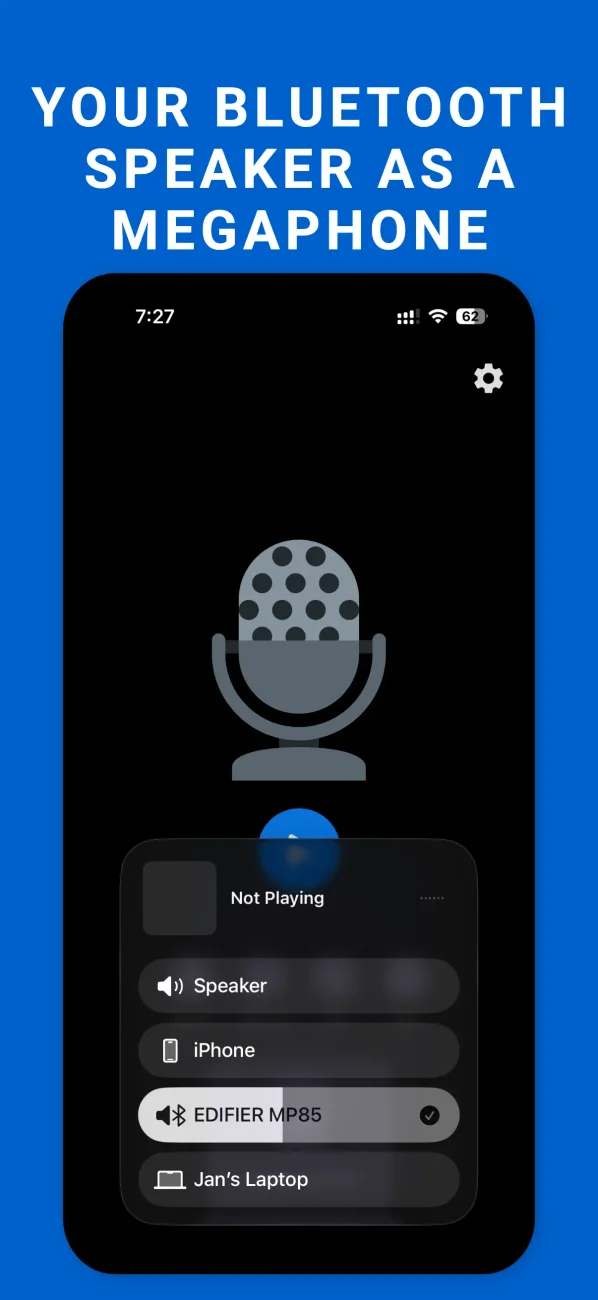
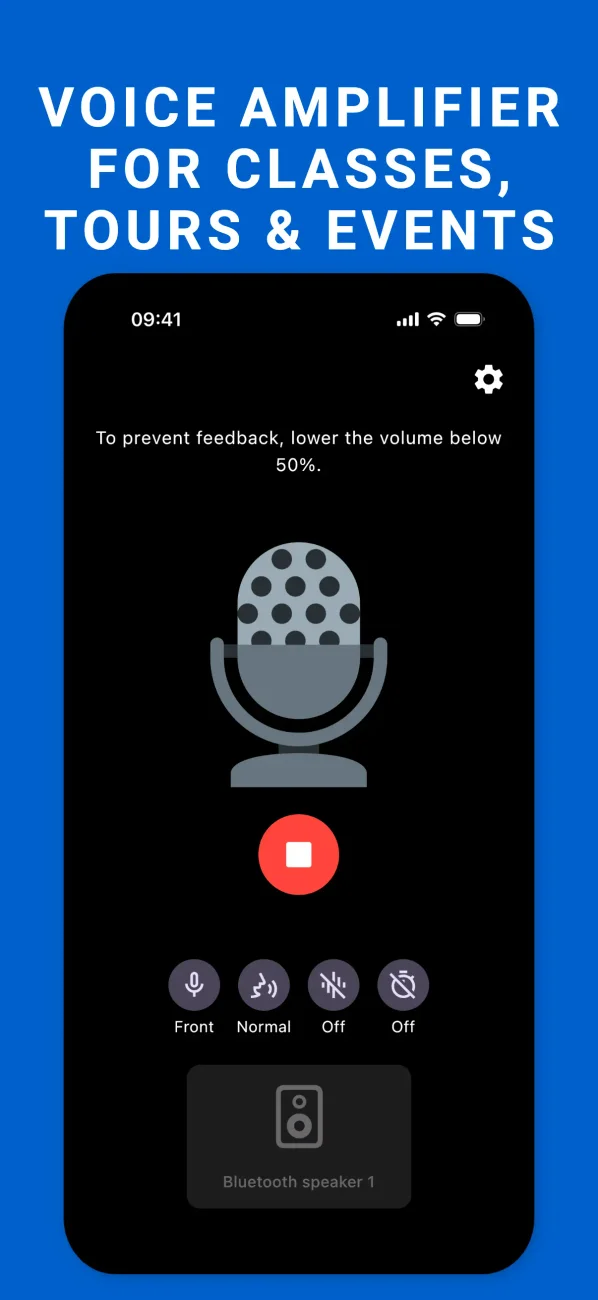
Connect a Bluetooth speaker, tap to talk and speak into your phone's microphone. Megi sends your voice from the phone microphone to the Bluetooth speaker as you talk, so the two work together as a megaphone or a simple PA system. A wired speaker works too, with a cable or adapter to your phone.
USE MEGI AS A
• Live microphone for any Bluetooth or wired speaker
• Megaphone through a Bluetooth speaker at tours, sports and events
• Voice amplifier for classes, presentations and meetings
• Voice changer for parties
ECHO CANCELLATION
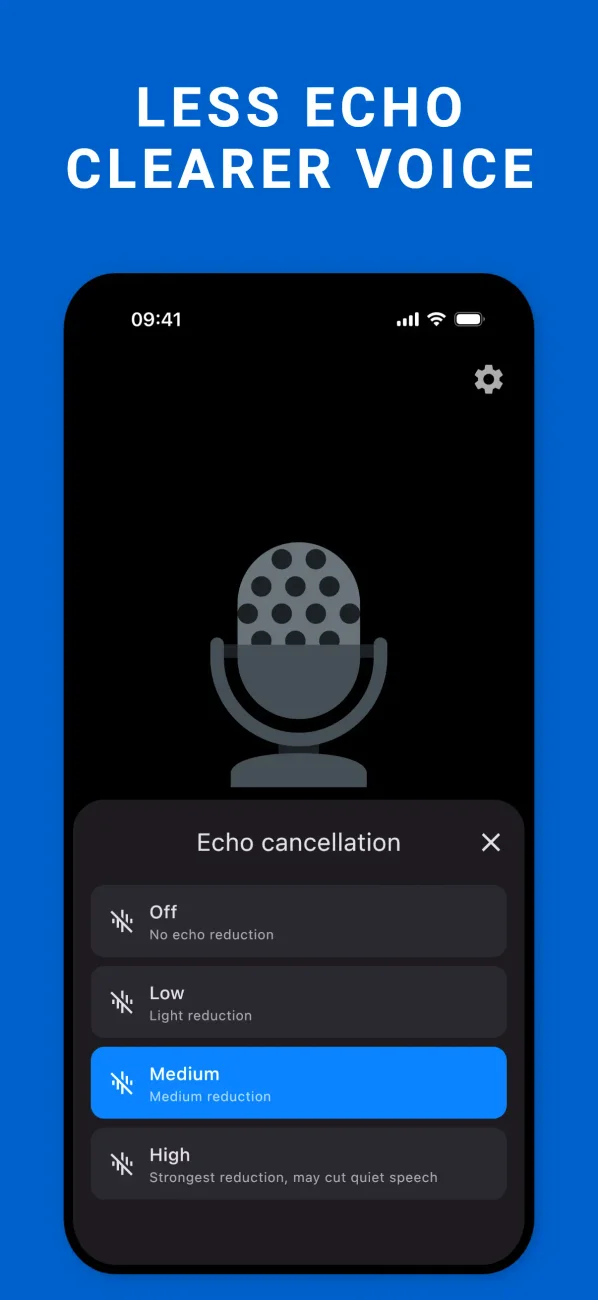
A microphone and a speaker in the same room can cause echo and howling. Echo cancellation in Megi has three levels – low, medium and high – so you can set it for your room and keep your megaphone voice clearer on any Bluetooth speaker.
VOICE CHANGER
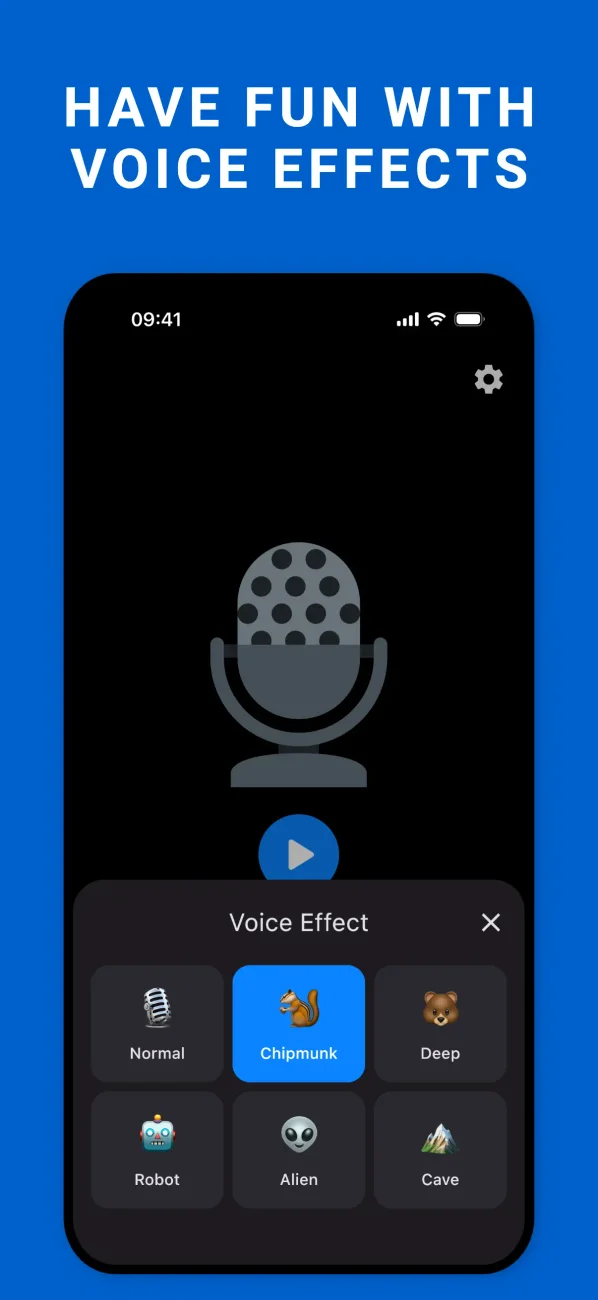
Change how your megaphone voice sounds on the Bluetooth speaker with deep voice, chipmunk, robot and more voice effects. Great for parties, games and fun announcements.
WHO IS MEGI FOR?
Teachers, tour guides, presenters, coaches, event hosts and anyone who needs a megaphone or a microphone and has a Bluetooth speaker at hand.
QUESTIONS AND ANSWERS
Can I use my iPhone as a megaphone?
Yes, with a separate speaker. Megi doesn't make the iPhone itself louder: you talk into its microphone and a Bluetooth or wired speaker you connect plays your voice, so together they work as a megaphone.
How loud is the megaphone?
As loud as the speaker you're connected to. Megi plays your voice through it, so a bigger Bluetooth speaker gives you a louder megaphone.
Is there a megaphone app for iPhone?
Yes. Megi is a megaphone app for iPhone: connect a Bluetooth or wired speaker and Megi plays your voice through it.
How do I use my iPhone as a microphone for a Bluetooth speaker?
Pair the Bluetooth speaker with your iPhone, open Megi and tap to talk into the microphone. Your voice plays through the speaker while you speak.
Does Megi work with wired speakers?
Yes. Connect it to your phone with a cable or adapter and use Megi as a wired microphone or megaphone.
Do I need a special microphone?
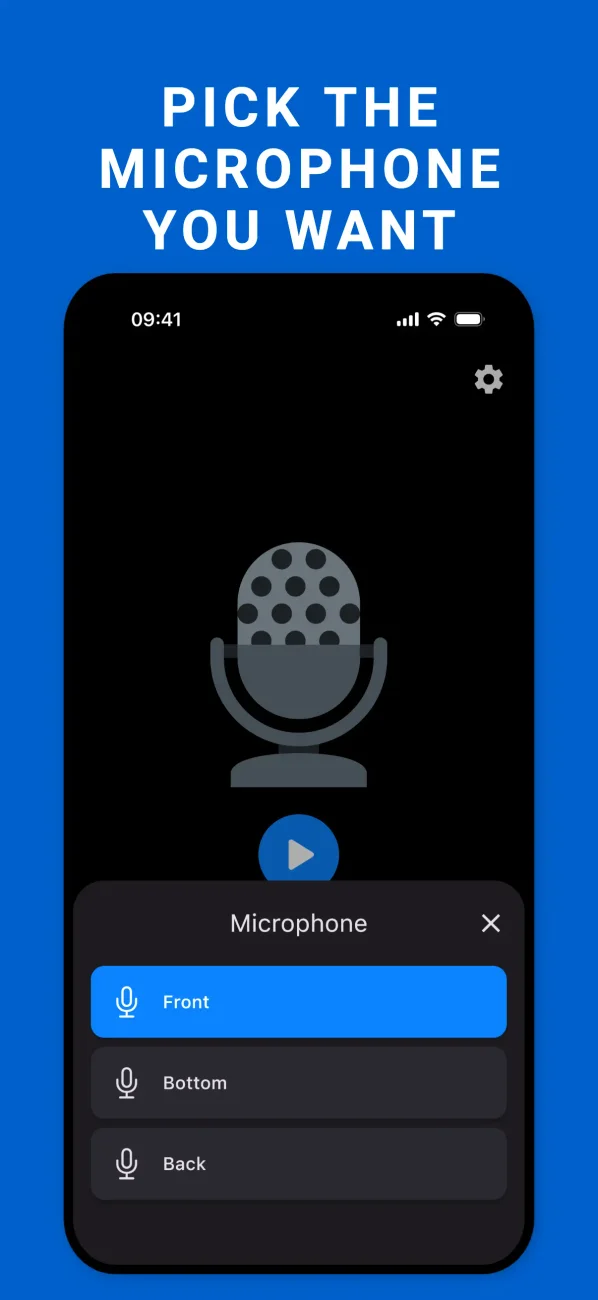
No. Megi uses your phone's built-in microphone, so all you need for a megaphone is your phone and a Bluetooth or wired speaker.
How do I stop echo and feedback?
Turn on echo cancellation and pick low, medium or high. Keeping the Bluetooth speaker away from the phone's microphone helps too.
Can I change my voice?
Yes. The voice changer adds deep voice, chipmunk, robot and more effects to your megaphone voice.
Can I use Megi with headphones?
Yes. With headphones, Megi plays what your phone's microphone picks up, so you can hear the sounds around you louder.
Download Megi, connect any Bluetooth speaker and make it your megaphone, with your phone as the live microphone!
Privacy Policy: https://mrjohn10.github.io/megi/privacy-policy
Terms of Use (EULA): https://mrjohn10.github.io/megi/terms-of-service
What’s new
Version 3.28 · Nov 21, 2026
Improvements and bug fixes.
App privacy
What Jan Augustyniak declares on the App Store about how this app handles data.
-
Data not linked to you
May be collected but is not linked to your identity.
- Purchases
- Location
- User content
- Identifiers
- Usage data
- Diagnostics
Privacy practices may vary, for example with the features you use or your age.
Information
- Seller
- Jan Augustyniak
- Category
- Utilities
- Version
- 3.28
- Updated
- Nov 21, 2026
- Released
- Apr 2, 2025
- Size
- 62.4 MB
- Requires
- iOS 15.3 or later
- Age rating
- 4+
- Price
- Free
- In-app purchases
- Yes
- Languages
- English, Arabic, Dutch, French, German, Italian, Japanese, Korean, Polish, Portuguese, Simplified Chinese, Spanish + 3 more
- Copyright
- © 2025 Jan Augustyniak
You might also like
-
 Megaphone! - AI Meeting NotesVoice dictation & keyboard
-
 Bluetooth Microphone LiveMic to speaker - Virtual Mic
-
 Mic to Speaker - MicrophoneMegaphone - Bluetooth Speaker
-
 Live Speech to Text: iScribeCaptions, Transcription, Notes
-
 Air Finder - find my deviceDevice tracker and scanner
-
 Auto Tap & Swipe on ScreenTapFlow: Smart Web Automation
-
 QR Code Maker ◌Utilities
-
 Bluetooth Speaker Mic: BlueMicWireless blue tooth live mıc
-
 EMF Detector: Gauss MeterGhost hunt & magnetometer
-
 Remote for Chromecast TVRemote Control for Home TVs