Megaphone! - AI Meeting Notes
Voice dictation & keyboard
Designed for iPhone, iPad, iPod touch
Free
- Age rating4+
- CategoryUtilities
- DeveloperThareja Inc.
- LanguagesEnglish
- Size34.5 MB
Links to the official App Store page
Download.org hosts no file of Megaphone! - AI Meeting Notes. The button opens its official App Store page, published by Thareja Inc. Listing last checked on Nov 23, 2026.
Screenshots
About
Put your voice to work with MegaPhone! Use your device as a live microphone, capture conversations, and turn recordings into AI summaries, transcripts and to-dos. Keep the discussion and its next steps together.
MICROPHONE AND AUDIO RECORDING
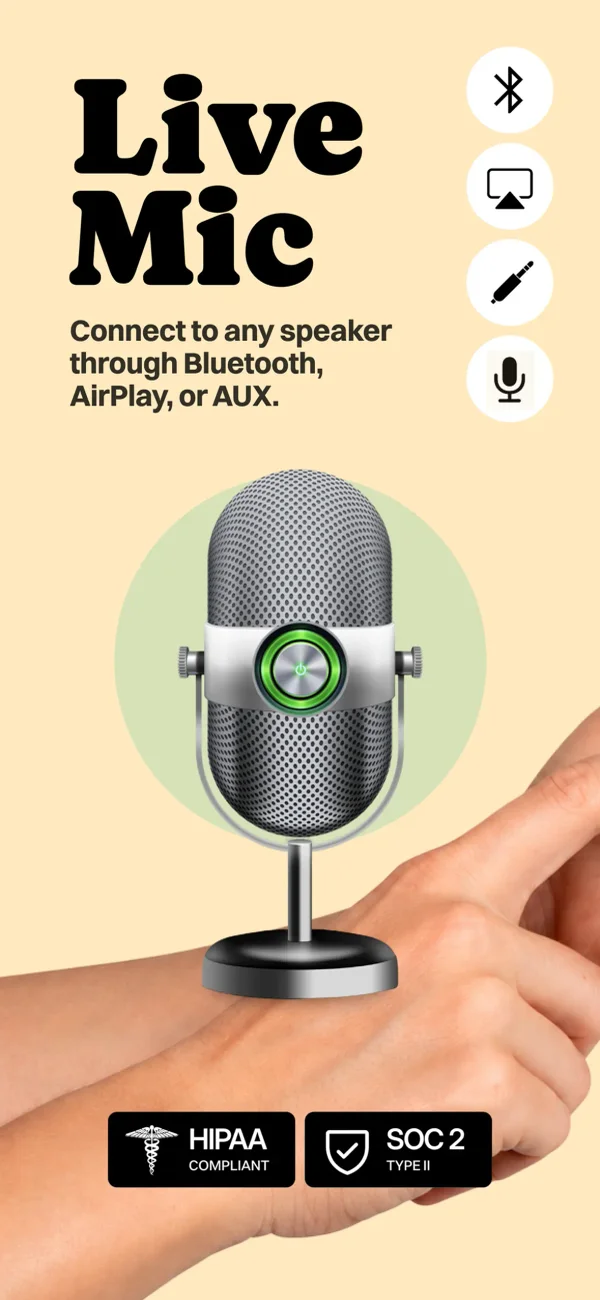
Route your microphone audio to your device’s speaker or a connected audio output. Record, view speech transcription when available, and save recordings with or without transcript text. Revisit saved audio with playback and seeking.
Mic works without an account.
FROM CONVERSATION TO CLEAR NOTES
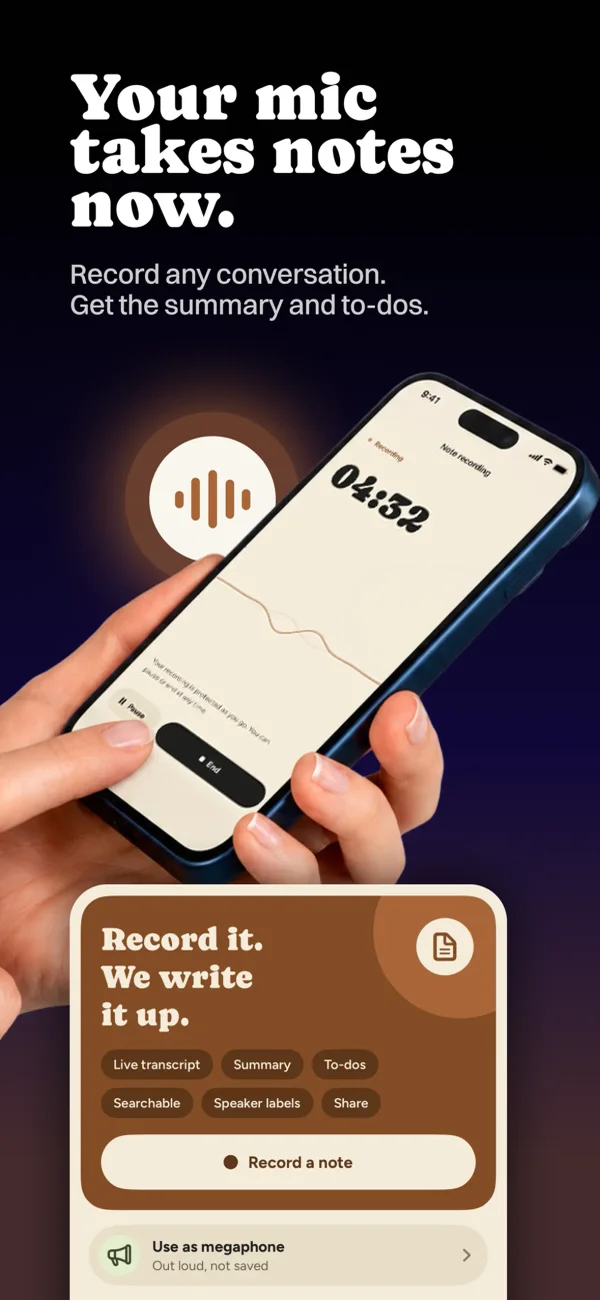
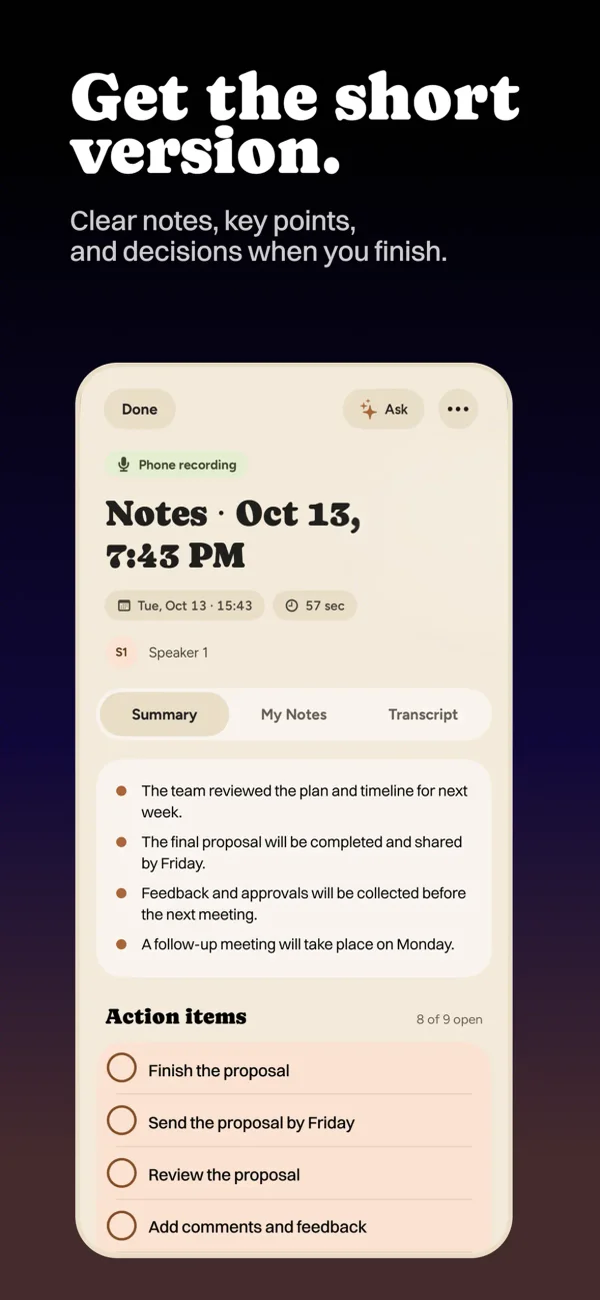
Record in-person meetings, discussions and spoken ideas from Notes. Pause when you need a break and resume the same recording. After cloud processing, review the transcript, read the AI summary and find the action items.
Add your own thoughts in My Notes, rename notes and keep your library organised.
ASK YOUR NOTES
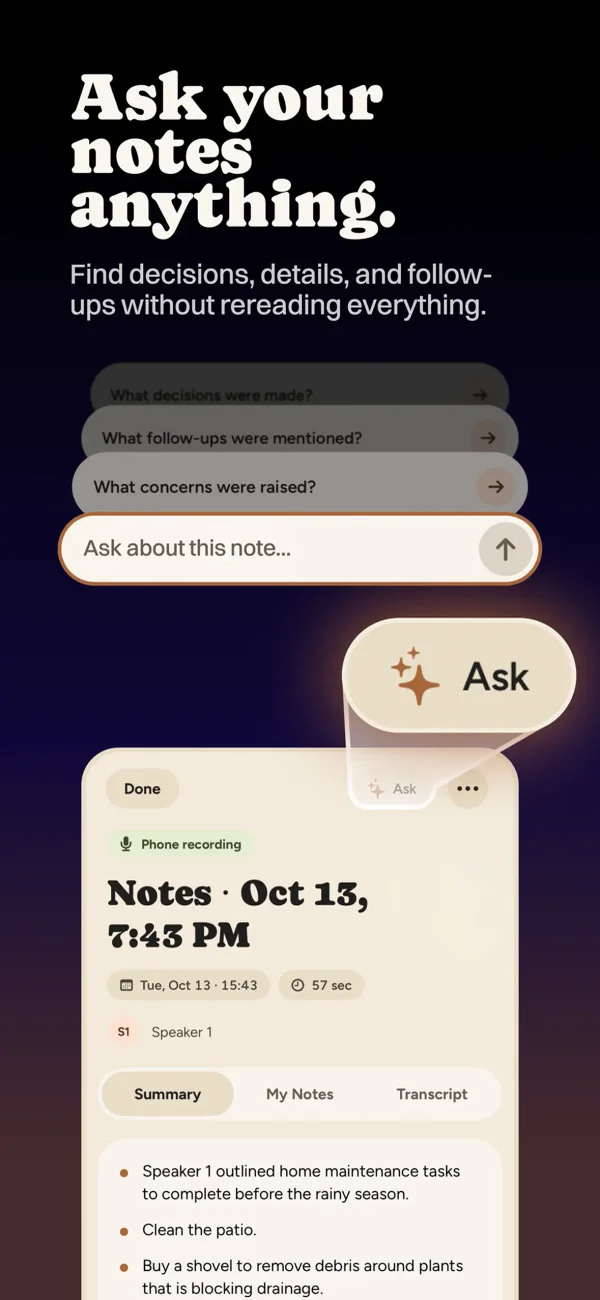
Ask questions about a specific note or across your accessible notes. Revisit decisions, find commitments and clarify follow-ups. Answers include links to source notes when returned, so you can explore the context.
FOLLOW THROUGH WITH TO-DOS
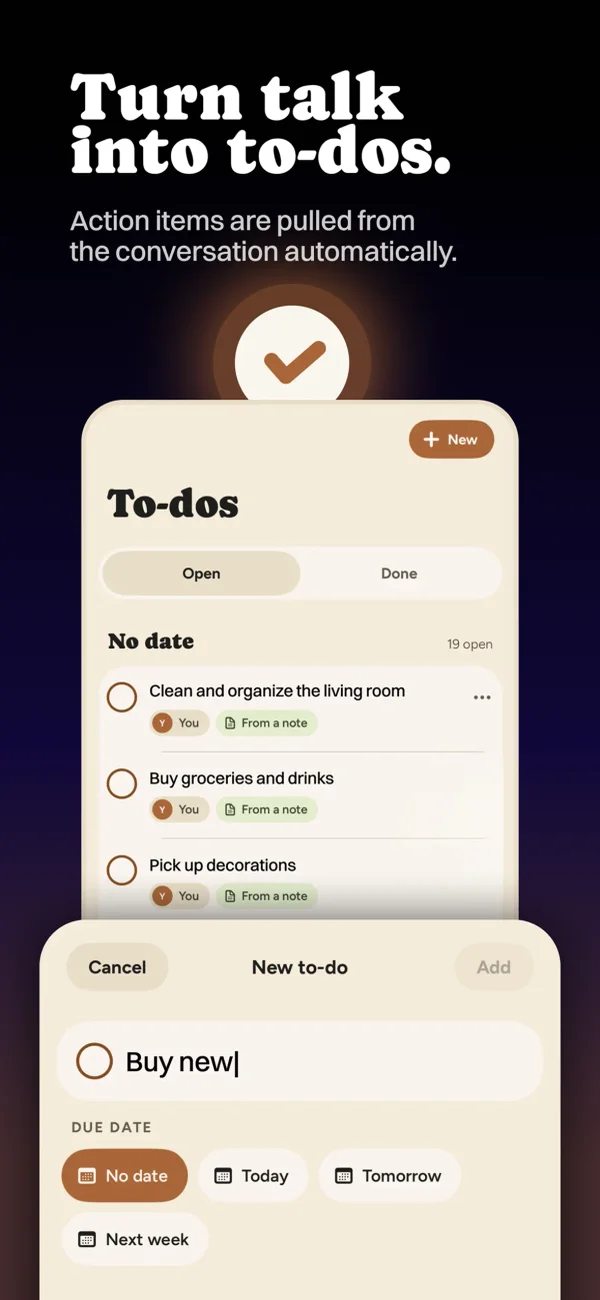
Keep conversation follow-ups alongside tasks you add yourself. Create and edit to-dos, set due dates, mark items complete and switch between open, completed and all tasks. View linked action items directly inside a note.
MEETINGS WITH PREEYA
Send Preeya, your AI meeting assistant, to a supported Google Meet, Zoom or Microsoft Teams link. Choose participant or silent notetaker mode, view upcoming and past meetings, and open linked notes afterward.
Start a Google Meet meeting or schedule a meeting using a configured agent and connected calendar.
SHARE THE TAKEAWAYS
Create a shareable link to a ready note’s summary and to-dos. Share through the system share sheet or copy the link. Shared recap pages exclude your transcript and personal My Notes text.
RECORD FROM APPLE WATCH
Capture a note from your wrist, pause and resume, then transfer it to your paired iPhone for upload and processing. Browse note titles and status in the companion library.
SIRI AND RECORDING STATUS
On supported devices, use Siri to start a note recording. Follow recording status with a Live Activity and return to the recorder from the Lock Screen.
WHAT YOU’LL NEED
Notes, To-dos and cloud features require an account. Internet access is required for cloud processing, Ask and meeting services. Meeting features depend on the selected agent, connected services and meeting access.
Apple Watch recording requires a reachable paired iPhone and a signed-in Notes account to start or resume. Siri recording requires iOS 16 or later and an unlocked device. Recording Live Activities require iOS 16.2 or later.
Record conversations only with the necessary permission from participants.
---
Privacy Policy: https://web.thareja.ai/privacy-policy.php
Terms of Use: https://web.thareja.ai/terms-of-use.php
What’s new
Version 5.3.2 · Nov 18, 2026
MegaPhone! now helps you turn conversations into clear notes and next steps.
• NEW NOTES TAB
Record meetings, discussions and spoken ideas. Pause and resume your recording, then review the transcript, AI summary and action items after processing.
• ASK YOUR NOTES
Ask questions about a single note or across your notes, with links to the source notes behind each answer.
• TO-DOS
Keep track of follow-ups in a dedicated tab. Create and edit tasks, set due dates, mark items complete and review action items linked to your notes.
• DICTATION & KEYBOARD
Turn speech into editable text, polish your writing and copy or share the result. Personalize dictation with your own dictionary, snippets, styles and modes, and use the new MegaPhone keyboard in supported apps.
• MEETINGS
View upcoming and past meetings, schedule meetings and send Preeya to supported Google Meet, Zoom and Microsoft Teams meetings to take notes.
• CALLING
Make calls from within MegaPhone, choose contacts and verify your caller ID.
• APPLE WATCH RECORDING
Record, pause and resume from your wrist, then transfer recordings to your iPhone for processing.
• ORGANIZE & SHARE
Add your own thoughts in My Notes, rename notes and share summaries and action items through shareable links.
• REMINDERS & SHORTCUTS
Set up calendar meeting reminders, start a note recording with Siri and follow recording progress with Live Activities on supported devices.
App privacy
What Thareja Inc. declares on the App Store about how this app handles data.
-
Data linked to you
May be collected and linked to your identity.
- Contact info
- Contacts
- User content
- Identifiers
- Diagnostics
-
Data not linked to you
May be collected but is not linked to your identity.
- Contact info
- Usage data
Privacy practices may vary, for example with the features you use or your age.
Information
- Seller
- Thareja Inc
- Category
- Utilities
- Version
- 5.3.2
- Updated
- Nov 18, 2026
- Released
- Sep 2, 2017
- Size
- 34.5 MB
- Requires
- iOS 15.0 or later
- Age rating
- 4+
- Price
- Free
- Languages
- English
- Copyright
- © 2026 Thareja Inc.
You might also like
-
 My Microphone: Voice AmplifierBluetooth mic for live karaoke
-
 Megaphone & MicrophoneLive Mic to Bluetooth Speaker
-
 Hear Boost: Hearing Aid & MicSound Amplifier & Live Listen
-
 Bluetooth Microphone LiveMic to speaker - Virtual Mic
-
 Mic to Speaker - MicrophoneMegaphone - Bluetooth Speaker
-
 Bluetooth Loudspeakervoice over bluetooth speaker
-
 Mic Test - Instant Audio CheckEasily test your mic's audio
-
 Microphone - record voice memoscene sound effects recorder
-
 Air Horn Loud - Clipper SoundFunny Soundboard, Siren, Razor
-
 EZ MicrophoneUtilities