MIDI Controller - Ctrlly
Pads · Remote Control
Designed for iPhone, iPad
In-app purchases
- Age rating4+
- CategoryUtilities
- Developer明航 李
- LanguagesGerman+ 32 more
- Size19.8 MB
Links to the official App Store page
Download.org hosts no file of MIDI Controller - Ctrlly. The button opens its official App Store page, published by 明航 李. Listing last checked on Nov 13, 2026.
Screenshots

About
Turn your iPhone or iPad into a portable MIDI controller for Mac.
MIDI Controller - Ctrlly sends standard MIDI messages to GarageBand, Logic Pro and other MIDI-compatible music apps on your Mac. Play software instruments, trigger pads and control assignable parameters without buying an additional MIDI controller.
MAIN FEATURES
• 4×4 multitouch pads
Customise MIDI channel, note, velocity and label.
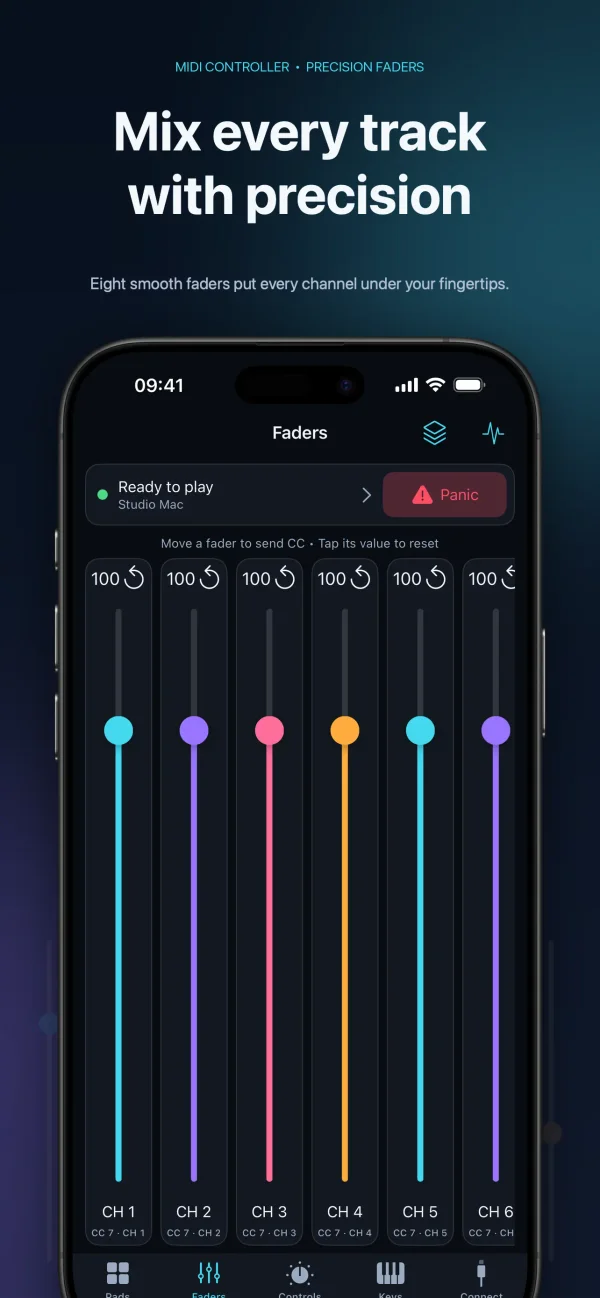
• 8 faders
Send MIDI CC with precise 0–127 values and configurable ranges.
• Knobs and buttons
Use 8 knobs and 8 buttons. Buttons support momentary and toggle modes and can send CC or Program Change messages.
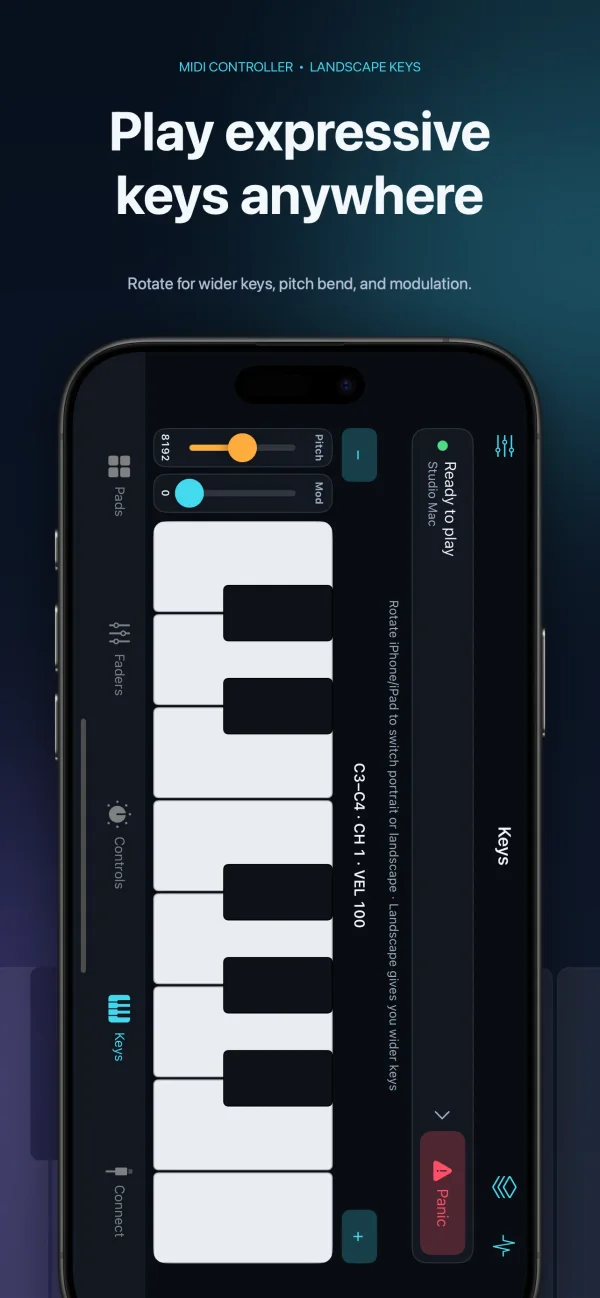
• Touch keyboard
Play with multiple fingers and use octave controls, Pitch Bend and Modulation.
• Custom presets
Save, rename, duplicate and delete your MIDI mappings. Presets stay on your device, and no account is required.
• Connect to Mac
Use Apple Network MIDI or Bluetooth MIDI. Choose an output destination, send a test note and follow the built-in Mac setup guide.
• MIDI Monitor
See recently sent notes, CC, Program Change and Pitch Bend messages to quickly check your connection and mappings.
• Panic
Immediately release active notes and send All Notes Off if a note becomes stuck.
FREE FEATURES
Connection management, the Bluetooth MIDI entry point, the Mac setup guide, test notes, MIDI Monitor, purchase restoration and Panic are free to use.
MIDI CONTROLLER PRO
Sending performance MIDI from the pads, faders, knobs, buttons and keyboard, as well as editing mappings and managing presets, requires a MIDI Controller Pro subscription. Weekly and annual subscriptions are available. Prices and currency are shown in the App Store. No free trial is offered.
Payment is charged to your Apple ID account when you confirm your purchase. The subscription renews automatically unless cancelled at least 24 hours before the end of the current period. You can manage or cancel it at any time in your Apple ID subscription settings.
BEFORE YOU START
This app does not produce sound. You need a Mac running GarageBand, Logic Pro or another MIDI-compatible app to hear your software instrument.
This version is designed for Mac. It does not promise support for Windows, external MIDI hardware, MPE, SysEx, sequencing, recording or project-level two-way DAW control.
This app uses Apple's standard Terms of Use (EULA): https://www.apple.com/legal/internet-services/itunes/dev/stdeula/
App privacy
What 明航 李 declares on the App Store about how this app handles data.
-
Data not linked to you
May be collected but is not linked to your identity.
- Purchases
- Location
- Identifiers
- Usage data
- Diagnostics
Privacy practices may vary, for example with the features you use or your age.
Information
- Seller
- 明航 李
- Category
- Utilities
- Version
- 1.0
- Updated
- Sep 3, 2026
- Released
- Sep 3, 2026
- Size
- 19.8 MB
- Requires
- iOS 17.0 or later
- Age rating
- 4+
- In-app purchases
- Yes
- Languages
- German, Arabic, Danish, English, Finnish, French, Greek, Hebrew, Hindi, Indonesian, Italian, Japanese + 21 more
- Copyright
- © 2025 ButterFly
You might also like
-
 OsiMIDI Consoles RemoteUtilities
-
 instant PLAYER · SoundboardCue Pads · Theatre · Live Show
-
 OSCAR: OSC, MIDI & DMX ControlControl shows from your phone
-
 RTP-MIDI (Network MIDI)Utilities
-
 Sound Meter: dB SPL VeltoraSound level meter with dBA
-
 OSC DeckProfessional OSC Controller
-
 ProdComUtilities
-
 GyroOSCRealtime gyroscope OSC stream
-
 Total Remote ControlTouch control for your Mac
-
 iDiagnosticHardware Diagnostic Tool