
midivista: Piano Sight-Reading
Read sheet music in time
Designed for iPhone, iPad, iPod touch
Free · In-app purchases
- Age rating4+
- CategoryMusic
- DeveloperImmutabit LLC
- LanguagesEnglish
- Size40.2 MB
Links to the official App Store page
Download.org hosts no file of midivista: Piano Sight-Reading. The button opens its official App Store page, published by Immutabit LLC. Listing last checked on Nov 23, 2026.
Screenshots


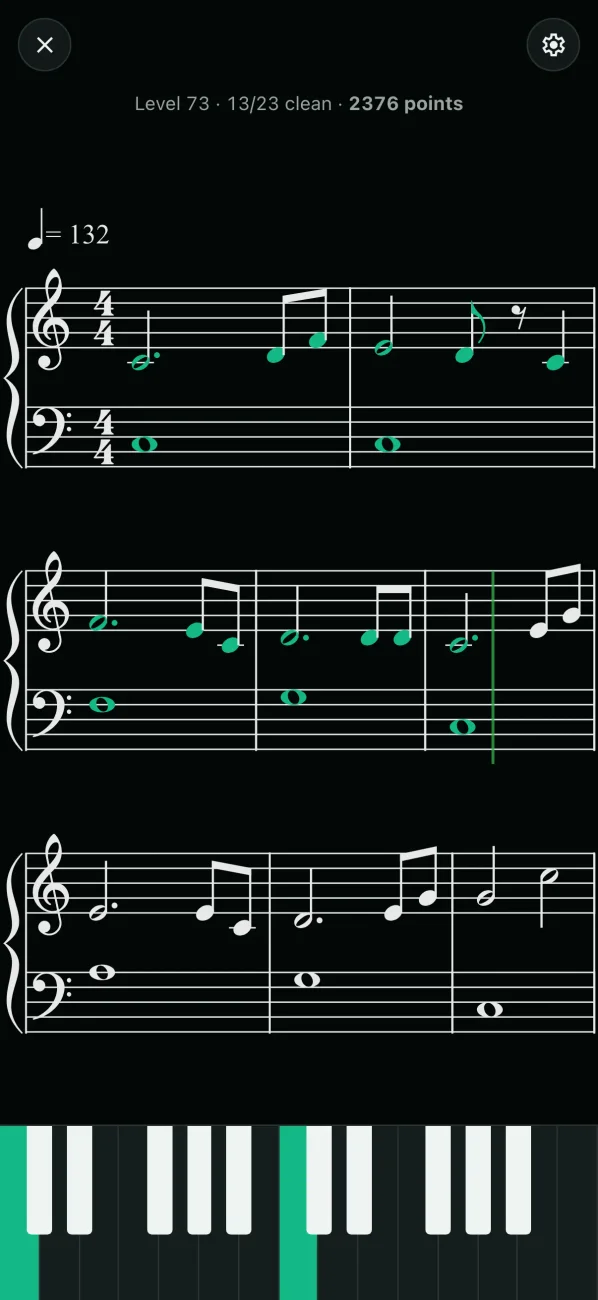
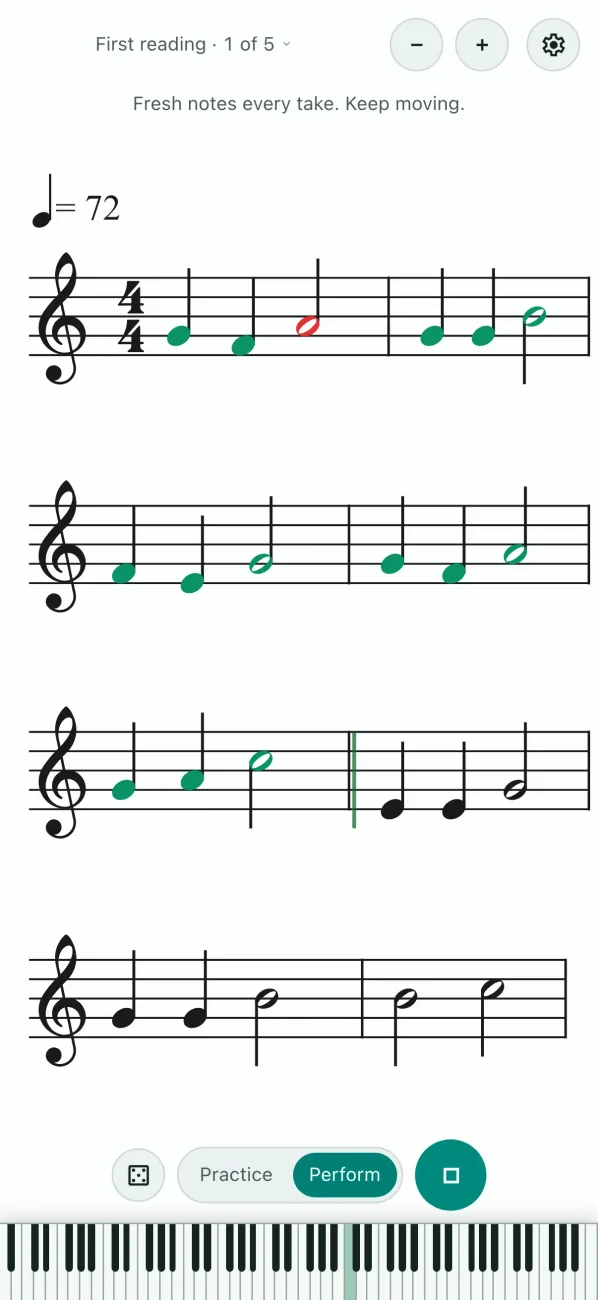
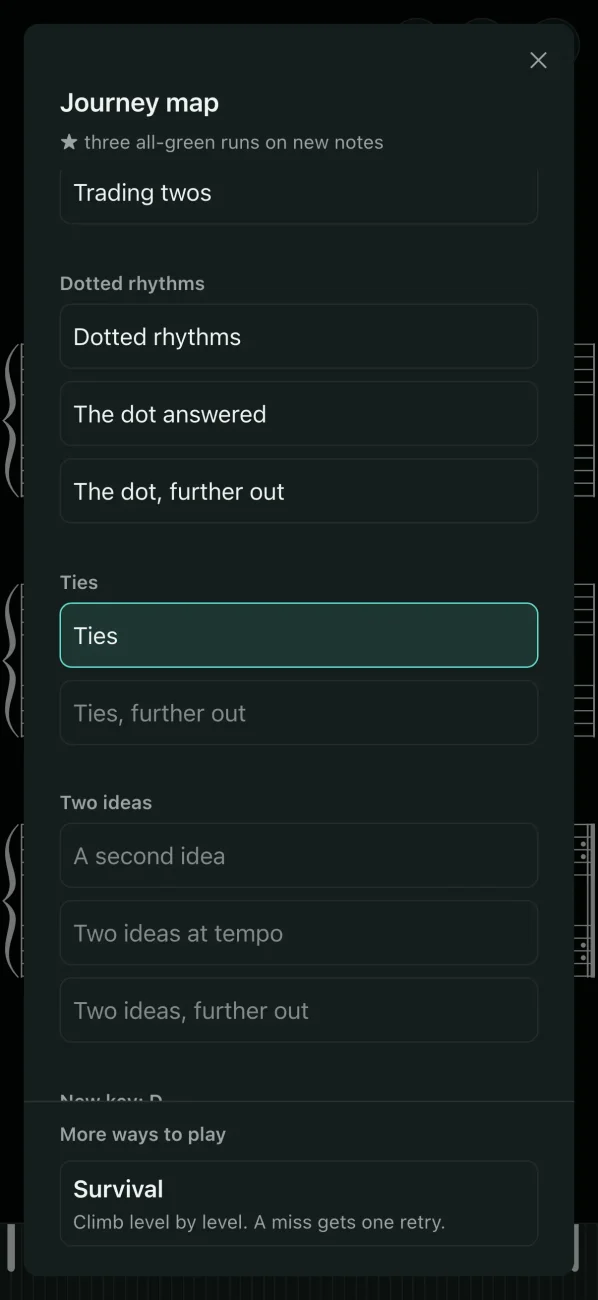
About
Lessons taught you the notes. midivista teaches you to read them in time.
midivista is a guided sight-reading journey for the piano. Connect a MIDI keyboard and work through one continuous path, from the C major scale at 60 beats per minute to early-intermediate reading.
The music is generated as you go, so you read it rather than remember it. Each step sets what you read: key, meter, tempo, hand, range and rhythm. There is nothing to configure. Practice a step as long as you like, then perform it once through in time with the band: click, drums and bass. One clean run moves you on, and a miss costs only another try.
The first step is harder than it looks. Holding a steady tempo, reading ahead and meeting a rhythm you didn't expect are what reading at the keyboard asks for. The journey builds them one step at a time, alongside what your lessons are already building.
For teachers: midivista gives a student reading practice on new music between lessons, at a steady tempo, and moves them on only when they've read it cleanly.
• Needs a MIDI keyboard. Connect by USB-C, or pair a Bluetooth MIDI keyboard in Settings.
• No keyboard? A one-hand series plays on the on-screen keys.
• Your progress is saved on your device. Sign in with Apple or Google, if you like, to carry it between your devices.
The journey is free up to the both-hands run; a subscription continues from there.
Terms of Use (Apple standard EULA): https://www.apple.com/legal/internet-services/itunes/dev/stdeula/
App terms: https://app.midivista.com/terms
Privacy Policy: https://app.midivista.com/privacy
What’s new
Version 1.7 · Nov 19, 2026
• A connected MIDI keyboard is ready as soon as it's plugged in or paired. You no longer play a note first, and "Network Session 1" no longer appears.
• Survival: leaving the app mid-take ends that take as a miss, and your retry is a fresh piece. Coming back no longer leaves the score looping with nothing playing.
• A run that ends while the app is in the background now ends properly when you return.
• Survival's Settings now have the On-screen keys switch, so you can hide the on-screen keyboard while playing a MIDI keyboard. It's the same setting as in the journey.
• A 25-key keyboard set one octave down or up can now be measured and play the journey.
• Survival keeps your best if you leave between levels.
• New metre: 3/4 now stays in three, with one bar of each take held for all three beats.
App privacy
What Immutabit LLC declares on the App Store about how this app handles data.
-
Data linked to you
May be collected and linked to your identity.
- Contact info
- User content
- Identifiers
- Usage data
Privacy practices may vary, for example with the features you use or your age.
Information
- Seller
- Immutabit LLC
- Category
- Music
- Version
- 1.7
- Updated
- Nov 19, 2026
- Released
- Nov 6, 2026
- Size
- 40.2 MB
- Requires
- iOS 15.0 or later
- Age rating
- 4+
- Price
- Free
- In-app purchases
- Yes
- Languages
- English
- Copyright
- © 2026 Immutabit LLC
You might also like
-
 NoteSwan: Learn Sight ReadingPractice Chords and Notes
-
 NoteReader - Sight ReadingPiano Sheet Music Quiz
-
 Piano Sight Reading TrainerNote reading speed & accuracy
-
 Muri NayshMusic
-
 Sight Reading FactoryMusic
-
 Ukulele Tuner - Simple TunerTuner for Ukulele
-
 Numa PlayerMulti-Core. Multizone
-
 Suggester 2 : Chords & ScalesBrilliant chord progressions
-
 ScoreSkills- Learn Music NotesSight Reading & Ear Training
-
 Stagecoach FestivalThe Best In The West