
- Age rating4+
- CategoryUtilities
- DeveloperIhor Hreskiv
- LanguagesEnglish
- Size8.3 MB
Links to the official App Store page
Download.org hosts no file of mikr.app. The button opens its official App Store page, published by Ihor Hreskiv. Listing last checked on Nov 10, 2026.
Screenshots

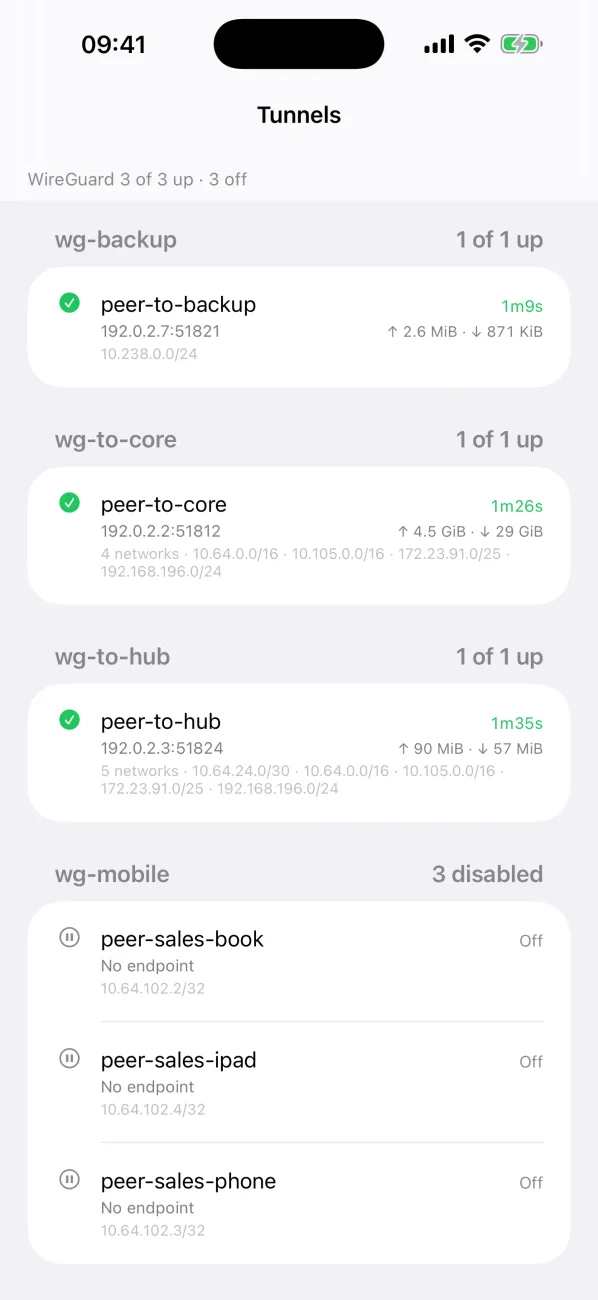
About
mikr.app is the iPhone client for MikroTik Manager, the self-hosted server you run on your own infrastructure to monitor RouterOS devices. It connects only to your server and shows what that server knows, live.
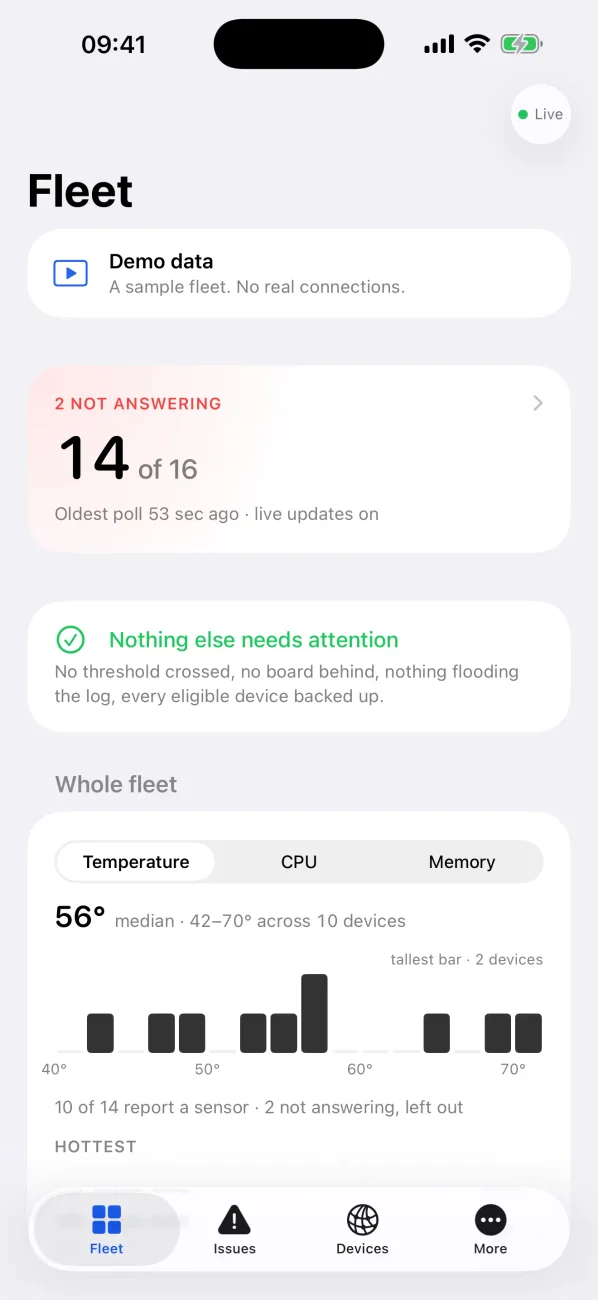
FLEET
- One line that says whether everything is answering, then only what is not
- Issues across the fleet, worst first: devices down, metrics over your server's thresholds, PoE budget, RouterOS and firmware behind
- Sites, backup coverage, and the device flooding the log
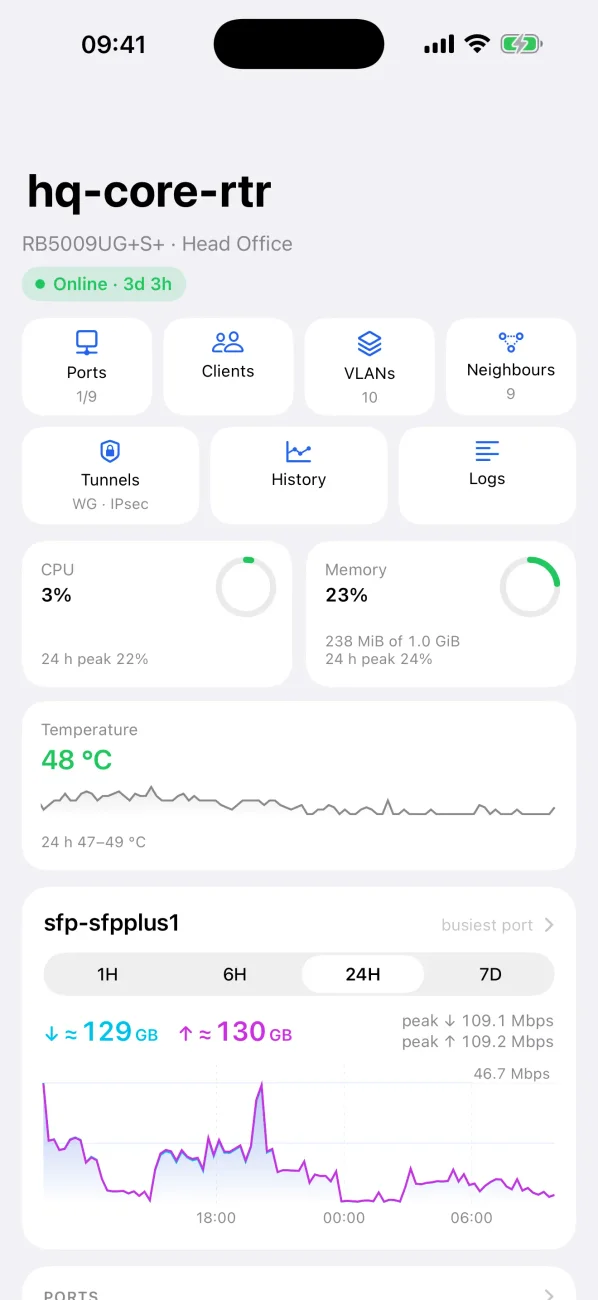
DEVICE
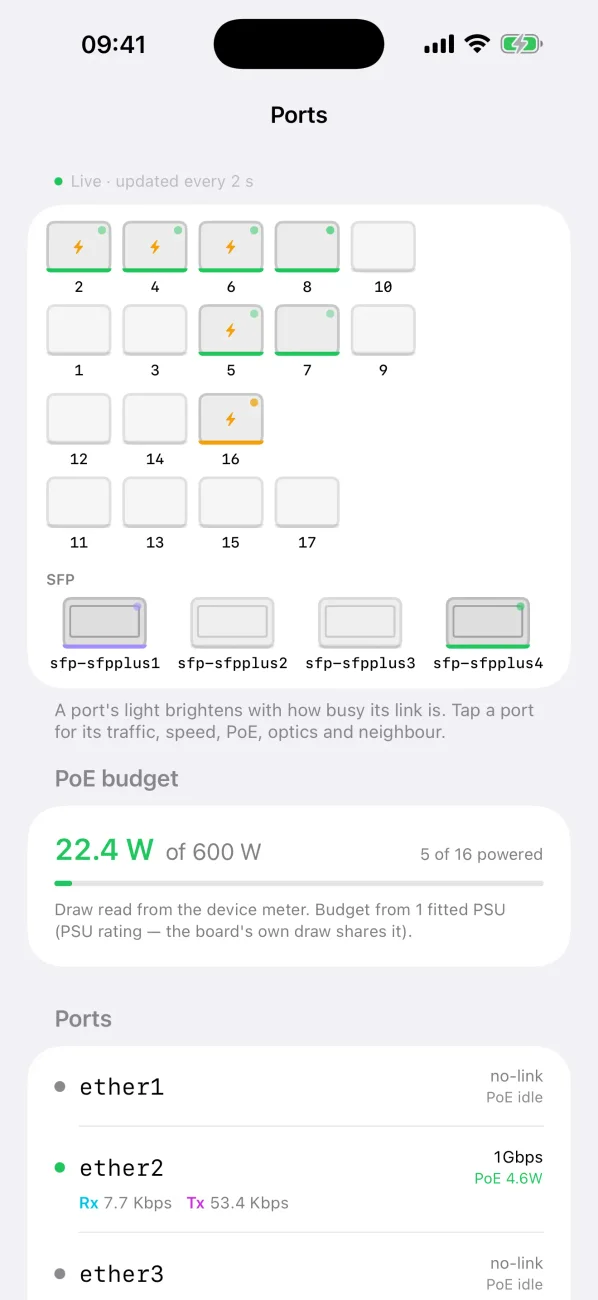
- CPU, memory, temperature, PoE and power, with history
- The ports drawn as they sit on the box, with live traffic per port
- Clients on the network, by DHCP lease and by wireless registration
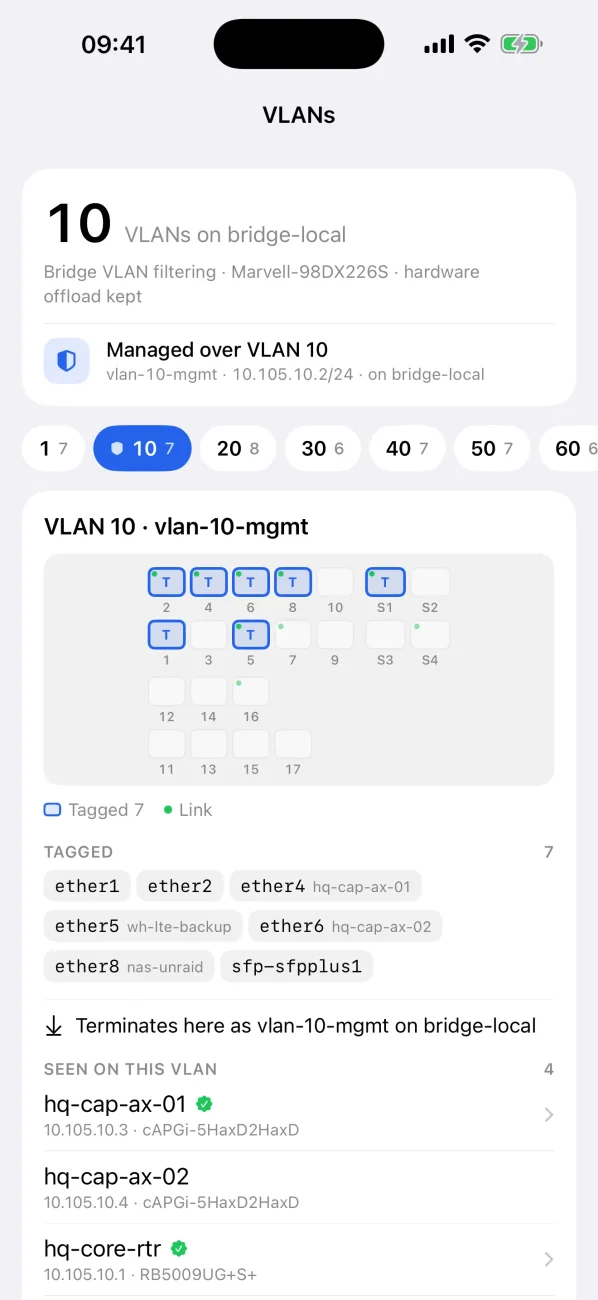
- VLANs, and which ports carry each one
- WireGuard and IPsec tunnels, neighbours and the device's log
- A banner when a published RouterOS advisory applies to the device
ACTIONS (operator accounts and above)
- Test the connection, check for updates, back up the config now
- Upgrade RouterOS or firmware, reboot, run a saved command template
- Upgrade Jobs: cancel a queue, remove or unschedule a planned upgrade
- Every action goes through your server, which checks the account's role and logs it. Viewer accounts see none of them
SECURITY AND ACTIVITY
- Advisories affecting your devices, worst first, and devices behind on patches
- The server's activity log: who did what, with failed actions on their own
SIGN-IN
- The same username, password and second factor as your server's web UI
- Tokens kept in the iPhone Keychain, optionally behind Face ID
- Several servers, switchable
- Self-signed certificates accepted once, by fingerprint, then pinned
Requires a MikroTik Manager server. No server yet? Open the demo from the sign-in screen: a sample fleet built into the app, with no connection to anything.
MikroTik and RouterOS are trademarks of SIA Mikrotikls. This app is not affiliated with or endorsed by MikroTik.
What’s new
Version 1.1.0 · Oct 24, 2026
You can now act on your devices from the phone, not just watch them. Actions need the operator role or higher on your server.
- Device actions: test connection, check for updates, back up, run a command template, upgrade RouterOS or firmware, reboot
- Upgrade Jobs under More: cancel a running upgrade, remove or unschedule planned upgrades, resume after a safety stop
- Activity under More: who did what on your server
- Security under More: RouterOS advisories that affect your devices, and a banner on an affected device's page
- Sign-in follows a server's redirect to HTTPS
- 2.5G ports no longer show in the 5G colour
App privacy
What Ihor Hreskiv declares on the App Store about how this app handles data.
-
Data not collected
The developer does not collect any data from this app.
Privacy practices may vary, for example with the features you use or your age.
Information
- Seller
- Ihor Hreskiv
- Category
- Utilities
- Version
- 1.1.0
- Updated
- Oct 24, 2026
- Released
- Sep 28, 2026
- Size
- 8.3 MB
- Requires
- iOS 26.0 or later
- Age rating
- 4+
- Languages
- English
- Copyright
- © 2026 mtik.pl
You might also like
-
 FebNMS-LibreNMS APPLibreNMS Server Monitoring
-
 TriggerDeck for ZabbixZabbix monitoring on iPhone
-
 KubeGripMobile K8s for HomeLab users.
-
 Sonel MeasureEffectUtilities
-
 MixerBridgeMixing Online
-
 Renon PowerUtilities
-
 OctoTikMikroTik Hotspot Starlink LTE
-
 RcG.Assist.AiORcG.Assist All in One
-
 ProxMate ProManage your Proxmox Instances
-
 SRD GoUtilities