- Age rating4+
- CategoryUtilities
- DeveloperLars Herres
- LanguagesEnglish+ 12 more
- Size49.8 MB
Links to the official App Store page
Download.org hosts no file of ProxMate Pro. The button opens its official App Store page, published by Lars Herres. Listing last checked on Nov 18, 2026.
Screenshots
About
→ This App is identical to the "Pro Lifetime" purchase features of "ProxMate"
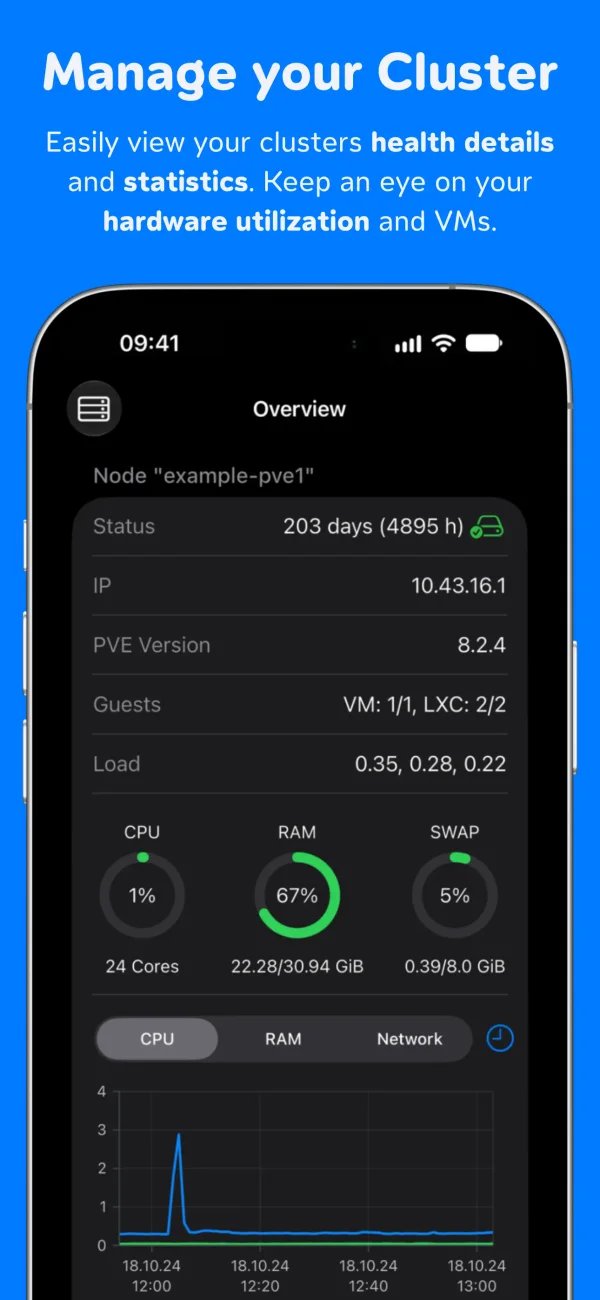
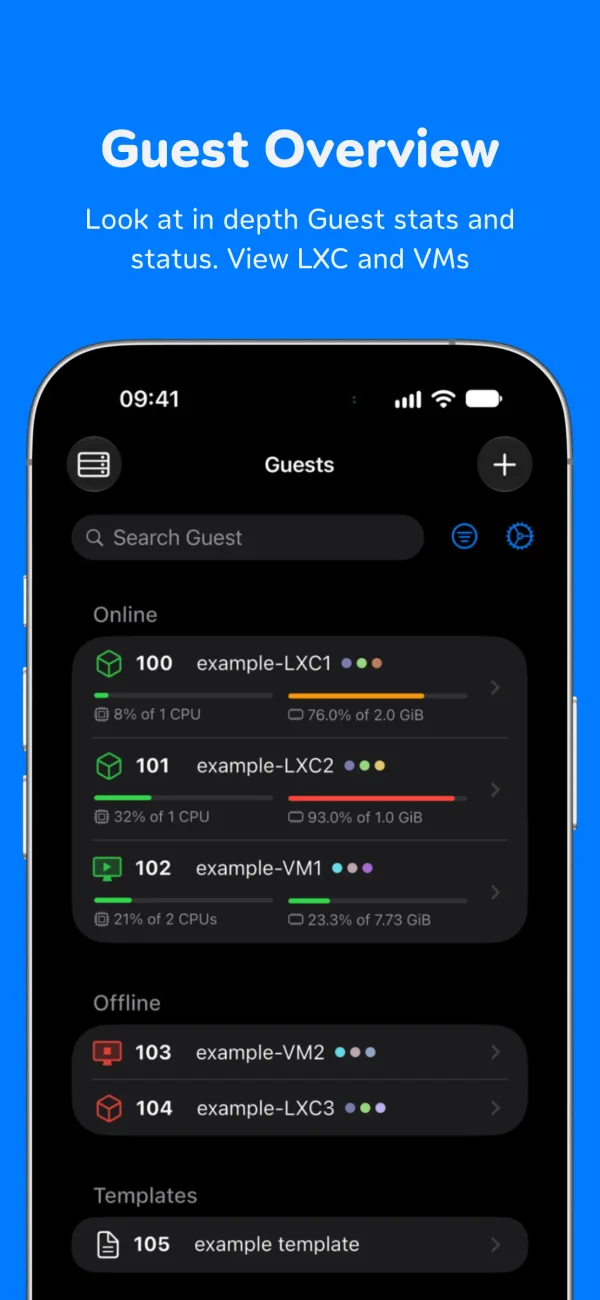
With ProxMate you get a quick and easy overview of your Proxmox cluster, servers and guests.
• TOTP Support
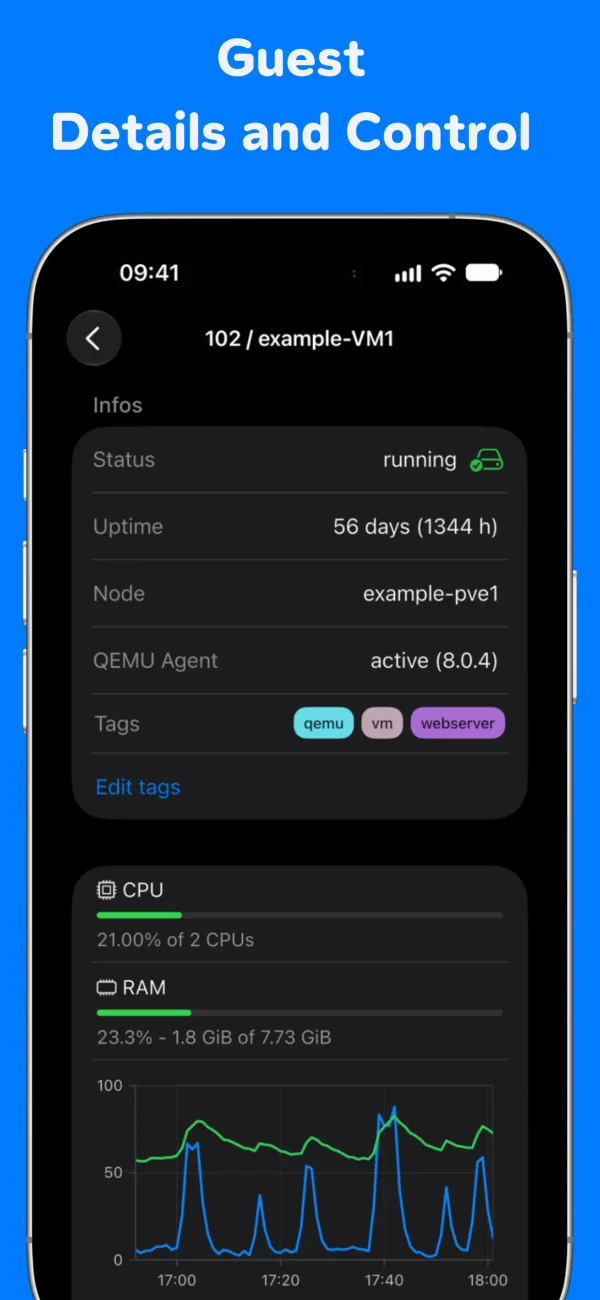
• Start, stop, restart, and reset VMs/LXCs
• Connect to guests through the noVNC-console
• Node Terminal
• Node Actions: start/stop all guests, reboot, shutdown
• Monitor the utilization and details of the Proxmox cluster or server, as well as the VMs/LXCs
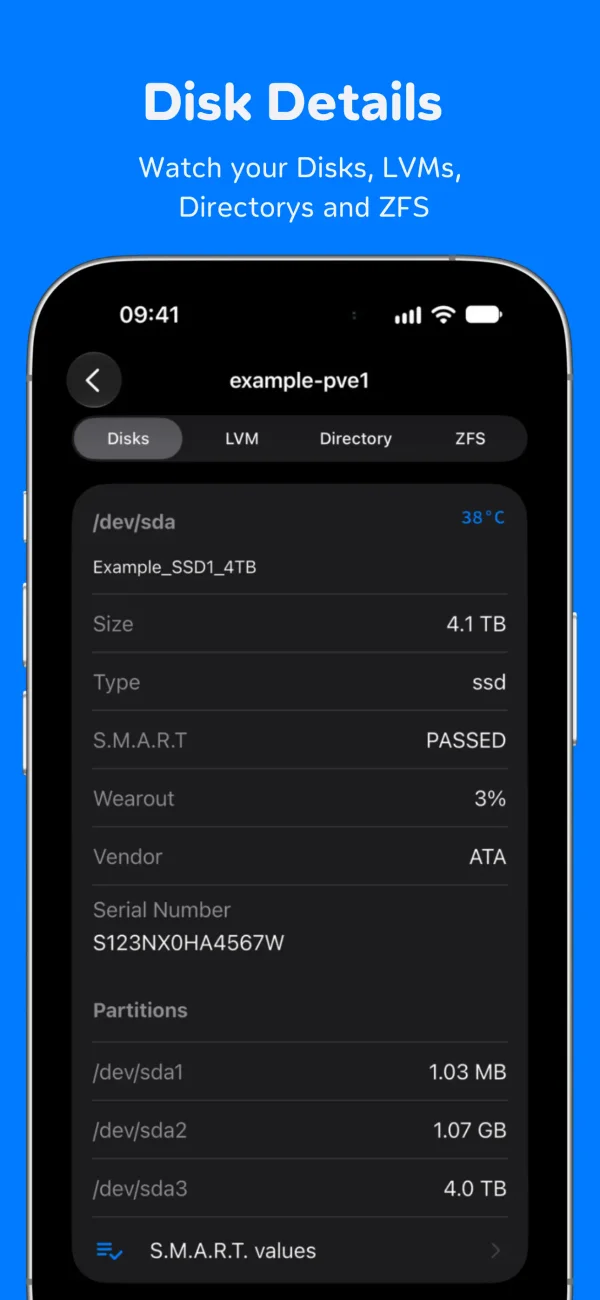
• View disks, LVM, directories, and ZFS
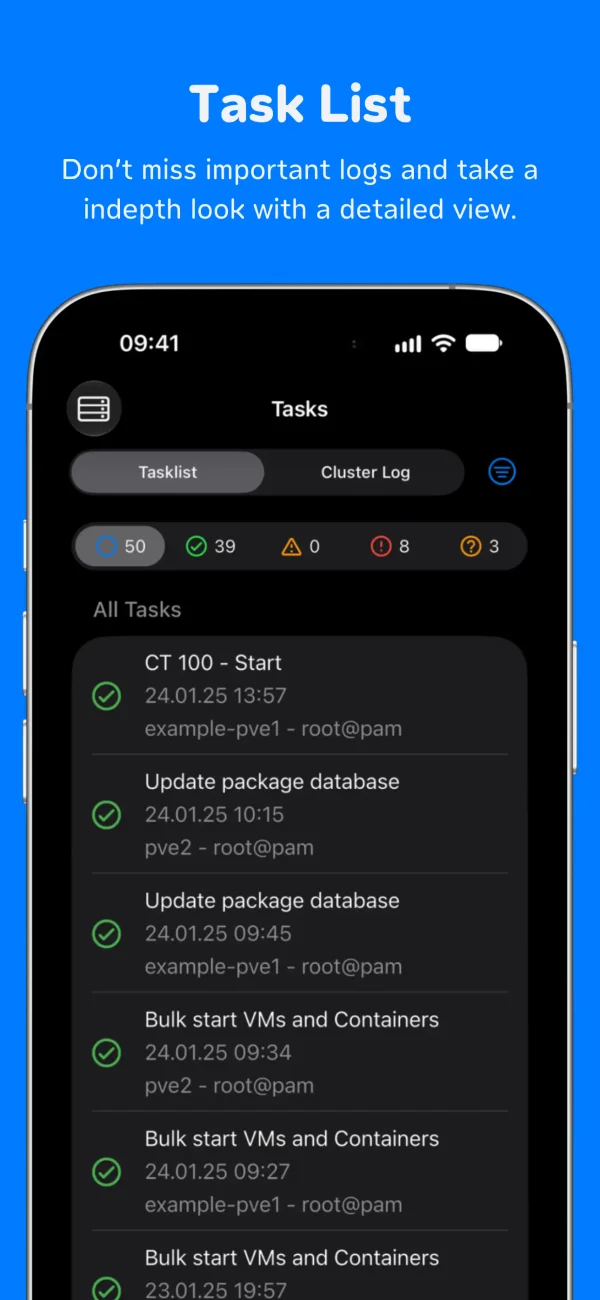
• List tasks and task-details
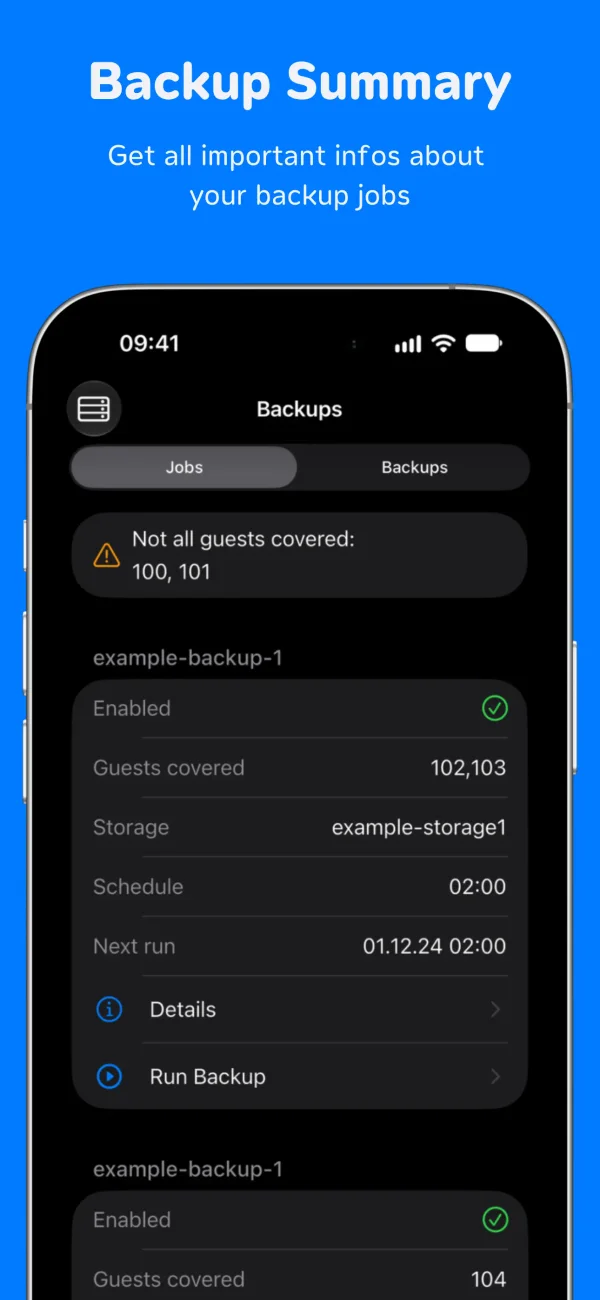
• Show backup-details, start backups
• Connect to Cluster/Node via reverse proxy
• Custom HTTP headers
Terms of Use (EULA):
https://www.apple.com/legal/internet-services/itunes/dev/stdeula/
Privacy Policy:
https://proxmate-app.de/norobots/en/website-privacy-policy.html
What’s new
Version 3.3.0 · Nov 15, 2026
[Added]
• Firewall: IP sets, aliases, security groups, live log and blocking an IP in one step
• Firewall: Pick aliases and IP sets for a rule, and insert security groups
• Firewall: Manage rules and options for the datacenter, nodes and guests
• Disconnect and reconnect a network device of a VM or container, as in the Proxmox web interface
• High Availability: See the HA status and add, change or remove guests, also from the guest details
• Edit a container's network device: name, bridge, VLAN, IP addresses, firewall and disconnect
• Network & System: Edit bridges, bonds, VLANs and physical ports, apply safely, and change DNS, hosts and time zone
• Nodes: Control services, follow running tasks live, and see certificate expiry with ACME ordering
• Overview: Cluster details, storage with your own selection and CPU and RAM history
• On wide screens such as an iPad or an unfolded iPhone Duo, guest details open next to the guest list
• Tabs: Arrange the tab bar yourself, more sections under the new More tab
• Wake-on-LAN: Wake a server from your phone (only on the same network)
[Improved]
• Fixed cut-off labels on large buttons such as "Add Server" on iOS 26
• Long selection lists scroll instead of running off the screen
• Swiping from the screen edge on a tab no longer leaves for the server list
• Terminal: Container consoles show their content again right after reconnecting
• Temperatures: Sensors without a name, such as hard drives, now show their value
• Create VM and container: An emptied field, such as the CPU limit or password, and an ISO removed with "Don't use any media" are no longer used anyway
• VoiceOver and TalkBack: Clearer switches, charts, task states, toolbar buttons and progress
• When cloning, the ID field turns red and names the guest that already uses the ID
• Chart axes show decimals when values change only slightly
• Grouped by node, running guests now appear above stopped ones
• The overview shows each node's pending updates and opens them with one tap
• Terminal: Many improvements to display and input
• Terminal: Adjust a selection with its handles and scroll while selecting to copy more than one screen
• Creating a VM or container and restoring a backup now also flag an ID that is already in use
• Many other minor improvements
If errors or problems occur, please feel free to contact me: mail@proxmate-app.de
App privacy
What Lars Herres declares on the App Store about how this app handles data.
-
Data linked to you
May be collected and linked to your identity.
- Purchases
Privacy practices may vary, for example with the features you use or your age.
Information
- Seller
- Lars Herres
- Category
- Utilities
- Version
- 3.3.0
- Updated
- Nov 15, 2026
- Released
- Apr 8, 2024
- Size
- 49.8 MB
- Requires
- iOS 17.6 or later
- Age rating
- 4+
- Price
- $12.99
- Languages
- English, Bengali, Czech, French, Georgian, German, Italian, Japanese, Korean, Laotian, Polish, Spanish + 1 more
- Copyright
- © Lars Herres
You might also like
-
 Aprox - a Proxmox VE clientManage VMs, LXC and clusters
-
 Supermicro IPMIViewUtilities
-
 ProxMobo – Proxmox VE & PBSNative Proxmox VE / PBS Client
-
 AdGuard Home RemoteAd Blocker, Privacy & Control
-
 ZBX ViewerZabbix Viewer
-
 Netdata MobileAlerts and Notifications
-
 Pi-hole RemoteAd Blocker, Privacy & Control
-
 ScryptedView Cameras and Recordings
-
 FE File Explorer - SMB & FTPAccess files on computer & NAS
-
 HelmarrOne app to rule them all