- Age rating4+
- CategoryProductivity
- DeveloperMindsight
- Size22.7 MB
Links to the official App Store page
Download.org hosts no file of Mindsight Anchor. The button opens its official App Store page, published by Mindsight. Listing last checked on Nov 17, 2026.
Screenshots


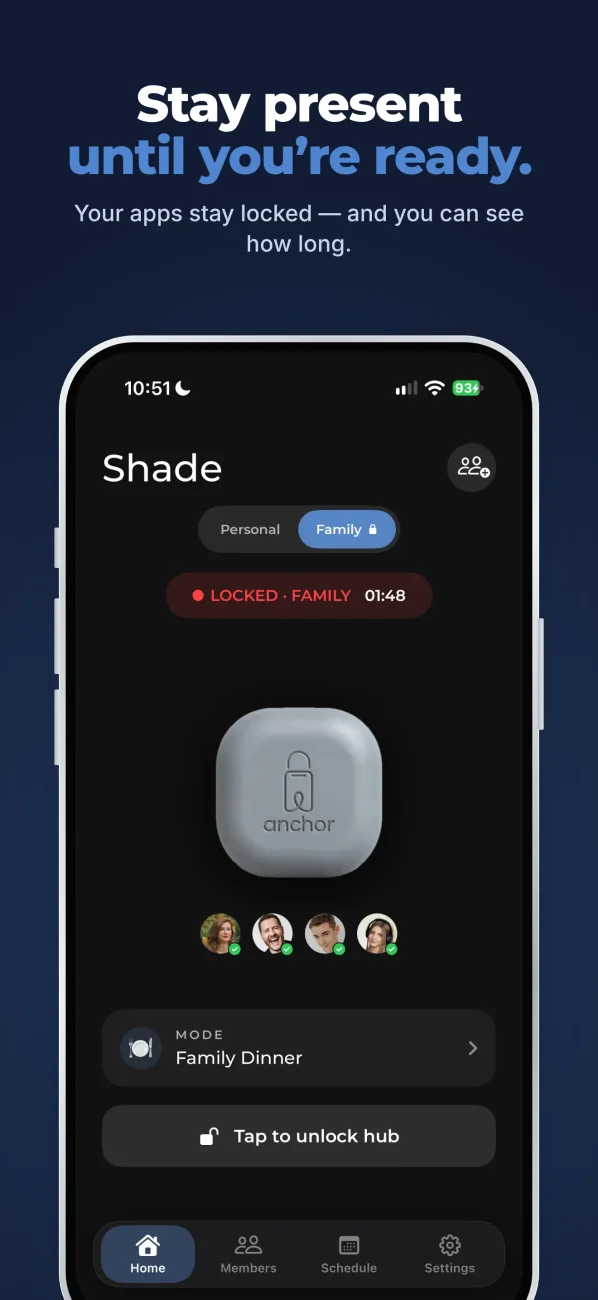
About
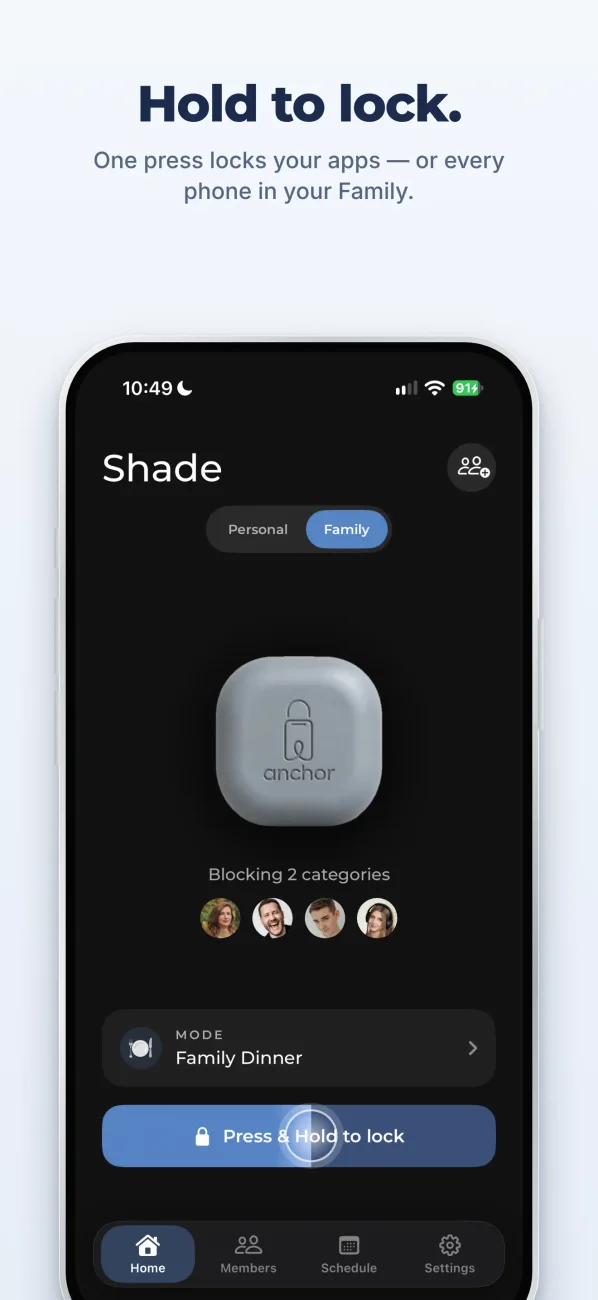
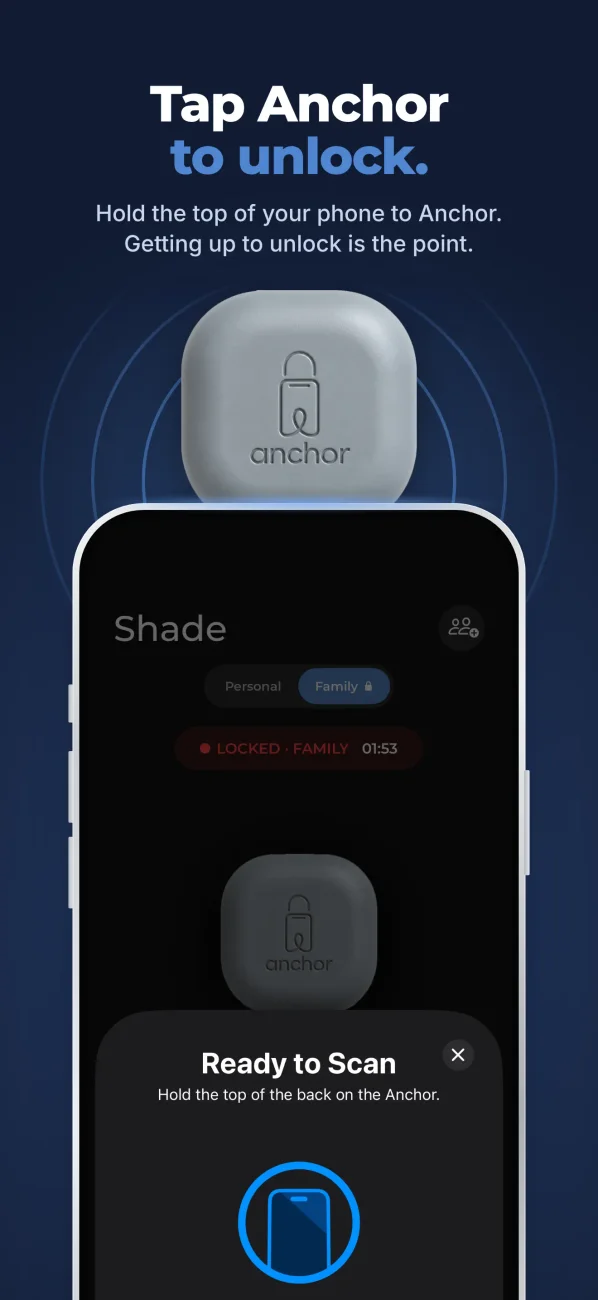
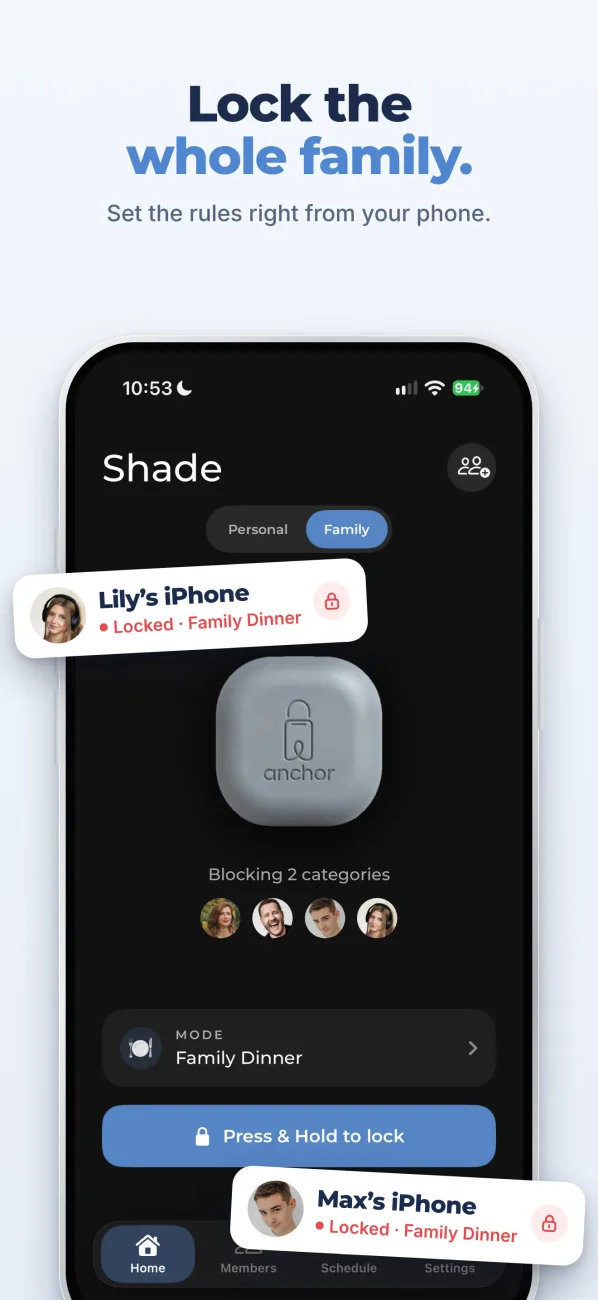
Set modes, tap your Anchor device, and block distractions instantly. Choose Group Lock or Individual Lock, pick who’s in, and decide if only the admin locks or everyone locks on their device. Schedule focused time for the family and keep phones out of the way when it matters most. One hub, one tap, less distraction—together.
What’s new
Version 1.2.10 · Nov 11, 2026
Activity is in Settings. It shows a lock starting, a lock stopping, and someone leaving a family lock while others stay locked. Your own locks are only visible to you. In Help, asking how to add someone shows Child, Member, and Admin. Pick a role and share the link.
App privacy
What Mindsight declares on the App Store about how this app handles data.
-
Data linked to you
May be collected and linked to your identity.
- Contact info
- Identifiers
- Usage data
Privacy practices may vary, for example with the features you use or your age.
Information
- Seller
- Things That Work Inc.
- Category
- Productivity
- Version
- 1.2.10
- Updated
- Nov 11, 2026
- Released
- Feb 27, 2026
- Size
- 22.7 MB
- Requires
- iOS 18.6 or later
- Age rating
- 4+
- Price
- Free
- Copyright
- © Mindsight
You might also like
-
 Long Timers & RemindersSimple timers for daily life
-
 ShareX - wifi file transfershare it,move it,quick share
-
 ADHD CleaningOne small thing, then rest.
-
 SpeakUp DictationVoice typing, 100% on-device
-
 NFC Tools-Reader & Writer TagsScan NFC tags、taginfo
-
 Murble: AI Voice NotesPrivate on-device voice notes
-
 Remember Names: Name ReminderRemember Names, People & Faces
-
 Whistle RewardsMotivation science
-
 Sense: AI Family OrganizerShared Calendar, Chores, Meals
-
 Scrolly–Your Screen Time BuddyStop scrolling, Start living