
- Age rating4+
- CategoryProductivity
- DeveloperMindYourPass B.V.
- LanguagesEnglish+ 1 more
- Size13.2 MB
Links to the official App Store page
Download.org hosts no file of MindYourPass. The button opens its official App Store page, published by MindYourPass B.V. Listing last checked on Nov 15, 2026.
Screenshots
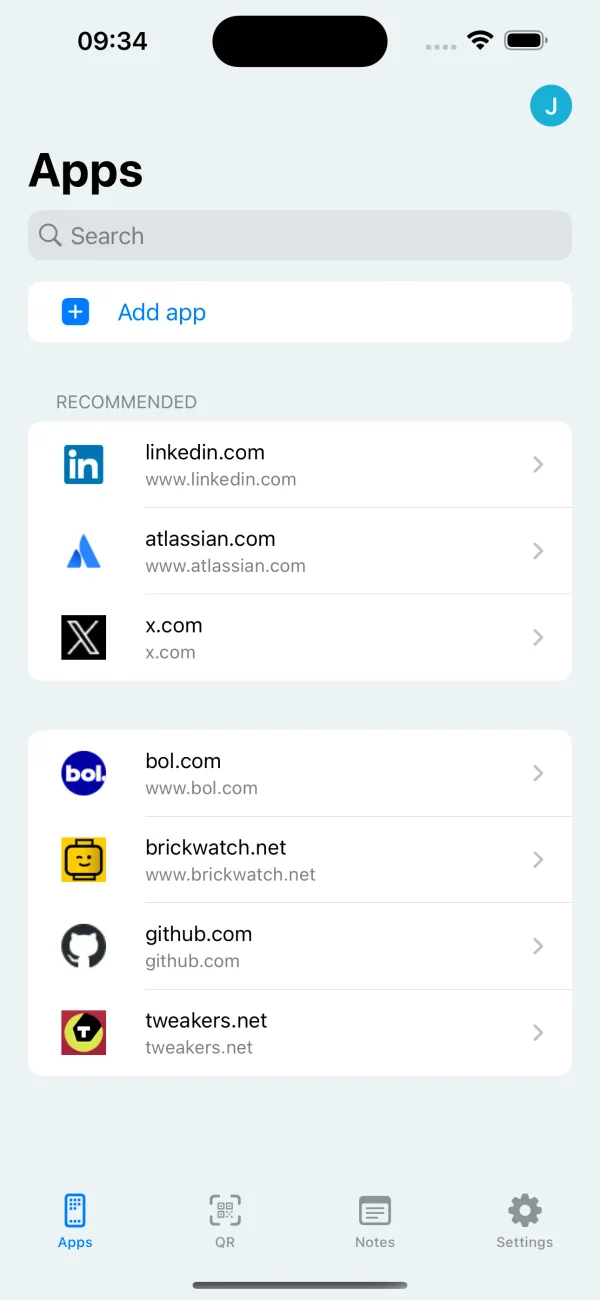

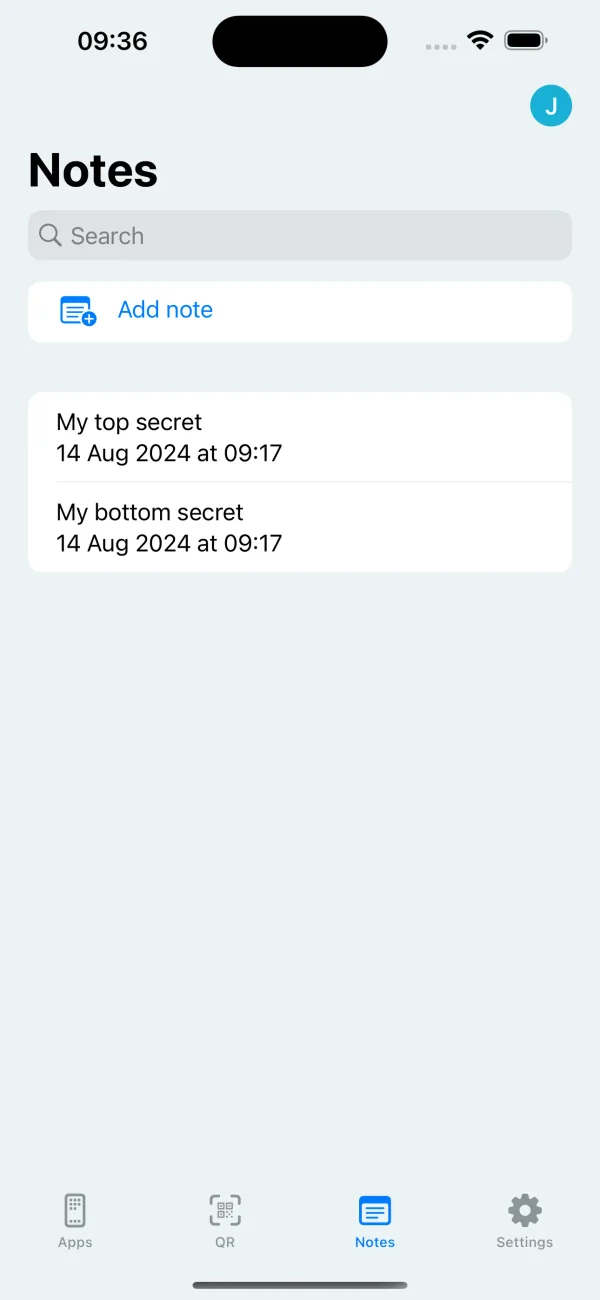
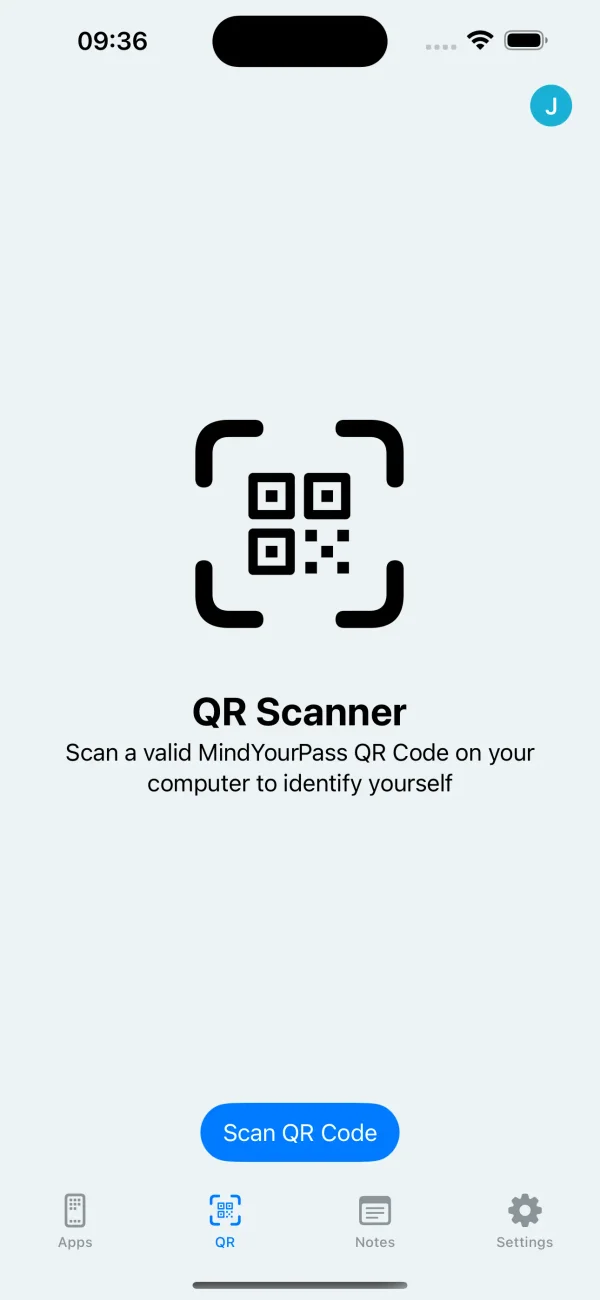
About
The MindYourPass on-the-fly password generator uses a patented authentication technology to generate unique, strong passwords, based on an easy to remember password. The passwords are always regenerated on-demand, thus eliminating the need to store the password. There is no password database to be breached or leaked. You can use the same easy-to-remember password for all your accounts, eliminating the need for you to create and remember distinct passwords for all your accounts.
MindYourPass is "privacy by design" and "security by design". As a result, MindYourPass does not store personally identifiable information. It neither stores your passwords nor your email address.
After registration with your email address and a "master" password, you can start using the MindYourPass on-the-fly password generator. Note: your email address is only required for the registration. It is never stored in the system.
Before you can use MindYourPass to generate and fill your password, you will need to set up MindYourPass on your device:
• On the Home screen, tab Settings.
• Tap Password & Accounts > AutoFill Passwords.
• Turn on AutoFill Passwords.
• Select MindYourPass.
• Note: you can still use MindYourPass without these set up steps. In that case, MindYourPass will copy your generated password to the clipboard.
Each time you sign into a site or an app, the MindYourPass app is used to generate the password for your account. This involves the following steps:
1) For the first time use, open the MindYourPass app and sign in with your 'master' password.
2) When you navigate to a sign-in form of a site or an app, the MindYourPass password generator will show up in the keyboard. Select MindYourPass.
3) MindYourPass will recognize that you want to generate a password of a particular site / a particular app by its URL. Then you enter your username and the 'easy-to-remember' password of your choice and click Generate Password.
4) MindYourPass autofills the username and the generated password in the sign in form of the site or the app. Then, you are ready to sign-in.
In order to start using a MindYourPass generated password on one of your existing accounts, you have to reset the corresponding password once and replace it with a MindYourPass generated password.
The MindYourPass on-the-fly password generator is a part of the MindYourPass security solution. For more information, visit us at mindyourpass.io.
What’s new
Version 4.8.4 · Sep 29, 2026
Security improvements
App privacy
What MindYourPass B.V. declares on the App Store about how this app handles data.
-
Data not collected
The developer does not collect any data from this app.
Privacy practices may vary, for example with the features you use or your age.
Information
- Seller
- MindYourPass B.V.
- Category
- Productivity
- Version
- 4.8.4
- Updated
- Sep 29, 2026
- Released
- Nov 15, 2021
- Size
- 13.2 MB
- Requires
- iOS 16.0 or later
- Age rating
- 4+
- Price
- Free
- Languages
- English, Dutch
- Copyright
- © 2020-2026 MindYourPass, All rights reserved.
You might also like
-
 KPN Password ManagerSecurely manage your passwords
-
 iBabsProductivity
-
 Correctbook AppDigitalize & organize notes
-
 Notu.laMinutes in minutes
-
 AliasVaultPassword & Email Alias Manager
-
 KeyHubProductivity
-
 GreenPT - Sustainable AI ChatGreen AI by renewable energy
-
 ViadeskProductivity
-
 PZP declarerenProductivity
-
 Contact Journal - Personal CRMPersonal CRM with reminders