- 対象年齢4+
- カテゴリ仕事効率化
- 開発元MindYourPass B.V.
- 言語英語ほか1言語
- サイズ13.2 MB
MindYourPassは現在App Storeで入手できない可能性があります
前回の確認時、ストアのページにアクセスできませんでした。リンク先は引き続きApp Storeの公式ページです。
スクリーンショット

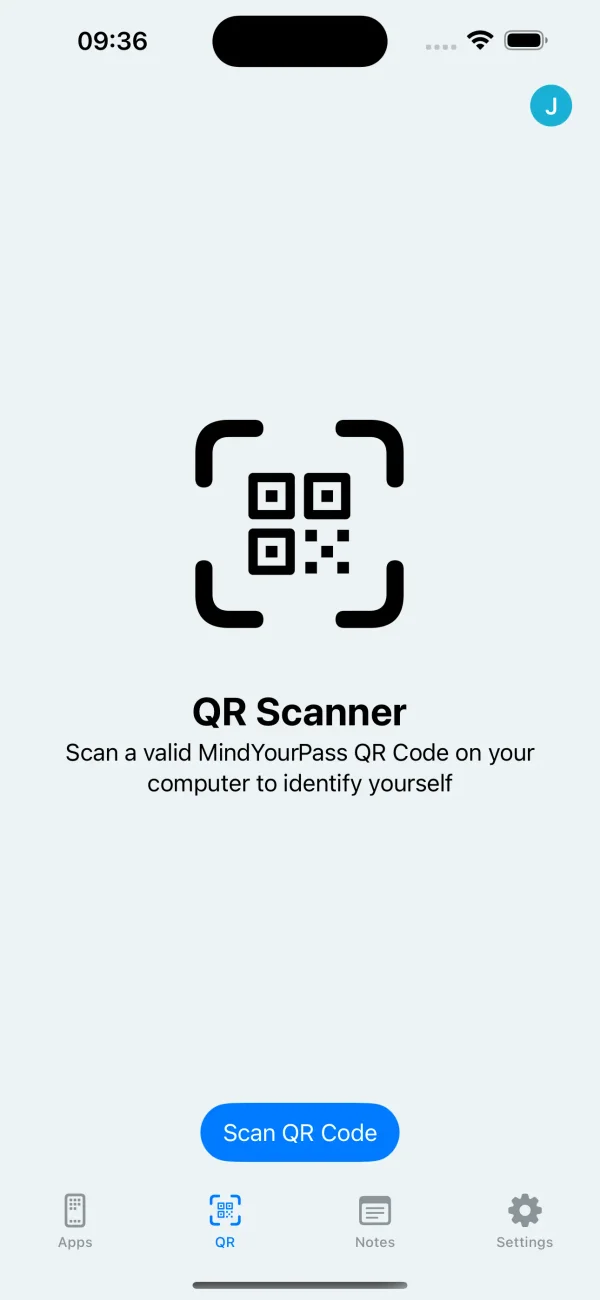
概要
開発元はこのテキストをお使いの言語で提供していません。
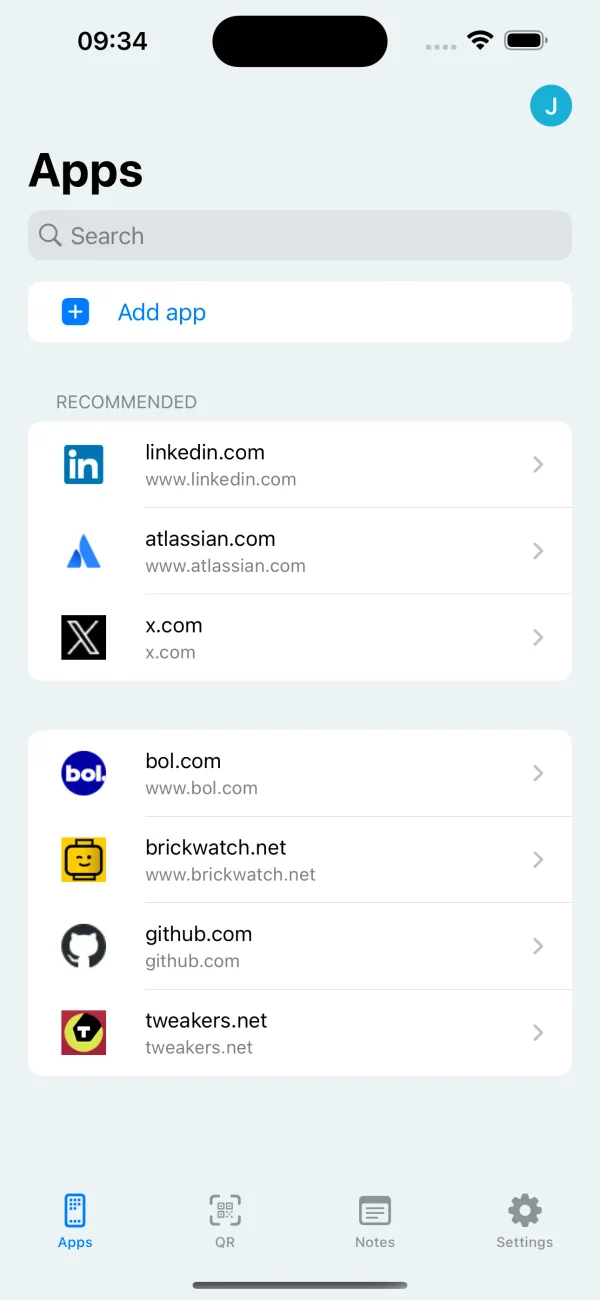
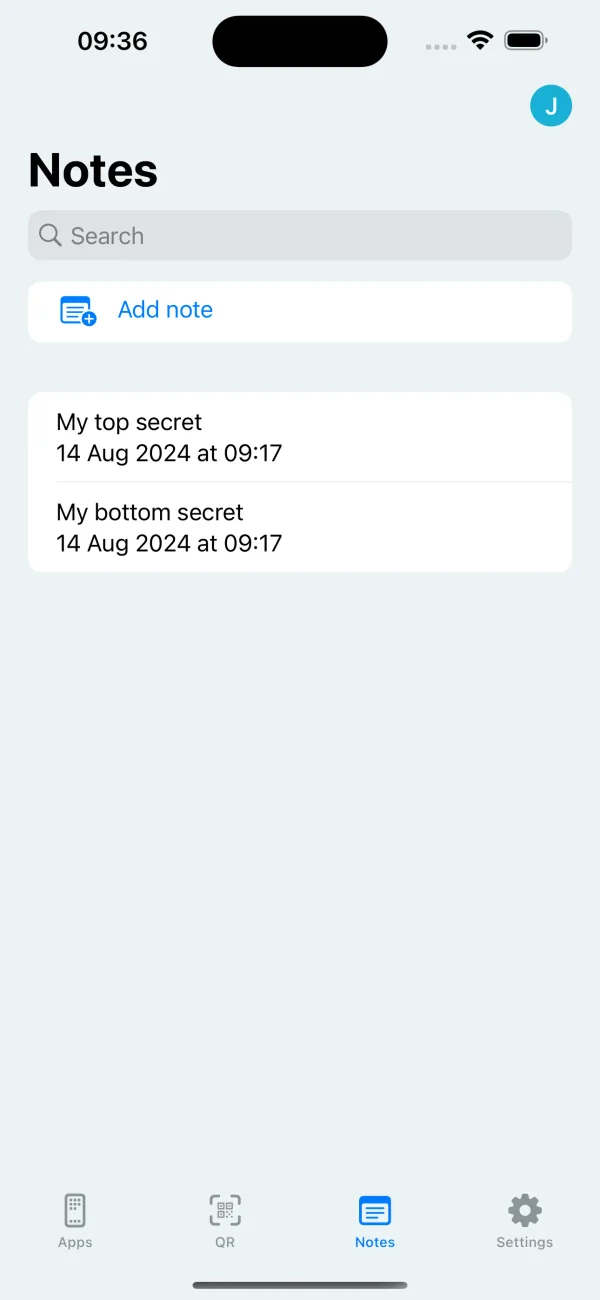
The MindYourPass on-the-fly password generator uses a patented authentication technology to generate unique, strong passwords, based on an easy to remember password. The passwords are always regenerated on-demand, thus eliminating the need to store the password. There is no password database to be breached or leaked. You can use the same easy-to-remember password for all your accounts, eliminating the need for you to create and remember distinct passwords for all your accounts.
MindYourPass is "privacy by design" and "security by design". As a result, MindYourPass does not store personally identifiable information. It neither stores your passwords nor your email address.
After registration with your email address and a "master" password, you can start using the MindYourPass on-the-fly password generator. Note: your email address is only required for the registration. It is never stored in the system.
Before you can use MindYourPass to generate and fill your password, you will need to set up MindYourPass on your device:
• On the Home screen, tab Settings.
• Tap Password & Accounts > AutoFill Passwords.
• Turn on AutoFill Passwords.
• Select MindYourPass.
• Note: you can still use MindYourPass without these set up steps. In that case, MindYourPass will copy your generated password to the clipboard.
Each time you sign into a site or an app, the MindYourPass app is used to generate the password for your account. This involves the following steps:
1) For the first time use, open the MindYourPass app and sign in with your 'master' password.
2) When you navigate to a sign-in form of a site or an app, the MindYourPass password generator will show up in the keyboard. Select MindYourPass.
3) MindYourPass will recognize that you want to generate a password of a particular site / a particular app by its URL. Then you enter your username and the 'easy-to-remember' password of your choice and click Generate Password.
4) MindYourPass autofills the username and the generated password in the sign in form of the site or the app. Then, you are ready to sign-in.
In order to start using a MindYourPass generated password on one of your existing accounts, you have to reset the corresponding password once and replace it with a MindYourPass generated password.
The MindYourPass on-the-fly password generator is a part of the MindYourPass security solution. For more information, visit us at mindyourpass.io.
新機能
バージョン 4.8.4 · 2026/9/29
Security improvements
アプリのプライバシー
このアプリのデータの取り扱いについて、MindYourPass B.V.がApp Storeで申告している内容です。
-
データの収集なし
開発元はこのアプリからデータを収集しません。
プライバシーの取り扱いは、ご利用の機能やお客様の年齢などに応じて異なる場合があります。
情報
- 販売元
- MindYourPass B.V.
- カテゴリ
- 仕事効率化
- バージョン
- 4.8.4
- 更新日
- 2026/9/29
- リリース
- 2021/11/15
- サイズ
- 13.2 MB
- 必要条件
- iOS 16.0以降
- 対象年齢
- 4+
- 言語
- 英語, オランダ語
- 著作権
- © 2020-2026 MindYourPass, All rights reserved.